 ProMapRanker
Best Payroll Software for Small Construction Company in 2026


Small residential crews with simple payroll · Pricing starts at: $49 per month + $6 per person
Key takeaways
- Small construction payroll splits into two groups: general payroll tools for simple crews, and construction tools for union, prevailing wage, and certified payroll work.
- Gusto, Patriot, and OnPay suit small residential crews with straightforward payroll and no certified reporting.
- Foundation Software, Payroll4Construction, and Miter suit crews that need certified payroll, job costing, and field time in one system.
- QuickBooks Payroll suits contractors whose books already live in QuickBooks, because payroll and accounting stay connected.
- General payroll tools do not handle Davis-Bacon or certified payroll reporting on their own, so check that gap before you buy.
Quick comparison
| Pick | Great for | Pricing starts at | Free tier | |
|---|---|---|---|---|
| Gusto | Small residential crews with simple payroll | $49 per month + $6 per person | Free trial | Visit |
 QuickBooks Payroll | Contractors already using QuickBooks | $50 per month + $6.50 per employee | Free trial | Visit |
 Patriot Software | Very small crews on tight budgets | $17 per month + $4 per worker | Free trial | Visit |
 OnPay | Small firms wanting one flat rate | $49 per month + $6 per worker | Free trial | Visit |
 RUN Powered by ADP | Growing firms wanting HR support | See website | No | Visit |
 Paychex Flex | Growing firms wanting payroll plus HR | See website | No | Visit |
 Foundation Software | Contractors with union or government work | See website | No | Visit |
 Payroll4Construction | Owners wanting payroll fully handled | See website | No | Visit |
 Miter | Field-heavy crews wanting modern time tracking | See website | No | Visit |
The best payroll software for small construction companies
A small construction company does not just pay people. It tracks hours by job and cost code, handles overtime and prevailing wage rules, files payroll taxes, and, on public or union work, produces certified payroll reports. The tools below cover simple crews and complex crews, so start with the kind of work you actually do, not with the cheapest headline price.
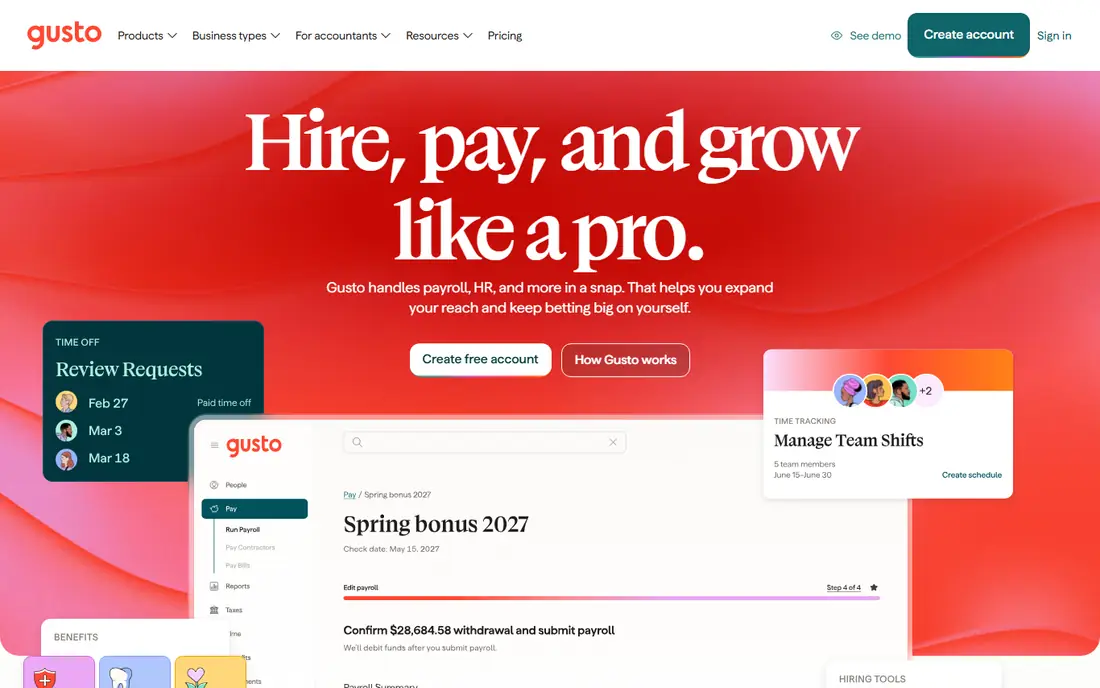
Gusto is the easiest payroll tool for a small residential construction firm with a straightforward crew. It handles full-service payroll, tax filing, W-2s and 1099s, and employee self-service, and its interface is simple enough for an owner who also runs jobs during the day. Contractor payments sit in the same system, which helps firms that mix employees and subcontractors.
The limit is construction-specific reporting. Gusto does not handle Davis-Bacon or certified payroll on its own, so a firm that wins public work will need another process for those reports. Gusto suits a small shop doing private residential or light commercial work, with simple pay rules and no union or prevailing wage jobs. If that work changes, plan to move to a construction tool.
- Easy setup and clean interface
- Full-service tax filing
- Contractor payments and benefits in one place
- No built-in Davis-Bacon or certified payroll reporting
- Per-person pricing rises as crews grow
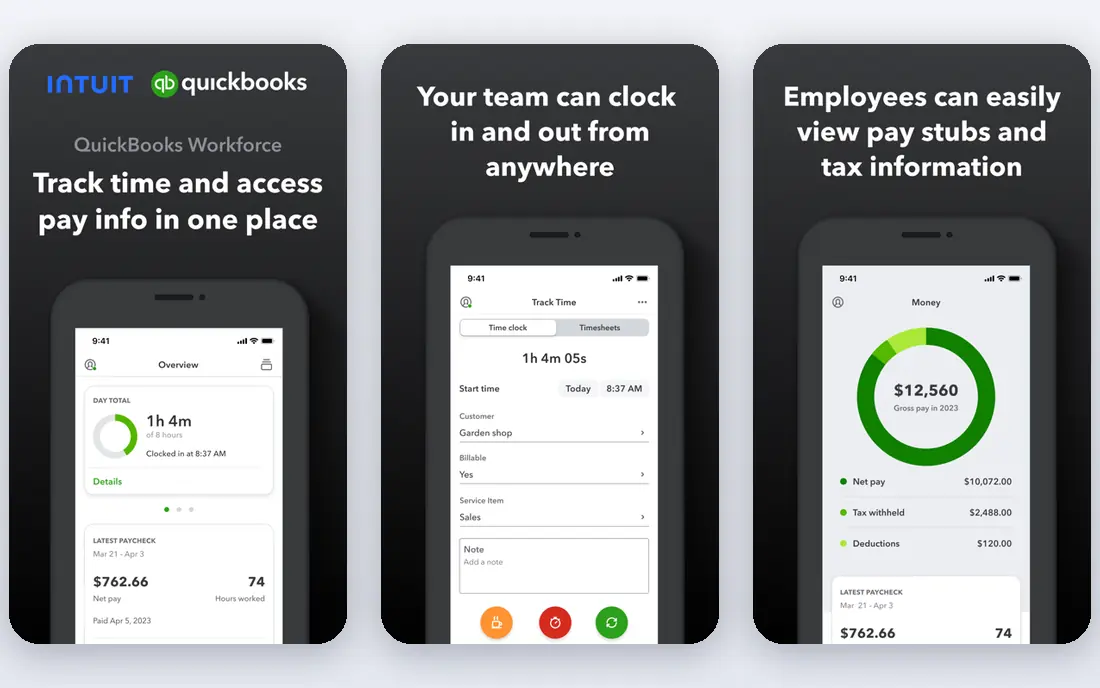
QuickBooks Payroll, sold as QuickBooks Workforce, is the natural pick when your books already live in QuickBooks. Payroll data flows into accounting without a separate import, which saves time on job costing and month-end work. It offers full-service payroll, tax filing, and W-2s, and higher tiers add faster direct deposit and extra HR support.
The catch is ecosystem lock-in. If you do not use QuickBooks, the main advantage disappears, and the price is less compelling than Gusto or Patriot for a simple crew. Certified payroll also needs extra handling, so public-work contractors should check that gap on a demo. QuickBooks Payroll fits a contractor who already runs QuickBooks and wants payroll and books in one place.
- Payroll inside QuickBooks accounting
- Full-service tax filing
- Next-day or same-day direct deposit on higher tiers
- Best value only inside QuickBooks
- Certified payroll needs extra work or add-ons
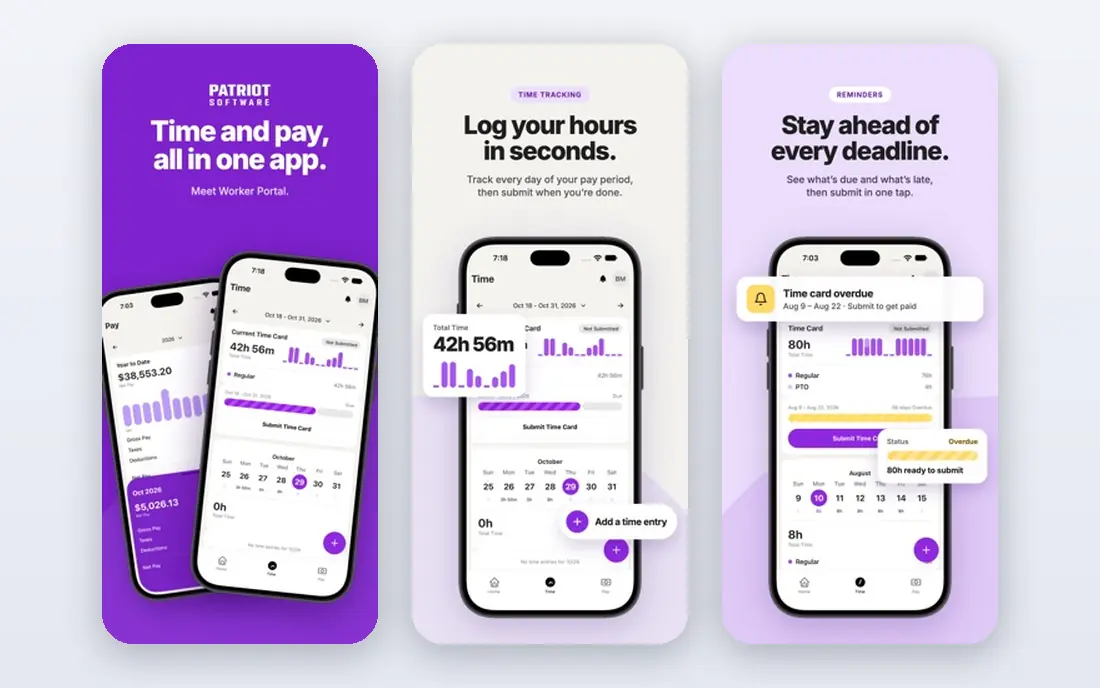
Patriot Software is the budget pick for a very small construction firm. Its Basic Payroll plan starts at a low monthly base plus a small per-worker fee, which keeps costs down for a crew of a few people. The interface is simple, and a full-service tier is available when you want Patriot to file taxes for you.
The trade-off is what the basic tier leaves out. Basic Payroll does not file payroll taxes for you, so you must handle that work or pay for the full-service tier. Patriot also lacks the certified payroll and union tools of construction-specific vendors. It suits a tiny residential crew with simple pay and a tight budget, not a firm bidding on public or union work.
- Lowest entry price on this list
- Simple payroll setup
- Full-service option available
- Basic plan does not file payroll taxes for you
- Construction reporting is limited
OnPay appeals to owners who dislike tier puzzles. It charges one flat monthly base plus a per-worker fee, with full-service payroll and tax filing included, and it handles multi-state payroll without a higher tier for that feature. For a small construction firm with crews in more than one state, that simplicity saves comparison time.
The limitation is construction depth. OnPay is a general small business payroll tool, so it does not offer built-in certified payroll, prevailing wage, or union fringe tools. It suits a small private-work contractor that wants one clear price and clean tax filing. Firms with public work should pair it with a separate certified reporting process, or choose a construction vendor instead.
- Single flat rate with no tier confusion
- Full-service tax filing
- Easy multi-state payroll
- No construction-specific certified payroll tools
- Fewer HR extras than larger vendors
RUN Powered by ADP suits a growing construction firm that wants payroll plus HR support from a large, established vendor. It offers full-service payroll, tax filing, and HR tools that help as a crew grows past the point where an owner can handle everything alone. ADP's scale also helps with multi-state compliance and benefits administration.
The drawback is price transparency and construction fit. ADP quotes pricing by firm, so comparison takes a demo and a written quote. Certified payroll on ADP often comes through a third-party add-on rather than the base product, so public-work firms must check that detail. RUN fits a growing private-work firm that values HR support and scale over the lowest price.
- Large vendor with HR support
- Full-service tax filing
- Scalable as crews grow
- Pricing is quoted, not published
- Certified payroll often needs add-ons or third-party tools
Paychex Flex is another large-vendor option for a construction firm that is outgrowing a simple payroll tool. It combines payroll, HR, benefits, and time tracking in one platform, which helps when hiring, onboarding, and compliance start to take real office time. Its support and service model suit owners who want help, not just software.
The catch is the same as with ADP. Pricing is quoted, so you need a written first-year total before you can compare it fairly with Gusto or Patriot. Construction-specific needs, such as certified payroll and job costing, should be tested on a demo with your real pay rules. Paychex Flex fits a growing firm that wants payroll and HR together and can justify a larger vendor.
- Payroll, HR, and benefits in one platform
- Strong support for growing firms
- Time tracking options
- Pricing is quoted
- Construction-specific reporting needs checking on a demo
Foundation Software is the construction-native pick for contractors doing union or government work. Its accounting and payroll tools are built around construction needs, including job costing, union fringe calculations, and certified payroll reporting, rather than adding those features as an afterthought. For a firm that regularly bids public work, that built-in depth reduces manual reporting and error risk.
The trade-off is scope and cost. Foundation is more system than a tiny residential crew needs, and pricing is quoted by firm and scope. It suits an established contractor with public, union, or multi-job work, where certified reporting and job costing are daily needs. A small private-work shop will find Gusto or OnPay simpler and cheaper.
- Built for construction accounting and payroll
- Strong union and certified payroll support
- Job costing included
- Quoted pricing
- More system than a tiny residential crew needs
Payroll4Construction, from Foundation Software, suits an owner who would rather hand payroll to specialists than hire another office employee. The service handles construction payroll, including certified reporting, and it integrates with Foundation Software for job costing. That model helps firms where payroll accuracy and tax timeliness matter, but office staff are thin.
The limitation is control and price transparency. Pricing is quoted, and the service model works best when you are happy to hand off payroll rather than run each pay period yourself. It fits a contractor with public or union work who wants specialist handling and a clear service relationship. A firm that wants to run payroll in-house may prefer Foundation Software itself or Miter.
- Payroll handled by construction specialists
- Certified payroll support
- Integrates with Foundation Software
- Quoted pricing
- Service model suits owners who want to hand payroll off, not run it themselves
Miter is the modern construction payroll pick for field-heavy crews. It combines payroll with mobile time tracking, including jobsite location controls, and it supports certified payroll, prevailing wage, and union reporting. Its integrations with accounting systems help job costs flow back to the office without retyping hours.
The catch is vendor size and pricing. Miter is smaller than ADP or Paychex, so check customer references from firms like yours, and get a written quote because pricing is not published as a simple plan. Miter suits a growing trade contractor with crews in the field, multiple jobs, and a need for clean time data tied to payroll. A tiny office-only crew may not need its field tools yet.
- Modern field time tracking
- Certified payroll and prevailing wage support
- Job costing and integrations
- Quoted pricing
- Smaller vendor than ADP or Paychex, so check references
How we picked these
We compared official pricing pages, product documentation, and construction payroll comparisons, and we favored tools with a live product and a clear fit for small construction firms. We included general payroll tools for simple crews and construction-native tools for union and public work, rather than only one side of that split. We did not run paid trials, and prices are entry plans where published, with See website where vendors quote by firm and scope.
What to check before you choose
Start with your work mix. List the share of private, public, and union work you do, and check whether any job needs certified payroll, prevailing wage, or fringe calculations. If the answer is yes for a meaningful share of revenue, shortlist Foundation Software, Payroll4Construction, and Miter first, because general tools will leave a reporting gap. If the answer is no, a general tool such as Gusto, OnPay, or Patriot will be simpler and cheaper.
Next, test time capture. Field hours are where construction payroll goes wrong, so check how crews clock in, how foremen approve time, and how hours map to jobs and cost codes. Ask for a demo using your real job list and pay rules, and ask how overtime, per diem, and multi-state taxes are handled. A clean demo with your data is worth more than a feature list.
Finally, get a written first-year total. Construction vendors often quote rather than publish prices, and general tools add fees for benefits, time tracking, or extra states. Ask for the base fee, the per-worker fee, setup costs, and any charges for certified reports or integrations. Compare that total for a crew of your size, not the headline monthly figure alone.
Frequently asked questions
What is the best payroll software for a small construction company?
It depends on your work. Gusto or OnPay suit small private-work crews, QuickBooks Payroll suits firms already using QuickBooks, and Foundation Software, Payroll4Construction, or Miter suit firms with union or public work. Match the tool to your reporting needs first.
Does Gusto handle certified payroll?
Gusto does not handle Davis-Bacon or certified payroll reporting on its own, according to construction payroll comparisons. Firms with public work need a construction tool or a separate certified reporting process alongside a general payroll tool.
What is certified payroll?
Certified payroll is a report, often on form WH-347, that certifies wages paid on a public project, including prevailing wage and fringe details. It is required on many federal and state public jobs, and errors can delay payment or create compliance problems.
How much does construction payroll software cost?
General tools start around $17 to $50 per month plus a per-worker fee, while construction vendors quote by firm and scope. Get a written first-year total for your crew size, including setup and any reporting fees, before you compare.
Should a small contractor use a payroll service or software?
A service such as Payroll4Construction suits owners who want payroll handled by specialists, while software such as Gusto or Miter suits owners who want to run payroll themselves. Choose the service model when office time is scarce and compliance risk is high.
Does payroll software track time by job?
Construction tools such as Miter and Foundation Software track time by job and cost code, while general tools offer time tracking as a feature or add-on. Check that hours flow into payroll and job costing without retyping, especially for field crews.
Sources
See where you really rank - block by block
ProMapRanker scans Google Maps across a grid of your service area. Simple monthly plans from $19, white-label on every plan.
Start freeKeep reading
 worlds best local seo company
8 Worlds Best Local SEO Companies for Map Pack Growth in 2026
Compare the worlds best local seo company options for Google Business Profile work, citations, reviews, and multi-location rankings and reporting in 2026.
Read → world's best web hosting company
World's Best Web Hosting Company in 2026
Searching for the world's best web hosting company? We compared 10 hosts on price, renewal rates, speed, and support to help you choose well today in 2026.
Read → who's got the best nanny tax services
Who's Got the Best Nanny Tax Services in 2026
We answer who's got the best nanny tax services, comparing full filing, back taxes, software, and pricing so families can handle nanny taxes correctly.
Read →