 ProMapRanker
Best payroll software for small business in 2026

Key takeaways
- Gusto Simple, OnPay, and Square Payroll offer the clearest published pricing for small teams, starting at $49, $49, and $35 per month plus a per-person fee.
- ADP RUN and Paychex Flex require a quote, so get every fee in writing before comparing them with published-price rivals.
- Full-service tax filing is worth the extra cost for most small businesses, because missed payroll tax deadlines can trigger penalties.
- The best payroll service for small business depends on headcount, states, pay mix, and whether you also need HR, benefits, or time tracking.
Quick comparison
| Pick | Great for | Pricing starts at | Free tier | |
|---|---|---|---|---|
 Gusto Gusto | Most small teams | $49 per month | Free trial | Visit |
 OnPay OnPay | Multi-state simplicity | $49 per month | Free trial | Visit |
 Square Payroll Square Payroll | Hourly and retail teams | $35 per month | Free trial | Visit |
 QuickBooks Payroll QuickBooks Payroll | QuickBooks users | $50 per month | Free trial | Visit |
 Patriot Payroll Patriot Payroll | Budget full service | $17 per month | Free trial | Visit |
 ADP RUN ADP RUN | Scaling businesses | See website | No | Visit |
 Paychex Flex Paychex Flex | Dedicated support | See website | No | Visit |
 Rippling Rippling | Growing teams with HR and IT | See website | No | Visit |
 SurePayroll SurePayroll | Simple small payroll | See website | Free trial | Visit |
 Justworks Justworks | Payroll plus HR and benefits | See website | No | Visit |
The best payroll software for small business
We compared payroll services on published pricing, tax filing, multi-state support, contractor handling, time tracking, and HR features, using vendor pricing pages, product documentation, and public reviews. Prices below are base fees before per-person charges unless stated, and they vary by plan, headcount, and state, so confirm the total for your team before you buy.
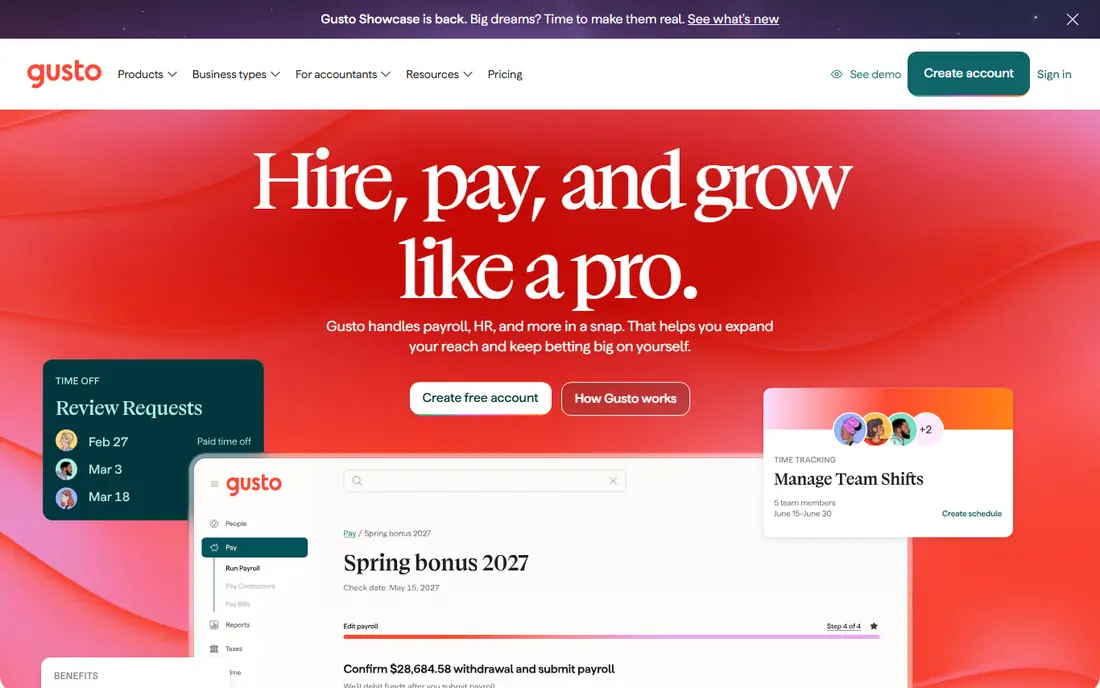
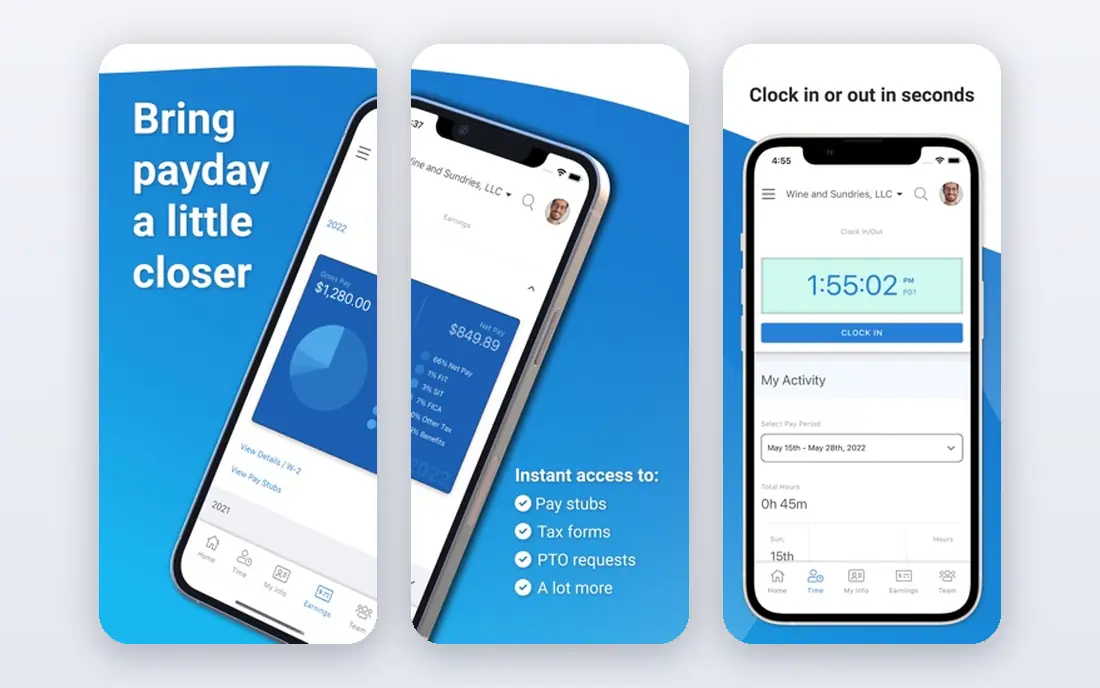
Gusto is our overall pick for small businesses that want payroll without a sales call. Its Simple plan starts at $49 per month plus $6 per person, and it includes full-service tax filing, direct deposit, and employee self-onboarding. The interface is friendly for owners who run payroll themselves, and higher tiers add benefits administration, time tracking, and HR tools as the team grows.
The catch is scaling cost. The per-person fee means a 20-person team pays far more than the base price suggests, and multi-state needs are smoother on Plus. Gusto still wins for most teams under 20 people, especially those that want benefits later without switching platforms. Run a total-cost quote for your actual headcount, including contractors, before you compare it with OnPay.
- Clear published pricing
- Full-service tax filing
- Benefits, hiring, and onboarding tools on higher tiers
- Per-person fee adds up as headcount grows
- Multi-state payroll needs a higher tier for the best experience
OnPay appeals to owners who want one plan and no upsell maze. At $49 per month plus $6 per worker, it includes full-service tax filing, multi-state payroll, direct deposit, and contractor payments, which makes it a strong fit for teams spread across states. Its single-plan approach also makes budgeting simple, because there is no need to guess which tier provides a filing you need.
The catch is breadth. OnPay covers payroll well, but its HR, benefits, and time tracking tools are lighter than the larger platforms on this list. If payroll is the main job and you do not need a full HR suite, OnPay is an excellent value pick. If you need benefits administration or performance tools, pair it with a separate HR tool or choose Gusto Plus or Rippling.
- Single plan with full-service tax filing
- Multi-state payroll included
- Simple pricing with no tier maze
- HR and benefits tools are lighter than Gusto or Rippling
- Interface is functional rather than polished
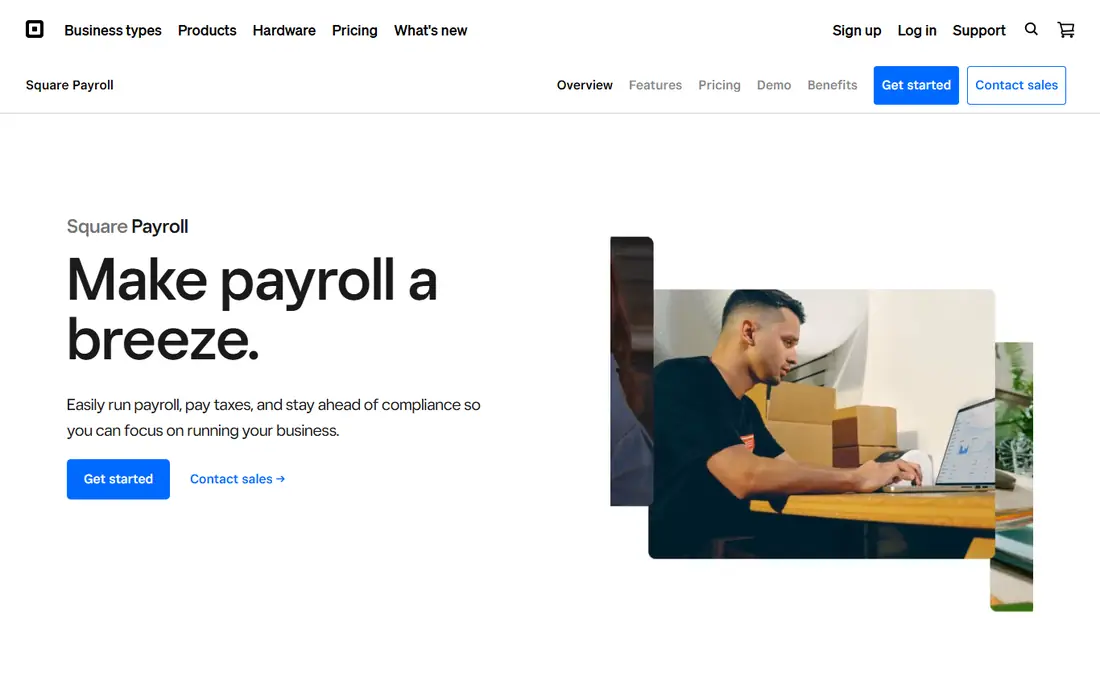
Square Payroll is the natural pick for shops, cafes, and restaurants already using Square. At $35 per month plus $6 per person for W-2 payroll, it syncs timecards, tips, and hourly pay from Square POS, which cuts manual entry and reduces errors on busy weeks. A contractor-only option at $6 per contractor paid also suits businesses with a mostly freelance workforce.
The catch is scope. Square Payroll is less built for complex salaried structures, detailed benefits administration, or large multi-state teams than Gusto or ADP RUN. For hourly teams with straightforward pay, that focus is a benefit, not a flaw. If your team is mostly hourly and already runs on Square, this is the simplest payroll choice on the list.
- Strong fit for Square POS users
- Tips, timecards, and hourly pay sync well
- Contractor-only plan available
- Less suited to complex salaried or multi-state teams
- HR tools are limited compared with Gusto
QuickBooks Payroll, listed as QuickBooks Workforce in some comparisons, is the obvious pick for businesses already running QuickBooks Online. Starting at $50 per month plus $7 per employee on the core tier in recent pricing summaries, it posts payroll costs to your books automatically, which saves reconciliation time at month end. Higher tiers add time tracking, HR support, and expert review of payroll setup.
The catch is lock-in. If you do not use QuickBooks, the integration benefit disappears, and you may get better value from Gusto or OnPay. QuickBooks Payroll also charges more per person on premium tiers, so model the total for your headcount. For QuickBooks shops, though, the time saved on bookkeeping often justifies the price.
- Deep QuickBooks Online integration
- Full-service tax filing
- Time tracking and HR tools on higher tiers
- Best value only if you already use QuickBooks
- Per-person fee rises on higher tiers
Patriot Payroll is the budget pick for small teams that still want proper payroll software. Its Basic plan starts at $17 per month plus $4 per worker, while Full Service starts at $37 per month plus $5 per worker and adds tax filing. That gap matters, because the Basic plan leaves tax filing to you, while Full Service handles deposits and filings.
The catch is the tier choice. Many buyers pick Basic for the price, then realise they wanted full-service filing all along, so budget for Full Service if tax deadlines worry you. Extra states also add cost on some plans. For single-state teams with a tight budget, Patriot Full Service is one of the lowest-cost full-service options here.
- Low starting price
- Full-service tax filing on the higher tier
- Simple interface for small teams
- Basic tier does not file taxes for you
- Extra states cost more
- HR tools are limited
ADP RUN suits businesses that expect to grow past small-team payroll. It serves companies with 1 to 49 employees, offers strong compliance support, and scales into larger ADP products without a full platform migration. Its reporting, tax filing, and HR add-ons are deeper than most small-business tools, which helps in regulated or multi-location businesses.
The catch is pricing opacity. ADP RUN publishes no list price, so you must go through a sales process and get every fee in writing, including charges for extra payroll runs, W-2 forms, and add-ons. That makes comparison harder, and it can lead to a higher total than a published-price rival. Choose ADP RUN when scale and compliance matter more than a quick online price.
- Large, established provider
- Strong compliance and reporting
- Scales from small teams to larger companies
- Quote-only pricing
- Fees for extra runs and forms can add up
- No trial account, only a demo
Paychex Flex appeals to owners who want a named specialist rather than a help centre queue. It offers payroll, tax filing, time tracking, benefits, and HR tools in one platform, and its service model suits businesses that prefer guided setup and ongoing support. For owners who find payroll stressful, that human help can be worth a premium.
The catch is the same as ADP RUN. Most Paychex Flex packages are quote-only, so you cannot compare its total with Gusto or OnPay until you have a written proposal. Ask for the base fee, per-person fee, tax filing scope, and charges for extra runs and year-end forms. Paychex Flex is best for buyers who value support and are willing to negotiate a clear written quote.
- Dedicated payroll specialist on many plans
- Strong compliance support
- Broad HR and benefits options
- Quote-only pricing for most packages
- Total cost is hard to compare without a written quote
Rippling is the pick for growing teams that want payroll, HR, and IT in one system. It automates onboarding, payroll, benefits, and device and app access, which helps remote and hybrid teams that hire across states. Its workflow automation can save hours when a new hire joins, because accounts, payroll, and benefits update from one record.
The catch is scope and price. Rippling is quote-only, and it is more platform than a five-person team usually needs, so setup can feel heavy for a simple payroll job. It earns its place for teams that plan to scale, hire remotely, or manage devices alongside payroll. Smaller teams should compare its total with Gusto Plus before committing.
- Combines payroll, HR, and IT device and app management
- Strong automation
- Scales well for remote teams
- Quote-only pricing
- More platform than a small team may need
- Setup takes longer than simpler payroll tools
SurePayroll suits very small teams that want payroll done without a large HR platform. It handles direct deposit, tax filing on full-service plans, and contractor payments, and it has long served small businesses and household employers. Its workflow is straightforward, which helps owners who run payroll once or twice a month and want no surprises.
The catch is transparency and breadth. Published pricing summaries for SurePayroll vary, so confirm the base fee, per-person fee, and tax filing scope in writing before you buy. HR and benefits tools are also lighter than Gusto or Rippling. For a simple, small payroll job, SurePayroll is a workable low-friction option.
- Simple payroll workflow
- Full-service tax filing options
- Suitable for very small teams and household employers
- Pricing varies by plan and is less transparent in some summaries
- HR tools are lighter than larger platforms
Justworks rounds out this list for teams that want payroll with HR and benefits support in one place. Its payroll plan is listed in recent summaries at $50 per month plus $8 per employee, while its PEO option starts higher per employee and adds benefits access and HR services. That structure suits teams that want help with compliance and benefits without hiring an HR manager.
The catch is cost. Justworks charges more per person than payroll-only tools, and PEO pricing scales with headcount, so a larger team can see a steep monthly total. It is best for teams that will actually use the HR and benefits support, not for owners who only need payroll. If you only need payroll, Gusto, OnPay, or Square Payroll will usually cost less.
- Payroll plus HR support and access to benefits
- PEO option for larger needs
- Clear support for small teams
- Higher per-person cost than payroll-only tools
- PEO pricing is per employee and adds up quickly
How we picked these
We compared official pricing pages, product documentation, app store listings, privacy policies, and public reviews for payroll services that serve small businesses today. We favoured services with full-service tax filing, clear pricing where published, multi-state support, and a workable path for contractors and hourly staff. We did not claim hands-on testing, and prices cited are starting base fees before per-person charges, promotions, and state fees, which vary by plan and headcount.
What to check before you choose payroll software
Start with the total monthly cost for your actual team, not the base fee alone. Multiply the per-person fee by your headcount, add contractor fees, and ask about charges for extra payroll runs, year-end forms, additional states, and same-day pay. A low base fee can hide a high per-person total, while a higher base fee with a lower per-person charge can win for a larger team.
Tax filing, pay types, and support
Confirm whether tax filing is full-service, meaning the vendor calculates, deposits, and files federal and state payroll taxes for you, or self-service, meaning you file. Check support for hourly pay, tips, overtime, bonuses, and contractor payments if those apply to your team. Finally, test support before payday pressure hits, by asking a real question during a trial or demo and noting response time and clarity.
Frequently asked questions
What is the best payroll software for small businesses?
The best payroll software for small businesses is Gusto for most small teams, OnPay for multi-state simplicity, and Square Payroll for hourly and retail teams. Gusto offers the broadest balance of price, tax filing, and HR tools, while OnPay wins on single-plan simplicity and Square Payroll wins for Square POS users. Compare total cost for your headcount, not just the base fee, before you choose.
What is the best online payroll service for small business with tax filing?
The best online payroll service for small business with tax filing is a full-service plan from Gusto, OnPay, Square Payroll, or QuickBooks Payroll, because those plans calculate, deposit, and file payroll taxes for you. Patriot Full Service is a lower-cost full-service option for single-state teams. Avoid self-service plans unless you are confident filing federal and state payroll taxes on time yourself.
How much does the best payroll software cost?
The best payroll software typically costs a base fee plus a per-person fee, with published small-business plans starting around $35 to $50 per month plus $4 to $7 per person, before add-ons and state fees. Quote-only providers such as ADP RUN and Paychex Flex can land in a similar range once negotiated, but you need a written quote to know. Model the total for your headcount, states, and pay frequency, and ask about extra-run and year-end form fees.
What are the best payroll companies for small businesses that hire contractors?
The best payroll companies for small businesses that hire contractors include Gusto, OnPay, Square Payroll, and QuickBooks Payroll, because they handle contractor payments and year-end 1099 forms alongside employee payroll. Square Payroll also offers a contractor-only plan for businesses with no W-2 staff. Confirm whether 1099 filing is included in the plan or charged per form, because that fee changes the total for contractor-heavy teams.
Is the best HR and payroll software worth it for a small team?
The best HR and payroll software is worth it when you will use the HR tools, such as onboarding, benefits administration, time tracking, or compliance help, and not just payroll alone. Gusto Plus, Rippling, and Justworks add real value for growing teams, but they cost more per person than payroll-only tools. If you only need payroll, choose a payroll-focused plan and add HR tools later when hiring or benefits make them necessary.
Can I switch payroll software mid-year?
Yes, you can switch payroll software mid-year, but it requires care with year-to-date pay, tax filings, and quarter boundaries. Most vendors help with migration, and switching at a quarter end is usually cleaner than switching mid-quarter. Keep records from the old provider, confirm that prior filings are complete, and run a parallel check on the first payroll with the new provider before relying on it alone.
Sources
See where you really rank - block by block
ProMapRanker scans Google Maps across a grid of your service area. Simple monthly plans from $19, white-label on every plan.
Start freeKeep reading
 youtube alternatives
Best YouTube Alternatives in 2026
Looking for youtube alternatives in 2026? We compare Vimeo, Dailymotion, Twitch, Rumble, and more on price, audience, monetization, control and privacy.
Read → what's the best ai tool for photo editing
What Is the Best AI Tool for Photo Editing in 2026
What is the best AI tool for photo editing? We compare ten tools for 2026, from Photoshop and Lightroom to Luminar, Topaz, Canva and mobile editors today.
Read → twitter alternatives
Best Twitter Alternatives in 2026
Compare the best twitter alternatives for 2026, from Bluesky, Threads, and Mastodon to Reddit, Tumblr, and Micro.blog, with free plans and audience notes.
Read →