 ProMapRanker
Best Payroll Software for Restaurants in 2026

Key takeaways
- Toast Payroll is our pick for restaurants already on Toast POS, since tips, sales, and scheduling data flow into payroll directly.
- Square Payroll suits small cafes and quick-service spots on Square, with flat pricing and simple timecard imports.
- Gusto and OnPay offer clear, transparent pricing for independent restaurants that also want benefits and HR basics.
- Homebase and 7shifts suit hourly teams that want scheduling, time tracking, tips, and payroll in one app.
- Restaurant365 and ADP RUN suit multi-unit operators that need accounting depth, labor reporting, or large-team HR support.
Quick comparison
| Pick | Great for | Pricing starts at | Free tier | |
|---|---|---|---|---|
 Toast Payroll | Restaurants on Toast POS | See website | Free trial | Visit |
 Square Payroll | Small cafes on Square | $35 per month plus $6 per person | Free trial | Visit |
 Gusto | Independent restaurants plus benefits | $49 per month plus $6 per person | Free trial | Visit |
 Homebase | Hourly teams plus scheduling | Free | Yes | Visit |
 7shifts | Scheduling-led tip pooling teams | See website | Free trial | Visit |
 Restaurant365 | Multi-unit payroll plus accounting | See website | No | Visit |
 ADP RUN | Growing multi-location groups | See website | Free trial | Visit |
 Paycor | Larger restaurant groups plus HR | See website | No | Visit |
 OnPay | Transparent pricing for small restaurants | $49 per month plus $6 per person | Free trial | Visit |
The best payroll software for restaurants
We compared nine tools on tip handling, time tracking, scheduling, tax filing, POS integration, and published pricing. The best restaurant payroll software below covers single cafes to multi-unit groups, so you can match the system to your team size and POS.
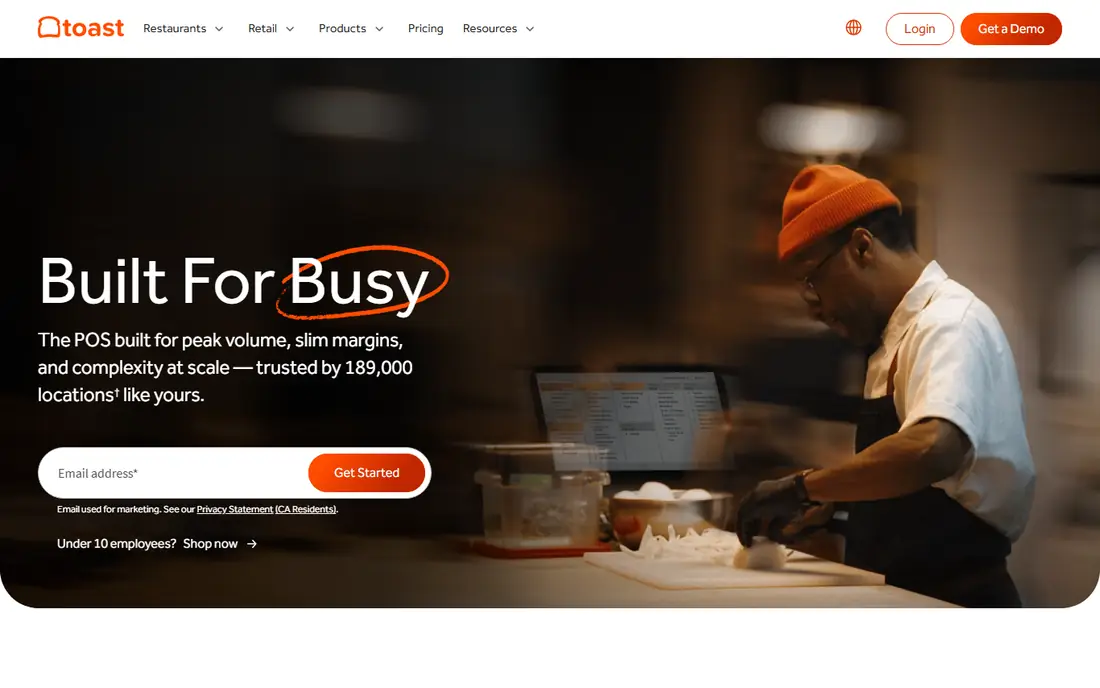
Toast Payroll is the natural pick for a restaurant already running Toast point of sale. Sales, tips, hours, and schedules feed into payroll without manual re-entry, which cuts errors on tip reporting and overtime. Team management tools cover hiring, scheduling, and shift swaps in the same system.
Pricing varies by employee count, so get a quote for your team size, and note that POS plan costs are separate. If you do not use Toast POS, the integration advantage fades, and a standalone payroll tool may be cheaper. For Toast restaurants, though, the joined-up flow is a real time saver.
- Tips and sales data flow from Toast POS
- Shift and team management in one system
- Tax filing support
- Pricing varies by employee count
- Best value only if you already use Toast
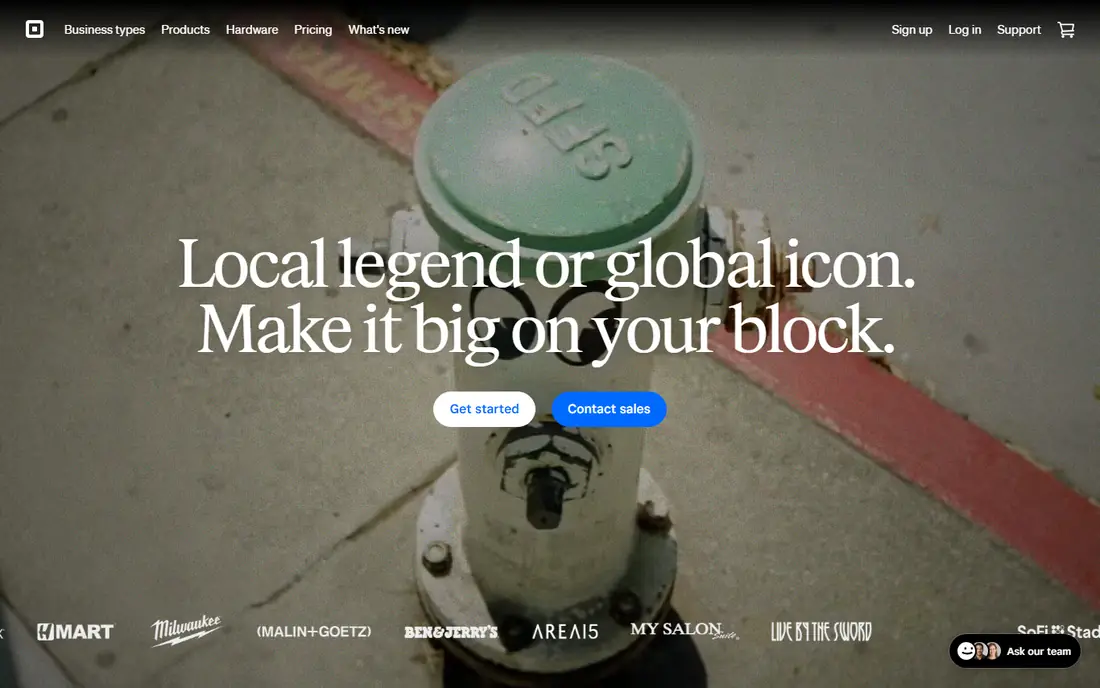
Square Payroll suits small cafes and quick-service restaurants already on Square. Timecards import from Square, tax filings are automated, and labor-cost reports help you see cost per shift. Pricing is listed at $35 per month plus $6 per team member for employees, with a separate contractor rate, which makes budgeting simple.
It is less of a full HR suite than Paycor or ADP, so larger teams may need extra tools for benefits and compliance depth. For a small team that wants payroll done cleanly without a large monthly fee, Square Payroll is a strong best payroll service for restaurants pick.
- Simple pricing
- Imports timecards from Square
- Automated tax filings
- Labor-cost reports
- Contractor pricing is separate
- Deeper HR features need add-ons

Gusto is a popular general payroll tool that works well for independent restaurants, especially those that want benefits, onboarding, and HR basics in the same place. Payroll runs are simple, tax filings are automated, and employees can access pay stubs and tax forms online. Pricing starts at $49 per month plus $6 per person in recent listings.
Tip handling and POS integration are less native than Toast or 7shifts, so you may need to import tip and time data carefully. If your restaurant values simple payroll plus benefits over deep POS integration, Gusto is an excellent, friendly choice.
- Easy payroll plus tax filing
- Benefits and onboarding tools
- Time tracking add-ons
- Restaurant tip workflows are less POS-native than Toast
- Higher plans add cost
Homebase is built for hourly teams, which makes it a natural fit for restaurants. You can schedule shifts, track time, message the team, manage tips, and run payroll from one app. A free plan covers basic scheduling and time tracking for small teams, with payroll on paid plans.
Paid tiers add cost as you add locations and features, so check what payroll actually includes at your tier. Reporting is also lighter than Restaurant365 or ADP. For a single restaurant that wants scheduling and payroll together without a large upfront fee, Homebase is a strong starting point.
- Scheduling, time tracking, messaging, and payroll in one app
- Free start for small teams
- Tip management tools
- Payroll and advanced features sit on paid tiers
- Reporting depth trails larger suites
7shifts started as a scheduling tool for restaurants and has grown into payroll and team management. Scheduling, labor-cost tracking, and tip pooling are its strengths, which matters for teams with rotating roles and shared tips. It integrates with common POS and payroll systems, and it offers its own payroll option in recent listings.
Check the current plan details, since scheduling, engagement, and payroll features sit on different tiers. For a team where the schedule drives everything, and tips are pooled, 7shifts is one of the best restaurant payroll software options to test first.
- Strong scheduling and labor-cost tools
- Tip pooling support
- Payroll integrations and native payroll in listings
- Pricing varies by plan
- Payroll depth depends on the plan you choose
Restaurant365 suits multi-unit operators who need payroll, accounting, and inventory in one system. You can track labor cost by location, compare food cost, and roll reports up across units, which is hard to do with a payroll-only tool. POS integrations bring sales and labor data together for each site.
Pricing is quoted, and the system is larger than a small cafe needs. Setup also rewards time spent on chart of accounts and location structure. For a growing restaurant group, Restaurant365 can replace several separate tools and give a clearer view of profit by location.
- Payroll plus accounting and inventory for multi-unit groups
- Labor and food-cost reporting
- POS integrations
- Quoted pricing
- Setup and training take time
ADP RUN is the payroll arm of ADP for small to mid-size businesses, with strong tax filing, compliance, and HR support. It suits restaurant groups that operate in several states, hire often, and need help with garnishments, benefits, and labor rules. Support and compliance resources are a real strength here.
Pricing is quoted and can be higher than Gusto or OnPay for a small single site. The system also covers a lot of ground, so small teams may find it more complex than needed. For a growing group that wants a well-known compliance partner, ADP RUN is a safe, capable choice.
- Deep payroll, tax, and HR support
- Multi-state compliance help
- Large support network
- Quoted pricing that can be high for small sites
- Interface can feel complex
Paycor offers payroll, HR, time, and scheduling tools for larger restaurant groups. It covers hiring, onboarding, time tracking, and payroll in one system, with reporting that helps managers track labor cost and compliance. That breadth suits a group with several locations and a dedicated manager team.
Pricing is quoted, and the system is sized for larger operations. A single small restaurant will likely find it too large and too costly. For a group that needs HR depth alongside payroll, Paycor is a strong contender against ADP RUN.
- Payroll plus HR, scheduling, and time tools
- Strong reporting
- Restaurant-focused features in listings
- Quoted pricing
- Best for larger teams, not a single cafe
OnPay is praised for transparent pricing: $49 per month plus $6 per person in recent listings, with no tier maze to decode. Payroll, tax filings, and employee self-service are covered, and setup is simple for a small restaurant team. That clarity makes budgeting easy.
Benefits, HR, and POS integration depth are thinner than larger rivals, so check what you actually need before you choose on price alone. For an independent restaurant that wants honest pricing and clean payroll, OnPay is a strong value pick.
- Clear flat pricing
- Payroll plus tax filing
- Simple setup for small teams
- Benefits and HR depth are thinner than Gusto
- POS integrations are fewer than Toast
How we picked these
We compared official feature and pricing pages, plus recent restaurant payroll roundups, for each tool. We favored tools that are actively sold in October 2026, that handle hourly restaurant work such as tips, shift pay, and time tracking, and that fit a clear size band, from single cafes to multi-unit groups. We left out general payroll tools with no restaurant or hourly focus, and tools with no verifiable pricing or service page. Where pricing is quoted, we wrote See website.
What to check before you buy
Start with tips and time. How do tips flow into payroll, how are tip credits handled in your state, and how do timecards move from your POS or scheduling app into pay? Manual tip entry is where most restaurant payroll errors happen, so test that flow with a real week of data before you sign.
Next, check tax and compliance for your states. Multi-state groups need state tax registration, new-hire reporting, and garnishment handling. Ask who files what, and what happens if a filing is late. Also model total cost: base fee, per-person fee, payroll runs, tax filing fees, and any POS or scheduling add-ons. A low base price can rise fast with a large hourly team.
Finally, check the employee experience. Staff should be able to view pay stubs, tax forms, and schedules on a phone without calling a manager. Run a test pay cycle, including a tipped shift and an overtime shift, before you move your whole team. If that test cycle needs vendor help at every step, the tool may be too complex for your managers.
Frequently asked questions
What is the best payroll software for restaurants on Toast?
Toast Payroll is the best payroll software for restaurants already on Toast POS, because sales, tips, and schedules feed into payroll directly. If you use another POS, Square Payroll, Gusto, or OnPay may be cheaper and simpler. Always price the POS plan and the payroll plan together.
What is the best restaurant payroll software for small cafes?
Square Payroll suits small cafes on Square, with $35 per month plus $6 per person pricing in recent listings. Homebase is also strong if you want scheduling plus payroll in one app, with a free start. Gusto and OnPay are good standalone options if you do not use Square POS.
How does restaurant payroll handle tips?
Tips must be reported, taxed, and, in many states, counted toward minimum wage rules through tip credits that vary by state. Good restaurant payroll tools import tip data from the POS, track reported tips, and apply state rules. Check your state rules carefully, and keep records for every tipped shift.
What is the best payroll service for restaurants with multiple locations?
Restaurant365 suits multi-unit groups that also want accounting and inventory reporting by location. ADP RUN and Paycor suit larger groups that need HR and multi-state compliance depth. For two or three locations, Homebase or 7shifts with payroll may be enough and cheaper.
Do I need scheduling software with payroll?
Not always, but for hourly restaurant teams it helps a lot. Scheduling tools track hours, overtime, and labor cost before payroll runs, which reduces errors. Homebase and 7shifts combine both, while Gusto and OnPay can import time data from a separate scheduling app. Pick the setup your managers will actually use each week.
How much does restaurant payroll software cost?
Square Payroll lists $35 per month plus $6 per person, and Gusto and OnPay list $49 per month plus $6 per person, in recent listings. Toast Payroll, Restaurant365, ADP RUN, and Paycor use quoted pricing based on team size and scope. Homebase offers a free start, with payroll on paid plans. Model your headcount, including seasonal staff, before you compare.
Sources
See where you really rank - block by block
ProMapRanker scans Google Maps across a grid of your service area. Simple monthly plans from $19, white-label on every plan.
Start freeKeep reading
 outreach alternatives
Outreach Alternatives in 2026
Compare outreach alternatives for 2026, from Salesloft and Apollo to HubSpot and Lemlist, with pricing, channels, features, limits, and honest trade-offs.
Read → best web conference tools
Best Web Conference Tools in 2026
Compare the best web conference tools for meetings, webinars and team calls, with current pricing, free plans and honest limits for each option here today.
Read → best voice cloning tools
Best Voice Cloning Tools in 2026
Compare the best voice cloning tools in 2026, from ElevenLabs and Descript to Resemble and Cartesia, with consent rules, pricing, licenses, and limits.
Read →