 ProMapRanker
Best Payroll Software for Payroll Automation in 2026


Small teams wanting simple automation · Pricing starts at: $49 per month plus $6 per person
Key takeaways
- Gusto and OnPay give small US teams the clearest published pricing, with a base fee plus a per-person fee and full-service tax filing on their main plans.
- Rippling and ADP RUN suit teams that want payroll joined to wider HR, IT or benefits work, but final pricing often needs a quote.
- Patriot Full Service is the lowest published full-service starting point we found, while its Basic plan leaves tax filing to the employer.
- Automation value comes less from running pay itself and more from tax filings, new-hire setup, time tracking and benefits deductions staying in step.
Quick comparison
| Pick | Great for | Pricing starts at | Free tier | |
|---|---|---|---|---|
| Gusto | Small teams wanting simple automation | $49 per month plus $6 per person | No | Visit |
 Rippling | Growing teams joining HR, IT and payroll | $8 per user per month plus base fee | No | Visit |
 ADP RUN | Small businesses wanting a large provider | See website | No | Visit |
 Paychex Flex | Teams wanting guided support | $39 per month plus $5 per employee | No | Visit |
 Deel | Teams with staff or contractors abroad | See website | No | Visit |
 OnPay | Multi-state small teams | $49 per month plus $6 per person | No | Visit |
 Square Payroll | Square point-of-sale users | $35 per month plus $6 per person | No | Visit |
 Patriot Payroll | Budget-minded full-service payroll | $37 per month plus $5 per person | Free trial | Visit |
The best payroll software for payroll automation
Payroll automation should remove repeat work: calculating pay, withholding tax, filing forms, paying staff and keeping records in one place. The eight tools below do that work in different ways, and the right pick depends on team size, state coverage and how much HR work you want in the same system.
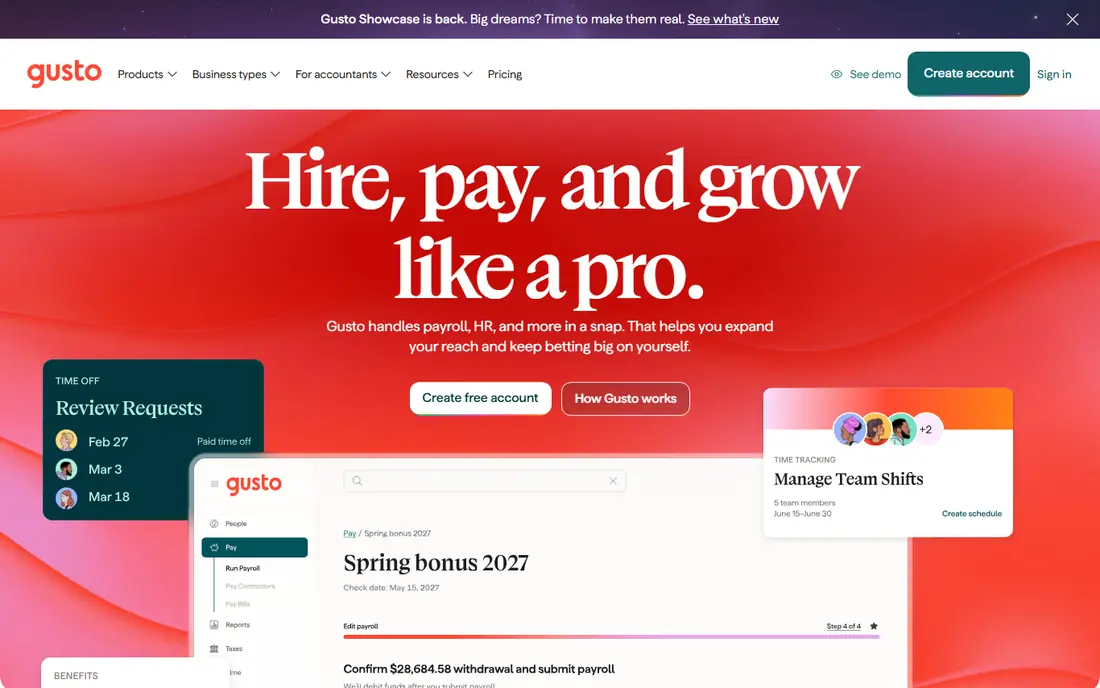
Gusto is our pick for most small teams because its automation covers the full pay cycle without a long setup. Employers enter hours or salaries, set a schedule and let the system calculate gross to net pay, withhold tax and file federal, state and local forms on the main plans. AutoPilot can run payroll on a set schedule, which helps teams that pay the same staff on a regular cycle and want fewer manual steps each period.
The trade-off is scope. Simple suits a team in one state with plain pay rules, while multi-state payroll, time tracking and next-day pay sit on Plus. Premium adds a dedicated advisor and wider HR help. If your team is small and stable, Simple is easy to budget. If you hire across states or use varied schedules, price Plus from the start rather than treating Simple as the full cost.
- Clear published pricing
- Unlimited payroll runs on main plans
- Automatic tax filings and payments
- Simple plan covers one state
- Higher plans add cost quickly as headcount grows
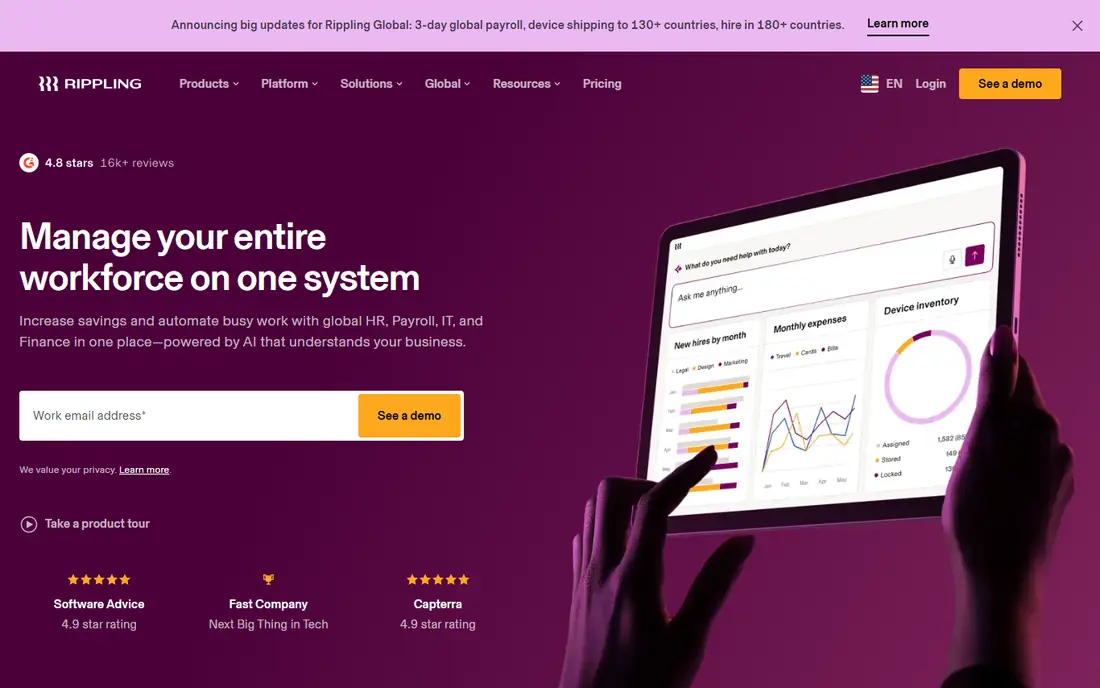
Rippling treats payroll as one part of a wider workforce system. A change to a role, location, pay rate or benefits election can flow through HR records, payroll and app access without retyping the same detail in several places. That design matters most when onboarding, offboarding and role changes happen often, because each change can trigger the next step instead of waiting for a manual handoff.
The cost structure needs care. The platform starts at $8 per user per month plus a base fee, and payroll is an added product, so the headline figure is not the whole bill. Teams that only need pay and tax filing may find a simpler tool cheaper and faster to run. Teams that already plan to add benefits, time tracking or device management will get more value from the shared record.
- One employee record across HR, payroll and IT
- Workflow automation
- Global payroll options
- Final payroll price needs a quote
- Modules add cost on top of the platform fee
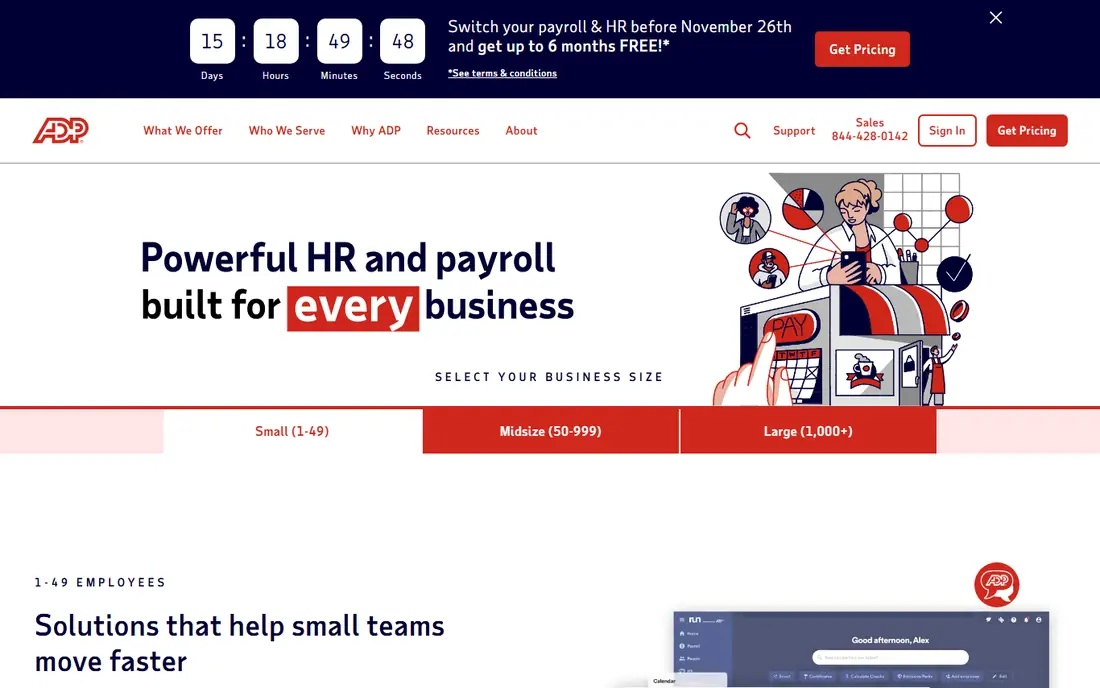
ADP RUN is built for small businesses that want the backing of a large payroll provider. It handles payroll runs, tax filing, direct deposit and year-end forms, and it can grow into hiring, HR documents and benefits as the business adds staff. Support by phone and chat is a practical plus for owners who would rather ask a person than work through a help article during a pay deadline.
The main drawback is price clarity. ADP RUN does not publish a standard plan price, so you need a quote for your headcount, pay frequency and state mix. That makes direct comparison harder, and add-on charges can change the total. Get the quote in writing, including tax filing, year-end forms and any per-run or per-state charges, before you judge it against a published-price rival.
- Full-service payroll and tax filing
- Mobile apps
- Wide HR and benefits add-ons
- Pricing is quote only
- Add-ons can raise the total cost
Paychex Flex gives small and mid-size teams a broad platform that covers payroll, time and attendance, HR documents and benefits administration. The Essentials starting price is published, which helps with an early budget, and the system is designed to scale as headcount and compliance needs grow. Payroll specialists on higher packages are useful when a business moves into new states or more complex pay rules.
Read the plan detail before signing. Essentials may not include every tax or year-end item that a full-service buyer expects, and other packages are priced by quote. That does not make Paychex Flex a poor choice, but it does mean the starting price is a floor rather than a final figure. Ask which filings, forms and support levels are included at the quoted price.
- Published Essentials starting price
- Payroll, HR and benefits in one system
- 24/7 payroll support
- Some packages are quoted
- Tax administration and forms may cost extra on Essentials
Deel is the automation pick when part of the team sits outside the United States. It handles contractor payments, employer-of-record services and payroll for entities abroad, with local tax, benefits and contract rules built into the workflow. For a US company hiring its first staff in another country, that local handling can save weeks of research and reduce the risk of a misclassified or incorrectly paid worker.
Deel is less suited to a purely domestic team. Its strength is global coverage, and pricing depends on the service and country, so a simple US payroll comparison will not capture its value. If all staff are in the US, compare Deel only when you have a clear near-term plan to hire abroad. If you already hire abroad, its single view of global pay is the reason to shortlist it.
- Global hiring and payroll in many countries
- Contractor payments
- Compliance help for local rules
- Pricing varies by service and country
- US-only teams may pay for scope they do not need
OnPay keeps its pitch simple: one published price structure, multi-state payroll and unlimited runs. That clarity helps owners who run payroll in several states and do not want to check whether each new state triggers a new plan or fee. Tax filings and payments are part of the service, and the setup is aimed at small teams rather than enterprise HR departments.
The limits show up around the edges. Time tracking and deeper HR tools are add-ons, and the integration list is shorter than those of Gusto or Rippling. If your accounting link and core payroll needs are covered, those limits may not matter. If you need time data to flow straight into pay without manual entry, price the add-on before you commit.
- Published pricing
- Multi-state payroll included
- Unlimited payroll runs
- Time tracking and some HR features cost extra
- Smaller integration list than larger rivals
Square Payroll is the natural choice for businesses already using Square to sell and manage staff. Hours, tips and team data from Square can feed into payroll, which cuts manual entry for restaurants, retailers and service businesses with hourly staff. Full-service tax filing and direct deposit keep the pay cycle in one place, and the starting price is easy to understand.
Outside the Square setup, its case is weaker. It does not match the HR depth of Gusto Plus, Rippling or Paychex Flex, and teams that do not use Square gain little from choosing it. If Square already runs your front of house, the fit is strong. If it does not, shortlist a payroll-first tool instead and judge Square Payroll only on price and filing coverage.
- Published pricing
- Full-service tax filing
- Close fit with Square sales and team tools
- Best value only for Square users
- Wider HR depth is limited
Patriot Payroll offers two clear paths. Basic is a low-cost calculation tool for owners happy to file and deposit taxes themselves, while Full Service files and deposits federal, state and local taxes and handles year-end forms. That split lets a very small team start cheaply and move to full service when tax work becomes a burden, without changing provider.
The catch is in the plan choice. Buyers who pick Basic expecting full-service filing will be disappointed, so check the plan name on the quote. Direct deposit timing is also slower than next-day options from some rivals, which matters if staff expect fast pay. For a small team that values a low published price and a plain interface, Full Service is a sound, low-drama pick.
- Lowest published full-service starting price in this list
- Simple setup
- Free trial
- Basic plan does not file taxes for you
- Direct deposit timing is slower than some rivals
How we picked these
We compared official pricing pages, plan descriptions, tax filing coverage and automation features for payroll tools that serve US small businesses in October 2026. We favoured tools with published pricing or a clear quote path, full-service tax filing on at least one main plan, direct deposit and support for contractors or multi-state payroll where stated. We left out tools that only calculate pay without filing, and tools aimed only at large enterprises. Prices in this article are starting prices and can change with headcount, states, add-ons and billing period, so check the vendor page before you buy.
What to check before you switch payroll software
Start with your current pay cycle, not the feature list. List how often you pay, how many states you cover, how you track hours, how you handle tips or overtime, and which benefits deductions must stay in step with pay. A tool that automates those exact steps will save more time than a tool with a longer feature list that still needs manual workarounds for your main pay rules.
Next, price the whole year. Add the base fee, the per-person fee at your real headcount, state registration or filing charges, time tracking, benefits administration and year-end forms. Ask each vendor for the all-in monthly figure in writing, including what happens when headcount rises or falls mid-month. A low starting price can still lose to a higher plan that includes the add-ons you would buy anyway.
Finally, plan the move. Ask about year-to-date payroll import, prior tax filings, direct deposit setup time and support during the first two runs. Run the new system in parallel for one cycle if you can, and keep old records until the first quarterly filing is accepted. A careful switch protects staff pay and tax deadlines far better than a fast one.
Frequently asked questions
What is the best payroll software for payroll automation?
For most small US teams, Gusto is a strong starting point because its pricing is published and its main plans automate pay, tax filing and direct deposit. Teams that need wider HR or IT automation should compare Rippling, while budget-minded teams should compare Patriot Full Service and OnPay on total yearly cost.
How much does payroll automation software cost?
Most small-team plans in this list start with a base fee plus a per-person fee, such as $49 per month plus $6 per person for Gusto and OnPay, or $37 per month plus $5 per person for Patriot Full Service. Quote-only tools such as ADP RUN and Deel depend on headcount, services and countries, so request a written quote at your real numbers.
Does payroll software file taxes for me?
Full-service plans usually do, including federal, state and local filings and year-end forms, but basic or calculation-only plans may not. Patriot Basic is one example where the employer files taxes, while Patriot Full Service files them. Check the exact plan, not just the product name, before you assume filing is included.
Can payroll software handle contractors and multi-state teams?
Yes, most tools in this list handle contractors and multi-state payroll, but the details differ. OnPay includes multi-state payroll in its standard structure, Gusto adds multi-state coverage on Plus, and Deel is built for staff and contractors abroad. Confirm state coverage and contractor form handling for your states before signing.
Is it hard to switch payroll providers mid-year?
It is manageable with planning, because most providers can import year-to-date pay and tax data. Ask about import help, prior filings, direct deposit timing and support during the first runs, and keep old records until the next quarterly filing is accepted.
What is the difference between basic and full-service payroll?
Basic payroll usually calculates pay and leaves tax deposits and filings to the employer, while full-service payroll calculates pay, deposits taxes, files forms and produces year-end documents. Full service costs more each month but removes the filing work and the risk of a missed deadline.
Sources
See where you really rank - block by block
ProMapRanker scans Google Maps across a grid of your service area. Simple monthly plans from $19, white-label on every plan.
Start freeKeep reading
 outreach alternatives
Outreach Alternatives in 2026
Compare outreach alternatives for 2026, from Salesloft and Apollo to HubSpot and Lemlist, with pricing, channels, features, limits, and honest trade-offs.
Read → best web conference tools
Best Web Conference Tools in 2026
Compare the best web conference tools for meetings, webinars and team calls, with current pricing, free plans and honest limits for each option here today.
Read → best voice cloning tools
Best Voice Cloning Tools in 2026
Compare the best voice cloning tools in 2026, from ElevenLabs and Descript to Resemble and Cartesia, with consent rules, pricing, licenses, and limits.
Read →