 ProMapRanker
Best Payroll Software for Manufacturing in 2026


Large manufacturers needing scale · Pricing starts at: See website
Key takeaways
- Manufacturing payroll is mostly a time problem: shifts, overtime, differentials and attendance must flow cleanly into pay.
- Tax and labour rules vary by state and country, so a tool helps with filing but does not replace professional advice.
- Employee data needs privacy controls and consent handling, especially for biometric time clocks and location data.
- Quote-only enterprise tools can still be worth shortlisting, but get implementation and integration costs in writing.
- Trial with real shift patterns, including night shifts, split shifts and overtime rules, before you sign.
Quick comparison
| Pick | Great for | Pricing starts at | Free tier | |
|---|---|---|---|---|
| ADP Workforce Now | Large manufacturers needing scale | See website | No | Visit |
 Paychex Flex | Mid-sized manufacturers wanting HR depth | See website | No | Visit |
 Rippling | Manufacturers wanting HR, payroll and IT in one place | $40 per month plus $8 per employee per month | Free trial | Visit |
 Gusto | Smaller manufacturers needing simple payroll | $49 per month plus $6 per employee per month | Free trial | Visit |
 Paylocity | Mid-market manufacturers needing modern HCM | See website | No | Visit |
 UKG Ready | Shift-heavy teams needing workforce management | See website | No | Visit |
 Dayforce | Large manufacturers needing global payroll | See website | No | Visit |
 Paycor | Manufacturers needing recruiting plus payroll | See website | No | Visit |
The best payroll software for manufacturing
Manufacturing payroll differs from office payroll because pay depends on what happened on the floor: shift times, overtime, shift differentials, piece or incentive pay, absences and job costing. The tools below handle payroll plus time and workforce features to varying degrees. This article is general information only, not tax or legal advice, and rules vary by state and country.
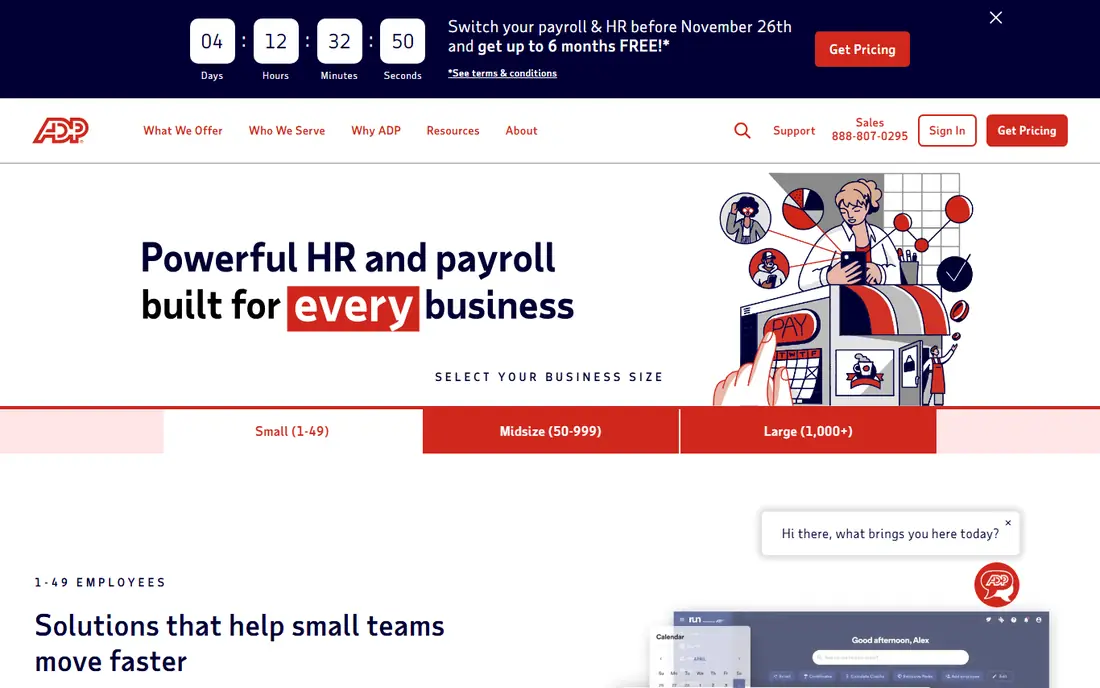
ADP Workforce Now suits larger manufacturers that need payroll, time, HR and benefits in one established platform. It handles complex pay rules, multi-state tax filing and reporting, and it integrates with many time, ERP and HR tools used in manufacturing. For a plant group with several sites, that scale and filing depth are the main reasons to shortlist it.
The purchase is quote-based, and implementation time should be planned carefully, especially for shift rules and historical data. Smaller manufacturers may find the setup heavier than a simpler payroll tool, even if ADP offers more depth for future growth.
- Broad payroll, HR, time and benefits depth
- Strong tax filing support
- Large integration ecosystem
- Quote-based pricing
- Implementation can be heavy for smaller plants
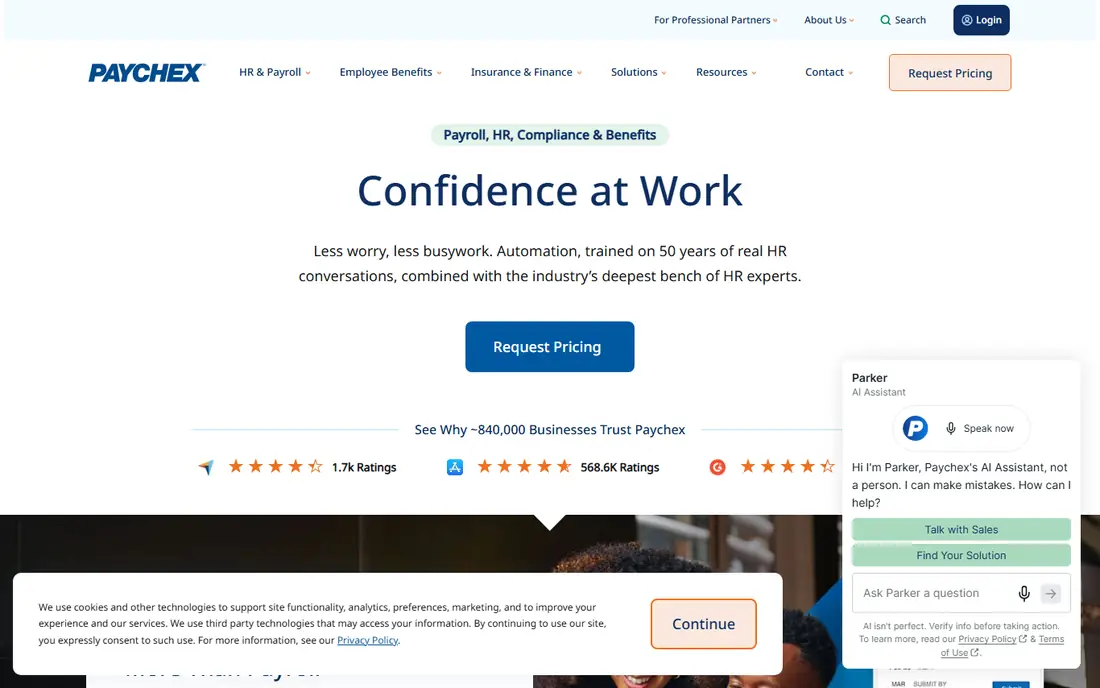
Paychex Flex is a strong mid-market choice for manufacturers that want payroll alongside HR, time tracking and benefits administration. Its time tools help capture shift hours and attendance, while payroll handles tax filing and reporting. Retirement administration depth is also a plus for manufacturers offering 401(k) plans to a large workforce.
Pricing is largely quoted, and the total depends on which modules are switched on. Ask for a written breakdown covering payroll, time, HR and any implementation fees, and trial it with your real overtime and differential rules before committing.
- Payroll plus HR, time and retirement administration
- Dedicated support options
- Scalable modules
- Pricing is largely quoted
- Modules can raise the total
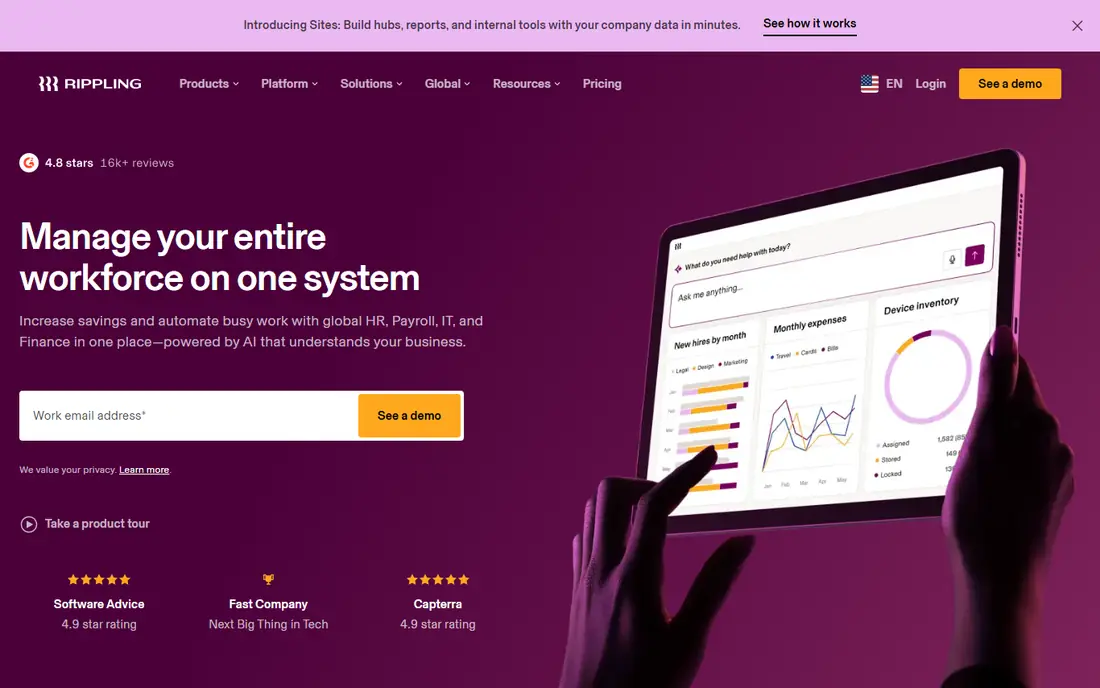
Rippling appeals to manufacturers that want HR, payroll and device or app access managed together. When a new hire starts, payroll, benefits and system access can be set up from one record, which reduces manual handoffs between HR, IT and payroll. Its published small-business pricing is listed at $40 per month plus $8 per employee per month in recent comparisons, although enterprise quotes vary.
The limit is fit for very complex shop-floor time rules. Check shift, overtime, attendance and job-costing handling against your actual patterns, and confirm which modules are included. For manufacturers with simpler shift structures, Rippling can cut admin time sharply.
- Unified HR, payroll and IT administration
- Strong automation
- Modern interface
- Manufacturing-specific time depth varies by setup
- Add-on modules raise cost
Gusto is the simplest entry point for a small manufacturer. Its published pricing is $49 per month plus $6 per employee per month in recent comparisons, with automatic tax filing, direct deposit, benefits administration and time tracking on relevant plans. That clarity helps a small plant budget payroll without a long quote process.
It is less suited to a large manufacturer with complex multi-site shift, union or job-costing rules. If your plant runs many shift patterns and differentials, test those rules in a trial and check integration with your time-clock system. For a single-site shop with straightforward shifts, Gusto often does the job well.
- Clear published pricing
- Simple payroll and benefits setup
- Good employee self-service
- Less depth for large multi-site shift operations
- Some advanced features need higher tiers
Paylocity suits mid-market manufacturers that want a modern HCM platform covering payroll, time, HR, benefits and talent tools. Its workforce features help with scheduling, attendance and labour reporting, while payroll handles tax and pay calculations. The employee experience tools can also help with communication across shifts, where deskless workers need mobile access.
Pricing is quoted, so the total depends on modules and headcount. Ask how time data flows into payroll, how overtime and differentials are configured, and what implementation support is included. A trial with real plant schedules will show whether the setup matches your floor reality.
- Modern payroll, HR and workforce tools
- Strong employee experience features
- Good reporting
- Quote-based pricing
- Implementation needs planning for shift rules
UKG Ready, formerly Kronos Workforce Ready, is built around hourly and shift-based work, which makes it a natural shortlist choice for manufacturing. Scheduling, time and attendance, absence management and payroll sit in one system, so shift changes flow into pay with fewer manual adjustments. That integration matters when overtime and differentials depend on exact clock times.
Configuration is detailed, because shift rules, pay policies and union or site rules must be set correctly. Budget for implementation time and for a payroll parallel run against your old system. For shift-heavy plants, that upfront work usually pays back in fewer pay corrections.
- Strong workforce management and scheduling heritage
- Payroll and HR in one system
- Good for hourly workforces
- Quote-based pricing
- Configuration can be detailed for complex rules
Dayforce, from Ceridian, is designed as a single HCM system where HR, time, payroll, benefits and talent share one record. Its real-time pay calculation approach helps managers see the pay effect of schedule changes, which is useful in manufacturing where overtime can change quickly. It also suits large manufacturers with multiple countries or complex compliance needs.
It is an enterprise purchase with quoted pricing and a structured implementation. Smaller manufacturers will likely find it heavier and costlier than needed. Large groups should trial it with multi-site shift data and confirm local payroll coverage for every country they operate in.
- Single system for HR, payroll, time and talent
- Strong for large and global workforces
- Real-time pay calculations
- Enterprise pricing and implementation
- Heavier than small plants need
Paycor suits manufacturers that hire frontline workers at volume and need recruiting tied to payroll and HR. It covers applicant tracking, onboarding, HR, time and payroll, so a new hire can move from offer to first pay run with fewer separate systems. That flow helps plants with high turnover or seasonal hiring.
Pricing is quoted, so get a written total for recruiting, time and payroll modules. Check how shift differentials, overtime and attendance exceptions are handled, and confirm integration with your existing time clocks. For hiring-heavy plants, Paycor's recruiting strength can outweigh a simpler payroll-only tool.
- Recruiting, HR, payroll and time in one platform
- Strong for frontline hiring
- Good reporting
- Quote-based pricing
- Check manufacturing-specific time depth on your plan
How we picked these
We compared official product pages and public pricing information for payroll and HCM tools in active use for manufacturing in 2026, favouring tools that handle hourly work, time tracking and tax filing. Where pricing was not published by the vendor, we wrote See website rather than presenting a third-party estimate as a vendor price. This article is general information only, not tax or legal advice.
What to check before you buy
Run a parallel payroll with real data for at least one full pay period, including night shifts, overtime, differentials, absences and corrections. Check how time-clock data flows in, how exceptions are approved, and how pay corrections are audited. Confirm tax filing coverage for every state or country you operate in, and ask who is responsible if a filing is late or wrong.
Also review employee-data privacy. Ask what data is collected from time clocks, including any biometric or location data, how consent is recorded, how long data is kept, and who can access it. Limit admin access, keep a clear audit trail, and get tax and legal advice on local rules before changing pay policies.
Frequently asked questions
What is payroll software for manufacturing?
It is payroll software that handles hourly, shift-based and overtime pay, time tracking, differentials and tax filing for factories and plants, often alongside HR and workforce tools.
How much does manufacturing payroll software cost?
Published small-team pricing in this list includes Gusto at $49 per month plus $6 per employee per month, and Rippling at $40 per month plus $8 per employee per month in recent comparisons. Larger tools are quoted by headcount and modules.
Does payroll software handle overtime automatically?
It can, if overtime, differential and shift rules are configured correctly and time data flows in accurately. Always test with real shift patterns and run a parallel payroll before going live.
Is this article tax or legal advice?
No. This is general information only, not tax or legal advice. Tax and labour rules vary by state and country, so confirm pay, overtime and filing rules with qualified professionals.
How should we handle employee time-clock data?
Use privacy controls, role-based access and clear consent handling, especially for biometric or location data. Ask vendors about retention, access logs and deletion, and limit collection to what payroll actually needs.
Can small manufacturers use enterprise tools like Dayforce or ADP?
They can, but enterprise tools usually need more implementation time and budget. Small plants often get better value from Gusto, Rippling or Paychex Flex, unless multi-site complexity demands an enterprise system.
Sources
See where you really rank - block by block
ProMapRanker scans Google Maps across a grid of your service area. Simple monthly plans from $19, white-label on every plan.
Start freeKeep reading
 what’s the best risk software for enterprises
What Is the Best Risk Software for Enterprises in 2026
We compared what’s the best risk software for enterprises on risk registers, controls, third-party risk, and reporting, with pricing notes for large teams.
Read → what's the best pam software for enterprises
What is the Best PAM Software for Enterprises in 2026
Find what's the best pam software for enterprises, with vaulting, session recording, just in time access and pricing compared for large enterprise IT teams.
Read → what’s the best grc software
What Is the Best GRC Software in 2026
We compared what’s the best grc software on risk, compliance, audit and vendor risk, so teams can pick a platform that fits their frameworks and budget.
Read →