 ProMapRanker
Best Payroll Software for HR Departments in 2026

Key takeaways
- Payroll rules vary by state and country, so multi-state and global coverage should be checked for your actual employee locations.
- This guide is general information only, not legal or tax advice, and HR teams should confirm filings with a qualified adviser.
- Total cost is base fee plus per-person fees and add-ons, so compare the same headcount across tools.
- Employee data needs access controls, consent where required, and clear retention rules.
Quick comparison
| Pick | Great for | Pricing starts at | Free tier | |
|---|---|---|---|---|
 Gusto | Small US HR teams | $49 per month | Free trial | Visit |
 Rippling | HR plus IT teams | $8 per month | No | Visit |
 ADP Run | Growing companies that need compliance depth | See website | Free trial | Visit |
 Paychex Flex | Mid-market payroll depth | See website | No | Visit |
 Deel | Global HR teams | $49 per month | Yes | Visit |
 OnPay | Multi-state payroll value | $49 per month | Free trial | Visit |
 Justworks | PEO benefits access | See website | No | Visit |
 Square Payroll | Restaurants and retail teams | $35 per month | Free trial | Visit |
 Patriot Software | Cost-conscious payroll basics | $37 per month | Free trial | Visit |
The best payroll software for HR departments
We compared payroll tools for HR departments on tax filing, multi-state coverage, benefits, employee self-service, and total cost per person.
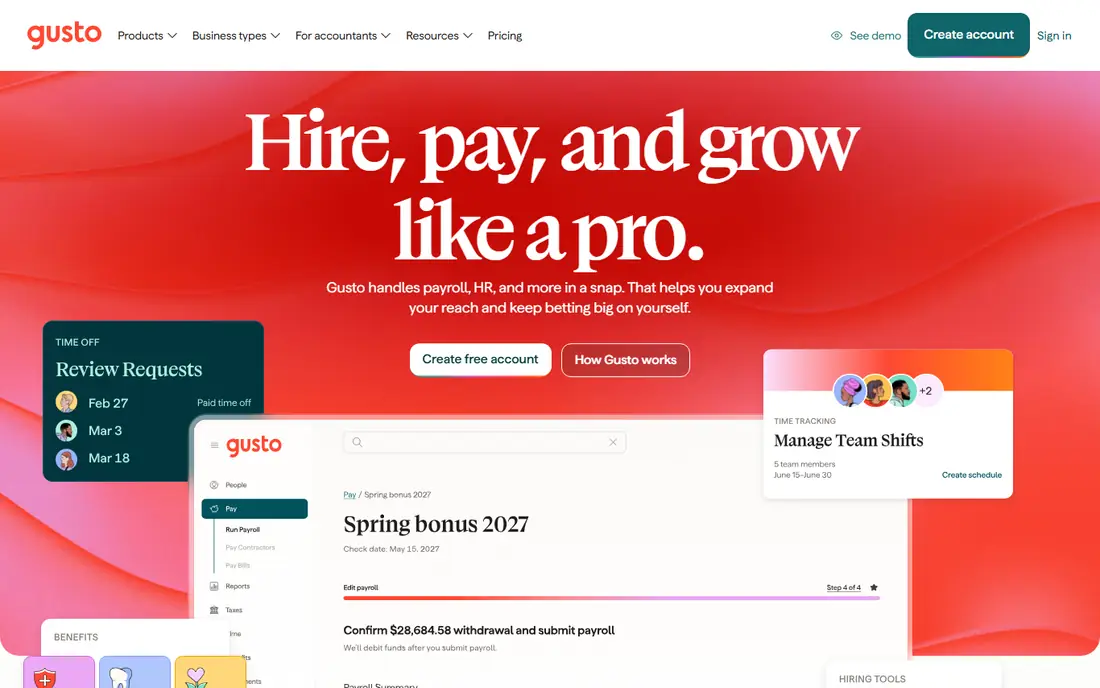
Gusto is the easiest starting point for small US HR teams that want payroll, benefits, and light HR in one place. It handles full-service payroll with federal, state, and local tax filing, plus benefits administration, time tracking, and employee self-service for pay stubs and tax forms. The interface suits HR teams without a dedicated payroll specialist.
The catch is scope and scaling cost. US payroll is the core strength, while global employee payroll is more limited, and per-person fees rise as the team grows. Higher tiers add multi-state payroll and priority support, so check the tier that covers your actual states before you compare the headline price.
- Full-service US payroll with tax filing
- Benefits and HR tools
- Employee self-service
- US payroll focus
- Global payroll is limited to contractors and partners
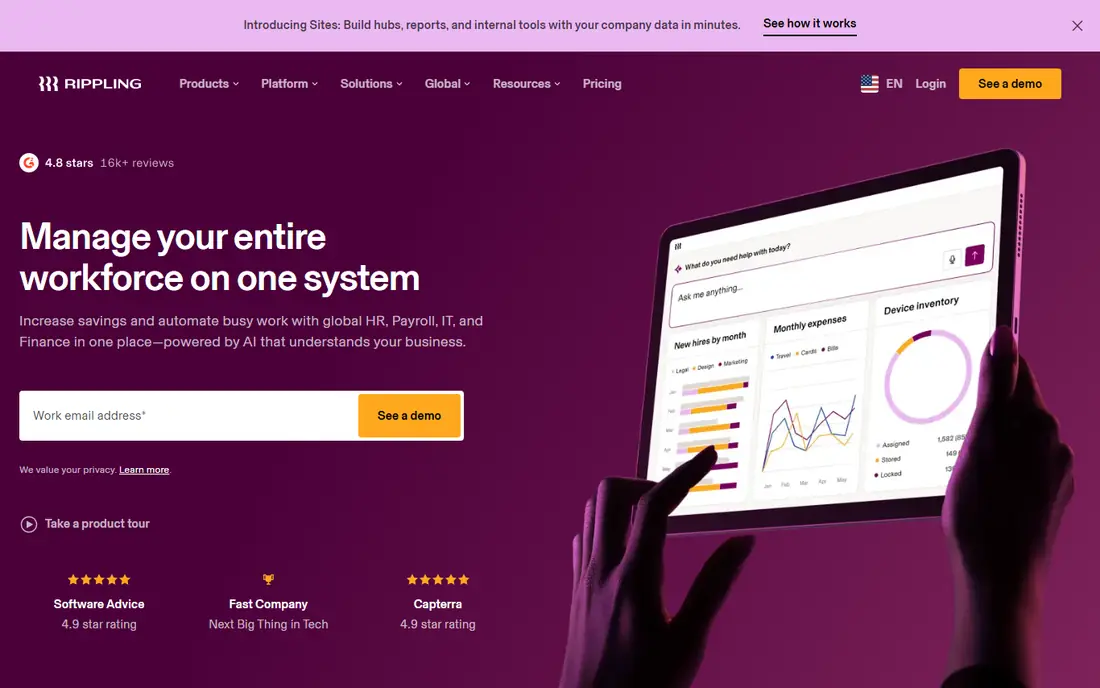
Rippling suits tech-forward HR departments that want payroll, HR, IT, and finance in one system. When an employee joins, moves, or leaves, access, devices, and payroll can update together through workflows, which cuts manual handoffs between HR and IT. Global payroll and employer-of-record options extend it beyond US teams.
The catch is pricing structure. The core platform starts around $8 per user per month, but payroll and other modules add cost, and larger deals are often quote-based. Map every module your HR team will actually use, then ask for a total quote for your headcount before you compare it with a simpler payroll tool.
- Unified HR, payroll, IT, and finance
- Automation across onboarding
- Global payroll options
- Modular pricing can be quote-heavy
- Total cost rises with modules
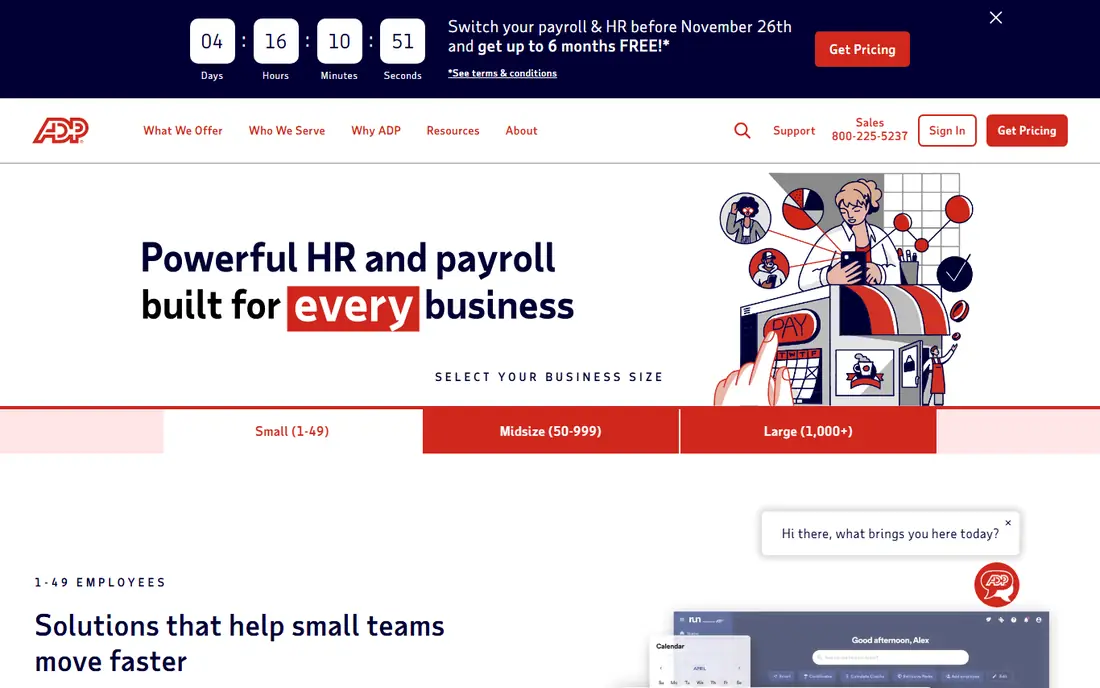
ADP Run fits HR departments that expect to grow past 50 employees and need deep compliance support. It covers payroll, tax filing, HR tools, and benefits, with human support and reporting that suit regulated industries. The brand scale also helps companies that need consistent service across many states.
The catch is pricing opacity. ADP Run is quote-based, so budgeting needs a sales conversation and a clear headcount and feature list. Very small teams may find the setup heavier than Gusto or OnPay. Ask for the full fee schedule, including add-ons and implementation, before you sign.
- Deep US payroll and compliance support
- HR tools
- Scalable tiers
- Quote-based pricing
- Setup can be complex for very small teams
Paychex Flex gives HR departments payroll depth with flexible HR, benefits, and PEO options in the same family. That flexibility helps companies that start with payroll and later need broader HR support, without switching vendors. Time, benefits, and reporting tools sit alongside payroll for a fuller HR picture.
The catch is choice overload and quote-based pricing. The range of plans and add-ons can confuse a small HR team, and the total depends on headcount and features. Ask for a written quote that lists every included module and fee, and compare it at the same headcount as other tools.
- Payroll with flexible HR and PEO options
- Benefits and time tools
- Compliance support
- Quote-based pricing
- Plan breadth can confuse small buyers
Deel suits HR departments hiring contractors and employees across many countries. It covers contractor payments from $49 per contractor per month in published comparisons, plus employer-of-record services for employees where Deel acts as the legal employer. That global coverage is its main advantage over US-only payroll tools.
The catch is EOR cost. Employer-of-record pricing is much higher than contractor pricing, and country rules, benefits, and taxes vary widely. Confirm the per-country total, including benefits and compliance fees, before you promise a global hiring budget. Use Deel for global scope, not as a cheap US payroll substitute.
- Global contractors and employees
- Employer-of-record options
- US payroll
- Per-employee EOR cost is high
- Contractor pricing differs from employee pricing
OnPay is a strong value pick for HR teams that need multi-state payroll without tier upgrades for basic coverage. It offers full-service payroll with tax filing, plus HR tools and employee self-service, at $49 per month plus $6 per person in published comparisons. That simplicity helps HR teams that want one predictable payroll bill.
The catch is ecosystem size. Its integration list is smaller than Gusto or Rippling, so teams with many connected apps should check each integration before switching. Support and setup help also differ by plan. If multi-state payroll value matters more than app breadth, OnPay deserves a trial.
- Full-service payroll with tax filing
- Multi-state coverage
- HR tools included
- Smaller app ecosystem than Gusto or Rippling
- Support hours vary
Justworks suits small businesses that want PEO benefits, payroll, and HR support in one package. As a PEO, it can offer access to large-group benefits and handle payroll taxes and compliance tasks, which helps small HR teams without benefits expertise. Published comparisons note transparent PEO pricing, which aids budgeting.
The catch is the PEO model itself. A PEO shares employer responsibilities, so HR teams should understand the co-employment terms, benefits choices, and exit terms before signing. Compare the per-employee total with a non-PEO payroll tool plus standalone benefits, not only the headline rate.
- PEO model with benefits and payroll
- Transparent PEO pricing in published comparisons
- HR support
- PEO model means shared employer responsibilities
- Pricing is per employee
Square Payroll fits restaurants, retail shops, and service teams already using Square for sales and scheduling. Payroll connects to time and sales data, and it covers employees and contractors with tax filing. For a small team with hourly staff, that link between shifts and pay cuts manual entry.
The catch is HR depth. It is a payroll tool first, not a full HR platform, so teams that need deep onboarding, performance, or global payroll will need other tools. It also fits Square users best. If your team does not use Square, compare Gusto or OnPay for broader HR coverage at a similar price.
- Payroll linked to Square point of sale
- Contractor and employee pay
- Tax filing
- Best fit is Square users
- HR depth is lighter than Rippling or ADP
Patriot Software suits cost-conscious HR teams that want full-service payroll basics without paying for a broad HR suite. Published comparisons list a low base fee plus a per-person fee, with tax filing and employee self-service included. That focus helps small teams with straightforward pay runs.
The catch is breadth. HR, benefits, and time tools are lighter than Gusto or Rippling, and some features need higher tiers or add-ons. If your HR team needs onboarding, benefits administration, and performance tools, budget for those separately or choose a broader platform from the start.
- Low-cost full-service payroll
- Tax filing
- Employee self-service
- HR and benefits tools are lighter
- Support and add-ons vary by plan
How we picked these
Our method was to compare official pricing pages, product documentation, and published 2026 payroll comparisons at a realistic headcount. We checked tax filing coverage, multi-state and global scope, benefits, and employee self-service, and we treated quote-based pricing as a cost to confirm, not a number to guess. Payroll rules vary by state and country, so we did not present any tool as a legal or tax solution.
Choose payroll software your HR team can actually run
Start with your employee map. List every state and country where employees and contractors work, plus pay types such as hourly, salaried, shift, and contractor pay. A tool that covers your current states but not your next hiring state will force a painful switch. Confirm tax filing, new hire reporting, and year-end forms for each location.
Compare the total at your headcount. Add the base fee, per-person fees, benefits administration, time tracking, and any implementation fees, then repeat the math for 12 months and for a larger team. A low base fee with high per-person fees can look cheap at five people and costly at fifty. Ask for the fee schedule in writing.
Protect employee data from day one. Limit payroll access to named roles, use strong login controls, and keep consent and retention rules for pay, bank, and tax data in writing. When an employee leaves, revoke access promptly and confirm how long payroll records are kept. Privacy and consent handling should be part of vendor selection, not an afterthought.
Frequently asked questions
What is the best payroll software for HR departments?
For small US teams, Gusto and OnPay offer simple full-service payroll with clear pricing. Rippling suits teams that want HR and IT together, ADP Run suits growing companies that need compliance depth, and Deel suits global hiring. Choose by employee locations and HR breadth, not by brand alone.
How much does payroll software cost?
Published starting prices range from about $35 to $49 per month plus $6 to $8 per person for small-team tools, while ADP, Paychex, and PEO options are quote-based. Add benefits, time, and implementation fees for a realistic total at your headcount.
Does payroll software file taxes for us?
Full-service payroll tools generally file federal, state, and local taxes and year-end forms, but coverage varies by state and plan. Confirm filing coverage for each employee location in writing, and keep a qualified adviser for complex tax questions. This guide is general information only, not legal or tax advice.
Can payroll software handle global employees?
Some tools, such as Deel and Rippling, offer global payroll and employer-of-record services, while US-focused tools cover global contractors only. Confirm per-country pricing, benefits, and compliance terms before hiring in a new country.
How should HR handle employee payroll data?
Limit access to named roles, use strong authentication, and keep consent, retention, and access rules in writing. Remove access promptly when employees leave, and review vendor data handling and security terms before you store bank and tax details in any payroll system.
Sources
See where you really rank - block by block
ProMapRanker scans Google Maps across a grid of your service area. Simple monthly plans from $19, white-label on every plan.
Start freeKeep reading
 worlds best local seo company
8 Worlds Best Local SEO Companies for Map Pack Growth in 2026
Compare the worlds best local seo company options for Google Business Profile work, citations, reviews, and multi-location rankings and reporting in 2026.
Read → world's best web hosting company
World's Best Web Hosting Company in 2026
Searching for the world's best web hosting company? We compared 10 hosts on price, renewal rates, speed, and support to help you choose well today in 2026.
Read → who's got the best nanny tax services
Who's Got the Best Nanny Tax Services in 2026
We answer who's got the best nanny tax services, comparing full filing, back taxes, software, and pricing so families can handle nanny taxes correctly.
Read →