 ProMapRanker
Best Payroll Software for Hospitals in 2026

Key takeaways
- Hospital payroll is different from office payroll because shift differentials, per diem staff, float pools, and multi-site schedules change pay every period.
- ADP Workforce Now, Paychex Flex, UKG Pro, and Workday suit large systems, while Gusto and HR for Health fit smaller clinics and practices.
- Paylocity, Dayforce, Netchex, and Viventium add healthcare-focused features such as credential tracking, shift-aware pay, and post-acute reporting.
- Software alone does not make a hospital compliant. This is general information only, not legal or compliance advice, and your compliance team should confirm HIPAA, wage, and credential rules.
Quick comparison
| Pick | Great for | Pricing starts at | Free tier | |
|---|---|---|---|---|
 ADP Workforce Now | Large hospital systems | See website | No | Visit |
 Paychex Flex | Multi-state hospital groups | See website | Free trial | Visit |
 UKG Pro | Large workforce scheduling and pay | See website | No | Visit |
 Workday HCM | Enterprise hospital networks | See website | No | Visit |
 Paylocity | Mid-size practices and hospitals | See website | No | Visit |
 Dayforce | Continuous pay calculation | See website | No | Visit |
 Netchex | Multi-site healthcare groups | See website | No | Visit |
 Viventium | Home health and post-acute care | See website | No | Visit |
 Gusto | Small clinics and practices | $49 per month plus $6 per person per month | No | Visit |
The best payroll software for hospitals
Hospital pay involves nurses on nights and weekends, staff floating between units, agency and per diem workers, and facilities in several states. We compared official feature pages and pricing, with a focus on shift-aware pay, credential tracking, and multi-site control.
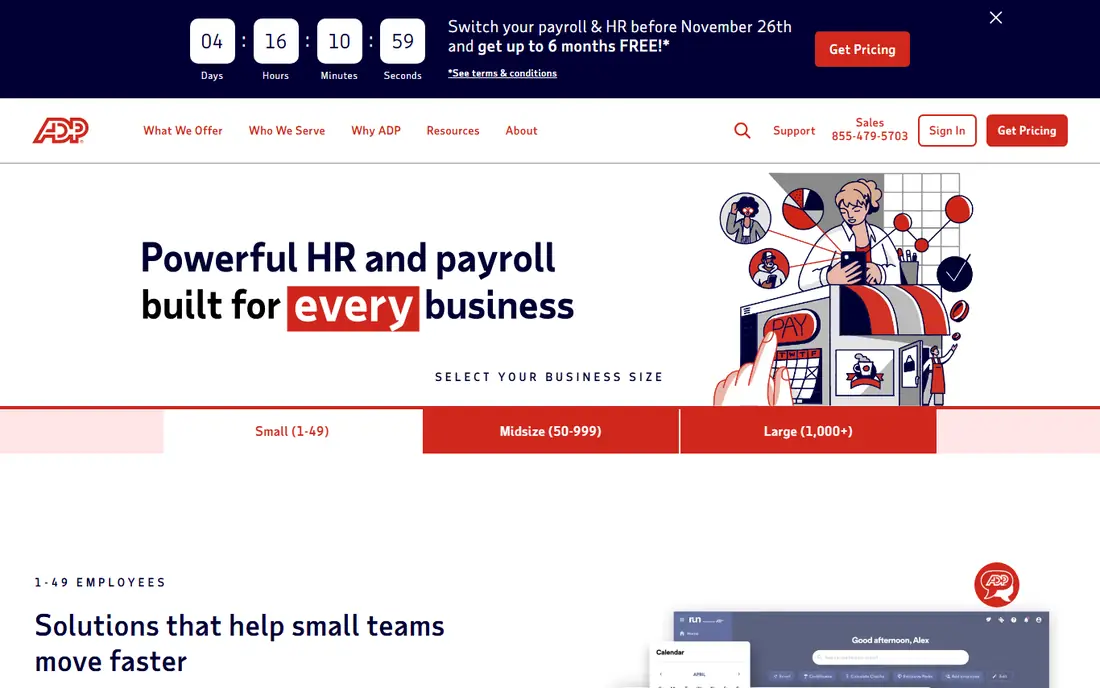
ADP Workforce Now is the safe shortlist pick for a large hospital system that needs payroll, HR, time, and benefits in one governed platform. Its scale helps when a system runs several facilities, many job codes, and staff who move between sites, and its compliance support covers tax filing and multi-state rules that small tools handle poorly. Hospitals that already use ADP for other HR work often find the payroll addition easier to adopt.
The trade is complexity and cost opacity. Pricing is quoted, so a hospital must budget for implementation and for modules that sit outside core payroll. Smaller clinics will find the platform heavier than they need. For a large system that values breadth and vendor stability over a quick setup, ADP remains a strong, if unglamorous, choice.
- Broad HR, payroll, and compliance support
- Multi-location handling
- Extensive integrations
- Quote-based pricing hides total cost
- Implementation can be long for large systems
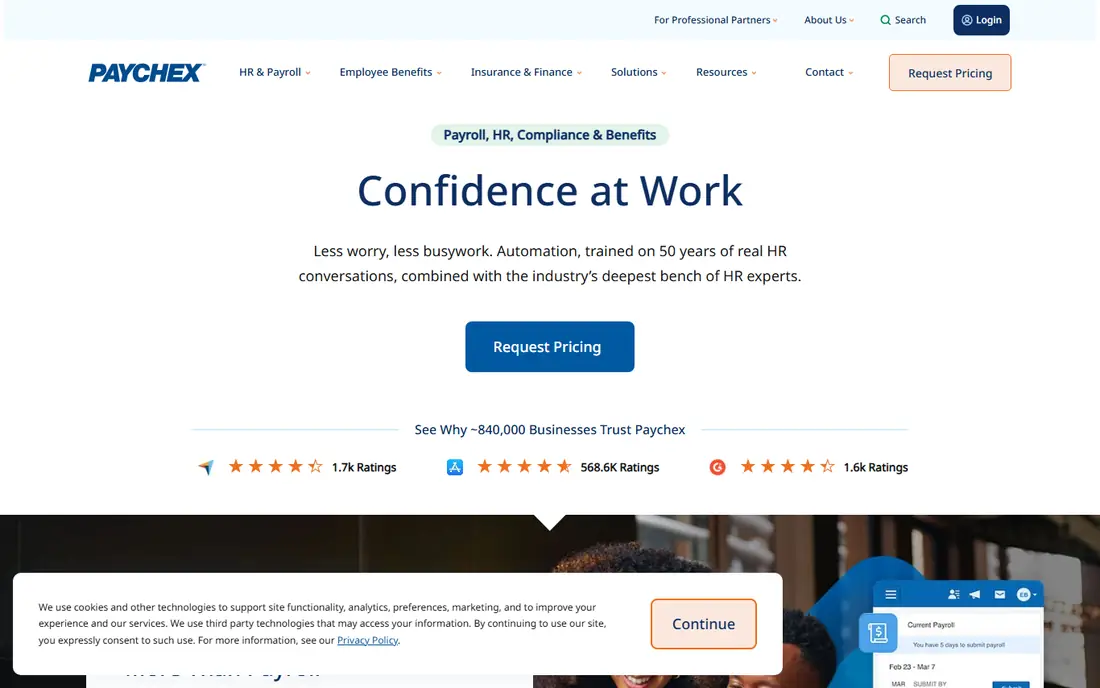
Paychex Flex suits a hospital group that wants payroll handled reliably across states, with HR support close at hand. It covers tax handling, employee self-service, and mobile access, which helps shift workers who rarely sit at a desk. The platform also offers a professional employer option for groups that want Paychex to carry more of the employment administration.
The catch is that healthcare fit depends on the package and add-ons you choose. Shift differentials, credential tracking, and scheduling depth are not equal across tiers, so a hospital should test its actual pay rules during a demo, not accept a general feature list. For mid-size to large groups that want a broad, supported platform, Paychex Flex is a practical contender.
- Payroll plus HR support in one platform
- Mobile access for staff
- Flexible payout options
- Healthcare-specific depth varies by package
- Quote and package details need careful checking
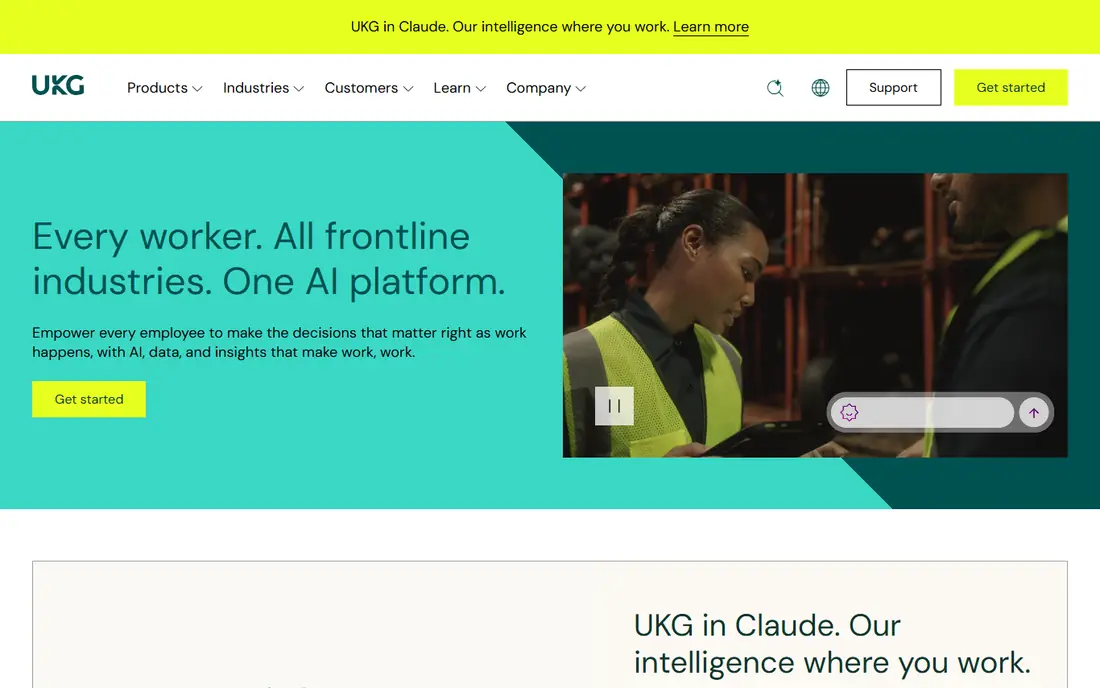
UKG Pro stands out when the hardest payroll problem is the schedule itself. Hospitals juggle rotating shifts, overtime rules, float staff, and last-minute cover, and UKG pairs payroll with workforce management so schedule changes flow into pay with fewer manual fixes. Its analytics also help leaders see labor cost and staffing patterns across units, which matters when overtime is a budget line, not a footnote.
That depth comes with a heavy rollout. UKG Pro suits large hospitals and systems with the staff to configure pay rules, train managers, and govern the platform over time. A small clinic will find it far more than it needs. For a large employer that lives or dies by scheduling accuracy, UKG is one of the strongest options here.
- Strong workforce management and scheduling
- Real-time payroll calculations
- Earned wage access options
- Large implementation effort
- Pricing is quoted and can rise with modules
Workday HCM is built for the largest hospital networks, where payroll must sit inside a single system of record for HR, finance, and workforce planning. It handles complex organizations, multiple entities, and global payroll coordination through partners, and its reporting helps finance teams trace labor cost without stitching together separate tools. Employee self-service also reduces routine HR queries from shift staff.
The obvious limit is scale. Workday is an enterprise purchase with enterprise implementation time, and a community hospital with one facility will rarely justify it. For a large network that already plans around Workday for HR and finance, adding payroll inside the same platform is a coherent, if costly, decision.
- Unified HR and payroll data
- Global payroll coordination
- Strong reporting and self-service
- Enterprise cost and implementation time
- Overkill for small hospitals
Paylocity earns its place for mid-size healthcare employers that need more than generic payroll. Its healthcare positioning includes credential-based pay calculations, multi-entity handling, and cross-shift payroll processing, which map directly to hospital staffing patterns. Staff get a modern self-service portal for pay, schedules, and documents, which helps a workforce that works nights and weekends.
Pricing is quoted, so total cost depends on modules and headcount, and a hospital should still test differential, on-call, and per diem rules in a demo. For a mid-size hospital or a growing multi-site practice, Paylocity balances healthcare features with a platform that is easier to run than a full enterprise suite.
- Credential-aware pay features
- Multi-entity and cross-shift payroll
- Strong employee self-service
- Quote-based pricing
- Healthcare depth should be confirmed for your exact pay rules
Dayforce takes a different approach to payroll timing. Instead of calculating pay only at period end, it recalculates continuously as time, schedules, and pay rules change, so managers can spot errors before payday rather than after. That matters in hospitals, where a missed differential or a late schedule change can affect a whole unit. Its on-demand pay option also appeals to staff who want earlier access to earned wages.
The platform is enterprise-grade, with the implementation effort that implies. It suits large healthcare employers that can invest in configuration and change management. Smaller hospitals may find the same continuous-calculation benefit harder to justify against a simpler, cheaper tool.
- Pay calculated continuously through the period
- On-demand pay option
- Global compliance support
- Enterprise implementation effort
- Quoted pricing makes budgeting harder
Netchex is one of the more healthcare-specific options on this list, and that focus shows in its feature set. It covers shift differentials, on-call and per diem pay, float staff across facilities, and license tracking with alerts, which are daily realities for hospitals and multi-site groups. Built-in training and compliance tools also help a group keep clinical staff credentialed without a separate learning system for every requirement.
Its smaller profile is the main caution. A hospital should check integration depth with its scheduling, HR, and finance tools, and ask for healthcare references at a similar scale. For a multi-site group that wants healthcare pay rules handled natively rather than bolted on, Netchex deserves a demo alongside the larger names.
- Credential and license tracking
- Shift differential and per diem handling
- Healthcare training tools
- Less well known than the largest vendors
- Pricing is quoted
Viventium is the specialist pick for home health and post-acute care, where payroll rules and reporting differ from a general hospital. It offers native reporting suited to post-acute requirements, along with shift differential handling and a wide range of earnings and deduction codes. That depth helps agencies and post-acute providers that struggle to force their pay rules into a generic payroll tool.
The same focus limits its appeal for a general acute-care hospital. If your organization is mainly inpatient acute care, a broader platform may fit better. If home health, hospice, or post-acute work is core to your business, Viventium is worth a close look before you settle for a generalist.
- Native reporting for post-acute care
- Shift differential and FLSA handling
- Flexible earnings and deduction codes
- Narrower fit outside home health and post-acute settings
- Quoted pricing
Gusto is the right end of this list for a small clinic, independent practice, or startup care provider. Setup is straightforward, pricing is published, and automated payroll tax filing removes a chore that small teams often get wrong. It handles employees and contractors, benefits administration, and time tracking in a package that a small practice manager can run without a payroll department.
Gusto is not a hospital system tool. It lacks the credential tracking, complex shift differential engines, and multi-facility scheduling depth that a large hospital needs. For a small practice that mainly needs correct, on-time pay and clean tax filing, that simplicity is exactly the point, and Gusto is easy to recommend on those terms.
- Simple setup and clear pricing
- Automated tax filing
- Contractor handling
- Limited healthcare-specific depth for large hospitals
- No credential tracking as a core strength
How we picked these
We compared official vendor pages and healthcare payroll guides, and we prioritized shift-aware pay, multi-site handling, credential tracking, and tax and compliance support. We wrote See website where vendors quote pricing, rather than repeating third-party estimates as vendor prices. We did not claim hands-on testing, and we treated vendor healthcare claims as claims to confirm in a demo with your own pay rules.
What to check before you pay
Run your hardest pay period through the demo, not a clean sample. Include night differentials, weekend rates, float staff, per diem workers, on-call pay, and a mid-period schedule change, then check the resulting pay, overtime, and reports. Confirm how credential expiry blocks scheduling or pay, how the tool handles staff across facilities, and which integrations cover your scheduling, time, HR, and finance systems.
Also confirm data protection and access controls with your compliance team, and remember that buying payroll software does not by itself satisfy HIPAA or wage rules. Policies, training, access limits, and audit habits matter as much as the tool. Finally, get implementation time, support hours, and total quoted cost in writing, since headline payroll pricing rarely covers every module a hospital ends up using.
Frequently asked questions
What is the best payroll software for a small hospital?
A small hospital should shortlist Paychex Flex, Paylocity, and Netchex, with Gusto only for a very small clinic rather than a true hospital. The deciding test is shift differentials, float staff, and credential tracking on your own pay rules. Large enterprise tools such as Workday and UKG Pro usually cost more in time and money than a small hospital can justify.
Does payroll software make a hospital HIPAA compliant?
No. Payroll software can support access controls, audit trails, and secure handling of staff data, but HIPAA compliance depends on your policies, training, access limits, and risk practices as well. Treat any vendor claim of full compliance with care, and confirm requirements with your compliance and legal teams.
How do hospitals handle shift differentials in payroll?
Shift differentials add a premium rate for nights, weekends, holidays, or specific units, and the payroll tool should apply those rates from schedule and time data without manual recalculation. Test night, weekend, on-call, and float scenarios in a demo, since generic payroll tools often handle only simple overtime.
Is quoted pricing normal for hospital payroll?
Yes, for mid-size and large platforms. ADP, UKG, Workday, Paylocity, Dayforce, Netchex, and Viventium commonly quote by headcount, facilities, and modules. Ask for a written total that includes implementation, support, and any add-ons for scheduling, credentials, or reporting.
Can a small clinic use Gusto for payroll?
Yes, if the clinic is small and its pay rules are simple. Gusto offers clear pricing and automated tax filing, which suits independent practices. It is a weaker fit once credential tracking, complex differentials, and multi-facility scheduling become central to payroll.
Sources
See where you really rank - block by block
ProMapRanker scans Google Maps across a grid of your service area. Simple monthly plans from $19, white-label on every plan.
Start freeKeep reading
 worlds best local seo company
8 Worlds Best Local SEO Companies for Map Pack Growth in 2026
Compare the worlds best local seo company options for Google Business Profile work, citations, reviews, and multi-location rankings and reporting in 2026.
Read → world's best web hosting company
World's Best Web Hosting Company in 2026
Searching for the world's best web hosting company? We compared 10 hosts on price, renewal rates, speed, and support to help you choose well today in 2026.
Read → who's got the best nanny tax services
Who's Got the Best Nanny Tax Services in 2026
We answer who's got the best nanny tax services, comparing full filing, back taxes, software, and pricing so families can handle nanny taxes correctly.
Read →