 ProMapRanker
Best Payroll Software for Enterprise in 2026


Global enterprises with unified HR and finance · Pricing starts at: See website
Key takeaways
- Workday, Oracle HCM and SAP SuccessFactors suit global enterprises that already run those ERP and finance systems.
- ADP and UKG Pro lead on payroll depth and multi-state and global coverage for large employers.
- Dayforce suits employers that need payroll, time and scheduling in one continuous record.
- Implementation often takes months and can cost as much as the first year of software, so budget it separately.
Quick comparison
| Pick | Great for | Pricing starts at | Free tier | |
|---|---|---|---|---|
| Workday | Global enterprises with unified HR and finance | See website | No | Visit |
 ADP Workforce Now | Payroll depth and compliance services | See website | No | Visit |
 UKG Pro | Complex hourly and distributed workforces | See website | No | Visit |
 Dayforce | Payroll, time and scheduling in one record | See website | No | Visit |
 Oracle HCM | Oracle ERP shops with global HR needs | See website | No | Visit |
 SAP SuccessFactors | SAP ERP shops with global compliance | See website | No | Visit |
 Rippling | Modern unified platform with published pricing | $8 per employee per month | No | Visit |
 Paylocity | Growing enterprises that want a modern HCM | See website | No | Visit |
The best payroll software for enterprise
We compared official product pages and public enterprise payroll guides for suites that handle large-employer payroll, tax, benefits, time and HR in one system.
This article gives general information only and is not tax or legal advice. Payroll rules vary by state and country, and employee data needs clear privacy and consent controls, with access limited to staff who need it.
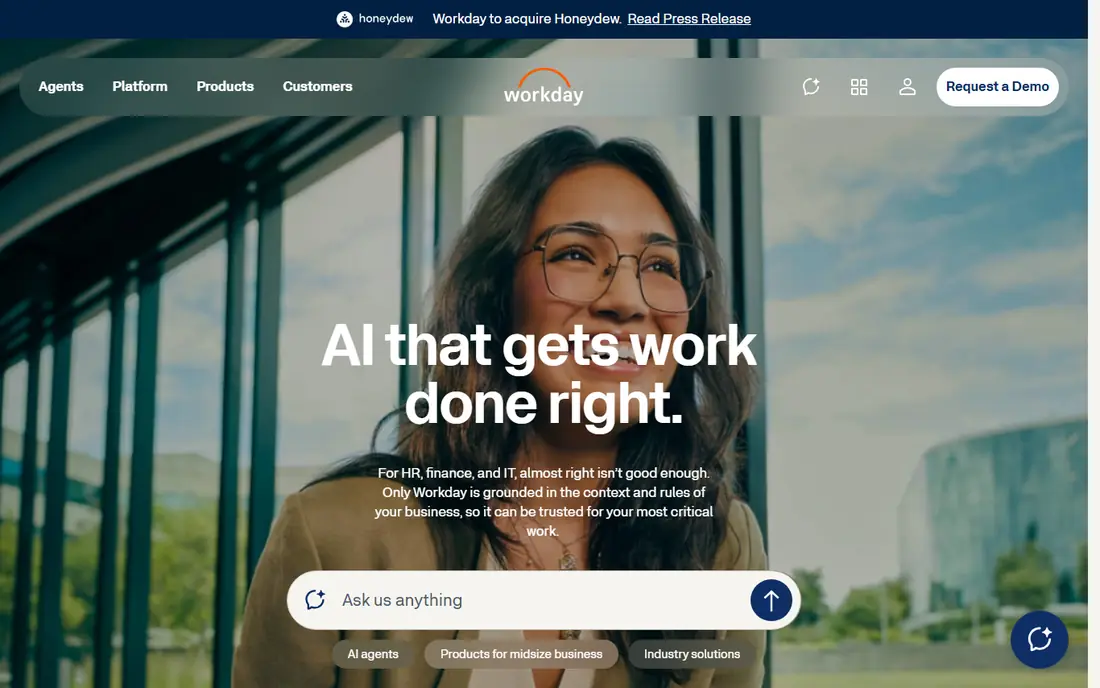
Workday is the unified-system pick for a large enterprise that wants HR and finance on the same data. Headcount decisions, compensation changes and financial forecasts can be planned together, rather than reconciled between separate systems. Analytics and planning tools also help large employers model workforce costs with a single record behind them.
The cost is time and money. Pricing is by quote, implementation often runs for many months, and a dedicated internal team plus consultants are usually needed. Enterprises that already run Workday finance will gain most, while a mid-size employer may find a lighter HCM a better fit.
- Unified HR and finance data
- Strong analytics and planning
- Global enterprise scale
- Quote-based pricing
- Implementation often takes a year or more
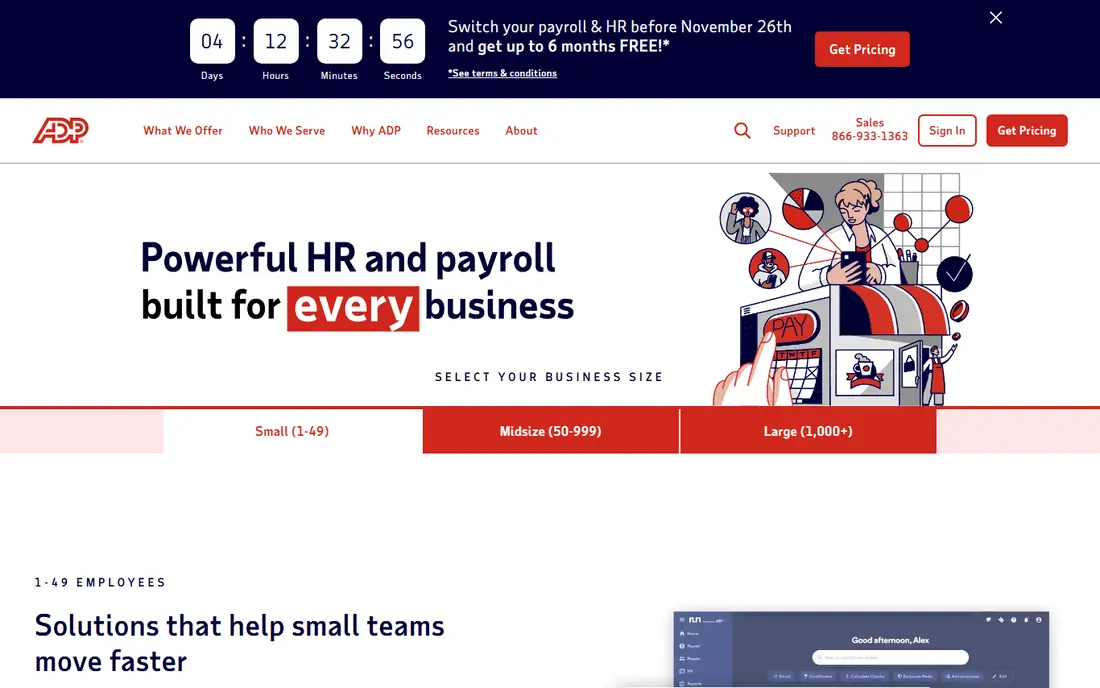
ADP Workforce Now is the payroll-led pick for large employers that put tax and compliance first. Automated tax filings, multi-state rules and off-cycle runs are handled at a depth that many HCM suites match only with partners, and managed services can take on work that an internal team cannot staff. Global payroll reach through ADP and its partners also helps employers with staff in many countries.
The trade-off is complexity and cost opacity. Pricing is by quote, packages differ by size and modules, and users report slow support at times. Employers should get a written quote for payroll, tax, benefits and time modules together, rather than comparing a single module price.
- Deep payroll and tax infrastructure
- Multi-state compliance
- Managed services and global reach
- Quote-based pricing
- Support and complexity draw mixed feedback
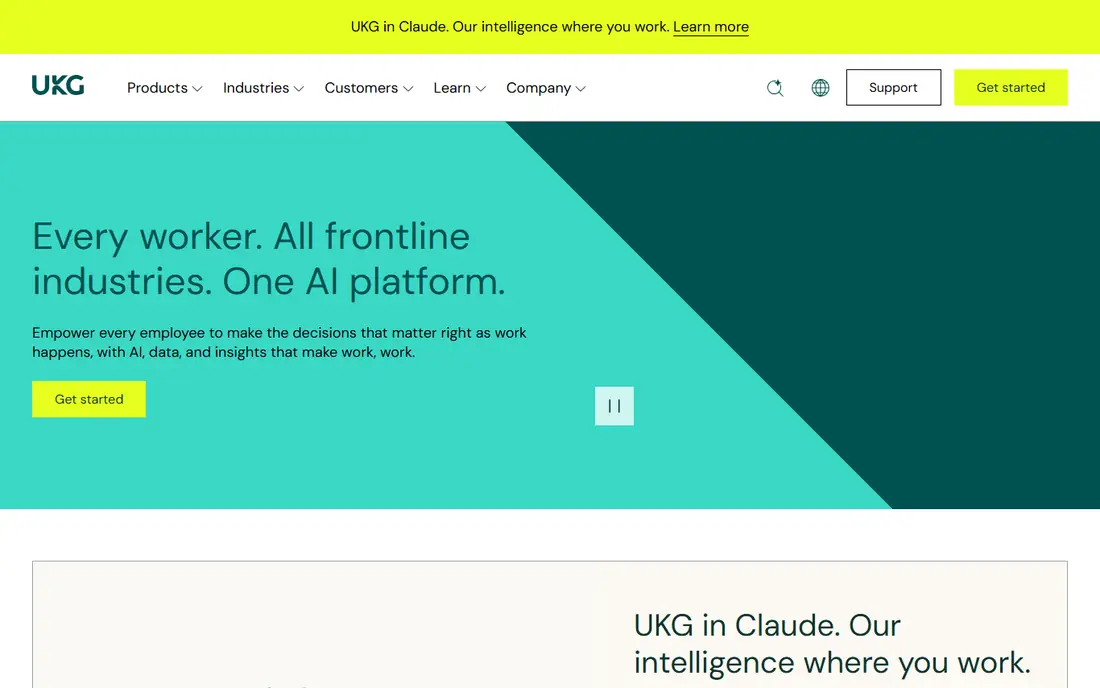
UKG Pro suits enterprises with hourly, shift-based or widely distributed staff. Scheduling, time, payroll, talent and analytics sit together, which helps an employer with many locations keep one employee record while still handling local shift and pay rules. Payroll coverage across many countries also helps global employers avoid a patchwork of local systems.
Reporting power comes with a learning curve. UKG Pro asks more of its users up front, and setup is not plug-and-play, so a dedicated HRIS team helps. Pricing is by quote, and module choices can lift the total, so employers should price the exact modules they will use.
- Strong workforce management
- Payroll across many countries
- AI-assisted recruiting and retention tools
- Quote-based pricing
- Reporting is powerful but technical
Dayforce, formerly Ceridian Dayforce, is built around one record for HR, payroll, time and talent. Because payroll, time and scheduling share that record, pay can be calculated continuously as time changes, rather than reconciled at the end of a period. That design helps employers with complex schedules, overtime and shift differentials catch errors earlier.
Implementation still needs careful data migration, parallel runs and change management, and pricing is by quote. Employers with hourly workforces and complex scheduling will gain most from the unified record, while a salaried-only employer may not need its full depth.
- Single employee record for HR, payroll and time
- Continuous payroll calculations
- Scheduling and on-demand pay
- Quote-based pricing
- Implementation needs careful data work
Oracle HCM is the natural pick for an enterprise already running Oracle ERP and finance. HR, payroll, talent and workforce planning can share Oracle data, which helps global employers keep one system of record across countries. Compliance, security and reporting tools are built for large, regulated organisations.
The drawback is weight. Implementation is a major project, consultant reliance is high, and pricing is by quote. An enterprise without an Oracle footprint should compare Workday or ADP first, since Oracle value comes most clearly when the rest of the stack is already Oracle.
- Deep global HR and payroll
- Links with Oracle ERP and finance
- Strong compliance tooling
- Quote-based pricing
- Heavy implementation and consultant reliance
SAP SuccessFactors suits global enterprises that already run SAP ERP. Local payroll, compliance and localisation across many countries can be handled within the SAP family, which helps an employer avoid separate local payroll systems for each market. Talent, learning and workforce planning modules extend the same record to hiring and development.
Complexity is the honest catch. Some modules feel heavy to use, and consultant help is often needed for setup and integrations. Pricing is by quote, and the total depends on modules and countries, so SAP shops should price the full country list, not just headquarters.
- Global compliance and localisation
- Links with SAP ERP
- Broad HR and talent modules
- Quote-based pricing
- Complex user experience for some modules
Rippling stands out here for price transparency. Its published starting price is $8 per employee per month, plus a base fee, which lets a growing enterprise model a starting cost without a sales call. HR, payroll, IT device management and spend tools share one platform, which helps a modern employer avoid several separate systems.
The published price is a starting point, not a total. The base fee, add-on modules and global payroll coverage by country all affect the real bill, and legacy suites may still lead on the deepest global payroll cases. For a US-centred enterprise that wants a modern unified system, Rippling is a strong shortlist pick.
- Published starting price
- Unified HR, payroll, IT and spend tools
- Faster setup than legacy suites
- Base fee applies on top of the per-employee price
- Global payroll depth varies by country
Paylocity fits a growing enterprise that wants a modern HCM without a legacy-suite project. Payroll, HR, time, benefits and employee engagement tools sit together in a layout that managers and employees tend to adopt more easily than older suites. Implementation support and a focus on mid-size to large employers help a business moving up from a small-business tool.
Global payroll depth is the limit. Employers with staff in many countries and complex local payroll rules may need ADP, UKG or a global specialist alongside it, and pricing is by quote. For a mainly US enterprise that is scaling, Paylocity balances modern design with enterprise scope.
- Modern HCM with payroll, HR and engagement tools
- Implementation support
- Scalable for growth
- Quote-based pricing
- Global payroll is less deep than the largest global suites
How we picked these
We compared official product pages and public enterprise payroll guides, and we kept only suites that are sold today for large-employer payroll and HCM. We marked pricing as "See website" where vendors price by quote, which is the norm for enterprise suites, and we used a published price only for Rippling. We did not claim hands-on testing.
What to check before you buy
Start with countries, worker types and pay rules. List every country, state, union, shift pattern and pay type the system must handle, then test those exact cases in a demo with your own sample data. A suite that handles salaried US staff well may struggle with hourly, shift or global cases.
Next, budget implementation as a separate line. Ask for the timeline, data migration help, parallel payroll runs, training and post-go-live support in writing, and confirm who owns tax filing accuracy. A cheaper licence with a weak implementation plan can cost more than a dearer suite with a proven rollout.
Frequently asked questions
What is the best payroll software for enterprise?
It depends on the stack and workforce. Workday leads for unified HR and finance, ADP leads for payroll depth, UKG Pro leads for hourly workforces, and Dayforce leads for continuous payroll with scheduling. SAP and Oracle shops usually gain most from their own HCM suites.
How much does enterprise payroll software cost?
Most enterprise suites price by quote, based on headcount, countries and modules, plus implementation. Rippling publishes $8 per employee per month plus a base fee, which is the exception here. Budget implementation separately, since it can rival the first year of licence cost.
How long does enterprise payroll implementation take?
Mid-market platforms often take about six months, while Workday, Oracle and SAP projects often take 12 to 18 months. Data migration, integrations, parallel runs and training drive the timeline, so insist on parallel payroll runs before go-live.
Should an enterprise use a PEO instead of payroll software?
A professional employer organisation suits a business that wants to outsource HR compliance, benefits and payroll administration. The trade-off is control, since the PEO becomes the employer of record for those workers. Enterprises with established HR teams usually prefer direct HCM software.
How should employee payroll data be handled?
Limit access to staff who need it, use separate logins and audit logs, and follow privacy and consent rules for each country. Check the vendor data processing terms, retention rules and security certifications before signing.
Sources
See where you really rank - block by block
ProMapRanker scans Google Maps across a grid of your service area. Simple monthly plans from $19, white-label on every plan.
Start freeKeep reading
 what’s the best risk software for enterprises
What Is the Best Risk Software for Enterprises in 2026
We compared what’s the best risk software for enterprises on risk registers, controls, third-party risk, and reporting, with pricing notes for large teams.
Read → what's the best pam software for enterprises
What is the Best PAM Software for Enterprises in 2026
Find what's the best pam software for enterprises, with vaulting, session recording, just in time access and pricing compared for large enterprise IT teams.
Read → what’s the best grc software
What Is the Best GRC Software in 2026
We compared what’s the best grc software on risk, compliance, audit and vendor risk, so teams can pick a platform that fits their frameworks and budget.
Read →