 ProMapRanker
Best Payroll Software for Construction Company in 2026


Union and government work · Pricing starts at: See website
Key takeaways
- Foundation Software suits established contractors with union or government work, since certified payroll and fringe calculations are built in.
- Payroll4Construction suits owners who want payroll handled by specialists rather than hiring another office employee.
- Gusto at $49 per month plus $6 per person and OnPay at $49 per month plus $6 per worker suit small residential shops with simple payroll.
- General payroll tools do not handle Davis-Bacon certified payroll on their own, so contractors on public work should check that feature first.
Quick comparison
| Pick | Great for | Pricing starts at | Free tier | |
|---|---|---|---|---|
| Foundation Software | Union and government work | See website | No | Visit |
 Payroll4Construction | Fully handled payroll | See website | No | Visit |
 Deltek ComputerEase | Accounting and payroll in one system | See website | No | Visit |
 Sage 100 Contractor | Contractors upgrading from QuickBooks | See website | No | Visit |
 Miter | Field-heavy crews | See website | No | Visit |
 Gusto | Small residential shops | $49 per month | Free trial | Visit |
 QuickBooks Payroll | Contractors already on QuickBooks | $50 per month | Free trial | Visit |
 OnPay | Small businesses wanting one flat rate | $49 per month | Free trial | Visit |
The best construction payroll software
Construction payroll is harder than office payroll. Crews work across jobs, pay rates change by trade and location, and public jobs need certified payroll reports. A tool that works for a small office may fail on a union or prevailing-wage job. We compared construction-specific tools with general payroll tools that small contractors actually use.
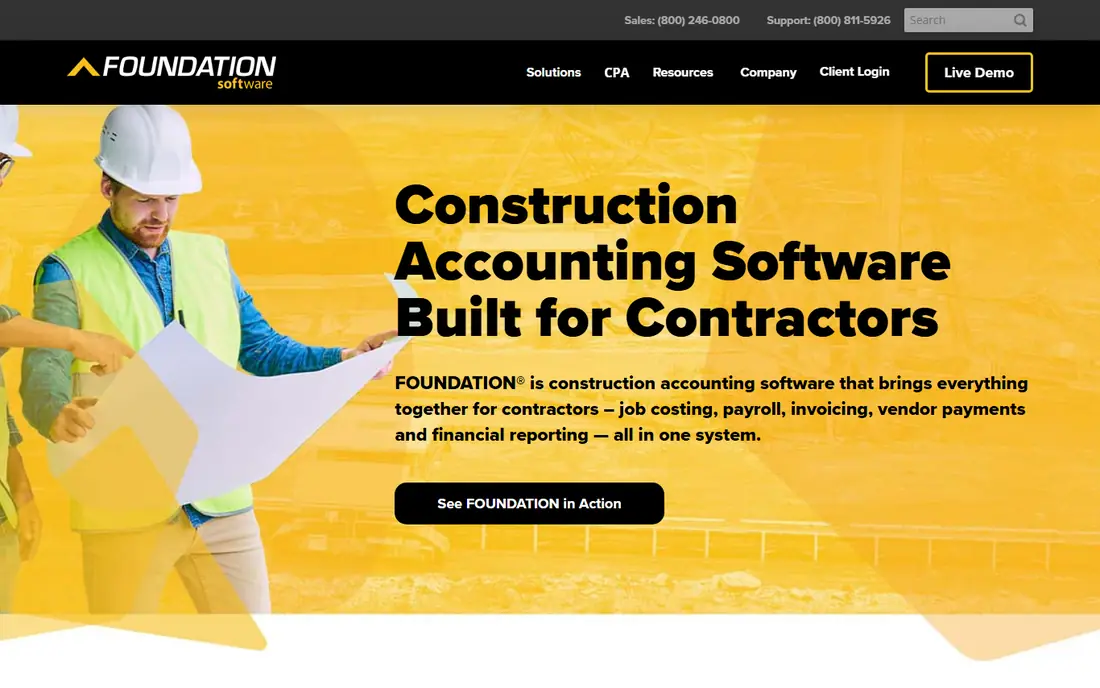
Foundation Software is one of the most construction-specific tools in this list. Certified payroll for Davis-Bacon and prevailing-wage work, union and multi-state payroll, and job costing all live in the same system, rather than being added through a separate tool. Mobile time tracking with GPS stamps helps field crews record hours by job.
Pricing is modular and quote based, so you need a demo and a written quote to compare the first-year total. Foundation suits established contractors with government or union work, multi-state crews, and complex job costing. Small residential shops will likely find it more than they need.
- Certified payroll built in
- Union wage tables and fringe calculations
- Job costing by cost code
- Quote-based pricing
- Implementation takes time
- More system than a small shop needs
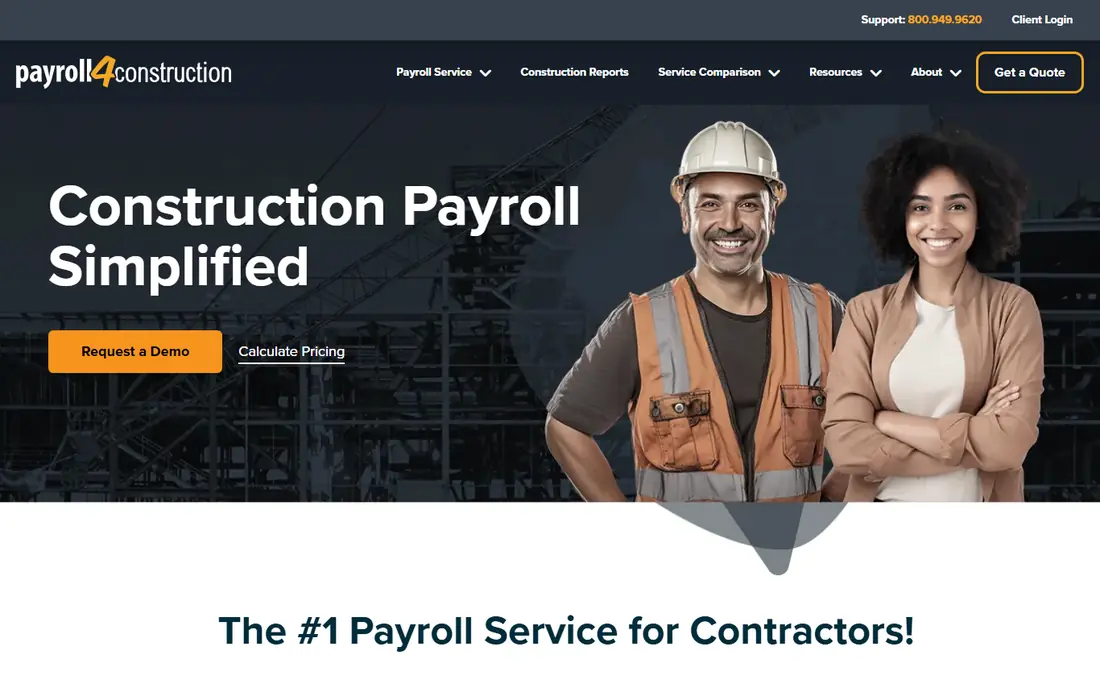
Payroll4Construction suits owners who would rather hand payroll to specialists than hire another office employee. The service model covers construction payroll, reporting, and tax filing, with staff who understand prevailing wage, unions, and job costing. That can save a small contractor many hours each pay period.
The trade-off is control and price transparency. Pricing is quote based, and owners who like to run payroll themselves may prefer a software-only tool. Payroll4Construction is best for owners who want payroll done correctly with less office work, and who are willing to pay for a service rather than only software.
- Payroll handled by specialists
- Construction-specific reporting
- Tax filing support
- Quote-based pricing
- Less self-service control
- Service model may not suit hands-on owners

Deltek ComputerEase suits mid-size contractors who want accounting and payroll in one system, rather than stitching together separate tools. Job costing, payroll, and project accounting share the same data, which reduces double entry and reporting errors. That matters when labor costs must be tracked by job and cost code.
The interface feels older than newer cloud tools, and pricing is quote based. Training is often needed to get the most from the system. Deltek ComputerEase fits contractors who are ready to standardize on one platform for accounting and payroll, rather than shops that want a quick, simple payroll app.
- Accounting and payroll from one vendor
- Job costing
- Construction reporting
- Quote-based pricing
- Older interface than newer tools
- Implementation needs training
Sage 100 Contractor suits small to mid-size contractors upgrading from QuickBooks who need stronger construction features. It combines accounting, payroll, and job costing in a system built for contractors, with reporting that fits construction workflows. That step up helps firms that have outgrown a general accounting tool.
Setup and training take time, and pricing is quote based. Sage 100 Contractor is best for firms with an office team ready to learn a construction system, rather than a one-person shop that needs payroll running this week with no training.
- Construction accounting and payroll
- Job costing
- Payroll reporting for construction
- Quote-based pricing
- Setup takes time
- Desktop focus may not suit all field teams
Miter suits field-heavy crews that want modern time tracking with compliance built in. Workers can record time from the field, managers can review hours by job, and payroll can reflect construction pay rules without a separate spreadsheet. That field-first design helps contractors whose crews rarely visit the office.
Miter is newer than Foundation or Deltek, so firms that need deep construction accounting may still need another system alongside it. Pricing is quote based. Miter fits growing contractors that want a modern, mobile payroll and time system for crews in the field.
- Modern time tracking
- Compliance features built in
- Field-friendly design
- Quote-based pricing
- Newer than established rivals
- Advanced accounting may need another system
Gusto suits small residential trade shops with simple payroll, direct deposit, and tax filing. Simple costs $49 per month plus $6 per person, and higher plans add HR tools, benefits administration, and multi-state support. Setup is fast, the interface is clear, and support is easy to reach for small teams.
Gusto does not handle Davis-Bacon certified payroll on its own, so contractors on public work will need another tool or service for that reporting. Gusto is best for small shops with straightforward pay, no union fringes, and no prevailing-wage jobs. If your work changes to public jobs, plan for a construction-specific tool.
- Simple setup
- $49 per month plus $6 per person on Simple
- Benefits and HR tools on higher plans
- No built-in Davis-Bacon certified payroll
- Construction reporting is limited
- Per-person fees add up
QuickBooks Payroll suits contractors who already run QuickBooks Online, since payroll data flows into accounting without double entry. Published pricing lists Workforce Core at $50 per month plus $6.50 per employee in current comparisons, with a free trial. Time tracking and HR features are available on higher plans.
As with Gusto, certified payroll for prevailing-wage work is not a built-in strength, and contractors on public jobs should check what extra reporting they will need. QuickBooks Payroll is best for firms already committed to QuickBooks who want payroll in the same system, rather than firms shopping for construction compliance first.
- Native QuickBooks integration
- Tax filing included
- Time tracking on higher plans
- Certified payroll needs extra steps
- Per-employee fees add up
- Plan choice can confuse buyers
OnPay suits small businesses that want one clear price and full-service tax filing. Payroll Essentials costs $49 per month plus $6 per worker, with bundles adding time tracking and HR support at higher prices. The service files taxes, handles direct deposit, and supports multi-state payroll, which covers most small contractor needs.
OnPay does not offer built-in Davis-Bacon certified payroll, so public-work contractors will need another solution for that reporting. OnPay is best for small residential and commercial shops with simple pay rules that want a predictable monthly bill and fast setup.
- One flat rate structure
- $49 per month plus $6 per worker
- Tax filing included
- First month free in published terms
- No built-in certified payroll
- Limited construction-specific features
- Add-ons cost extra
How we picked these
We compared official pricing pages, construction payroll comparisons, and product documentation for certified payroll, union pay, and job costing. We favored tools with a working US payroll service, clear pricing or a quotable contract, and a real construction use case. We used See website where pricing is quote based, and we noted where a general tool lacks certified payroll rather than implying it covers that work.
How to choose construction payroll software
Start with the jobs you actually run. If you work on public or union jobs, certified payroll, prevailing wage, and fringe calculations are requirements, not nice extras. Choose a construction-specific tool such as Foundation, Payroll4Construction, or Deltek for that work. If you only run private residential jobs with simple hourly pay, a general tool such as Gusto or OnPay may be enough.
Next, check time tracking and job costing. Field crews need a simple way to record hours by job and cost code, and the office needs to see labor costs by project without rebuilding spreadsheets. Test the mobile time app with your foremen before buying, since a tool that crews will not use will not give you clean payroll data.
Get the total cost in writing
Construction vendors often quote rather than publish prices, so get a written first-year total that covers software, implementation, training, and per-employee fees. Ask about certified payroll reports, union updates, multi-state filing, and year-end forms, and confirm which items cost extra. A low software price with high implementation fees is not a low total cost.
Frequently asked questions
What is the best payroll software for construction company teams?
Foundation Software suits established contractors with union or government work, while Gusto and OnPay suit small residential shops. The best choice depends on whether you need certified payroll and union pay. Public-work contractors should choose a construction-specific tool.
What is the best construction payroll software for certified payroll?
Foundation Software, Payroll4Construction, and Deltek ComputerEase offer construction-specific certified payroll support. General tools such as Gusto, QuickBooks Payroll, and OnPay do not handle Davis-Bacon certified payroll on their own. Check the certified payroll feature before buying for public work.
How much does construction payroll software cost?
Gusto Simple costs $49 per month plus $6 per person, OnPay costs $49 per month plus $6 per worker, and QuickBooks Payroll starts at $50 per month plus $6.50 per employee in current comparisons. Construction-specific tools such as Foundation are quote based, so get a written first-year total.
Can QuickBooks handle construction payroll?
QuickBooks Payroll handles general payroll for contractors already on QuickBooks, with tax filing and time tracking on higher plans. It does not offer built-in Davis-Bacon certified payroll as a core strength, so public-work contractors may need extra reporting or a construction-specific tool.
Should a small contractor use a payroll service or software?
A service such as Payroll4Construction suits owners who want payroll handled by specialists. Software such as Gusto or OnPay suits owners who want to run payroll themselves with a simple tool. Choose based on your time, your comfort with payroll rules, and whether you need certified payroll.
Sources
See where you really rank - block by block
ProMapRanker scans Google Maps across a grid of your service area. Simple monthly plans from $19, white-label on every plan.
Start freeKeep reading
 zscaler alternatives
Best Zscaler Alternatives in 2026
Looking for zscaler alternatives? We compare 9 SASE and zero trust platforms on architecture, data protection, pricing, and fit for your network and team.
Read → zapier alternatives free
Best Zapier Alternatives Free in 2026
Nine automation tools for zapier alternatives free in 2026, all with genuinely free tiers, plus free plan limits, starting prices and upgrade paths explained.
Read → which platform is best for online reputation
Which Platform Is Best for Online Reputation in 2026
Wondering which platform is best for online reputation? We compare 8 review, listing, and response tools for small and multi-location businesses and agencies.
Read →