 ProMapRanker
Best Payroll Software for Construction in 2026


Small contractors wanting simple full-service payroll · Pricing starts at: $49 per month plus $6 per person
Key takeaways
- Construction payroll is different from office payroll because prevailing wage, certified payroll reports, union rules, and job costing all land in the same pay run.
- Gusto and OnPay suit smaller contractors who want clear published pricing and full-service tax filing without a long sales process.
- QuickBooks Payroll makes the most sense for firms already running QuickBooks, since payroll costs can flow straight into job costing.
- ADP RUN and Paychex Flex suit larger or multi-state crews that need deeper compliance help and dedicated support, with pricing on request.
- Always confirm certified payroll, fringe handling, and state filing coverage for your exact states before you switch providers.
Quick comparison
| Pick | Great for | Pricing starts at | Free tier | |
|---|---|---|---|---|
| Gusto | Small contractors wanting simple full-service payroll | $49 per month plus $6 per person | No | Visit |
 QuickBooks Payroll | Firms already using QuickBooks Online | $50 per month plus $7 per person | No | Visit |
 ADP RUN | Growing and multi-state construction firms | See website | No | Visit |
 Paychex Flex | Crews wanting bundled HR and payroll support | See website | No | Visit |
 Rippling | Tech-minded firms combining payroll, HR, and IT | See website | No | Visit |
 OnPay | Flat, clear pricing for small and mid-size crews | $49 per month plus $6 per person | No | Visit |
 Square Payroll | Hourly crews already using Square | $35 per month plus $6 per person | No | Visit |
 Patriot Software | Budget-minded contractors doing full-service payroll | $37 per month plus $5 per person | No | Visit |
The best payroll software for construction
Construction payroll has to handle workers who move between jobs, pay rates that change by project, and filings that vary by state. The tools below were compared on tax filing, time tracking, job costing, and how clearly each vendor publishes its pricing.
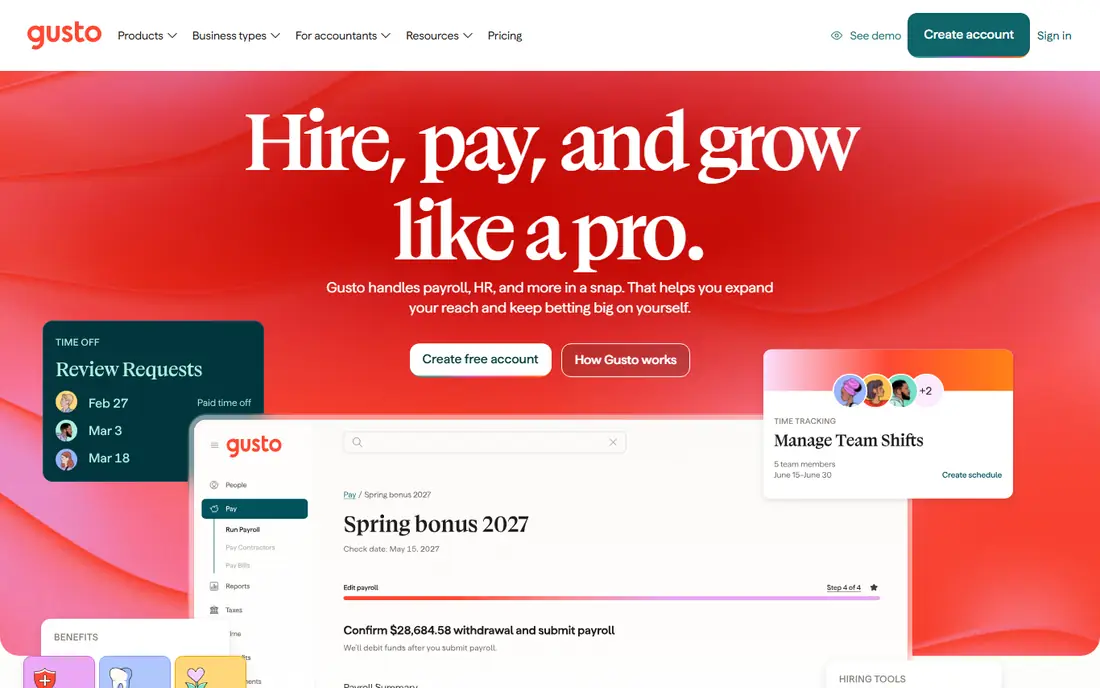
Gusto is our pick for most small construction firms that want payroll handled without a steep learning curve. It calculates pay, files payroll taxes, and supports direct deposit, and it also handles contractor payments alongside employee payroll. That mix matters for firms that use both staff crews and subcontractors during busy periods. The interface is plain and guided, so an office manager can run payroll without payroll training.
The honest catch is depth. Gusto covers the core payroll work well, but firms with complex prevailing wage jobs, union reporting, or heavy job-costing needs may need add-ons or a separate system. Check how your certified payroll forms and fringe benefits are handled during a trial, and confirm that every state where your crews work is covered on your chosen tier.
- Clear published pricing
- Automated federal, state, and local tax filing
- Contractor payments and benefits administration
- Construction-specific reporting is less deep than specialist tools
- Higher tiers needed for some advanced features
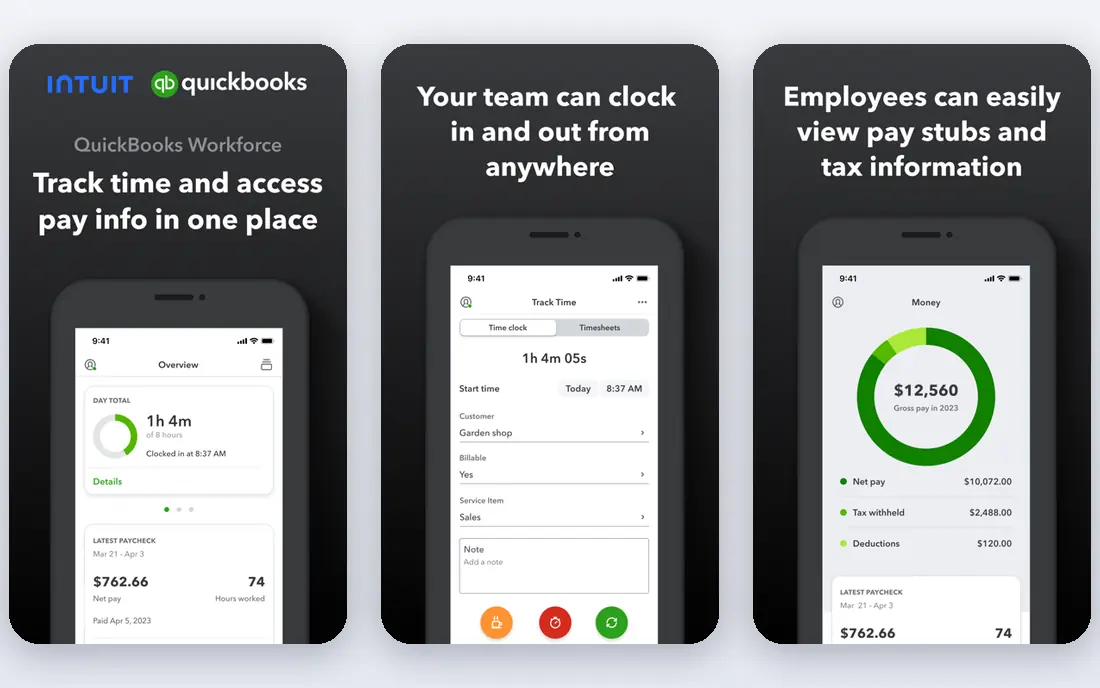
QuickBooks Payroll earns its place because many contractors already keep their books in QuickBooks. When payroll sits in the same system, labour costs can be assigned to jobs and clients with less manual entry, and that makes job profitability easier to read at month end. It offers automated tax filing, direct deposit, and employee access to pay stubs and tax forms. For a firm that already pays for QuickBooks Online, adding payroll is often simpler than running a second platform.
The trade-off is lock-in. If you leave QuickBooks, you also leave this payroll setup, and firms that want deep standalone HR tools may find the feature set thinner. Pricing also rises with headcount and tier, so model the cost at your peak-season crew size, not your winter headcount.
- Payroll inside QuickBooks accounting
- Automated tax filing
- Time tracking and pay runs linked to jobs
- Best value only inside the QuickBooks system
- Standalone HR features are lighter than some rivals
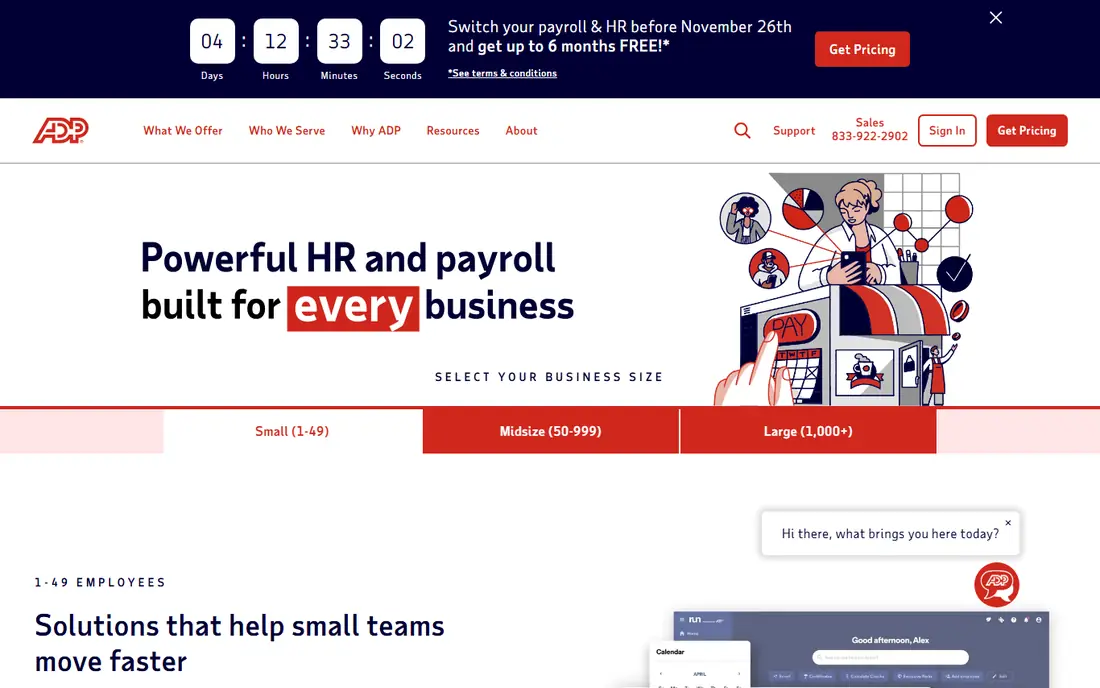
ADP RUN is built for firms that have outgrown a basic payroll app. It handles payroll across states, offers compliance guidance, and adds HR features such as onboarding and time management as a firm grows. That breadth helps a contractor that starts in one state and then wins work across state lines, where withholding rules and filings multiply quickly. ADP also has long experience with larger payroll volumes, which can matter when a crew jumps from 15 to 60 people in a season.
The main drawback is transparency. You will need a quote to know your real price, and add-ons can change the total. Ask for a written quote that includes time tracking, multi-state filing, and any per-run fees, and compare that total against published-price rivals before signing.
- Deep compliance and tax filing support
- Multi-state payroll
- HR tools that scale with headcount
- Pricing is quote-based
- Setup can take longer than simpler tools
Paychex Flex pairs payroll with HR services, which appeals to construction owners who want one vendor for hiring, time tracking, benefits, and pay. Workers can view pay and manage details from a mobile app, which helps crews who rarely sit at a desk. The platform also supports automated tax filing and direct deposit, and support from a dedicated specialist is a real plus when a filing deadline or a wage question comes up mid-project.
As with ADP, the price is not published as a simple flat rate, so you should request a full quote. Confirm what is included on the base plan and what counts as an add-on, especially for time tracking, multi-state filing, and reporting that your public-sector jobs require.
- Full-service payroll plus HR support
- Dedicated specialist support on many plans
- Mobile self-service for workers
- Pricing is quote-based
- Costs vary with add-ons and headcount
Rippling takes a different angle from the classic payroll vendors. It combines payroll with HR and IT tasks such as onboarding, app access, and device management, and it automates many of the steps that usually need manual follow-up. For a construction firm with a central office plus field staff, that automation can cut down on paperwork when someone joins, moves roles, or leaves. Payroll tax filing and direct deposit are included, and the system is designed to grow with the business.
The catch is scope. A ten-person crew may not need device management or deep IT automation, and paying for a broad platform can feel wasteful. Get a quote scoped to payroll and the HR features you will actually use, and skip modules that sound useful but will sit unused.
- Payroll, HR, and device management in one system
- Strong automation
- Good fit for growing teams
- Pricing is quote-based
- Can be more system than a small crew needs
OnPay stands out for pricing honesty. One plan covers unlimited payroll runs, automated tax filing, and benefits administration, which makes budgeting simple for a contractor whose crew size shifts through the year. It supports multiple pay rates and schedules, and it handles the core filings that small firms often get wrong when they do payroll by hand. For many small contractors, that combination is enough.
The limitation is specialisation. OnPay does not market itself as a construction-only tool, so firms with union payroll, certified reports, or complex prevailing wage work should test those workflows closely. If your jobs are mostly private residential or small commercial work, the gap may never matter. If you bid public work often, confirm the reporting fit first.
- Single-plan pricing with unlimited payroll runs
- Automated tax filing
- Benefits administration included
- Fewer specialist construction integrations than larger platforms
- Support is mainly online and by phone
Square Payroll suits small firms that already use Square for payments or point of sale, and for hourly crews with straightforward schedules. The base price is lower than several rivals, and the setup is short. It handles tax filing and direct deposit, and it offers a contractor-only option for firms that pay subcontractors but have few or no employees. That flexibility helps seasonal businesses that scale labour up and down.
The honest weakness is complexity. Square Payroll is not designed for heavy multi-state compliance, union rules, or detailed certified payroll reporting. Firms that grow into larger public projects may outgrow it, so treat it as a strong small-crew choice rather than a long-term enterprise payroll system.
- Low base price
- Simple hourly payroll
- Contractor-only option available
- Less depth for multi-state or union payroll
- Best inside the Square system
Patriot Software
Great for: Budget-minded contractors doing full-service payroll
Patriot Software is the budget pick in this list. Its full-service tier offers tax filing at a lower published price than many rivals, and workers get a free portal for pay stubs and tax forms. The basic tier is cheaper still, but it leaves tax filing to the employer, so most construction firms should price the full-service tier when comparing. Setup is straightforward, and the system suits firms that want payroll done correctly without paying for HR extras.
The trade-off is breadth. Patriot covers payroll well but offers less in the way of HR, benefits, and construction-specific reporting than larger platforms. If your main need is accurate, affordable payroll and tax filing for a small crew, it fits. If you need deep job costing or union handling, pair it with your accounting system or choose a deeper tool.
- Low published full-service price
- Employee portal included
- Straightforward setup
- Basic tier lacks full-service tax filing
- Some features need the higher tier
How we picked these
We compared official pricing pages, feature pages, and public reviews for payroll tools that serve US construction firms, with attention to tax filing, time tracking, multi-state coverage, and job costing. We favoured tools that exist and work today, publish clear pricing or provide a clear quote route, and handle both employees and contractors. We did not claim hands-on testing, and we treated search-result prices as starting points to confirm on the vendor pricing page before purchase.
What to check before you sign up
Start with your hardest jobs, not your easiest ones. List the states where your crews work, the pay rates that change by job, and any prevailing wage or certified payroll forms your public jobs require. Run those exact cases through a trial or a sales demo, and ask how fringe benefits, overtime, and union deductions are handled. A tool that looks cheap on a simple pay run can become costly if it needs manual workarounds every week.
Next, map time to pay. Field crews need a time method they will actually use, whether that is a mobile app, a kiosk, or an integration with a time-tracking tool. Confirm how hours flow into payroll, how corrections are made, and who can approve time. Errors at this stage create pay disputes, so test the approval flow with a foreman, not only with office staff.
Finally, price the full year. Model your peak crew, your winter crew, and any per-person fees, and ask about charges for extra pay runs, state filings, and year-end forms. Confirm who files what, who pays penalties caused by a vendor error, and how you export data if you switch providers later. A clean exit plan is part of a good payroll choice.
Frequently asked questions
What is certified payroll, and do I need it?
Certified payroll is a weekly report, often on federal Form WH-347, that shows workers, hours, pay rates, and deductions on certain public projects. You need it when a public contract requires it, and the exact form and rules depend on the project and the agency. Ask your payroll provider how it produces these reports before you bid that work.
Does construction payroll software handle prevailing wage?
Some tools handle prevailing wage rates, fringe credits, and related reporting better than others, and depth varies a lot. Tell the vendor which wage determinations apply to your jobs and test a sample pay run with those rates. Do not assume a general payroll tool covers every prevailing wage rule for your state.
Can I pay both employees and subcontractors in one tool?
Yes, most tools here support both, but the setup differs. Employees need withholding and tax filings, while contractors usually need 1099 forms and payment tracking. Confirm the per-person fee for each group, since some vendors price contractors differently from employees.
How much does construction payroll software cost?
Small firms often pay from about 35 dollars per month plus a per-person fee, while larger or quote-based platforms vary with headcount and add-ons. Your total depends on crew size, states, pay frequency, and extras such as time tracking. Always model peak-season headcount, not only your current crew.
Should I switch payroll providers mid-year?
You can, but plan the timing carefully. Mid-year switches need year-to-date pay, tax, and deduction history moved accurately, or year-end forms will be wrong. Many firms switch at a quarter or year boundary, and they keep the old system readable until year-end forms are filed.
Sources
See where you really rank - block by block
ProMapRanker scans Google Maps across a grid of your service area. Simple monthly plans from $19, white-label on every plan.
Start freeKeep reading
 what’s the best risk software for enterprises
What Is the Best Risk Software for Enterprises in 2026
We compared what’s the best risk software for enterprises on risk registers, controls, third-party risk, and reporting, with pricing notes for large teams.
Read → what's the best pam software for enterprises
What is the Best PAM Software for Enterprises in 2026
Find what's the best pam software for enterprises, with vaulting, session recording, just in time access and pricing compared for large enterprise IT teams.
Read → what’s the best grc software
What Is the Best GRC Software in 2026
We compared what’s the best grc software on risk, compliance, audit and vendor risk, so teams can pick a platform that fits their frameworks and budget.
Read →