 ProMapRanker
Best Payroll Automation Software in 2026

Key takeaways
- Gusto suits US small businesses that want simple full-service payroll, tax filing and benefits in one system.
- Rippling suits growing teams that want payroll inside a wider HR and IT platform.
- Deel suits teams hiring contractors or employees across countries, where local compliance matters most.
- OnPay and Patriot Software suit budget-conscious teams that want full-service basics without a large platform.
- Compare base fees plus per-person fees at your real headcount, since a low base price can still cost more at scale.
Quick comparison
| Pick | Great for | Pricing starts at | Free tier | |
|---|---|---|---|---|
 Gusto | US small business payroll plus HR | $49 per month | No | Visit |
 Rippling | Payroll inside HR and IT | $8 per user per month | No | Visit |
 Deel | Global contractors and employees | $49 per month | No | Visit |
 OnPay | Simple full-service payroll | $40 per month | No | Visit |
 Patriot Software | Budget full-service payroll | $17 per month | Free trial | Visit |
 Square Payroll | Square-based businesses | $35 per month | No | Visit |
 QuickBooks Payroll | QuickBooks Online users | $45 per month | No | Visit |
 ADP Run | Growing businesses with complex needs | See website | No | Visit |
The best payroll automation software in 2026
We compared payroll tools that automate pay runs, tax calculations and filings, direct deposit, contractor payments and year-end forms. The best tool depends on team location, headcount, benefits needs and whether HR or IT work should live in the same system as payroll.
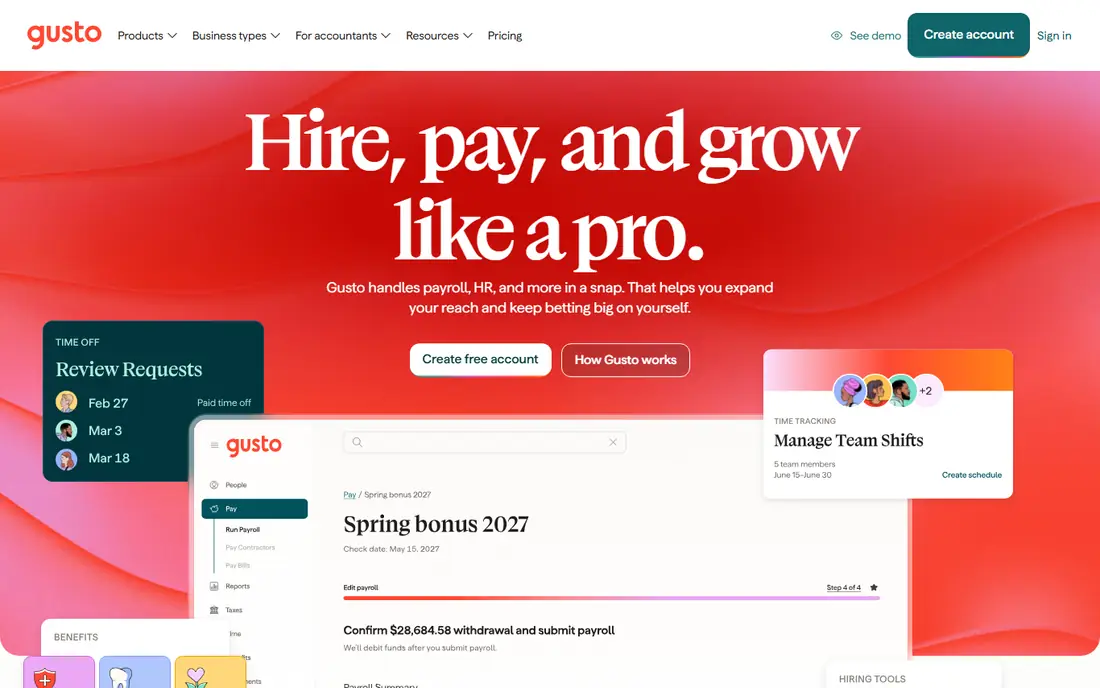
Gusto fits a typical US small business that wants payroll to run with little manual work. The Simple plan covers full-service federal and state tax filing, direct deposit, contractor payments and employee self-onboarding, where staff enter tax and bank details themselves. Benefits administration, time tracking and workers compensation add-ons turn it into a light HR suite without a second vendor. The catch is scale and geography. The base fee plus per-person fee means a very small team pays a notable monthly amount for a small pay run, and a team hiring abroad will need a second solution for international staff. For US teams of roughly five to one hundred people, Gusto remains the easiest recommendation in this list.
- Full-service US tax filing
- Simple setup
- Benefits and onboarding tools
- Per-person fees add up at scale
- International payroll is limited compared with global tools
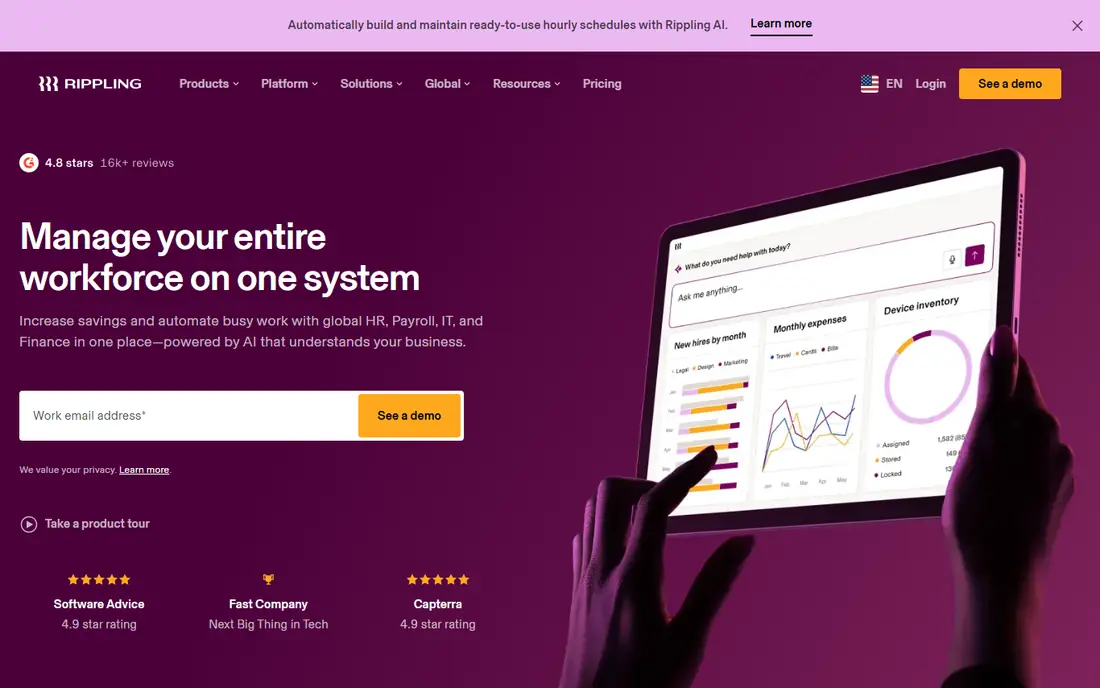
Rippling fits growing teams that want one system for HR, IT and payroll. When a new hire starts, Rippling can set up payroll, benefits, device shipping and app access from one workflow, which saves time for operations teams. Payroll automation covers tax filing, direct deposit and reporting, while HR and finance modules can be added as the team grows. The catch is pricing and implementation. The starting per-user price covers the base platform, and payroll and other modules add cost, so buyers must get a full quote for their actual module mix. Setup also takes more time than a simple payroll signup. Rippling is worth it when unification saves real operations time, not when payroll alone is the need.
- Unified HR, IT and payroll
- Automated onboarding
- Device and app provisioning
- Modular pricing can raise the total bill
- Setup is heavier than a simple payroll tool

Deel fits teams hiring contractors or full employees outside their home country. It handles contractor payments, local tax and compliance documents, and employer of record services where a team needs to employ staff without setting up a local entity. That global coverage is the main reason to choose Deel over a US payroll tool. The catch is fit for a domestic team. A purely US team will get less value from global features and may find US payroll tools simpler and cheaper. Deel pricing also varies by service, with contractor plans far cheaper than employer of record plans, so buyers should compare the exact service they need, not a headline price.
- Contractor payments in many countries
- Employer of record services
- Local compliance support
- US-only teams may find it more than they need
- Employer of record pricing is high per hire
OnPay fits small businesses that want full-service payroll without a large HR platform. It covers tax filing, direct deposit, contractor payments and year-end forms, with multi-state payroll included rather than locked behind a higher tier. That simplicity helps owners who run payroll in several states and do not want to check tier rules each time they hire. The catch is breadth. OnPay HR and benefits tools are more basic than Gusto or Rippling, so teams that want a full HR suite may need a second tool. For payroll-first buyers, OnPay offers a clean balance of full-service filing and predictable pricing.
- Full-service tax filing
- Multi-state payroll without tier jumps
- Simple pricing
- Fewer HR extras than Gusto or Rippling
- Benefits tools are more basic
Patriot Software fits budget-conscious teams that want full-service basics at a low base price. Its payroll plans cover pay runs, tax calculations and filings, direct deposit and year-end forms, with a simple interface that suits owners without payroll experience. The low entry price makes it appealing for very small teams. The catch is scope. Patriot is not a full HR platform, and buyers should check which tax filing, benefits and reporting features sit in the plan they choose. Per-worker fees also add to the base price, so a growing team should model total cost at its next headcount, not just the entry price.
- Low starting price
- Full-service tax filing option
- Simple interface for small teams
- Advanced HR features are limited
- Per-worker fees still apply on top of the base fee
Square Payroll fits shops, cafes, salons and other businesses already using Square for sales and time tracking. Hours can flow from Square time tools into payroll, tax filing is full-service, and staff can manage pay and benefits from a simple interface. That link between sales, time and pay saves manual entry for hourly teams. The catch is ecosystem fit. Businesses that do not use Square will get less value, and per-person fees still apply. Square Payroll is strongest for Square users with hourly staff, shift work and a need for simple, connected payroll.
- Works with Square point of sale and time tracking
- Full-service tax filing
- Simple team tools
- Best value is tied to Square use
- Per-person fees add up for larger teams
QuickBooks Payroll fits businesses already running QuickBooks Online for accounting. Payroll entries sync to the ledger without manual journals, tax filing is full-service, and contractor payments, benefits and time tracking can be added by tier. That sync helps owners and accountants keep payroll costs, tax liabilities and cash flow in one view. The catch is tiering and promotions. Pricing changes by tier and by promotion, so buyers should check the current plan price and what is included at that tier. Teams that do not use QuickBooks Online will get less value, since the main benefit is the accounting link.
- Native QuickBooks accounting sync
- Full-service tax filing
- Contractor and benefits options
- Pricing varies by tier and promotions
- Best value needs QuickBooks Online
ADP Run fits growing businesses with complex payroll needs, such as multi-state teams, varied pay types, or plans to scale past fifty staff. ADP brings deep compliance experience, payroll tax expertise and HR and benefits options that can grow with the business. For teams expecting rapid growth, that scale matters. The catch is price transparency. ADP Run pricing is quote-based, so buyers must request a proposal and compare it with published-price rivals at the same headcount. Smaller teams may find Gusto, OnPay or Patriot simpler and cheaper, while growing teams may value ADP support and scale.
- Deep payroll and compliance expertise
- Scalable for growth
- HR and benefits options
- Pricing is quote-based
- Setup and support model suits larger teams
How we picked these
We compared official feature pages, pricing pages and public documentation for payroll automation tools in October 2026. We favoured tools with automated tax calculation and filing, direct deposit, contractor payments and year-end forms, rather than manual payroll calculators. We also kept a mix of US small business tools, a global platform, a Square-linked tool, a QuickBooks-linked tool and an enterprise-scale option, so readers can compare fit by location and size. We did not claim hands-on testing, and prices marked as quote-based reflect vendor pages that ask buyers to request a proposal.
What to check before you buy
Start with location and headcount. A US-only tool, a global tool and a multi-state tool solve different problems, and the wrong choice creates manual work later. Model total cost at your current headcount and at your next hiring step, including base fee, per-person fee, contractor fees and benefits add-ons. Also check which states, countries and worker types are covered in the quoted plan.
Tax filing, benefits and integrations
Ask what full-service filing actually includes: federal, state and local filings, new hire reporting, year-end W-2 and 1099 forms, and corrections. Check benefits administration, time tracking, accounting sync and HR tools, since those add-ons change both price and daily work. Run a test pay run with a real mix of salaried, hourly and contractor pay before signing, and check how errors and corrections are handled.
Support, migration and compliance
Ask about migration from your current payroll tool, including employee data, tax history and year-end forms. Check support hours, dedicated support options and how compliance updates are handled when tax rules change. Payroll errors affect staff pay and tax filings, so support quality and a clear correction process matter as much as the monthly price.
Frequently asked questions
What is the best payroll automation software for a small US business?
Gusto is our top pick for a small US business, thanks to simple setup, full-service tax filing and benefits tools. OnPay and Patriot Software are strong budget alternatives when HR extras matter less, while Square Payroll suits businesses already using Square.
How much does payroll automation software cost?
Most US tools charge a monthly base fee plus a per-person fee, so total cost depends on headcount. Gusto starts at $49 per month plus per-person fees, OnPay starts at $40 per month plus per-person fees, and global employer of record services cost far more per hire. Model total cost at your real headcount before choosing.
Can payroll software handle contractors and international staff?
Yes, but coverage varies. Gusto, OnPay and QuickBooks Payroll handle US contractors well, while Deel and Rippling handle contractors and employees across many countries. Choose a global tool when international hiring is part of the plan in the next year, rather than adding a second system later.
Does payroll software file taxes for me?
Full-service payroll tools calculate, file and pay federal, state and local payroll taxes, and produce year-end W-2 and 1099 forms. Check which filings are included in your plan, how multi-state filing is handled, and who is responsible for corrections. Payroll software does not replace professional advice for complex tax questions.
Should I choose a payroll-only tool or a full HR platform?
Choose a payroll-only tool when payroll, tax filing and contractor pay are the main needs and HR work is light. Choose a full HR platform such as Rippling or Gusto Plus when onboarding, benefits, time tracking and IT setup should run from one system. Compare total module cost, not just the starting price.
How hard is it to switch payroll providers?
Switching takes planning, including employee data, pay history, tax filings and year-end forms. Ask the new provider about migration support, parallel pay runs and cutoff dates, and avoid switching in the middle of a quarter if possible. A test pay run before go-live helps catch data errors early.
Sources
See where you really rank - block by block
ProMapRanker scans Google Maps across a grid of your service area. Simple monthly plans from $19, white-label on every plan.
Start freeKeep reading
 zscaler alternatives
Best Zscaler Alternatives in 2026
Looking for zscaler alternatives? We compare 9 SASE and zero trust platforms on architecture, data protection, pricing, and fit for your network and team.
Read → zapier alternatives free
Best Zapier Alternatives Free in 2026
Nine automation tools for zapier alternatives free in 2026, all with genuinely free tiers, plus free plan limits, starting prices and upgrade paths explained.
Read → which platform is best for online reputation
Which Platform Is Best for Online Reputation in 2026
Wondering which platform is best for online reputation? We compare 8 review, listing, and response tools for small and multi-location businesses and agencies.
Read →