 ProMapRanker
Best Payroll and HR Software in 2026


Small US teams that want clear pricing · Pricing starts at: $49 per month plus $6 per person
Key takeaways
- Gusto at $49 per month plus $6 per person is the clearest published starting price for small US teams running payroll in one state.
- Rippling suits growing teams that want HR, payroll, and IT access tied to one employee record, but most modules are quoted.
- ADP and Paychex suit larger or multi-state employers that want a large provider and hands-on support, at quote-based prices.
- Always model the bill at your real headcount, including per-person fees, benefits, and any state registration charges.
Quick comparison
| Pick | Great for | Pricing starts at | Free tier | |
|---|---|---|---|---|
| Gusto | Small US teams that want clear pricing | $49 per month plus $6 per person | No | Visit |
 Rippling | Growing teams that want HR, payroll, and IT in one place | $8 per user per month | No | Visit |
 ADP | Small to large employers that want a large provider | See website | No | Visit |
 Paychex | Growing employers that want guided support | See website | No | Visit |
 BambooHR | Teams that want HR depth first | See website | No | Visit |
 Justworks | Small teams that want a PEO model | See website | No | Visit |
 Deel | Teams hiring across countries | See website | No | Visit |
 Square Payroll | Small teams already using Square | See website | No | Visit |
 OnPay | Small businesses that want simple full-service payroll | See website | No | Visit |
 Patriot Software | Very small businesses that want low cost and simplicity | See website | No | Visit |
The best payroll and HR software
We compared payroll and HR tools on tax filing, employee self-service, benefits, multi-state support, and how clear the total monthly bill really is.
This article gives general information only. It is not financial, legal, or tax advice. Payroll tax rules vary by location and change over time, so check current rules or speak with a qualified professional for your situation.
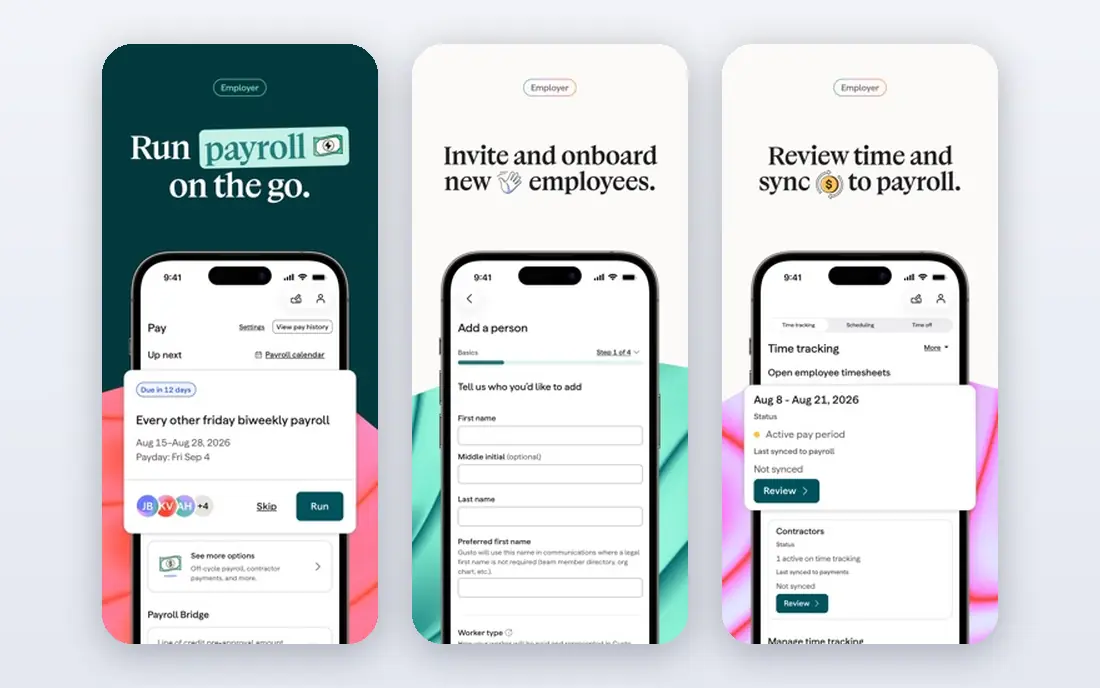
Gusto fits small US businesses that want to run payroll without a sales call or a confusing quote. Its Simple plan covers unlimited payroll runs, tax filings, and year-end forms, and its employee portal makes onboarding and pay stubs easy to find. For a team comparing options on small us teams that want clear pricing, that combination is worth testing with real data, since feature pages alone do not show how daily work feels.
The catch is state coverage. Simple payroll runs in one state, so multi-state teams need Plus or Premium, and state registration can add further charges. Before you commit, check the current pricing page for your team size and confirm trial terms, since prices and limits change. If the tool passes that check, it earns a place on a shortlist of two or three for a proper trial.
- Published pricing
- Automatic tax filings
- Simple employee self-service
- Simple plan covers one state
- Higher tiers add cost quickly
- Limited global payroll
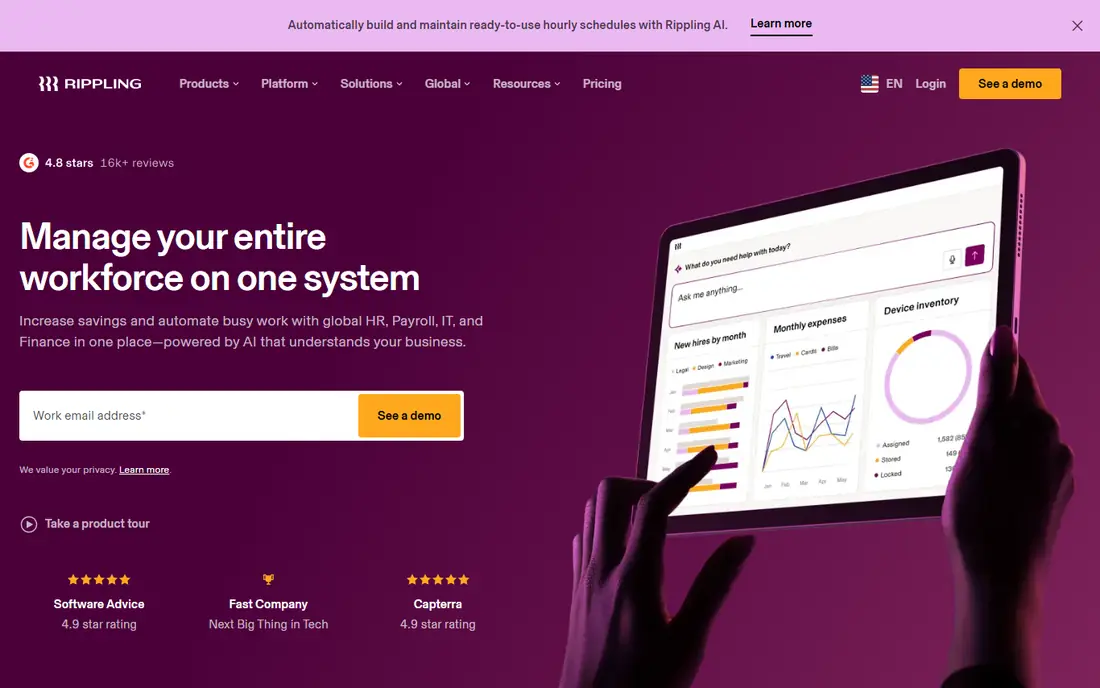
Rippling fits tech-forward teams that hire often and want one change to update payroll, app access, and devices at once. Its automation links onboarding, payroll, benefits, and IT access, which can save a growing team many manual steps each week. For a team comparing options on growing teams that want hr, payroll, and it in one place, that combination is worth testing with real data, since feature pages alone do not show how daily work feels.
The catch is pricing clarity. The platform fee is published, but payroll, benefits, and IT modules are quoted, so ask for an all-in written quote at your headcount. Before you commit, check the current pricing page for your team size and confirm trial terms, since prices and limits change. If the tool passes that check, it earns a place on a shortlist of two or three for a proper trial.
- One employee record across HR, payroll, and IT
- Strong automation
- Global payroll options
- Most modules are quoted
- Setup can be complex
- Total cost rises with each module
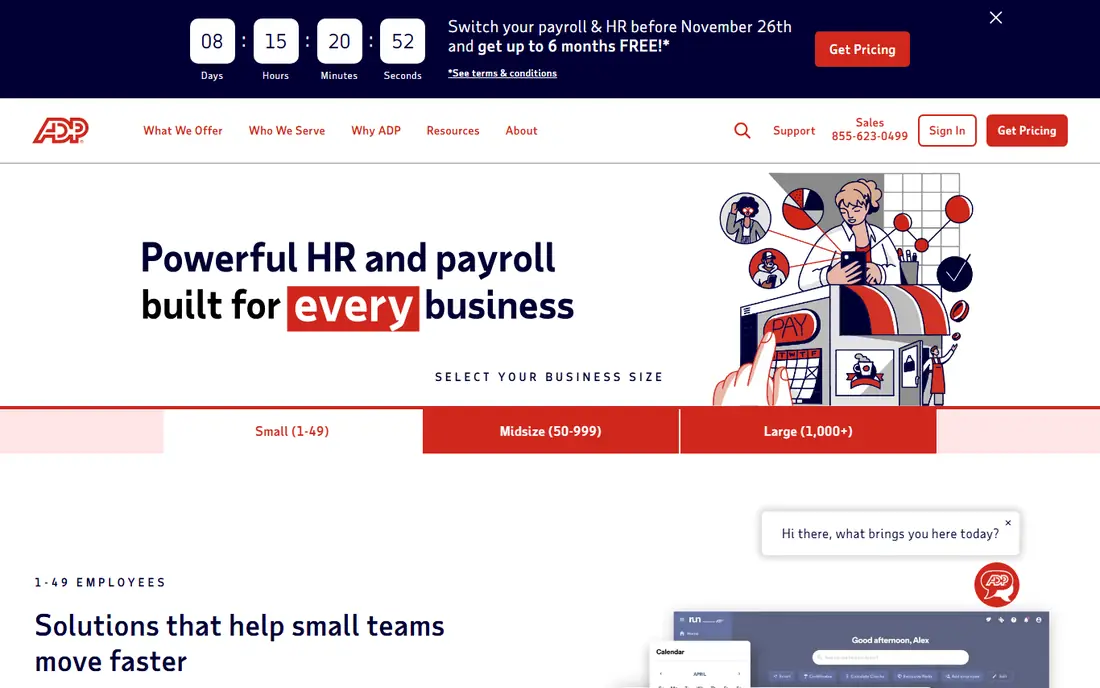
ADP fits employers that want a well-known provider with deep payroll experience and room to grow. Its small-business packages cover payroll, tax filing, and HR support, while larger ADP products serve midsize and enterprise employers. For a team comparing options on small to large employers that want a large provider, that combination is worth testing with real data, since feature pages alone do not show how daily work feels.
The catch is transparency. Pricing is quoted, so compare the written package line by line and confirm what is included for tax filing, HR help, and contractor pay. Before you commit, check the current pricing page for your team size and confirm trial terms, since prices and limits change. If the tool passes that check, it earns a place on a shortlist of two or three for a proper trial.
- Broad payroll and HR coverage
- Multi-state expertise
- Wide integration options
- Quote-based pricing
- Packages can feel complex
- Support quality varies by plan
Paychex fits employers that want payroll handled with human support behind it. Its Flex platform covers payroll, tax filing, time tracking, and benefits administration, with HR services available as the team grows. For a team comparing options on growing employers that want guided support, that combination is worth testing with real data, since feature pages alone do not show how daily work feels.
The catch is the quote process. You cannot see a full price without talking to sales, so get the total in writing and check which HR features are included versus added on. Before you commit, check the current pricing page for your team size and confirm trial terms, since prices and limits change. If the tool passes that check, it earns a place on a shortlist of two or three for a proper trial.
- Payroll plus HR and benefits options
- Multi-state support
- Dedicated service options
- Quote-based pricing
- Add-ons increase the bill
- Setup needs a sales conversation
BambooHR fits teams that care most about employee records, onboarding, and HR reporting. Its clean employee profiles, time-off tracking, and reports help HR teams stay organized as headcount grows. For a team comparing options on teams that want hr depth first, that combination is worth testing with real data, since feature pages alone do not show how daily work feels.
The catch is payroll. In the US, payroll is added to the HR platform rather than built in as the core product, so confirm the combined price and filing coverage. Before you commit, check the current pricing page for your team size and confirm trial terms, since prices and limits change. If the tool passes that check, it earns a place on a shortlist of two or three for a proper trial.
- Strong employee records and reporting
- Onboarding and time-off tools
- Payroll add-on
- Payroll is an add-on in the US
- Pricing is quoted
- Smaller teams may pay for HR depth they do not need
Justworks fits small teams that want help with benefits, compliance, and payroll through a professional employer organization. As a PEO, it can give small teams access to benefits and compliance support that would be hard to arrange alone. For a team comparing options on small teams that want a peo model, that combination is worth testing with real data, since feature pages alone do not show how daily work feels.
The catch is the model itself. A PEO shares employer duties, which suits some teams and not others, so read the service terms and confirm how hiring, benefits, and offboarding work. Before you commit, check the current pricing page for your team size and confirm trial terms, since prices and limits change. If the tool passes that check, it earns a place on a shortlist of two or three for a proper trial.
- PEO support for benefits and compliance
- Payroll and HR in one place
- Access to group benefits
- PEO model changes the employer relationship
- Pricing is quoted
- Less control than direct payroll
Deel fits companies hiring employees and contractors in more than one country. It handles local contracts, payroll, and compliance in many countries, which removes much of the risk of hiring abroad without a local entity. For a team comparing options on teams hiring across countries, that combination is worth testing with real data, since feature pages alone do not show how daily work feels.
The catch is cost structure. Prices vary by country and by whether a worker is an employee or a contractor, so model each location separately. Before you commit, check the current pricing page for your team size and confirm trial terms, since prices and limits change. If the tool passes that check, it earns a place on a shortlist of two or three for a proper trial.
- Global payroll and contractor payments
- Local compliance support
- US payroll options
- Pricing is quoted by country and worker type
- US-only teams may find it more than they need
Square Payroll fits small businesses that already take payments and sell through Square. Payroll data sits close to sales and time tracking data, which can make payday simpler for shops, cafes, and service teams. For a team comparing options on small teams already using square, that combination is worth testing with real data, since feature pages alone do not show how daily work feels.
The catch is HR depth. It covers payroll well but offers less HR, performance, and benefits depth than platforms built around HR first. Before you commit, check the current pricing page for your team size and confirm trial terms, since prices and limits change. If the tool passes that check, it earns a place on a shortlist of two or three for a proper trial.
- Tight Square POS integration
- Simple payroll runs
- Contractor payments
- Fewer HR features than HR-led rivals
- Pricing varies by plan
- Best value inside the Square system
OnPay fits small businesses that want payroll, tax filing, and basic HR tools without a long feature list. It covers payroll runs, tax filings, and year-end forms in one plan, with benefits administration and onboarding included. For a team comparing options on small businesses that want simple full-service payroll, that combination is worth testing with real data, since feature pages alone do not show how daily work feels.
The catch is scale. Larger teams with complex HR programs or global staff may need a bigger platform, but small US teams often find OnPay refreshingly direct. Before you commit, check the current pricing page for your team size and confirm trial terms, since prices and limits change. If the tool passes that check, it earns a place on a shortlist of two or three for a proper trial.
- Full-service tax filing
- Straightforward pricing structure
- Benefits and HR tools included
- Fewer integrations than larger rivals
- Limited global support
- Support hours matter for larger teams
Patriot Software
Great for: Very small businesses that want low cost and simplicity
Patriot Software fits very small businesses and solo owners with a small team and simple payroll needs. Its payroll plans keep the monthly process short, with tax filing and year-end forms covered on full-service plans. For a team comparing options on very small businesses that want low cost and simplicity, that combination is worth testing with real data, since feature pages alone do not show how daily work feels.
The catch is depth. Teams that need performance reviews, advanced benefits, or multi-country payroll will outgrow it, but for basic payroll it keeps costs and complexity down. Before you commit, check the current pricing page for your team size and confirm trial terms, since prices and limits change. If the tool passes that check, it earns a place on a shortlist of two or three for a proper trial.
- Simple payroll setup
- Low-cost plans
- US-based support options
- Fewer advanced HR features
- Limited global payroll
- Reporting is simpler than enterprise tools
How we picked these
We compared official feature pages, pricing pages, and app store listings, along with public user reviews, for each product in this list. We kept only products that exist and work today and that truly fit the topic, and we left prices as See website where a vendor quotes rather than publishes a price.
We also weighed who each product serves best, since the right pick for a large team is rarely the right pick for a solo owner. That focus on fit, price, and honest limits shaped the order and the trade-offs in every product section above.
How to choose payroll and HR software
Start with payroll accuracy, not with extra HR features. Confirm that the provider files federal, state, and local taxes for your locations, handles new hire reporting, and issues year-end forms. A pretty dashboard does not help if a filing is missed.
Count every person who will be paid, including part-time staff and contractors, then add benefits and time tracking. Some plans charge per person, some charge a base fee plus a per-person fee, and some quote a bundle, so compare the same team size across every option.
Check support hours and migration help before you switch. Ask who moves your past payroll data, how long the first run takes, and what happens if a tax notice arrives. Those answers matter more than a long list of optional modules.
Frequently asked questions
What is the best HR and payroll software for a small business?
For a small business, Gusto is often the simplest starting point because its pricing is published and its payroll setup is straightforward. Teams that also need device management or global hiring should compare Rippling and Deel before deciding.
What are the top HR and payroll software options for growing teams?
Growing teams often shortlist Rippling for automation, BambooHR for HR depth, and ADP or Paychex for scale and support. The right pick depends on whether growth means more states, more countries, or more HR programs.
Do payroll tools file taxes for you?
Most full-service payroll tools file federal and state payroll taxes and issue year-end forms, but coverage varies by state and plan. Confirm filing coverage for every state where you have staff before you commit.
What is the best payroll and HR software with strong reviews for contractors?
Gusto, Deel, and Rippling all handle contractors alongside employees, but contractor support differs by country and plan. If most of your team are contractors, compare contractor fees and year-end form support first.
How much does payroll software cost per month?
Costs vary widely, from published small-team plans to quote-based enterprise bundles. Model the base fee plus the per-person fee at your real headcount, and ask about benefits, time tracking, and state registration charges.
Sources
See where you really rank - block by block
ProMapRanker scans Google Maps across a grid of your service area. Simple monthly plans from $19, white-label on every plan.
Start freeKeep reading
 zoho inventory alternatives
6 Alternatives to Zoho Inventory, Compared on Price and Fit
Zoho Inventory alternatives: 6 tools compared on price, free plans and fit. Katana leads the list for manufacturers. Fit and flaws are laid out for each entry.
Read → zoho crm alternatives
Best Zoho CRM Alternatives (2026)
Need Zoho CRM alternatives? We compare 7 tools on cost, free access and who each suits. Every pick gets a straight assessment. Built for quick decisions.
Read → zelle alternatives
Best Zelle Alternatives in 2026
Compare the best Zelle alternatives for sending money to friends, paying sellers and moving funds abroad, with honest notes on fees, speed and safety in 2026.
Read →