 ProMapRanker
Best Payment Processing Software for Small Business in 2026


Selling in person and online together · Pricing starts at: No monthly fee
Key takeaways
- Square suits businesses selling in person and online together because its free plan, point of sale, and hardware work as one system.
- Stripe suits online-first businesses and developers because its API, checkout tools, and billing features are the strongest in this list.
- Helcim and Stax suit higher-volume businesses because interchange-plus or subscription pricing can beat flat rates once volume grows.
- PayPal suits checkout conversion because many buyers already trust it, though its online card rate is higher than Stripe or Square.
- This is general information, not financial advice. Card rates, payout terms, and fees change, so confirm current terms on each vendor page before signing.
Quick comparison
| Pick | Great for | Pricing starts at | Free tier | |
|---|---|---|---|---|
| Square | Selling in person and online together | No monthly fee | Yes | Visit |
 Stripe | Online-first businesses and developers | No monthly fee | No | Visit |
 PayPal | Checkout conversion through buyer trust | No monthly fee | No | Visit |
 Helcim | Interchange-plus without haggling | No monthly fee | No | Visit |
 Stax | Higher-volume subscription pricing | From $99 per month | No | Visit |
 Authorize.net | Established businesses wanting a gateway | From $25 per month | No | Visit |
 Shopify Payments | Stores already on Shopify | No monthly fee | No | Visit |
 Clover | Retail and restaurant point of sale | See website | No | Visit |
 QuickBooks Payments | Businesses already on QuickBooks | No monthly fee | No | Visit |
The best payment processing software for small business
Payment processing software lets a small business accept card, online, and in-person payments, and it decides what each sale costs in fees. We compared official pricing pages, feature pages, and public documentation for processors serving US small businesses in October 2026. Rates below are published list rates before any negotiated volume pricing.

Square is the easiest all-in-one choice for a business that sells at a counter, at a market stall, and online. The free plan includes point of sale software, and a free card reader gets a new seller taking payments the same day. In-person rates run around 2.6 percent plus 15 cents on the free plan, with online and invoice payments around 3.3 percent plus 30 cents in recent listings. Paid Plus and Premium plans lower those rates for a monthly fee per location.
The honest catch is online cost. Square free-plan online rates sit above Stripe, so an online-only store pays more per sale. Account reviews can also hold payouts for some sellers, which is a common complaint across flat-rate processors. For a shop, cafe, or service business selling in person first, Square is the most complete starting point.
- Free plan with point of sale included
- Strong in-person rates
- Hardware and software in one system
- Free-plan online rate is higher than Stripe
- Account holds can affect some sellers
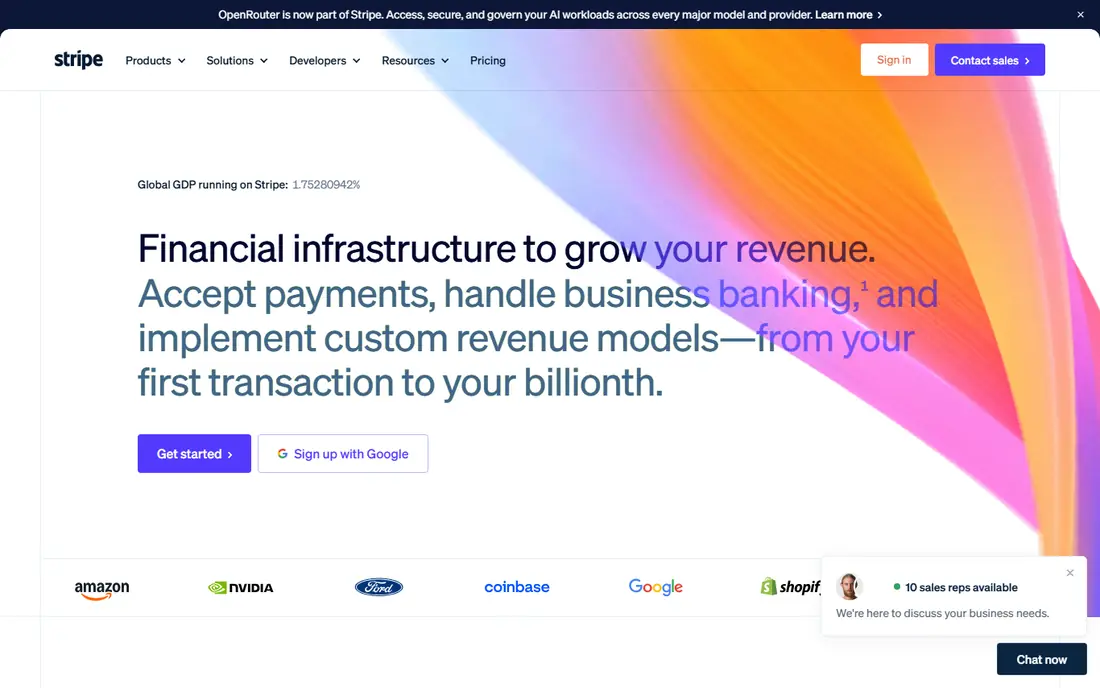
Stripe is the default answer for online payments, and its API is the reason. Developers can accept a first payment quickly, with clean documentation, prebuilt checkout pages, billing tools for subscriptions, invoicing, and tax helpers. Online card rates run around 2.9 percent plus 30 cents per successful domestic transaction, with no monthly fee. In-person payments run around 2.7 percent plus 5 cents, and ACH Direct Debit costs 0.8 percent capped at 5 dollars.
The pricing is simple, which is both the appeal and the trap. Flat rates are easy to budget but cost more at high volume than interchange-plus pricing, though Stripe offers custom volume pricing on request. Setup also needs more technical work than Square for in-person sales. For an online store, platform, or subscription business, Stripe is the one to beat.
- Best developer experience in payments
- Strong checkout, billing, and invoicing tools
- No monthly fee
- Flat rate gets expensive at high volume
- In-person setup needs more work than Square
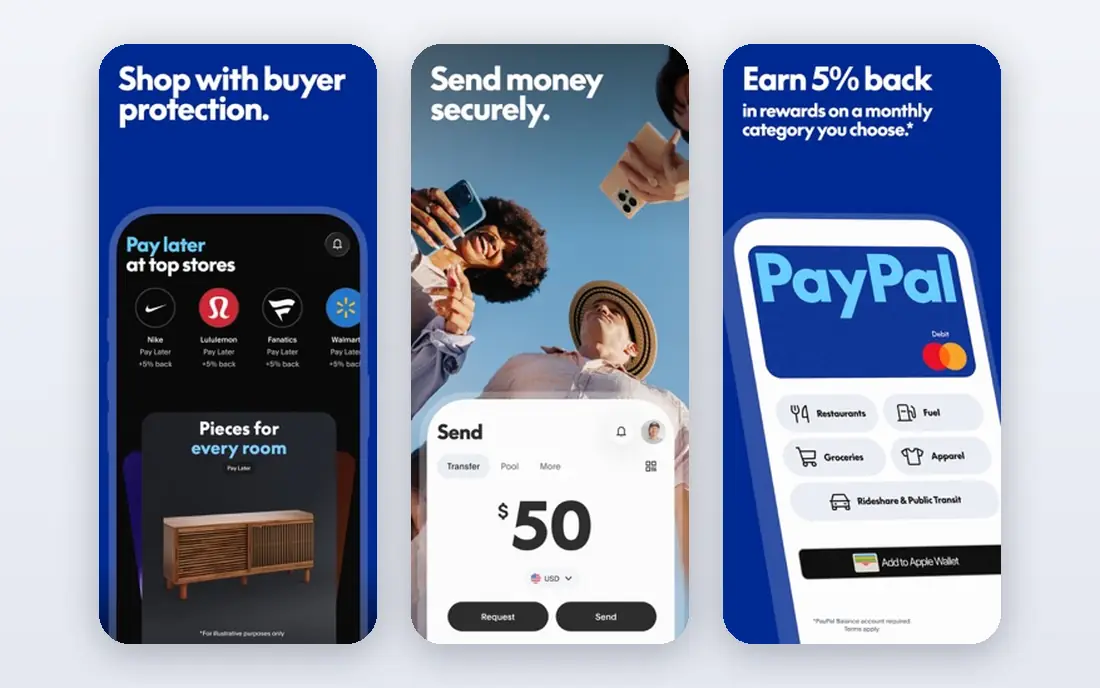
PayPal helps conversion because millions of buyers already hold a PayPal account and trust the checkout button. A small store can add PayPal checkout quickly, with no monthly fee, and buyers can pay with a balance, card, or linked bank. That familiarity matters most for a new store with no brand recognition yet, where a trusted button can turn a hesitant visitor into a buyer.
The cost is higher than rivals for card processing. Online card rates run around 2.89 to 2.99 percent plus 29 to 49 cents depending on the product and current listing, with extra fees for international cards and currency conversion. Chargeback fees also apply. For a store where conversion matters more than the lowest rate, PayPal earns its place alongside Stripe or Square rather than replacing them.
- Buyer trust can lift checkout conversion
- Broad consumer reach
- Simple setup for online checkout
- Online card rate is higher than Stripe or Square
- Extra fees for international cards and chargebacks
Helcim passes card network interchange costs through at cost and adds a markup, with no monthly fee. Recent listings show a markup around 0.50 percent plus 25 cents online and 0.40 percent plus 8 cents in person, with volume discounts as processing grows. That transparency suits a business that wants to see what cards actually cost instead of paying one blended rate for every sale.
The trade-off is comparison effort. Interchange-plus totals vary with card mix, so two months can cost different amounts even at the same sales total. Support is also less round-the-clock than larger rivals. For a growing business past roughly 10,000 dollars per month in card volume, Helcim often beats flat rates, and the math is worth running with real card mix data.
- Interchange-plus pricing with no monthly fee
- Transparent pass-through of card costs
- Volume discounts
- Pricing is harder to compare at a glance than flat rates
- Support hours are more limited than larger rivals
Stax uses subscription pricing: a flat monthly fee, starting around 99 dollars per month, in exchange for interchange-only card processing plus a small per-transaction fee of around 8 to 15 cents. That model favors businesses with enough volume for the interchange savings to cover the monthly fee, often around 20,000 dollars per month and above. Same-day funding and a full payment platform come with the subscription.
For a small shop under that volume, Stax costs more than Square or Stripe with no monthly fee. The subscription only makes sense once the math is run on real volume and card mix. For a higher-volume business tired of flat-rate margins, Stax is one of the clearest subscription options in this list.
- Interchange-only processing with a small per-transaction fee
- Subscription model favors high volume
- Same-day funding options
- Monthly fee only pays off at higher volume
- Smaller businesses pay more than on flat-rate plans
Authorize.net is a classic payment gateway that many established businesses and ecommerce platforms already support. The all-in-one option costs around 25 dollars per month plus 2.9 percent plus 30 cents per transaction, while a gateway-only option pairs with a separate merchant account. That flexibility suits businesses with an existing merchant relationship that only need a gateway.
The drawback is age and effort. Setup involves more steps than signing up for Square or Stripe, and the monthly fee adds cost for a low-volume seller. Modern tools also bundle more point of sale and billing features. For a business already running on a platform that supports Authorize.net, or one that wants a traditional gateway and merchant account split, it remains a dependable choice.
- Classic gateway with broad platform support
- All-in-one option with merchant account
- Long track record
- Monthly fee plus per-transaction rates
- Setup is more involved than modern flat-rate tools
Shopify Payments is the native payment processor for Shopify stores, built into the Shopify admin with no separate gateway needed. Card rates depend on the Shopify plan, starting around 2.9 percent plus 30 cents online on Basic in recent listings and falling on higher plans. Payouts, refunds, and chargebacks all sit inside Shopify, which keeps daily operations in one place.
The limit is scope. Shopify Payments requires a Shopify subscription, so it is not a standalone processor for a non-Shopify business. Using a third-party gateway on Shopify also adds extra transaction fees on top of that gateway's own rates. For a store already committed to Shopify, Shopify Payments is the simplest and usually cheapest path.
- Built into Shopify with no extra gateway
- Card rates fall with higher Shopify plans
- Payouts inside Shopify admin
- Requires a Shopify plan
- Less useful outside Shopify
- Third-party gateways add extra fees on Shopify
Clover, from Fiserv, offers a full point of sale system with counter hardware, handheld devices, and an app marketplace for retail and restaurant tools. In-person rates through resellers commonly run around 2.3 to 2.6 percent plus 10 cents, with software fees from about 15 dollars to 85 dollars per month depending on plan and reseller. That hardware and software depth suits a busy counter or restaurant floor.
Pricing transparency is the weak point. Clover is sold through resellers, so software fees, hardware costs, and processing rates vary by seller and contract. Buyers should get the full contract in writing, including hardware, software, processing, and early termination terms. For a retail or restaurant business that wants a polished counter system, Clover is a strong contender once terms are clear.
- Full point of sale hardware and software suite
- App marketplace for retail and restaurant tools
- Strong counter hardware
- Software fees vary by reseller and plan
- Hardware costs add up
- Pricing is less transparent than Square
QuickBooks Payments lets a business already using QuickBooks Online accept card and bank payments from invoices and payment links, with payments recorded straight into the books. That direct flow saves reconciliation time, since a paid invoice updates the ledger without manual entry. There is no monthly fee for the payments service itself, though a QuickBooks subscription is required.
The catch is rate competitiveness. Flat card rates sit in the same range as Square and Stripe, so high-volume businesses may save more with interchange-plus or subscription pricing. Payout timing also varies by payment type. For a QuickBooks business that invoices clients regularly, the time saved on reconciliation often outweighs a small rate difference.
- Payments flow straight into QuickBooks books
- Invoicing and payment links included
- No separate gateway needed
- Requires a QuickBooks plan
- Rates are flat and less competitive at high volume
- Payout timing varies
How we picked these
We compared official pricing pages, feature pages, and public documentation for payment processors serving US small businesses in October 2026. We favored processors with current published rates or a clear quote process, real small business use, and coverage of online, in-person, or invoice payments. We left out enterprise-only processors and niche high-risk specialists. Where rates conflicted across sources, we used the most recent published figure and noted that negotiated volume pricing can differ.
How to choose payment software without overpaying on fees
Start with how you actually sell. A counter business should weigh in-person rates and hardware, an online store should weigh online rates and checkout conversion, and an invoicing business should weigh invoice rates and bank payment options. A processor that wins on one channel can lose on another, so price your real mix, not a single headline rate.
Next, run the math at your real volume. Take last month's sales, transaction count, and card mix, then price flat-rate, interchange-plus, and subscription models side by side. A flat rate wins under roughly 10,000 dollars per month for most sellers, while interchange-plus and subscription models win above that. Also check payout timing, chargeback fees, early termination terms, and whether the contract locks you in. Those terms matter as much as the headline rate over a year.
Questions to ask before signing
Ask for the full fee schedule in writing, including monthly fees, per-transaction fees, international card fees, currency conversion, chargeback fees, and hardware costs. Ask how long payouts take and what triggers an account review or hold. Ask whether you can leave without penalty and whether your customer and transaction data exports cleanly. A processor that answers plainly is usually safer than one that hides fees in a long contract.
Frequently asked questions
What is the cheapest payment processor for a small business?
It depends on volume and channel. Square and Stripe cost nothing monthly and suit low-volume sellers, while Helcim and Stax often cost less at higher volume once interchange savings cover any monthly fee. Run the math on your real sales and card mix before choosing on price alone.
Do I pay a monthly fee for payment processing?
Not always. Square, Stripe, PayPal, Helcim, and Shopify Payments charge no monthly processing fee, though paid plans and platform subscriptions may apply. Stax charges from 99 dollars per month, and Authorize.net charges from 25 dollars per month for its all-in-one option.
What is interchange-plus pricing?
Interchange-plus passes the card network interchange cost through at cost and adds a fixed markup. It is more transparent than a flat rate and often cheaper at higher volume, but totals vary with the cards customers use. Helcim and Stax use versions of this model.
Can I accept payments without a website?
Yes. Square and Clover offer point of sale hardware and apps for in-person sales, and Stripe, PayPal, and QuickBooks Payments offer payment links and invoices that need no website. Choose the channel that matches how your customers already buy from you.
How fast do I get paid?
Payout timing varies by processor and payment type, commonly from same-day to two business days for card payments, with bank payments slower. Confirm payout timing and any hold policy in writing before relying on a processor for cash flow.
Should I use PayPal, Stripe, or Square?
Use Square for in-person and omnichannel selling, Stripe for online-first selling and developer control, and PayPal alongside either when buyer trust matters for conversion. Many small businesses run two processors, one for the counter and one for online checkout, rather than forcing one tool to cover both.
Sources
See where you really rank - block by block
ProMapRanker scans Google Maps across a grid of your service area. Simple monthly plans from $19, white-label on every plan.
Start freeKeep reading
 zoro.to alternatives
Best Zoro.to Alternatives in 2026
We compare the best zoro.to alternatives in 2026, listing only legal licensed anime streaming services, from Crunchyroll to free options for fans today.
Read → zip alternatives
Best Zip Alternatives in 2026
We compare the best zip alternatives for buy now, pay later in 2026, covering pay-in-4 plans, fees, spending limits, and credit reporting options today.
Read → yesware alternatives
Best Yesware Alternatives in 2026
Compare the best yesware alternatives for sales email tracking, templates, and sequences, with current pricing and honest tradeoffs for small sales teams.
Read →