 ProMapRanker
Best Payment Apps for Freelancers in 2026

Key takeaways
- PayPal and Square suit freelancers whose clients already use those brands, while Wise and Payoneer often suit international work better.
- Stripe is the strongest choice for freelancers who want polished payment links and recurring billing, but it needs more setup than a simple wallet.
- Free invoicing tools such as Wave and Zoho Invoice can cover solo billing without a monthly fee, though card processing fees still apply.
- No single app is cheapest for every payment, since fees depend on card type, currency, country, and payout method.
- Check the current fee page for your exact payment type before you quote a client, and keep a second payment option ready for clients who prefer it.
Quick comparison
| Pick | Great for | Pricing starts at | Free tier | |
|---|---|---|---|---|
 PayPal | Clients who already use PayPal | Free | Yes | Visit |
 Wise | International transfers | Free | Yes | Visit |
 Stripe | Payment links and subscriptions | Free | Yes | Visit |
 Payoneer | Marketplace and global payouts | Free | Yes | Visit |
 Square Invoices | Invoicing plus in-person cards | Free | Yes | Visit |
 Wave | Free invoicing for solo freelancers | Free | Yes | Visit |
 Zoho Invoice | Free invoicing with time tracking | Free | Yes | Visit |
 Revolut Business | Multi-currency business account | Free | Yes | Visit |
 Airwallex | Global business payments | Free | Yes | Visit |
The best payment apps for freelancers
Getting paid is part of the work, and the wrong payment tool can eat into every invoice. The apps below cover the main freelancer needs: sending a professional invoice, taking a card, receiving money from another country, and tracking what has been paid.
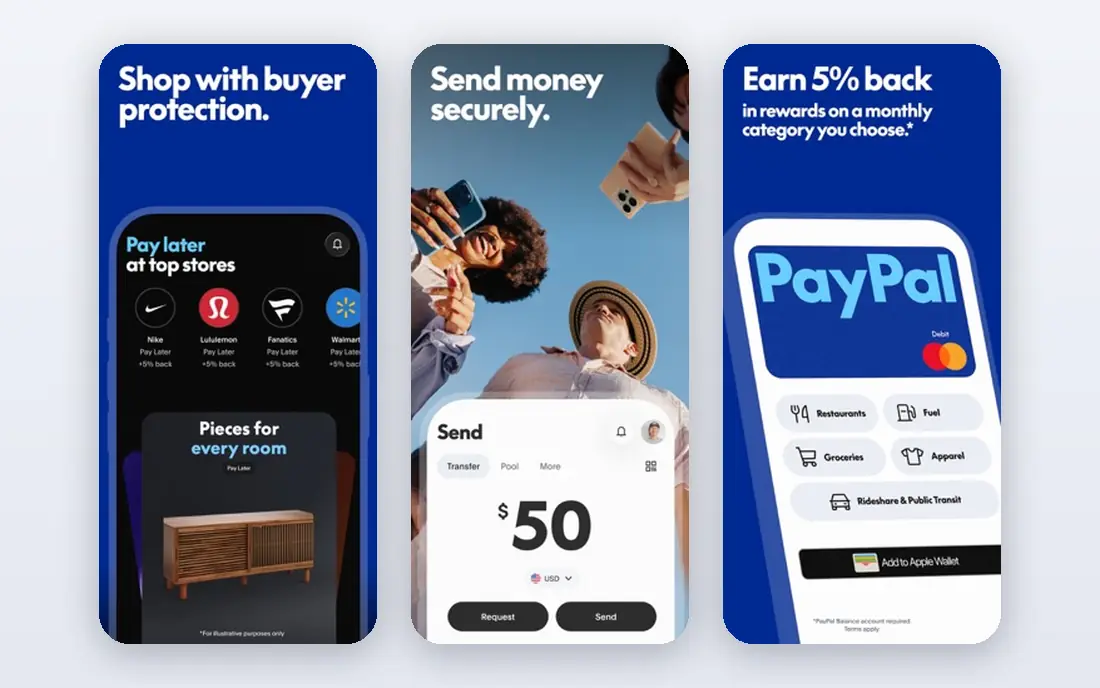
PayPal remains the default for many freelancers because clients rarely need instructions to pay. You can send an invoice, share a payment link, and receive funds without asking a client to create a new account for a niche tool. That familiarity often means faster payment, which matters more than a small fee difference on a single invoice.
The catch is cost on international and card payments. Domestic card and cross-border fees, plus currency conversion, can take a noticeable share of larger invoices. Use PayPal where client convenience matters most, and compare Wise or Payoneer for large recurring international payments.
- Almost every client recognizes the brand
- Invoicing built in
- Fast payment from PayPal balance to PayPal account
- Card and cross-border fees can be high
- Currency conversion markup adds cost on international invoices

Wise suits freelancers with clients abroad because it lets clients pay as if they were paying a local account in that currency. You receive in dollars, euros, pounds, and other currencies, then convert at the mid-market rate with a variable fee that Wise shows before you confirm. That transparency makes it easier to quote accurately.
Wise is less of a storefront than Stripe or Square, since its strength is moving money across borders at a fair rate. If your work is mostly domestic card payments, another tool may fit better. If your clients sit in three countries, Wise often earns its place as your second payment option.
- Local account details in several currencies
- Mid-market exchange rate with an upfront fee shown before you send
- No monthly fee for a basic account
- Not a full invoicing and card checkout tool for every business type
- Transfer speed varies by currency and route
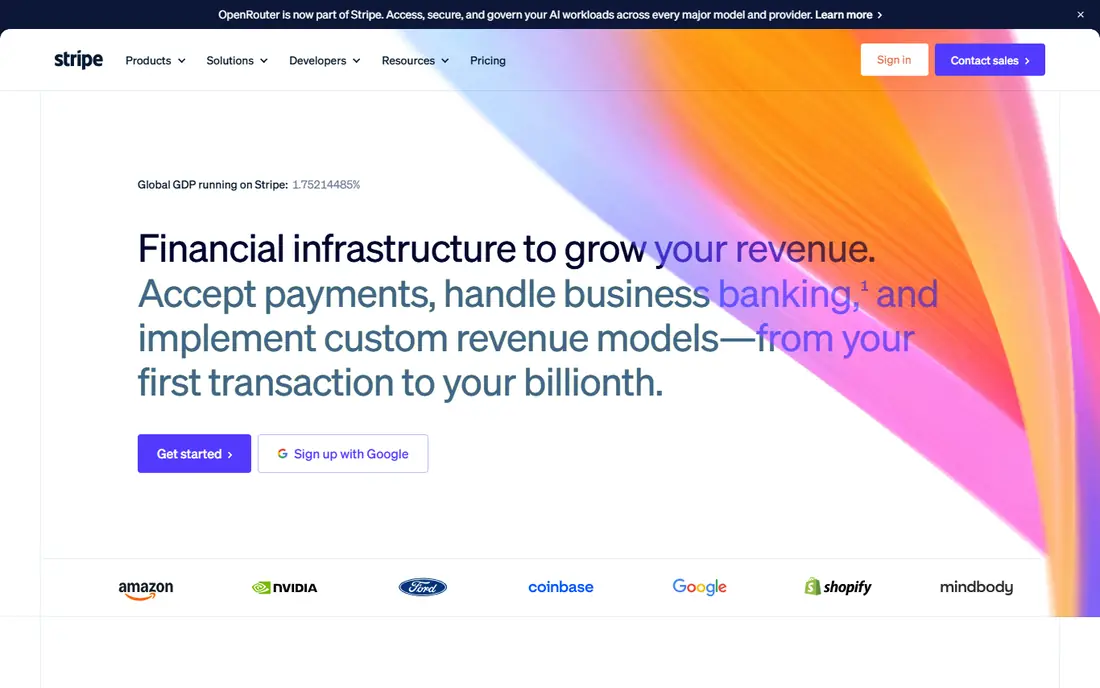
Stripe is the choice for freelancers who want payments to look professional and run with little manual work. Payment links let a client pay without a full website, invoices can be branded, and subscriptions handle retainers and monthly packages. That range makes Stripe useful as a solo business grows from one-off projects to ongoing work.
The trade-off is setup time and fee detail. You will need to connect a bank account, verify your business details, and check fees for international cards and currency conversion. Once that is done, though, Stripe is one of the most flexible tools on this list for freelancers who bill regularly.
- Polished payment links, invoices, and recurring billing
- Wide card and payment method support
- No monthly fee to start
- Setup takes more effort than a wallet app
- Per-transaction card fees apply, with extra fees for international cards and currency conversion
Payoneer fits freelancers who work through marketplaces or with clients in many countries. You can receive payments from platforms and direct clients into one account, hold balances in different currencies, and withdraw to a local bank. That single hub is useful when income arrives from several sources each month.
Fees depend on how money arrives and where it goes, so a blanket claim about cost would mislead. Check the fee for your exact route, especially for card payments and currency conversion, before you rely on Payoneer for a large invoice. Used with care, it is a practical global wallet for working freelancers.
- Receiving accounts in several currencies
- Strong for marketplace payouts and direct client payments
- Card available in many markets
- Fees vary by payment method and currency route
- Account terms and annual fees can apply in some cases, so read the current terms
Square Invoices is a strong all-round pick for freelancers who mix online billing with occasional in-person work. The free plan covers unlimited invoices, estimates, recurring invoices, and payment reminders, which is enough for many solo businesses. If you also take card payments at events or client sites, the same account keeps online and in-person income together.
The main cost to watch is the online card rate on the free plan, which is higher than the in-person rate. Bank transfer options can lower that cost for clients who accept them. If you invoice mainly online and never take cards in person, compare Wave or Zoho Invoice before committing.
- Unlimited invoices on the free plan
- Recurring invoices and reminders
- Same account can take in-person card payments
- Online card fee on the free plan is higher than some rivals
- Advanced invoice features sit on paid plans
Wave is built for very small businesses that need invoicing without a monthly subscription. You can create and send invoices, track payments, and keep basic records in one free account. That makes it a good first tool for a new freelancer who wants to look professional without paying for software before income is steady.
Wave earns money from payment processing when clients pay by card or bank, so free does not mean fee-free on every payment. If you need payroll, deep reporting, or multi-user accounting, a paid tool will fit better. For solo invoicing, Wave covers the core job well.
- Free invoicing and accounting basics for small businesses
- Professional invoice templates
- Card and bank payment options for clients
- Card processing fees apply
- Support and advanced accounting features are limited compared with paid accounting software
Zoho Invoice is one of the most generous free invoicing tools for freelancers who bill by the hour. Time tracking, recurring invoices, expense tracking, and automated reminders sit in the free plan, which covers the daily billing workflow for many solo workers. Clients get a portal to view invoices and payment status, which reduces follow-up messages.
The free plan has limits on invoice volume and users, and you still pay gateway fees when clients pay online. If you outgrow Zoho Invoice, Zoho will point you toward its paid accounting products rather than a paid invoice tier. For most solo freelancers, the free plan lasts a long time.
- Free plan with recurring invoices, time tracking, and expense tracking
- Customer portal for clients
- No paid invoicing tier to upsell into
- Payment processing fees depend on your chosen gateway
- Branding on free invoices
- Limited to a set number of invoices per year on the free plan
Revolut Business suits freelancers who want a business account, cards, and multi-currency handling in one place. You can invoice clients, hold different currencies, issue cards for spending, and track expenses without juggling separate banking and payment apps. That consolidation helps when you travel for work or pay suppliers abroad.
The free plan is a starting point, not a full business suite, and allowances for free transfers and exchanges run out. Paid tiers add higher limits, team controls, and bulk payments, which matter more as a solo practice grows into a small team. Check which local account details are offered in your country before you switch your main billing to Revolut.
- Multi-currency accounts and cards in one app
- Invoicing and expense tools
- Team roles and spending controls on paid tiers
- Free plan allowances are limited
- Some features and local account details vary by country and plan
Airwallex is aimed at businesses that receive and spend money across borders, and it fits freelancers who operate as a registered company with international clients. Local account details let clients pay in their own currency, and multi-currency cards help with spending abroad. The platform also connects with accounting tools, which helps at tax time.
The main limit is eligibility: Airwallex is a business product, not a personal wallet, so a freelancer without a business entity may need Wise or Payoneer instead. If you do run a registered business with steady international income, Airwallex is worth comparing against Wise on your most common currency routes.
- Multi-currency accounts and local details for global clients
- Cards and expense tools
- Competitive exchange rates for business transfers
- Built for registered businesses, so solo freelancers without a business entity may not qualify
- Feature availability varies by country
How we picked these
We compared official pricing and feature pages, plus recent freelancer payment guides, and we kept only tools that a freelancer can actually use to invoice, take card payments, or receive international payments in 2026. We favored tools with a free starting point or no monthly fee, since many freelancers need to get paid before they can justify software costs. Fees in this article are described in general terms because card type, country, and currency change the exact charge, and we used See website in the table where a single starting price would mislead.
How to set up payments that clients actually use
Offer two ways to pay, and make the default the easiest one for the client. Most clients will pay quickly if the invoice has a clear total, a due date, and a payment link or button. If you offer only a bank transfer to an unfamiliar account, expect delays and questions, even if the fee is lower.
Price the fee into your rate, not into surprises
Decide whether you absorb card fees or pass them on, and state that choice in your contract and on the invoice. Absorbing a small fee often leads to faster payment, while adding a surprise surcharge after the work is done damages trust. For large international invoices, compare the total cost across Wise, Payoneer, and PayPal for that exact amount and currency before you send the invoice.
Use invoices, reminders, and records from day one
Send an invoice for every project, even for a client who pays by bank transfer, so you have a paper trail for taxes and disputes. Turn on automatic reminders for overdue invoices, and reconcile payments weekly rather than at year end. A simple routine here saves more time than any single app feature, and it makes tax season far less stressful.
Keep a backup payment method ready
Payment holds, account reviews, and regional limits happen, even with well-known providers. Keep a second verified payment option ready, and tell regular clients about it before you need it. That backup also gives you an advantage: if one provider raises fees on your main payment type, you can move that client to the cheaper route without a scramble.
Frequently asked questions
What is the best payment platform for freelancers?
PayPal is the most widely recognized option, Wise often works out cheaper for international transfers, and Stripe suits freelancers who want payment links and recurring billing. The best platform depends on where your clients are, how they prefer to pay, and whether you need invoicing or only a way to receive money.
What is the best payment software for freelancers who invoice a lot?
Square Invoices, Wave, and Zoho Invoice all handle regular invoicing well, with Zoho Invoice offering strong free time tracking for hourly work. If you also need full accounting, pair a free invoicing tool with accounting software rather than expecting one free app to do everything.
Do freelancers need a business account to get paid?
No, many freelancers start with a personal PayPal, Wise, or Square account and invoice as individuals. A business account becomes useful when you need multi-currency accounts, team cards, or cleaner separation between personal and business money, and some providers require a registered business for their business tiers.
How much do payment apps charge freelancers?
Charges vary by payment method, card type, country, and currency, and most providers charge a percentage plus a fixed fee for card payments. Bank transfers and local payments are often cheaper than international card payments, so check the fee page for your exact payment type before you quote.
Is Wise better than PayPal for freelancers?
Wise is often cheaper for international transfers because it uses the mid-market rate with an upfront fee, while PayPal can cost more once card fees and currency conversion are added. PayPal still wins on client familiarity, so many freelancers use PayPal for domestic clients and Wise for international ones.
Can I use Stripe without a website?
Yes, Stripe payment links and invoices let clients pay without a website or online store. You create a link or invoice in Stripe, share it by email or message, and the client pays by card or another supported method.
Sources
- https://www.paypal.com
- https://www.wise.com
- https://www.stripe.com
- https://www.payoneer.com
- https://www.squareup.com
- https://www.waveapps.com
- https://www.zoho.com/invoice/
- https://www.revolut.com/business/
- https://www.airwallex.com
- https://www.jobbers.io/best-payment-gateways-for-freelancers-who-invoice-directly/
- https://personalprofitability.com/best-invoice-app-for-freelancers/
See where you really rank - block by block
ProMapRanker scans Google Maps across a grid of your service area. Simple monthly plans from $19, white-label on every plan.
Start freeKeep reading
 zscaler alternatives
Best Zscaler Alternatives in 2026
Looking for zscaler alternatives? We compare 9 SASE and zero trust platforms on architecture, data protection, pricing, and fit for your network and team.
Read → zapier alternatives free
Best Zapier Alternatives Free in 2026
Nine automation tools for zapier alternatives free in 2026, all with genuinely free tiers, plus free plan limits, starting prices and upgrade paths explained.
Read → which platform is best for online reputation
Which Platform Is Best for Online Reputation in 2026
Wondering which platform is best for online reputation? We compare 8 review, listing, and response tools for small and multi-location businesses and agencies.
Read →