 ProMapRanker
Best Passphrase Generator Apps in 2026

Key takeaways
- A passphrase built from several random words is easier to remember than a string of symbols, and it can still be very hard to guess when the words are truly random.
- The best tools here do two jobs at once: they generate the passphrase and store it in an encrypted vault, so you do not have to memorize every login.
- Free plans from Bitwarden, Proton Pass, KeePassXC, NordPass, and Enpass cover the core job well, while paid plans add sharing, health reports, and extra storage.
- A passphrase is only as strong as its randomness, so use the generator built into the tool rather than picking words you like from a book or a song.
Quick comparison
| Pick | Great for | Pricing starts at | Free tier | |
|---|---|---|---|---|
 Bitwarden | Best overall value | Free | Yes | Visit |
 1Password | Most polished vault | See website | Free trial (14 days) | Visit |
 Proton Pass | Privacy-first choice | Free | Yes | Visit |
 KeePassXC | Fully offline vault | Free | Yes | Visit |
 Dashlane | Built-in security extras | See website | Yes | Visit |
 NordPass | Simple everyday vault | Free | Yes | Visit |
 Enpass | Offline-first with your own sync | Free | Yes | Visit |
 Keeper | Family and business controls | See website | Free trial | Visit |
The best passphrase generator apps
A good passphrase generator app turns a hard security habit into a simple one. These eight tools create word-based passphrases, store them, and fill them in when you need them.
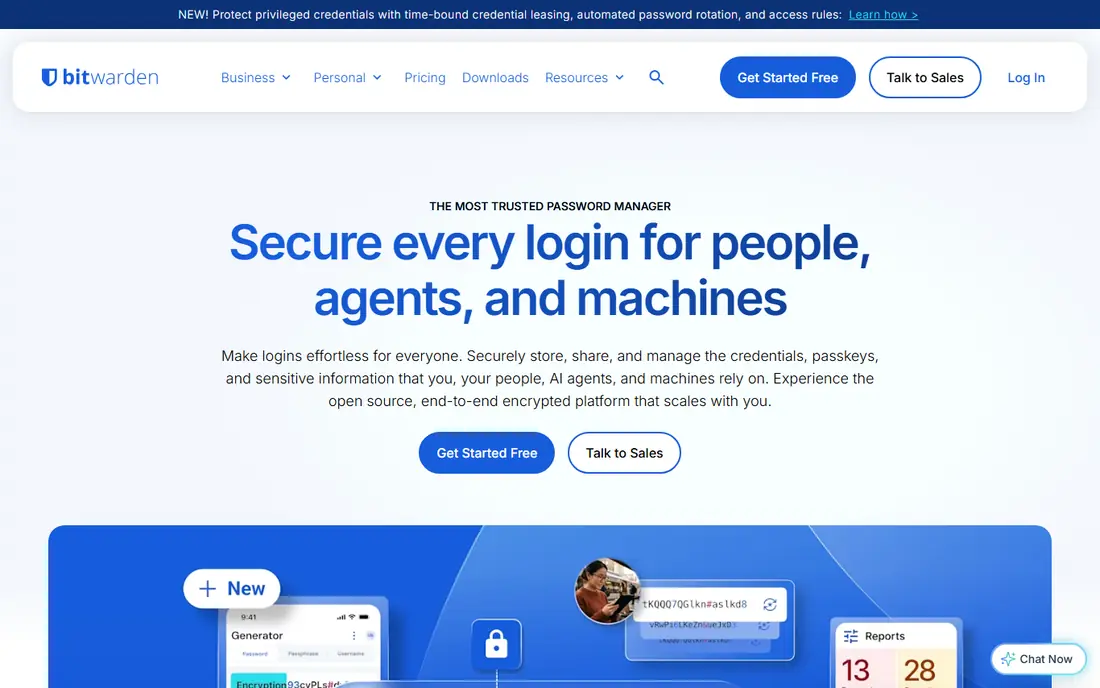
Bitwarden is our pick for most people because it covers the basics without charging for them. Its generator lets you choose a passphrase made of words, set how many words to use, and pick a separator between them. You can also set a minimum number of digits or capital letters if a site demands them, which keeps an awkward password rule from forcing you back to a weak choice.
The vault syncs across phones, computers, and browsers, and the code is open source, so outside experts can inspect how it works. The paid plan adds an integrated authenticator, encrypted file attachments, emergency access, and vault health reports, but you do not need those extras to make strong passphrases. The main trade-off is polish: the apps feel practical rather than pretty, and first-time users may need a few minutes to find every setting.
- Open source code
- Unlimited passwords and devices on the free plan
- Passphrase option with word count and separator controls
- Interface is plainer than paid rivals
- Some extras such as the built-in authenticator sit on the paid plan
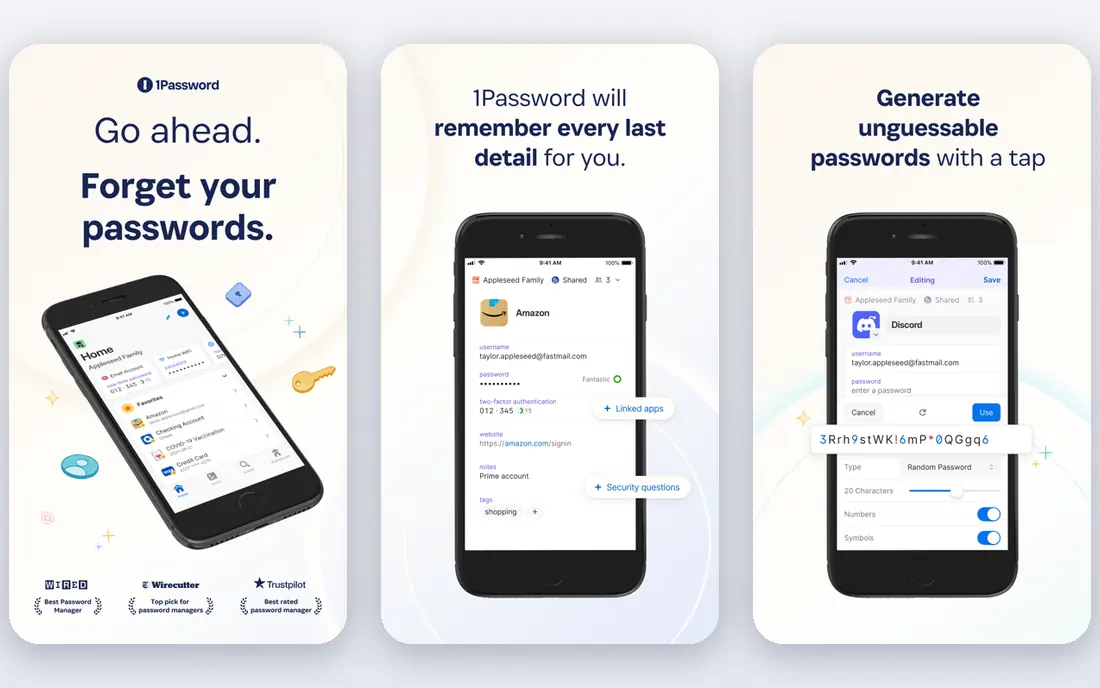
1Password is the choice if you want the smoothest daily experience and you are happy to pay for it. Its generator includes a memorable password mode that builds phrases from words, and you can adjust length and separators to fit a site. Once saved, the item fills in across devices with little fuss, and shared vaults make family or team use straightforward.
Watchtower is the feature that keeps paying attention after setup. It flags weak, reused, and breached credentials, which matters because a strong passphrase on one site still fails if you reuse it everywhere else. The catch is price and the lack of a free tier: you get a 14-day trial, then a subscription. Check the current price on the vendor site before you buy, since first-year offers and renewal rates can differ.
- Clean apps and browser extension
- Memorable password option for word-based secrets
- Watchtower flags weak and reused items
- No permanent free plan
- Subscription cost is higher than Bitwarden Premium
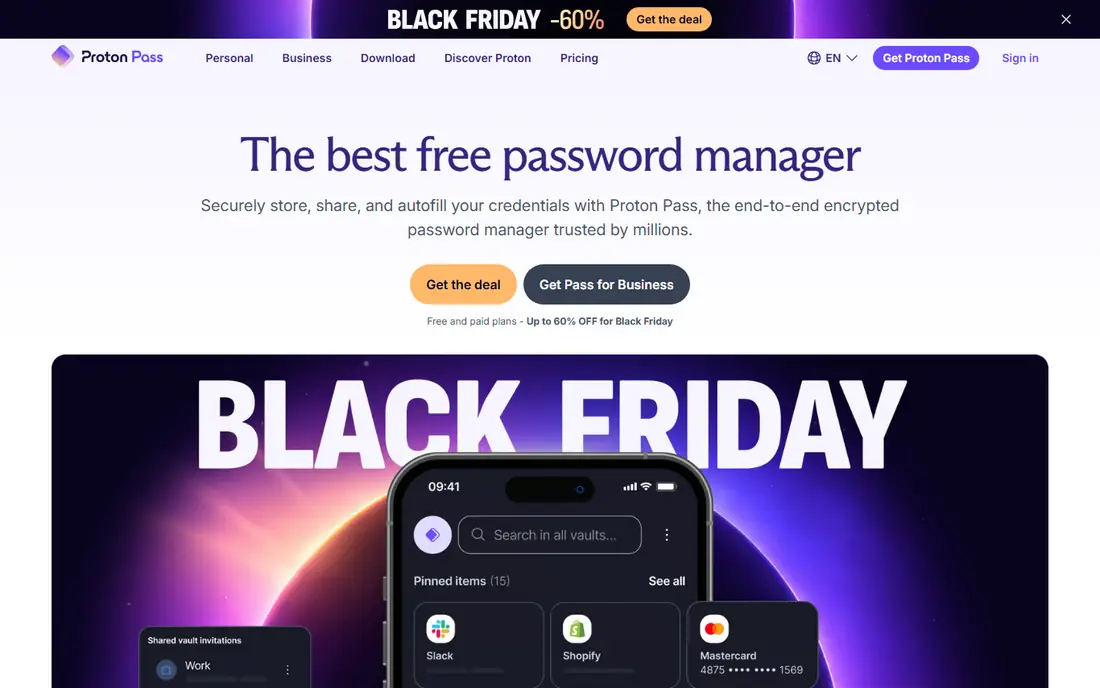
Proton Pass suits readers who already trust Proton Mail or Proton VPN, or who simply want a privacy-focused vault at no cost. The free plan covers unlimited logins and devices plus passkeys, and the generator can build memorable passphrases as well as random character passwords. That mix is useful: use a passphrase for the master password and other secrets you may need to type, and use long random passwords for the rest.
Email aliases are a quiet bonus. They let you sign up for a service without giving out your real address, which cuts spam and limits the damage if that service is breached. The free plan caps aliases, and unlimited aliases plus the integrated authenticator sit behind the paid plan. If you want a simple vault with strong privacy claims and a genuinely useful free tier, Proton Pass is hard to fault.
- Unlimited logins and devices on the free plan
- End-to-end encryption
- Built-in email aliases on paid and limited free use
- Integrated authenticator is a paid feature
- Newer product with a shorter track record than Bitwarden or 1Password
KeePassXC is for people who do not want their vault on someone else's server at all. It stores everything in an encrypted file on your own device, and its generator can build passphrases from word lists, with controls for word count, separators, and added characters. You can see the estimated strength of what you generate, which helps you avoid settling for three short words when five or six would be far stronger.
The price of that control is effort. There is no built-in cloud sync, so if you want the same vault on a phone and a computer, you must move the file yourself through a sync service or a USB drive, and you must keep backups. Browser integration exists, but setup takes more steps than a cloud vault. If that sounds like a fair trade for full control and zero subscription, KeePassXC is the strongest offline pick here.
- Free and open source
- Vault stays in a file you control
- Strong passphrase generator with word lists and entropy display
- No built-in cloud sync
- You handle backups and syncing yourself
Dashlane fits readers who want a password manager plus extra security tools in one subscription. Its generator can create memorable passphrases, and the vault covers passwords, payment details, and secure notes. Paid plans add dark web monitoring and, on some tiers, VPN access, which may suit a household that wants one account for several jobs.
The free plan is the weak point. It works as a way to try the product, but its limits make it a poor long-term home for a large vault, so most readers will need a paid plan. Dashlane also costs more than Bitwarden for similar core features. Choose it if you will actually use the monitoring and extra tools; if you only need passphrases and storage, a cheaper vault does the same core job.
- Password generator with passphrase support
- Dark web monitoring on paid plans
- Built-in VPN on some paid plans
- Free plan is limited
- Paid plans cost more than Bitwarden
NordPass is a good fit if you want a vault that stays out of your way. Setup is short, the generator is easy to find, and you can build a word-based passphrase in a few clicks. Items sync across your devices on paid plans, and the breach scanner can warn you when an email address shows up in a known breach.
The free plan is the main limit to check before you commit. It restricts you to one active device session, which can be annoying if you switch between a phone and a laptop during the day. Paid plans remove that limit and add sharing and health checks. If you mainly use one device, or you plan to pay anyway, NordPass is a simple and solid choice.
- Clean and simple interface
- Passphrase and random password generation
- Breach scanner on paid plans
- Free plan allows only one active device session
- Premium renewal prices vary by offer
Enpass takes a middle path between KeePassXC and a cloud vault. Your vault is stored locally, and you can sync it through a cloud service of your choice, such as a personal drive account, rather than through Enpass servers. The desktop version is free with unlimited items, and the generator can build passphrases as well as random passwords.
That model appeals to readers who want control but still want phone and computer access without moving files by hand. The catch is the mobile side: full features on phones need a paid plan, and the interface is less polished than 1Password. If desktop use is your main habit and you like choosing your own sync storage, Enpass gives you a lot for no money.
- Free on desktop with unlimited items
- Passphrase generator included
- You choose where the vault syncs
- Mobile full features need a paid plan
- Interface feels dated in places
Keeper is worth a look for families and small teams that need clear controls over who can see what. The generator builds passphrases and random passwords, and shared folders plus admin controls make it easier to hand a login to a family member or a colleague without sending it by message or email. Emergency access lets a trusted person reach the vault if something happens to you.
The cost is the honest drawback. Keeper charges more per year than Bitwarden, and there is no permanent free plan, only a trial. For a single user who only needs generation and storage, that is hard to justify. For a household or a small business that will use the sharing, admin, and monitoring features, the price buys structure that cheaper vaults handle less cleanly.
- Strong sharing and admin controls
- Passphrase generation in the vault
- Emergency access and breach monitoring on paid plans
- Higher annual cost than Bitwarden
- Free option is a trial rather than a lasting free plan
How we picked these
We compared official feature pages, pricing pages, and app store listings for tools with a real passphrase or memorable password generator, not just a random character generator. We kept only tools that still work in October 2026, that store the passphrase in an encrypted vault, and that fit ordinary consumers rather than developers alone. Where a price varied by offer or region, we wrote See website instead of guessing a number.
What makes a passphrase strong
Length matters more than cleverness. Four random words are a start, but five or six longer words give an attacker far more combinations to try, and a separator or a digit can help when a site demands one. Avoid words tied to you, such as a pet name, a team, or a birth year, because those narrow the guesses. Let the generator pick the words, and keep the full phrase in your vault rather than writing it on paper or in a notes app.
Store the master passphrase with extra care. It protects every other login, so it should be the longest passphrase you own, and it should never be reused anywhere else. Turn on two-factor authentication for the vault itself, and set up the recovery option your tool offers, such as emergency access or a printed recovery kit kept somewhere safe. If you forget a master password on a zero-knowledge vault, the vendor cannot recover it for you.
Frequently asked questions
What is a passphrase generator app?
It is a tool that builds a secret from several random words, such as correct horse battery staple, instead of a short jumble of characters. Word-based secrets are easier to type and remember, while still being hard to guess when the words are random and the phrase is long enough.
How many words should a passphrase have?
Use at least five or six words for anything important, and more for your master password. Short words and common phrases are weaker, so let the generator choose from a large word list rather than picking words yourself.
Is a passphrase safer than a random password?
A long random passphrase can be as strong as a long random password, and it is often safer in practice because people actually use it instead of reusing a short password. For accounts you never type by hand, a long random password stored in a vault is still an excellent choice.
Can I use the same passphrase on several sites?
No. Reuse is the fastest way to turn one breach into many. Give every account its own passphrase or password, and let the vault remember them so you only need to remember your master passphrase.
What if a site will not accept spaces in a passphrase?
Use the separator control in the generator to join words with hyphens, underscores, or another allowed character. If the site also caps length, use the longest phrase it allows and add a digit or symbol only if the site requires one.
Sources
See where you really rank - block by block
ProMapRanker scans Google Maps across a grid of your service area. Simple monthly plans from $19, white-label on every plan.
Start freeKeep reading
 worlds best local seo company
8 Worlds Best Local SEO Companies for Map Pack Growth in 2026
Compare the worlds best local seo company options for Google Business Profile work, citations, reviews, and multi-location rankings and reporting in 2026.
Read → world's best web hosting company
World's Best Web Hosting Company in 2026
Searching for the world's best web hosting company? We compared 10 hosts on price, renewal rates, speed, and support to help you choose well today in 2026.
Read → who's got the best nanny tax services
Who's Got the Best Nanny Tax Services in 2026
We answer who's got the best nanny tax services, comparing full filing, back taxes, software, and pricing so families can handle nanny taxes correctly.
Read →