 ProMapRanker
Best Parenting Apps in 2026: 9 Apps Compared

Key takeaways
- Cozi is the best all-round family organizer, while BabyCenter and What to Expect lead for pregnancy and baby guidance.
- Huckleberry suits parents who want sleep and feeding patterns explained, not just logged.
- OurFamilyWizard and AppClose serve separated parents who need clear, shared records.
- Check privacy settings before entering a child's name, photo, or health details in any app.
- Family-safety features in this article are for lawful, disclosed parental use only, not for covert tracking.
Quick comparison
| Pick | Great for | Pricing starts at | Free tier | |
|---|---|---|---|---|
 Cozi | Family calendar and lists | $39 per year | Yes | Visit |
 BabyCenter | Pregnancy and baby guidance | Free | Yes | Visit |
 What to Expect | Week-by-week pregnancy help | Free | Yes | Visit |
 Peanut | Connecting with other parents | Free | Yes | Visit |
 Kinedu | Early development activities | See website | Yes | Visit |
 Huckleberry | Baby sleep and feeding tracking | See website | Yes | Visit |
 OurFamilyWizard | Co-parenting records | $149.99 per year | No | Visit |
 AppClose | Free co-parenting tools | Free | Yes | Visit |
 FamilyAlbum | Private family photo sharing | Free | Yes | Visit |
The best parenting apps
We compared official feature pages, pricing pages, and privacy statements for parenting apps that cover family organization, baby care, pregnancy, and co-parenting. We favored apps with clear privacy practices for children's data, and we left out any tool built for covert tracking. Family-safety features here are for lawful, disclosed parental use only.
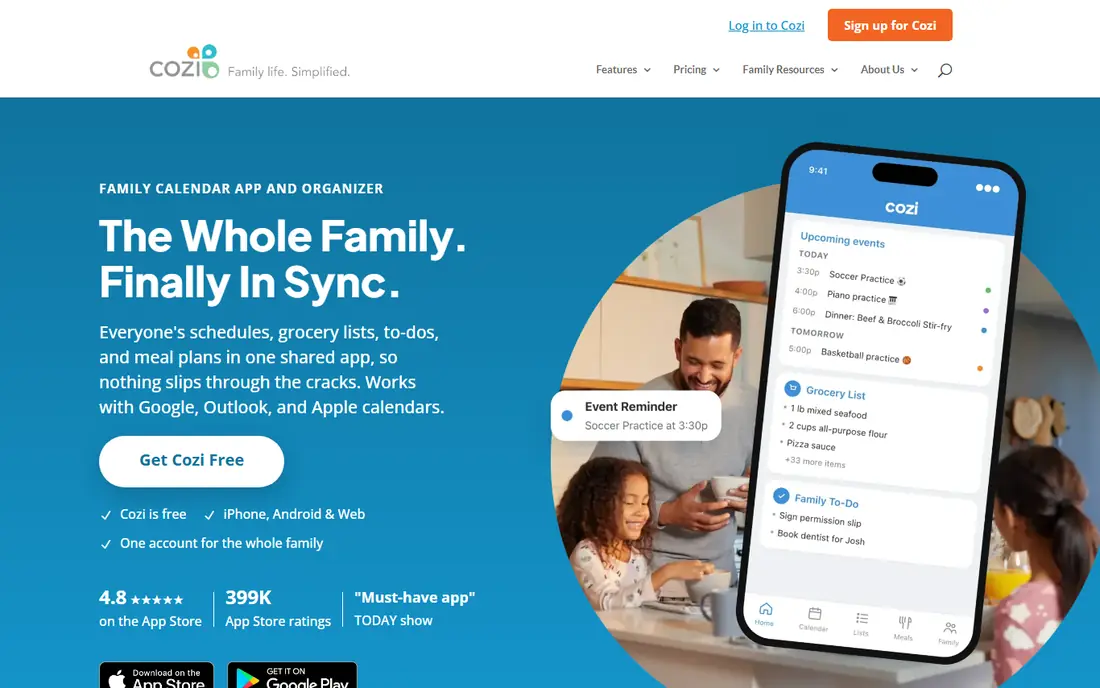
Cozi remains the simplest way to stop the daily question of who is doing what. A shared calendar, color-coded by family member, sits beside grocery lists, to-do lists, and a recipe box, so school pickups, practices, and dinners live in one place. Email agendas can also send each member the day ahead, which helps households where not everyone checks an app.
The free version is usable, but it carries ads and limits the mobile calendar window, which pushes many families toward Gold at $39 per year. Gold removes ads, adds month view on mobile, calendar search, and change notifications. A newer Max tier at $79 per year adds AI meal planning and event import, which most families can skip unless meal planning is a daily pain point.
- Shared color-coded calendar for the whole family
- Grocery lists, to-do lists, and meal planning in one app
- One Gold purchase covers the family
- Free version carries ads and a limited calendar window on mobile
- No in-app messaging between parents
- Meal planning depth is basic without Max
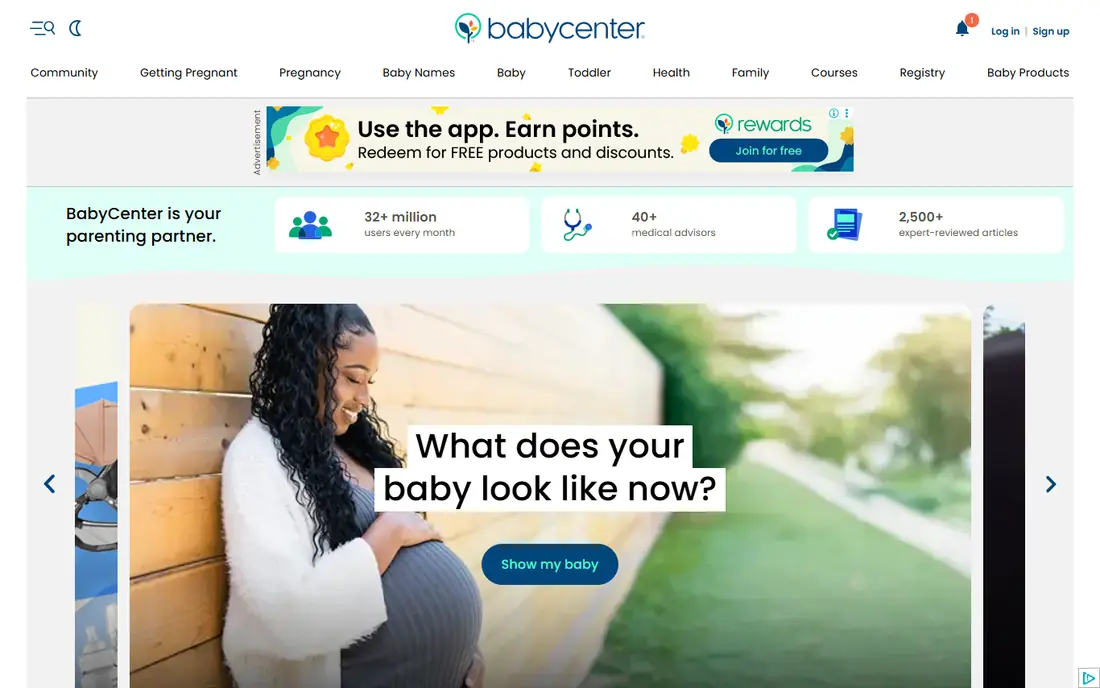
BabyCenter is the reference shelf of this list. Its pregnancy and baby tracker follows development week by week, and its article library covers feeding, sleep, milestones, and common worries in plain language. Parents at the same stage can also join community boards, which helps when a question feels too small for a clinic call but too worrying to ignore.
The limits are the usual ones for a free, ad-supported guide. Articles are general information, not medical advice for your child, and community answers should be checked against a clinician when health is involved. For everyday guidance and reassurance, though, BabyCenter is a strong free starting point, and it costs nothing to keep beside a pediatrician's number.
- Week-by-week pregnancy and baby development guidance
- Large library of expert-reviewed articles
- Community boards for parents at the same stage
- Free app carries ads and partner content
- Guidance is general, not a substitute for a clinician
- Community advice varies in quality
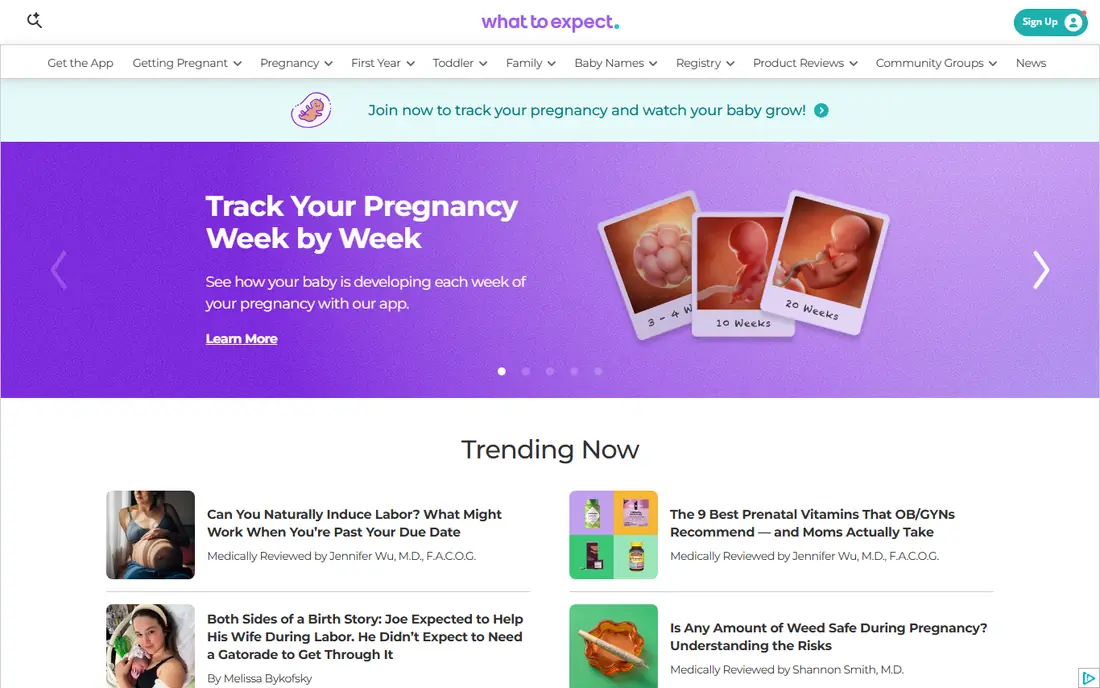
What to Expect pairs a pregnancy tracker with the book series many parents already know. Weekly updates explain what is changing, what symptoms are common, and what to ask at the next appointment, while baby size comparisons give a concrete sense of growth. Due-date groups let parents share the same stage with others, which can ease the lonelier weeks of pregnancy.
Once the baby grows past the early months, the app's focus narrows, and parents of toddlers or older children will need another tool. Ads and partner content also sit inside the free app. For pregnancy itself, though, What to Expect is one of the clearest free guides available, and it works well beside BabyCenter rather than instead of it.
- Clear week-by-week pregnancy tracking
- Baby size comparisons and milestone guides
- Large community of parents due the same month
- Content leans heavily toward pregnancy rather than older children
- Free app includes ads
- Some tools push partner products
Peanut answers a different parenting need: company. It matches parents by stage, location, and interests, and offers groups and chats on topics from feeding to returning to work. For a new parent who has moved, changed jobs, or simply feels isolated, finding even a few local parents at the same stage can matter more than another tracker.
The catch is local density. Peanut is only as useful as the parents near you, so rural users may find fewer matches. Social apps also need care with personal details, especially photos and locations involving children, so check privacy settings before posting. Peanut does not track feeds or plan schedules, but as a community tool it fills a gap the planners leave open.
- Matches parents by stage, location, and interests
- Groups and chats for specific topics
- Community focus suits new parents feeling isolated
- Value depends on how many parents use it near you
- Social features need care with personal details
- Not a tracking or planning tool
Kinedu gives parents something to do, not just something to read. Its activities are designed with developmental psychologists, pediatricians, and early childhood educators, and they are tailored to a child's age and stage across cognitive, physical, emotional, and social skills. Video demonstrations show each activity in action, so a parent is not left guessing from text alone.
The app suits babies and toddlers best, and older children will outgrow it. Pricing also varies by plan and store, so confirm the current price in the app before subscribing. For parents who worry they are not doing enough in the early years, Kinedu turns that worry into a short, guided activity a day, which is a kinder and more useful frame.
- Activities designed with developmental experts
- Tailored by a child's age and stage
- Video demonstrations show how each activity works
- Pricing varies by plan and store, so check before subscribing
- Activities need a parent present, which takes time
- Older children outgrow the content
Huckleberry is the tracker for parents who want patterns explained, not just recorded. Sleep, feeds, diapers, and growth logs feed into SweetSpot guidance, which predicts good nap windows from the baby's own pattern. That prediction helps tired parents plan a nap, a walk, or a call around a window that is more likely to work.
Logging takes discipline, and a missed feed or nap weakens the pattern. Premium features also sit behind a paid tier whose price varies by store, so check the in-app price before upgrading. Huckleberry does not replace a pediatrician for sleep or feeding concerns, but for daily tracking with a useful forecast, it is the strongest baby tracker here.
- Tracks sleep, feeds, diapers, and growth in one place
- SweetSpot guidance predicts nap timing from logged patterns
- High user satisfaction for baby tracking
- Premium features sit behind a paid tier with store-varying prices
- Predictions are guidance, not medical advice
- Logging every feed takes discipline
OurFamilyWizard is built for separated parents who need a clear, shared record rather than a casual chat app. It combines a calendar, a message board, an expense log, a journal, and an info bank for medical, school, and contact details. Messages are preserved and cannot be edited or deleted, which reduces disputes about what was said and when.
The price is the barrier. Essential costs $149.99 per year per parent, so both parents pay separately, with higher tiers at $216 and $299.88 per year. There is no free plan, though discounts exist for military and low-income families. For high-conflict co-parenting or court-ordered use, that cost buys clarity that a free chat app cannot offer.
- Shared calendar, messaging, expenses, and info bank in one record
- Messages cannot be edited or deleted, which aids clarity
- Widely recommended and used in family courts
- Price is per parent, so both parents pay
- No free plan
- Interface feels formal, which suits records more than casual chat
AppClose offers the core co-parenting toolkit free, which sets it apart in a category where the leading app charges per parent. A shared calendar, messaging, expense tracking, and requests cover everyday coordination between separated parents, without a subscription for the basics. That makes it a strong first try for low-conflict co-parents.
The trade is depth. AppClose lacks some of the court-focused record features and professional access that OurFamilyWizard provides, and its user base is smaller. For parents who need a formal, court-ready record, the paid app remains the safer choice. For parents who mainly need to share a calendar and split costs fairly, AppClose does the job free.
- Free co-parenting calendar, messaging, expenses, and requests
- No per-parent subscription for the core tools
- Simple enough for low-conflict co-parents
- Fewer court-focused record features than OurFamilyWizard
- Smaller user base than the leading paid app
- Support and feature depth are thinner
FamilyAlbum solves a small but real parenting problem: sharing baby photos without posting them publicly. Albums are private to invited family, uploads are unlimited on the free tier, and grandparents can follow along without joining a public social network. That privacy boundary matters when photos involve young children.
It is not a planner or a tracker, so it pairs with Cozi or Huckleberry rather than replacing them. Premium features add extra storage and print options, but the free tier covers everyday sharing. For families spread across cities or countries, FamilyAlbum is a calmer, more private way to keep everyone close to a growing child.
- Private sharing for family only, not a public feed
- Unlimited photo and video uploads on the free tier
- Grandparents and relatives can follow without social media
- Photo sharing only, so it does not plan or track
- Premium features add storage and print options at extra cost
- Relatives must join the app to view albums
How we picked these
We compared official feature pages, pricing pages, and privacy statements for parenting apps covering organization, pregnancy, baby care, community, and co-parenting. We favored apps with clear privacy practices for children's data, and we excluded tools built for covert tracking or secret monitoring. Family-safety features here are for lawful, disclosed parental use only, and we did not claim hands-on testing.
How to choose a parenting app safely
Start with the job that causes the most friction. If schedules are the problem, Cozi will help more than a tracker. If sleep is the problem, Huckleberry will help more than a community app. One app that solves a real daily problem beats three apps that each solve a small one, so add tools one at a time.
Then check privacy before you add a child's details. Read what data the app collects, whether children's photos or health details are used for advertising or training, and who can see shared albums or calendars. Turn off public sharing by default, keep location details out of posts, and talk with older children about what is shared and why.
Finally, treat every app as support, not as a substitute for a clinician, a teacher, or a conversation. Guidance articles are general, sleep predictions are forecasts, and community advice is opinion. When health, development, or safety is at stake, a pediatrician or family professional gives the answer an app cannot.
Frequently asked questions
What is the best parenting app overall?
Cozi is the best all-round pick for family organization, because it covers calendars, lists, and meal planning in one free app. For pregnancy, BabyCenter and What to Expect lead, and for baby tracking, Huckleberry leads. The best overall app depends on your child's age and your biggest daily problem, so start with that job.
Are parenting apps safe for children's data?
Safety depends on the app and on your settings. Favor apps with clear privacy policies, private sharing by default, and no advertising use of children's data, and avoid entering sensitive health details into an app you have not checked. Review permissions regularly, and keep photos and locations out of public posts.
Can parenting apps help separated parents?
Yes, OurFamilyWizard and AppClose are built for co-parenting, with shared calendars, messaging, and expense tracking. OurFamilyWizard offers a formal, preserved record that courts often accept, while AppClose offers the core tools free. Choose the level of record-keeping your situation needs, and keep communication inside the app.
Do I need to pay for a good parenting app?
No, Cozi, BabyCenter, What to Expect, Peanut, AppClose, and FamilyAlbum all offer useful free tiers. Paid tiers add features such as ad-free use, premium tracking, or formal co-parenting records. Start free, and pay only when a specific paid feature solves a problem you actually have.
Which parenting app is best for baby sleep?
Huckleberry is the strongest pick for baby sleep, because it logs sleep, feeds, and diapers and predicts nap windows from the baby's own pattern. Its predictions are guidance, not medical advice, so talk to a pediatrician about persistent sleep concerns. Consistent logging matters more than the app itself.
Should children know when a family app tracks them?
Yes, older children should know what is shared and why, and family-safety features should be used openly, not secretly. This article covers only lawful, disclosed parental use, and it excludes covert tracking tools. Open use protects trust, and trust matters more than any single feature.
Sources
See where you really rank - block by block
ProMapRanker scans Google Maps across a grid of your service area. Simple monthly plans from $19, white-label on every plan.
Start freeKeep reading
 zyte alternatives
Best Zyte Alternatives in 2026
These zyte alternatives cover managed scraping APIs, proxy networks and no code tools for lawful collection from your own or consented sources only in 2026.
Read → zerto alternatives
Best Zerto Alternatives in 2026
Compare the best zerto alternatives for disaster recovery and replication, with recovery targets, cloud options and honest trade-offs for teams in 2026.
Read → zerofox alternatives
Best ZeroFox Alternatives in 2026
We compared 9 zerofox alternatives for brand protection, phishing takedowns, dark web monitoring, and social impersonation, with clear coverage notes.
Read →