 ProMapRanker
Best Parental Control App for Teenager Free in 2026


Free Android and Chromebook controls · Pricing starts at: Free
Key takeaways
- Google Family Link, Apple Screen Time, and Microsoft Family Safety are the strongest free starting points, because they are built into the platforms teens already use.
- Qustodio, OurPact, AirDroid Parental Control, and Boomerang add a free third party dashboard for families who need cross platform rules.
- Samsung Kids suits younger Galaxy users, but it is less suited to older teens than the main platform tools.
- Every tool here has a continuing free plan or free built in controls. Trial only tools are not presented as free.
- These tools are for lawful, disclosed parental use on a teenager's device, with the teen told what is supervised. They must not be used for covert tracking of adults or any other person.
Quick comparison
| Pick | Great for | Pricing starts at | Free tier | |
|---|---|---|---|---|
| Google Family Link | Free Android and Chromebook controls | Free | Yes | Visit |
 Apple Screen Time | Free iPhone and iPad controls | Free | Yes | Visit |
 Microsoft Family Safety | Free Windows and Xbox controls | Free | Yes | Visit |
 Qustodio | Free third party dashboard | Free | Yes | Visit |
 OurPact | Free simple schedules and blocks | Free | Yes | Visit |
 AirDroid Parental Control | Free remote screen and location tools | Free | Yes | Visit |
 Samsung Kids | Free built in Galaxy child mode | Free | Yes | Visit |
 Boomerang Parental Control | Free basic monitoring and limits | Free | Yes | Visit |
The best parental control app for teenager free
Free parental controls work best when they match the device a teenager actually uses. Built in tools cover Android, Apple, Windows, and Galaxy devices at no cost, while free third party plans add a dashboard across platforms. This list includes only tools with a continuing free tier, not a free trial dressed up as a free plan.
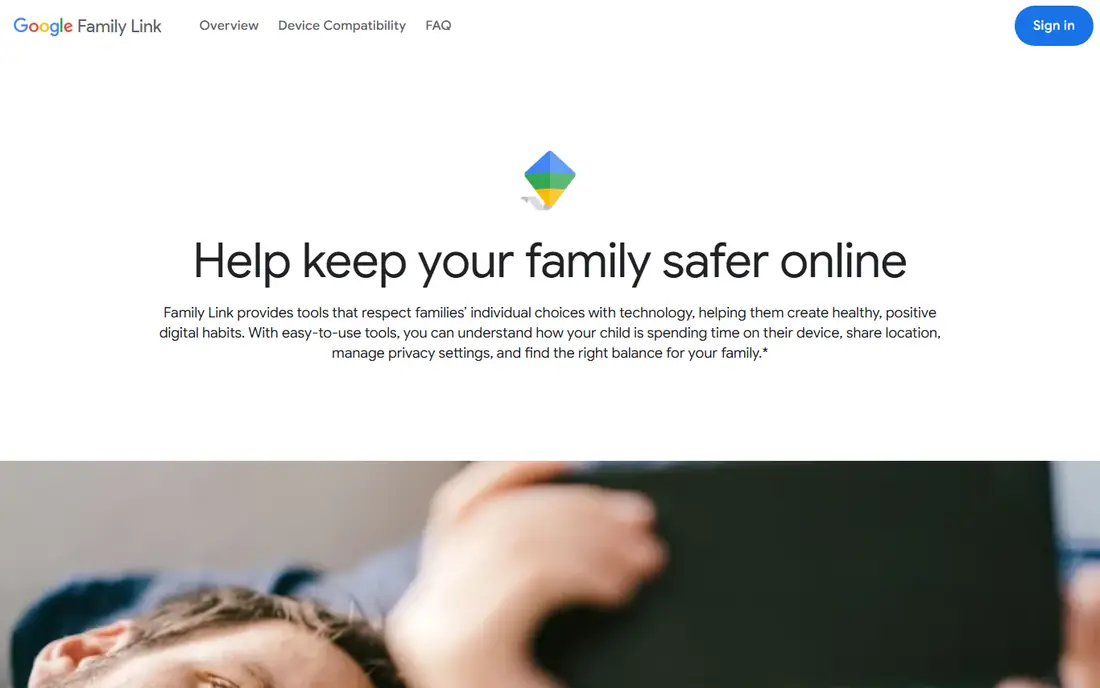
Google Family Link is the strongest free option for Android phones and Chromebooks. Parents can approve app downloads, set daily limits and bedtime schedules, manage content filters, and see device location for a supervised account. Setup uses Google accounts for parent and child, and controls live in the Family Link app.
The limit for teenagers is supervision itself. Older teens may have more control over their account settings, depending on age and local rules, so Family Link works best as part of an agreed set of rules, not as a hidden monitor. For a free, full set of Android basics, it is hard to beat.
- Completely free
- App approvals and screen time limits
- Location sharing for supervised accounts
- Teens over 13 can manage supervision settings in some cases
- No call or message content monitoring
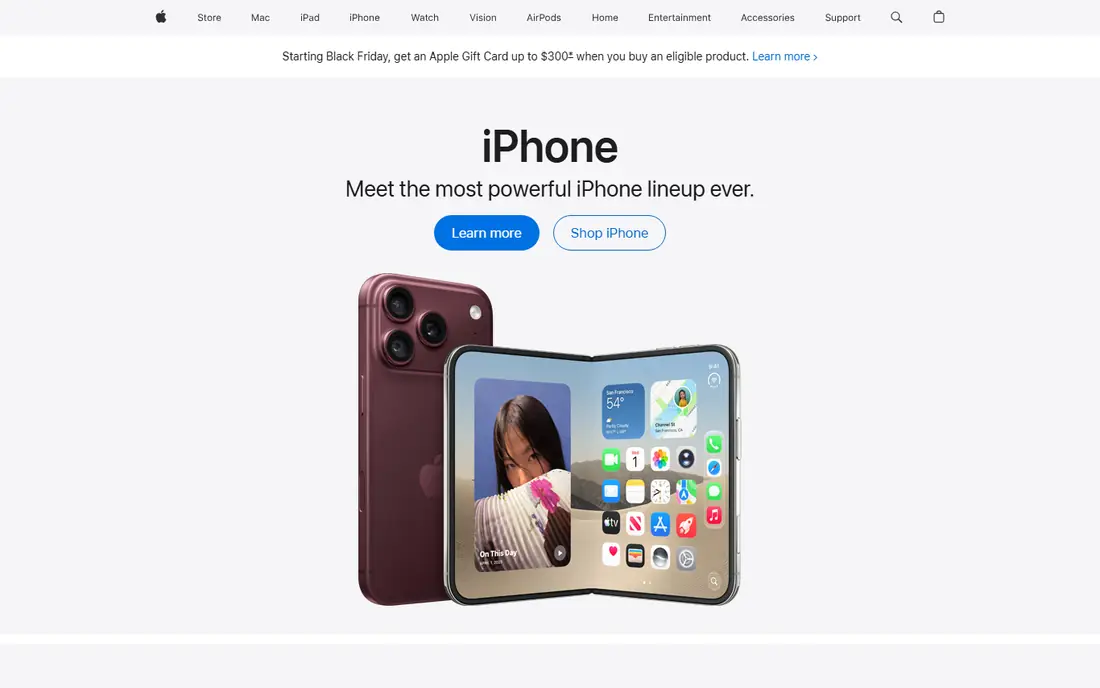
Apple Screen Time is built into iOS and iPadOS, so there is nothing extra to buy for an iPhone or iPad household. Parents can set downtime, app limits, communication limits, content restrictions, and purchase approvals through Family Sharing. Reports show app use by category, which helps start a conversation about screen habits.
It only covers Apple devices, so a teen with an Android phone or Windows laptop will need a different tool for that device. For Apple only families, Screen Time covers the core needs at no extra cost and with no third party account required.
- Built into every iPhone and iPad
- Downtime and app limits
- Content and purchase controls
- Apple devices only
- No Android or Windows child device support
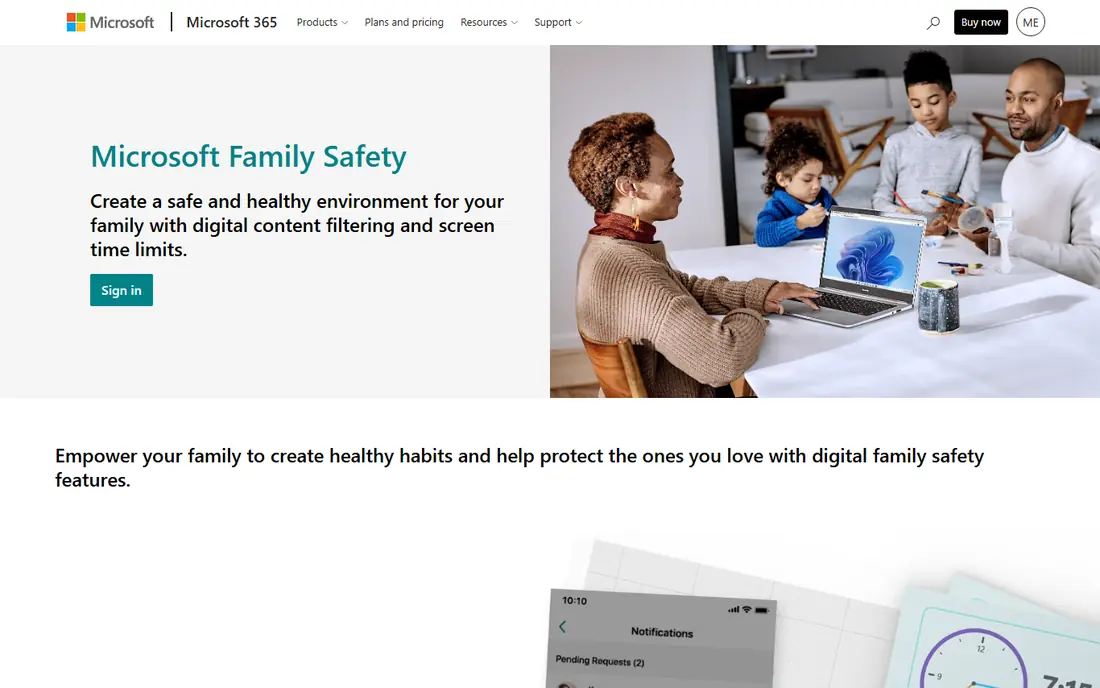
Microsoft Family Safety gives Windows and Xbox families a free control layer. Parents can set screen time limits across Windows and Xbox, filter web content in Edge, and see activity reports. The app also supports location sharing for family members who agree to it.
Some advanced features, such as driving safety reports, sit behind a Microsoft 365 subscription, but the core screen time and filtering tools are free. For a household centered on Windows PCs and Xbox, it is the natural free choice.
- Free screen time and content filters
- Windows, Xbox, and Android coverage
- Location sharing
- Advanced driving and location features need a paid plan
- Reports are basic on the free tier
Qustodio offers a genuine free plan, not just a trial, covering one device with web filtering, time limits, and activity reports. That makes it a useful step up from built in tools for a family that wants a single dashboard across platforms. The interface is clear, and parents can block sites and set schedules from the app.
The free plan limit is the main catch. Families with several teen devices will need a paid plan for full coverage, and deeper social media monitoring is also paid. For one key device, though, Qustodio free is a practical, honest free tier.
- Free plan for one device
- Web filtering and daily time limits
- Clear activity reports
- Free plan covers only one device
- Social monitoring needs a paid plan
OurPact free tier focuses on the basics that many parents need most: blocking apps, setting schedules, and seeing family location. The setup is simple, and manual blocks let a parent pause a device at dinner or homework time without a complex rule set.
The free tier covers one device and offers limited automation compared with paid plans. For a single teen phone where the main need is schedule control and simple blocking, OurPact free does the job without a subscription.
- Free tier for one device
- Schedules and manual blocks
- Family location view
- Free tier is basic
- Automated schedules and fuller controls need a paid plan
AirDroid Parental Control offers a free tier with screen time management, app controls, location tracking, and geofence alerts. Parents can view a child's screen remotely and receive alerts when a teen enters or leaves a set area, which suits families who want location awareness alongside time limits.
Setup needs attention on both parent and child devices, and some advanced features sit behind paid plans. Used openly, with a teen told what is monitored, it adds remote tools that built in controls do not always provide.
- Free tier with screen time and location tools
- Remote monitoring features
- Geofence alerts
- Feature depth varies by free tier limits
- Setup needs care on both devices
Samsung Kids creates a separate, controlled space on supported Galaxy phones and tablets, with approved apps, contacts, and screen time limits. It is free and needs no extra purchase, which makes it an easy first step for a Galaxy household with a younger child.
For older teenagers, Samsung Kids can feel restrictive and child focused, and it does not replace Family Link or a third party dashboard for a teen's main profile. It earns a place here as a free built in option, with that age limit stated plainly.
- Built into supported Galaxy devices
- Safe app space
- Screen time controls
- Galaxy devices only
- Better suited to younger users than older teens
Boomerang Parental Control
Great for: Free basic monitoring and limits
Boomerang Parental Control provides a free tier with basic app management, screen time tools, and location features. It suits families who want a low cost third party option for an Android device, with a straightforward dashboard and clear controls.
The free tier does not match the depth of paid plans, and the app feels simpler than Qustodio or Family Link. For a family testing parental controls before paying, or covering one device at no cost, it is a reasonable free starting point.
- Free tier available
- App controls and screen time tools
- Call and text safety features on supported plans
- Free tier is limited
- Interface is simpler than larger rivals
How we picked these
We compared official feature pages and pricing pages, and kept only tools with a continuing free plan or free built in controls. Trial only products were excluded from the free list, even when a trial is generous. We favored tools for lawful, disclosed parental supervision, with clear privacy pages, and we excluded stalkerware and any tool marketed for secret monitoring.
Setting up free controls with a teenager
Free tools work better when a teenager knows what is set and why. Sit down together, show the limits and reports, and agree on bedtime, homework, and app rules before turning controls on. That conversation reduces workarounds and keeps the tool focused on safety and balance, rather than surveillance.
Start with the built in tool
Turn on Family Link, Screen Time, or Family Safety first, depending on the device. These tools cover app approvals, time limits, and content filters at no cost, and they are less likely to be removed by accident than a third party app. Add a free third party dashboard only if you need cross platform rules in one place.
Review rules as teens grow
A rule that fits a 13 year old may feel too strict at 17. Review limits every few months, loosen controls as trust grows, and keep location sharing as an agreed safety feature, not a secret check. If a teen needs more privacy for school, work, or health reasons, adjust the settings and talk about it openly.
What these tools must not be used for
Parental control tools are for parents supervising their own minor child's device, openly and lawfully. They must not be used to secretly track an adult partner, employee, or any other person, and they must not be installed on a device you do not have the right to supervise. If you are unsure about local law, check it before installing any monitoring tool.
Frequently asked questions
What is the best free parental control app for a teenager?
Google Family Link is the strongest free choice for Android, Apple Screen Time is best for iPhone and iPad, and Microsoft Family Safety is best for Windows and Xbox. Qustodio free is a good third party option for one device across platforms.
Are there parental control apps that are actually free?
Yes. Family Link, Screen Time, Family Safety, and Samsung Kids are free built in tools, while Qustodio, OurPact, AirDroid Parental Control, and Boomerang offer continuing free tiers. Check the free plan limits, since most free tiers cover one device or basic features only.
Can a teenager remove parental controls?
Teenagers can sometimes change settings, especially on accounts for older teens, or remove an app if they have device admin access. Built in tools tied to a family account are harder to remove silently, and regular check ins help spot changes early.
Do free parental control apps monitor messages?
Most free tiers do not monitor message content. They focus on app limits, web filtering, screen time, and location. Deeper message and social monitoring usually sits behind paid plans, and any monitoring should be disclosed to the teen.
Should I tell my teenager about parental controls?
Yes. Tell your teen what is supervised, why it is set, and when rules will be reviewed. Open supervision builds trust and is also the lawful basis for parental use. Secret tracking of another person is a different matter and is not what these tools are for.
Which free app works across Android and iPhone?
Qustodio free covers one device and works across platforms, while AirDroid Parental Control and OurPact also offer cross platform free tiers with limits. For full family coverage across many devices, a paid plan is usually needed.
Sources
See where you really rank - block by block
ProMapRanker scans Google Maps across a grid of your service area. Simple monthly plans from $19, white-label on every plan.
Start freeKeep reading
 worlds best local seo company
8 Worlds Best Local SEO Companies for Map Pack Growth in 2026
Compare the worlds best local seo company options for Google Business Profile work, citations, reviews, and multi-location rankings and reporting in 2026.
Read → world's best web hosting company
World's Best Web Hosting Company in 2026
Searching for the world's best web hosting company? We compared 10 hosts on price, renewal rates, speed, and support to help you choose well today in 2026.
Read → who's got the best nanny tax services
Who's Got the Best Nanny Tax Services in 2026
We answer who's got the best nanny tax services, comparing full filing, back taxes, software, and pricing so families can handle nanny taxes correctly.
Read →