 ProMapRanker
Best Paid Apps in 2026

Key takeaways
- The best paid apps earn their price by doing one job clearly better than free options, not by adding more features.
- Things 3 and Fantastical suit Apple users who want calm, well-designed task and calendar tools without a large monthly bill.
- Procreate and GoodNotes are strong one-time or low-cost buys for drawing and handwritten notes on iPad.
- Check the platform before you pay, since several picks here are Apple-only and some charge per device.
Quick comparison
| Pick | Great for | Pricing starts at | Free tier | |
|---|---|---|---|---|
 Things 3 | Simple task management | $9.99 one-time | Free trial | Visit |
 Fantastical | Calendar and tasks in one view | $6.99 per month | Yes | Visit |
 Procreate | iPad illustration | $12.99 one-time | No | Visit |
 GoodNotes | Handwritten notes | See website | Yes | Visit |
 Halide | Manual iPhone photography | See website | Free trial | Visit |
 Paprika Recipe Manager | Recipe saving and meal planning | $4.99 one-time | No | Visit |
 Carrot Weather | Detailed, witty weather | See website | Yes | Visit |
 Notability | Notes with audio | See website | Yes | Visit |
 Bear | Focused writing and notes | See website | Yes | Visit |
The best paid apps
This article covers paid apps, not loans, and it focuses on apps that are genuinely paid or have a paid upgrade worth buying. We compared task tools, calendars, creative apps, notes, and everyday utilities on design, features, and long-term cost.
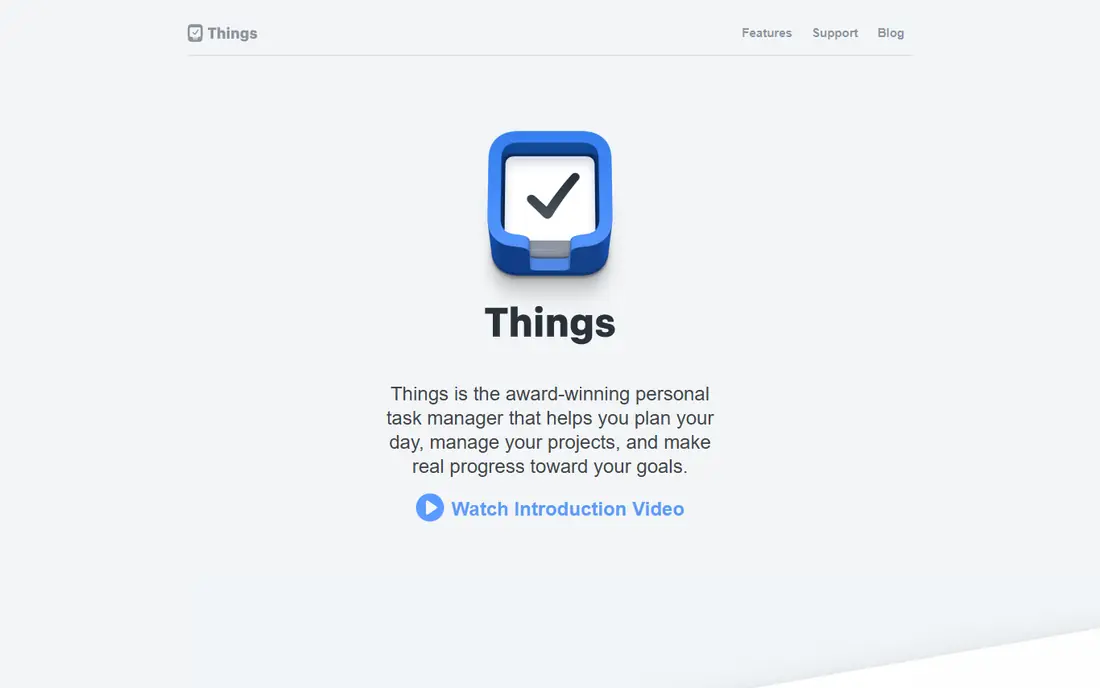
Things 3 is the calmest task app we compared. You can add a task in seconds, set a date or a deadline, and see only what matters today without digging through menus. Areas, projects, and tags give enough structure for work and home life, but the app never feels like a project management system in disguise.
The main cost question is platform. Things 3 is Apple only, and Mac, iPad, and iPhone versions are sold separately, so the total is higher if you want it everywhere. A free trial for Mac helps you test the workflow first. If you want a task app that stays out of your way, Things 3 is still hard to beat.
- Clean design
- Fast task entry
- Clear Today and Upcoming views
- Apple only
- Each platform version is a separate purchase
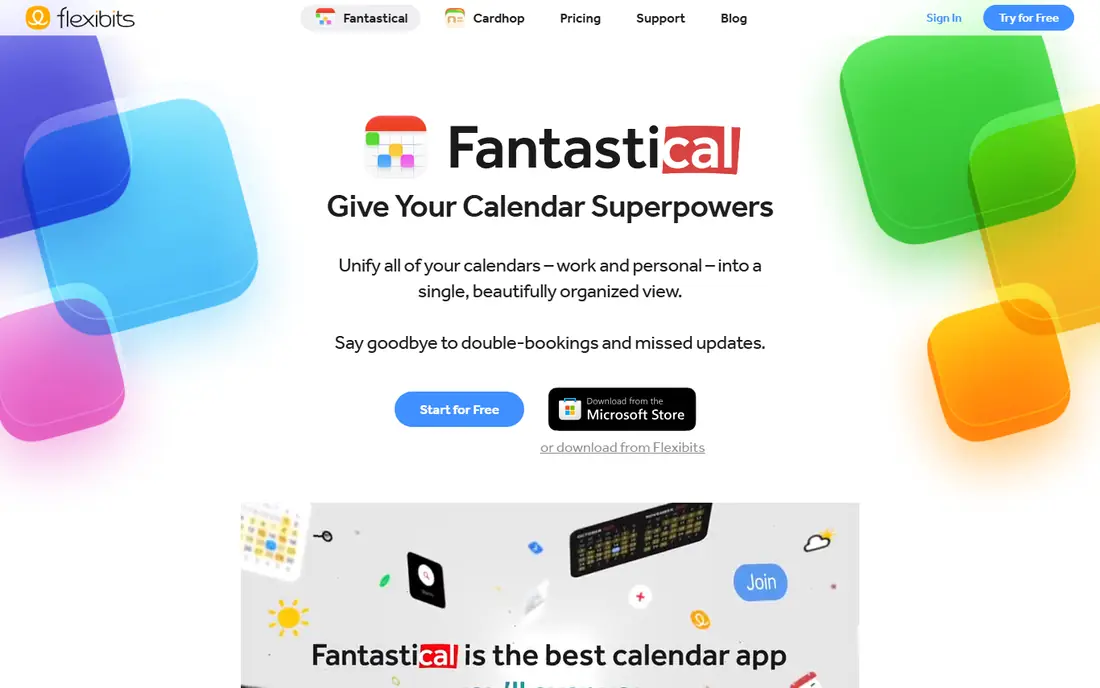
Fantastical fixes the most annoying part of calendar apps: entering events. Type a sentence like a lunch meeting next Tuesday, and the app parses the date, time, and title for you. Tasks, events, and a weather forecast sit in the same view, which makes planning a week much faster than switching between three apps.
The free version covers basic calendar use, but the features that make Fantastical special sit behind the subscription. It is also Apple only, so Android and Windows users should look elsewhere. For Apple users who live by their calendar, the monthly cost is easy to justify if it saves a few minutes every day.
- Natural-language event entry
- Tasks and calendar together
- Weather in calendar view
- Full features need a subscription
- Apple only

Procreate is the clearest value pick in this list. For a single payment of $12.99, you get a full illustration app with a large brush library, layers, animation tools, and time-lapse recording of your work. There is no subscription, no locked brush pack for core drawing, and no monthly bill to keep using what you bought.
The limits are platform and scope. Procreate runs on iPad, with a separate iPhone version, and it is a drawing app rather than a photo editor or a layout tool. If you draw, sketch, or make art on an iPad, few paid apps give you this much for so little money.
- One-time purchase
- Large brush library
- Strong iPad performance
- IPad only
- No free trial
GoodNotes turns an iPad into a paper notebook with search, folders, and PDF markup. Handwriting feels close to pen on paper, and you can annotate lecture slides, contracts, or articles without printing anything. The app also lets you search handwritten notes, which paper never could.
The free tier lets you test the core experience, but heavy users will need the paid plan, and pricing differs by platform and store. Windows and Android support is more limited than the iPad experience, so check your device before paying. For students and professionals who take notes by hand, GoodNotes is a practical paid upgrade.
- Natural handwriting
- PDF annotation
- Folders and search for notes
- Best experience is on iPad
- Paid plan details vary by platform
Halide is for iPhone owners who want more control than the built-in Camera app offers. You get manual focus, shutter speed, ISO, and RAW capture in a design that still feels like a camera, not a settings panel. That control matters for low light, portraits, and shots where the automatic mode picks the wrong exposure.
Casual photographers may never use those controls, and Halide is iPhone only. The trial lets you test whether manual shooting fits how you actually take photos. If you shoot often and care about editing RAW files later, Halide is one of the best paid camera upgrades available.
- Manual controls
- RAW capture
- Clean, camera-first design
- IPhone only
- Casual shooters may not need manual controls
Paprika solves a small, daily problem well. Its built-in browser saves recipes from websites into a clean format, without ads or long blog introductions, and it scales serving sizes, converts units, and builds grocery lists from your meal plan. Cloud sync between devices is free once you own the app.
Each platform version is sold separately, so the total cost grows if you want Paprika on phone, tablet, and computer. There is also no free tier to test it first. For home cooks who save recipes often, the one-time mobile price is low, and the time saved on grocery lists adds up fast.
- One-time mobile purchase
- Built-in recipe browser
- Free cloud sync
- Desktop versions are separate purchases
- No free tier
Carrot Weather stands out because it lets you pick a weather data source and see far more detail than a basic forecast app. Hourly charts, precipitation timing, radar, and severe weather alerts help you plan a run, a drive, or an outdoor event with more confidence. Widgets and Apple Watch support make the forecast easy to check at a glance.
The free tier covers basic forecasts, while premium tiers add more sources and customization. The app is also known for snarky weather commentary, which you can tone down or turn off. If you want weather data you can actually act on, Carrot Weather is worth the upgrade over a default app.
- Multiple weather sources
- Detailed forecasts
- Customizable widgets and alerts
- Best features need a subscription
- Humor style is not for everyone
Notability pairs handwritten or typed notes with audio recording, so you can tap a note later and hear what was said at that moment. That feature is a real help for lectures, meetings, and interviews where a written note alone loses context. PDF annotation, shapes, and document import cover most study and work needs.
The free tier is limited, and the full experience sits behind a subscription, so check the current plan before you commit. Notability is strongest on iPad, and users on other platforms should confirm availability. For note-takers who record as they write, the audio sync alone can justify the price.
- Audio-synced notes
- PDF annotation
- Good handwriting tools
- Paid plan needed for full use
- Platform availability varies
Bear is a writing app that stays quiet while you work. Markdown support, tags, and a clean editor make it easy to draft notes, lists, and longer pieces without toolbars getting in the way. The design is one of the nicest in this list, and that matters for an app you open many times a day.
The free version covers basic notes on one device, while the paid plan adds sync and extra export options. Bear is Apple only, which rules it out for Android and Windows users. If you write on Apple devices and want a calm home for notes, Bear is a paid upgrade that feels worth it.
- Clean writing design
- Tags for organization
- Sync across Apple devices
- Apple only
- Sync and export extras need the paid plan
How we picked these
We compared official feature pages, pricing pages, and app store listings in October 2026, and we kept only apps that are live, genuinely paid or paid-upgrade, and useful for everyday categories such as tasks, calendars, photos, notes, and reading. We left out free-only apps and apps whose paid tier adds little. Where a price varied by platform or region, we wrote See website rather than guessing a single figure.
How to judge whether a paid app is worth it
Start with the job you do most often. A paid calendar or task app is worth more if you open it ten times a day than a paid photo app you use once a month. Use the free tier or trial for at least a week, and note whether the paid features change how you work or only add options you never touch.
Add up the real cost over a year, and check whether you pay per device or per account. One-time purchases like Procreate and Paprika are easy to judge, while subscriptions like Fantastical and Notability need a yearly total. If an app is Apple only and you may switch platforms, that lock-in is part of the price too.
Check the platform and the exit
Before paying, confirm the app runs on every device you use and that you can export your notes, tasks, or recipes later. A great app that traps your data is a weaker buy than a good app with clean export. Also check family sharing where it matters, since some one-time purchases cover a household and some subscriptions do not.
Frequently asked questions
What are the best paid apps for productivity?
Things 3 is our pick for simple task management, and Fantastical is our pick for calendars on Apple devices. GoodNotes and Notability cover handwritten notes, while Bear suits focused writing. The right choice depends on whether you need tasks, notes, or a calendar most.
Are paid apps better than free apps?
Not always. Paid apps tend to offer more control, fewer ads, and steadier development, but many free apps cover basic needs well. Pay when a specific paid feature, such as manual camera controls in Halide or audio-synced notes in Notability, solves a problem you actually have.
Do the best paid apps include loan apps?
No. This article covers paid apps worth paying for, such as task, calendar, photo, and note apps, not loans or lending products. If you need a loan, use a regulated lender and compare total cost and terms separately, since that is a different decision with different risks.
Is Things 3 worth paying for?
Yes, for Apple users who want a calm, fast task app and are happy to pay per platform. The one-time purchase model means no monthly bill, and the design helps you focus on today rather than on managing the app itself. Android and Windows users should choose a cross-platform task app instead.
What is the best paid app for iPad drawing?
Procreate is the clear pick at $12.99 one-time, with a large brush library, layers, and animation tools. It is iPad only, so iPhone users need the separate Pocket version. For photo editing rather than drawing, a dedicated photo app is a better fit.
How much should I spend on paid apps?
Start with one or two apps you use daily and keep the yearly total in view. A few one-time purchases plus one subscription you truly use often beats a stack of subscriptions you forget. Cancel any paid app you have not opened in a month and revisit it later if the need returns.
Sources
See where you really rank - block by block
ProMapRanker scans Google Maps across a grid of your service area. Simple monthly plans from $19, white-label on every plan.
Start freeKeep reading
 zscaler alternatives
Best Zscaler Alternatives in 2026
Looking for zscaler alternatives? We compare 9 SASE and zero trust platforms on architecture, data protection, pricing, and fit for your network and team.
Read → zapier alternatives free
Best Zapier Alternatives Free in 2026
Nine automation tools for zapier alternatives free in 2026, all with genuinely free tiers, plus free plan limits, starting prices and upgrade paths explained.
Read → which platform is best for online reputation
Which Platform Is Best for Online Reputation in 2026
Wondering which platform is best for online reputation? We compare 8 review, listing, and response tools for small and multi-location businesses and agencies.
Read →