 ProMapRanker
Best PaaS Solutions for Cloud Apps in 2026


teams that want the simplest deploy path · Pricing starts at: $5 per month
Key takeaways
- Heroku and Render suit teams that want simple, predictable pricing, while Railway and Fly.io suit teams comfortable with usage-based billing.
- Hyperscaler platforms such as Google App Engine, Azure App Service and AWS Elastic Beanstalk offer more depth, but they take longer to learn.
- Managed databases, preview environments and background workers matter more than the headline compute price, so price the full stack before you choose.
- The best cloud PaaS platforms depend on your existing cloud account, your language stack and how much operations work your team can take on.
Quick comparison
| Pick | Great for | Pricing starts at | Free tier | |
|---|---|---|---|---|
| Heroku | teams that want the simplest deploy path | $5 per month | No | Visit |
 Render | full-stack apps with managed databases | $7 per month | Yes | Visit |
 Railway | fast prototypes and small teams | $5 per month | Free trial | Visit |
 DigitalOcean App Platform | teams already using DigitalOcean | $5 per month | No | Visit |
 Fly.io | global apps that need low latency | See website | Free trial | Visit |
 Google App Engine | Google Cloud teams that want automatic scaling | See website | Yes | Visit |
 Azure App Service | Microsoft and .NET teams | See website | Yes | Visit |
 AWS Elastic Beanstalk | AWS teams that want managed deploys | See website | Yes | Visit |
 Platform.sh | preview environments and structured release workflows | See website | Free trial | Visit |
The best PaaS solutions for cloud apps
A platform as a service takes care of servers, runtimes, scaling and much of the deployment work, so your team can ship code from a Git repository instead of managing machines. The trade is control: simpler platforms hide more detail, while hyperscaler platforms expose more settings and more services. The nine platforms below cover both ends of that range, and each one is still actively offered in October 2026.

Heroku remains the reference point for developer-friendly PaaS, and its workflow is still hard to beat for a small team. Push code, pick a dyno size, add Postgres or a cache, and the platform handles routing, restarts and basic scaling. That simplicity is why many startups and solo developers stay, even when cheaper options exist.
The cost picture needs care. The cheapest Eco dyno costs $5 per month and sleeps after inactivity, while an always-on Basic dyno costs $7 per month. Add a managed database from $5 per month and a cache, and a small production app can reach $20 to $30 per month before traffic grows. Heroku fits teams that value time over the lowest bill, especially inside the Salesforce ecosystem.
- Git-based deploys are easy to learn
- A large add-on market covers databases, caching and monitoring
- Review apps support preview deploys
- No free tier since free dynos ended in 2022
- Costs rise quickly with several dynos and add-ons
- Less control over the underlying infrastructure
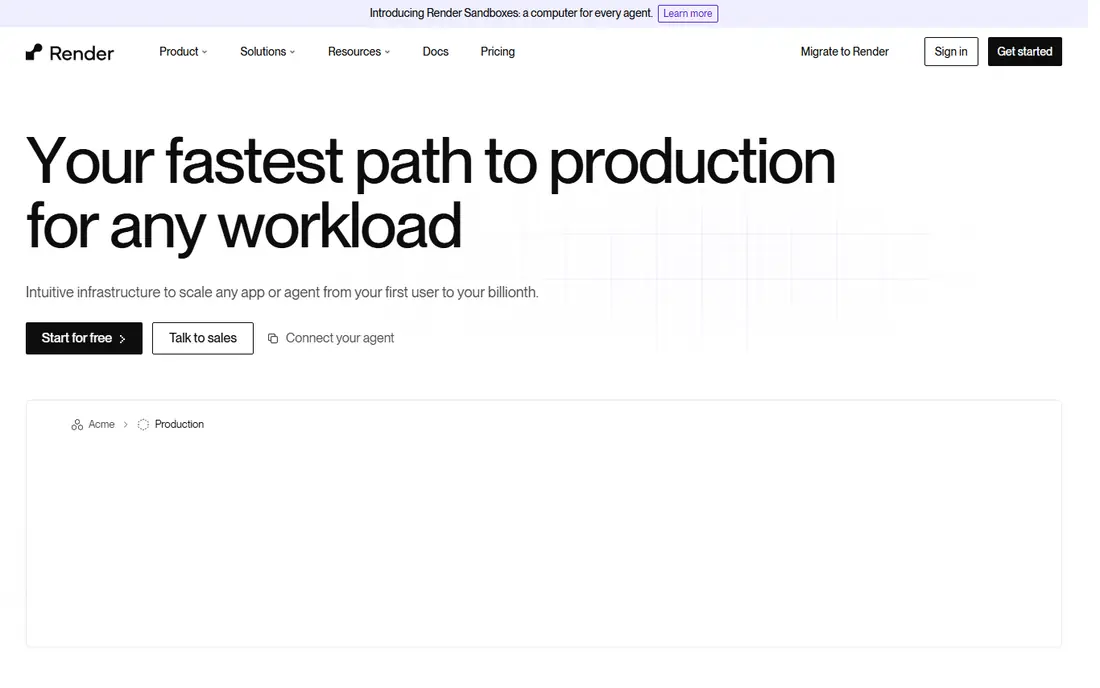
Render is the closest modern alternative to Heroku for a full-stack app, with web services, background workers, cron jobs and managed Postgres under one roof. Deploys from Git are straightforward, and pull request previews make team review easier. For a team moving off Heroku, Render usually feels familiar within a day.
Free web services are useful for a demo, but they sleep after 15 minutes idle, so they do not suit production. Paid Starter instances start at $7 per month, with managed Postgres from $6 per month, so price the web service and the database together. Render suits steady services with predictable traffic more than spiky, usage-heavy workloads.
- Managed Postgres and key-value stores in the same dashboard
- Preview environments for pull requests
- Free web services for trials
- Free services sleep after inactivity
- Pricing now includes a workspace plan beside per-service prices
- Larger instances get costly
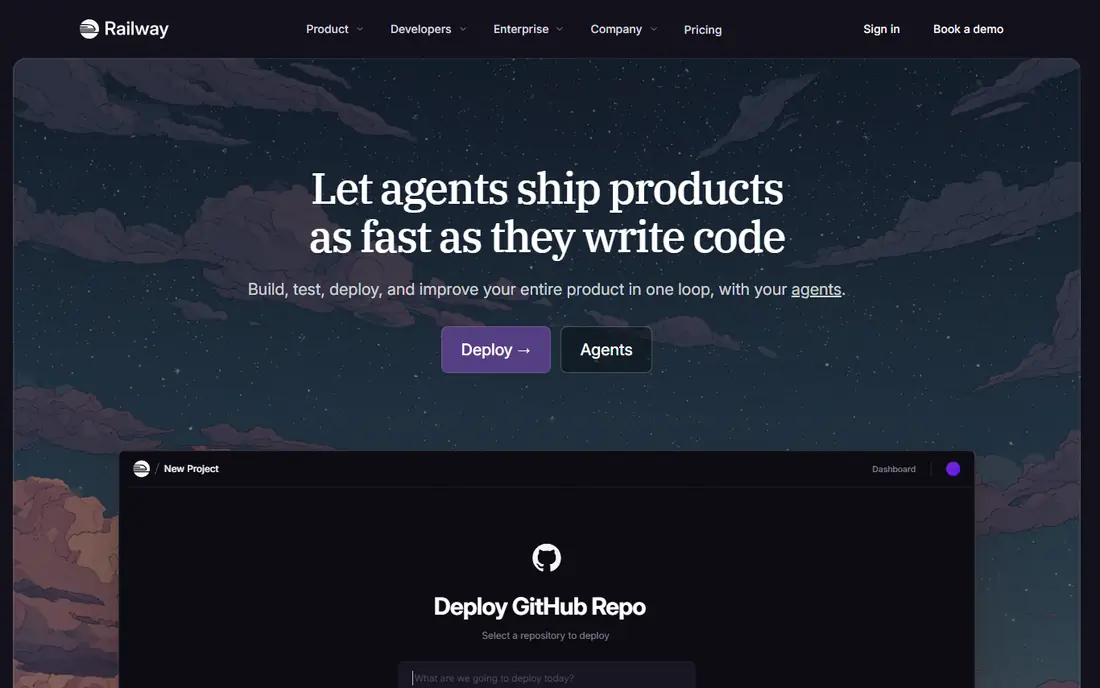
Railway wins on speed. Pick a template, connect a repository, add a database as another service, and you have a working app in minutes. That template catalog covers common stacks and tools, which helps when you want to test an idea without writing deployment files first. Small teams often keep Railway for staging and prototypes even when production lives elsewhere.
The Hobby plan costs $5 per month and includes $5 of usage, with extra use billed by resource consumption. That model rewards apps that idle or spike, but it punishes always-on, resource-heavy services. Set usage limits and watch the dashboard in the first month, since a quiet-looking app with a chatty database can still surprise you.
- Very fast setup with a large template catalog
- Usage-based billing suits spiky workloads
- Databases and services share one dashboard
- Usage-based bills are harder to forecast
- The free plan is limited
- Heavy always-on services can cost more than fixed tiers
DigitalOcean App Platform appeals to teams that want hyperscaler-adjacent depth without hyperscaler complexity. Containers start at $5 per month, and the pricing reads like a simple tier list rather than a calculator puzzle. If your team already runs DigitalOcean droplets, databases or object storage, keeping the app in the same account reduces friction.
The platform is less rich than Heroku for add-ons and less deep than AWS for managed services, so check your stack before you commit. Managed databases are priced separately, and a production app with a database can cost notably more than the container price alone. For a small business app with steady traffic, that predictability is often worth the trade.
- Fixed container tiers make bills predictable
- Managed databases are available as add-ons
- Static sites can be hosted at no charge
- Fewer managed service options than hyperscalers
- Preview environments are limited
- Larger apps may need separate DigitalOcean services
Fly.io is built for apps that need to be near users in several regions, with machines that can start, stop and scale by demand. A small always-on app can cost only a few dollars per month on shared CPU, which makes it attractive for side projects and APIs. The command-line workflow and Dockerfile approach suit developers who are comfortable with containers.
The honest catch is the database. Self-managed Postgres on Fly.io is cheap, but the managed Postgres option starts at a much higher price, so many teams run their database elsewhere or manage it themselves. Fly.io fits latency-sensitive, container-native teams best, and it fits less well if you want a fully managed database in the same dashboard.
- Run apps in many regions close to users
- Machines scale to zero for idle services
- Docker-based deploys suit varied stacks
- Managed Postgres is costly compared with rivals
- The platform assumes more Docker and command-line comfort
- No ongoing free tier
Google App Engine is a classic PaaS inside Google Cloud, with a standard environment for preconfigured runtimes and a flexible environment for custom containers. It handles scaling, health checks and managed certificates, and it connects cleanly to the rest of Google Cloud. Teams already on Google Cloud get the most value, since the app can grow into Cloud SQL, storage and messaging without a new vendor.
Pricing is usage-based with a free quota, so a quiet app can cost very little while a busy app scales with traffic. That flexibility is also the risk, since a traffic spike or a heavy background job can raise the bill. Use budgets and alerts from the start, and test with a small service before moving a full production workload.
- Automatic scaling and load balancing are built in
- Standard and flexible environments cover many languages
- Deep links to Cloud SQL, Firestore and Pub/Sub
- Usage-based pricing is harder to forecast
- The standard environment limits some runtimes and libraries
- Leaving Google Cloud later takes planning
Azure App Service is the natural PaaS choice for teams already committed to Microsoft tools. It runs web apps, APIs and mobile back ends, with deployment slots for staging, automatic scaling and built-in authentication options. .NET teams get first-class support, while Node.js, Python, Java and PHP teams are also covered on Linux plans.
A free tier exists for trials, but production plans are priced by tier, region and instance count, so compare tiers carefully. The platform rewards teams that already use Azure Active Directory, Azure SQL or Azure monitoring, since those links reduce extra work. Teams with no Azure footprint may find Render or Railway faster for a first app.
- Strong .NET and Windows support beside Linux
- Free tier for trials
- Deep links to Azure databases, identity and monitoring
- The Azure portal and pricing tiers take time to learn
- Costs vary widely by tier and region
- Smaller teams may find it heavy
AWS Elastic Beanstalk adds a managed deployment layer on top of familiar AWS resources such as EC2, storage and load balancing. You upload code, pick a platform, and Beanstalk provisions and manages the resources, with health monitoring and rolling updates included. For teams already on AWS, that keeps data, networking and billing in one place.
There is no extra Beanstalk fee, but that does not mean the app is free. You still pay for every EC2 instance, database, storage bucket and data transfer the app uses, so use the AWS pricing calculator for your real stack. Beanstalk suits teams that want AWS depth with less manual server work, and it suits less well if you want a single simple monthly price.
- No extra platform fee beyond the AWS resources used
- Supports many languages and Docker
- Worker environments handle background jobs
- The AWS console and permissions model take time to learn
- Resource costs can grow quietly
- Less polished than Heroku for small teams
Platform.sh, now closely linked with Upsun, is built around a Git-driven workflow where each branch becomes a full environment with its own services. That makes code review and client sign-off much easier, since reviewers can open a live preview instead of reading a diff. Managed databases, caching and search are part of the same environment model, which keeps staging close to production.
The trade is complexity and price transparency. Entry pricing is usage and project based, and larger plans are custom, so you need a quote for a serious comparison. Teams that ship through branches, need faithful previews and run agency or content-driven apps will get the most value. Solo developers with one small app may prefer a simpler fixed-tier platform.
- Every branch can get its own preview environment
- Managed services include databases and search
- Strong support for PHP, Python and Node.js apps
- Pricing is custom for larger plans and harder to compare
- The workflow has more concepts to learn
- Smaller hobby apps may find it costly
How we picked these
We compared official product pages, pricing pages, documentation and public comparisons for each platform, and we kept only platforms that are actively offered for cloud apps in October 2026. We weighed deploy simplicity, managed databases, workers, preview environments, scaling behaviour and price transparency, rather than raw compute specs alone. We did not claim hands-on testing, and usage-based prices are shown as See website where the final bill depends on your workload, region and services.
How to choose the right PaaS
Start with your stack and your team size. A solo developer or a two-person team usually benefits most from Heroku, Render or Railway, since the deploy path is short and the dashboard covers the basics. A team already invested in AWS, Azure or Google Cloud will often save time by staying inside that cloud, even if the first setup takes longer. A team that reviews work through branches should weigh Platform.sh preview environments heavily, since that feature changes how review happens.
Next, price the full stack, not just the web service. Add the database, cache, workers, storage and data transfer, then compare that total across two or three finalists. Fixed tiers make that math easy, while usage-based platforms need a test month with real traffic. Finally, check exit costs: how hard is it to move your database, your background jobs and your environment settings to another platform. A platform that is easy to leave is often easier to trust.
Frequently asked questions
What is the best PaaS solution for cloud apps?
Heroku is a strong general pick for simplicity, Render is a strong pick for full-stack apps with managed databases, and Railway is a strong pick for fast prototypes. The best cloud PaaS platforms depend on your stack, your existing cloud account and how much operations work your team can handle. Shortlist two or three options and run the same small app on each before you commit.
What is the difference between PaaS and hosting a server myself?
PaaS manages the runtime, scaling, routing and much of the deployment work, while self-hosted servers leave that work to you. That saves time and reduces operational risk, but it also limits low-level control and can cost more at scale. Teams that need custom networking, special kernels or full control over machines may still prefer servers or Kubernetes.
Is Heroku still a good PaaS in 2026?
Yes, for teams that value a short deploy path and a mature add-on market, Heroku remains a solid choice. It has no free tier, and costs rise with several dynos and add-ons, so compare the full-stack price against Render and Railway. Teams that want the lowest bill or the most control may prefer a different platform.
How much does PaaS cost for a small cloud app?
A small always-on app with a managed database often costs $12 to $30 per month on fixed-tier platforms such as Heroku, Render or DigitalOcean. Usage-based platforms can cost less for quiet apps and more for busy ones, while hyperscaler platforms depend on the resources you use. Price the web service, database and cache together, and set a budget alert in the first month.
Can I run background jobs and scheduled tasks on PaaS?
Yes, most platforms on this list support workers, cron jobs or scheduled tasks, though the names differ. Render and Heroku offer worker dynos and schedulers, Railway runs services of any kind, and AWS Elastic Beanstalk offers worker environments. Check that your chosen platform supports your job queue and your retry behaviour before you migrate.
Sources
See where you really rank - block by block
ProMapRanker scans Google Maps across a grid of your service area. Simple monthly plans from $19, white-label on every plan.
Start freeKeep reading
 zscaler alternatives
Best Zscaler Alternatives in 2026
Looking for zscaler alternatives? We compare 9 SASE and zero trust platforms on architecture, data protection, pricing, and fit for your network and team.
Read → zapier alternatives free
Best Zapier Alternatives Free in 2026
Nine automation tools for zapier alternatives free in 2026, all with genuinely free tiers, plus free plan limits, starting prices and upgrade paths explained.
Read → which platform is best for online reputation
Which Platform Is Best for Online Reputation in 2026
Wondering which platform is best for online reputation? We compare 8 review, listing, and response tools for small and multi-location businesses and agencies.
Read →