 ProMapRanker
Best OTT Platforms in 2026

Key takeaways
- This list covers legal, licensed streaming services only, with no unlicensed or pirated sources.
- Netflix remains the best all-around pick for breadth, while Disney+ is best for families and franchise fans.
- Prices rose again in 2026, so rotating services and checking bundles can save more than keeping every service active.
- Tubi is the best free option here, with a large ad-supported library and no subscription needed.
Quick comparison
| Pick | Great for | Pricing starts at | Free tier | |
|---|---|---|---|---|
 Netflix | All-around variety | $8.99 per month | No | Visit |
 Disney+ | Families and franchises | $12.49 per month | No | Visit |
 Hulu | Next-day TV and originals | $12.49 per month | No | Visit |
 HBO Max | Prestige drama and film | $10.99 per month | No | Visit |
 Prime Video | Prime members and film fans | $8.99 per month | No | Visit |
 Apple TV | High-quality originals | $14.99 per month | Free trial | Visit |
 Peacock | NBC shows and live sports | $8.99 per month | No | Visit |
 Paramount+ | Sports, news, and Showtime | $8.99 per month | Free trial | Visit |
 Tubi | Free movies and TV | Free | Yes | Visit |
 Crunchyroll | Anime fans | $9.99 per month | Yes | Visit |
The best OTT platforms
Over-the-top platforms deliver video over the internet without a cable subscription, and the best choice depends on what you actually watch. We compared licensed services available in the United States in October 2026, using published October 2026 pricing guides, and we kept only legal, licensed services. Prices change often, so confirm the current price on each service site before subscribing.
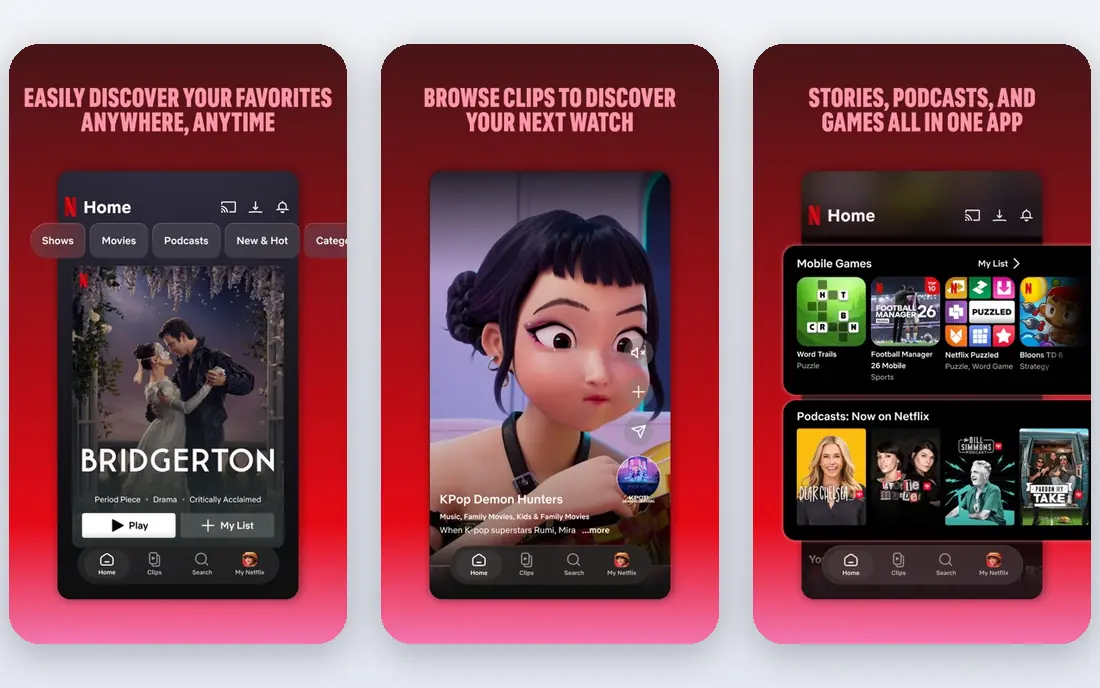
Netflix is still the safest anchor service for most households. Its library covers drama, comedy, documentaries, reality, and global titles, and its originals arrive often enough to keep a subscription useful month to month. Standard with Ads starts at $8.99 per month, Standard at $19.99 per month, and Premium at $26.99 per month in October 2026 guides.
Netflix is also the priciest choice at the top tier, and it offers no free plan or trial in the United States. We would pick it as the main service for a household that watches many genres, and we would rotate other services around it rather than keeping everything active.
- Largest breadth of originals and global titles
- Strong recommendations and profiles
- Downloads on paid plans
- Wide device support
- Highest prices on this list at higher tiers
- No free plan
- Ad-supported plan has ads and limits
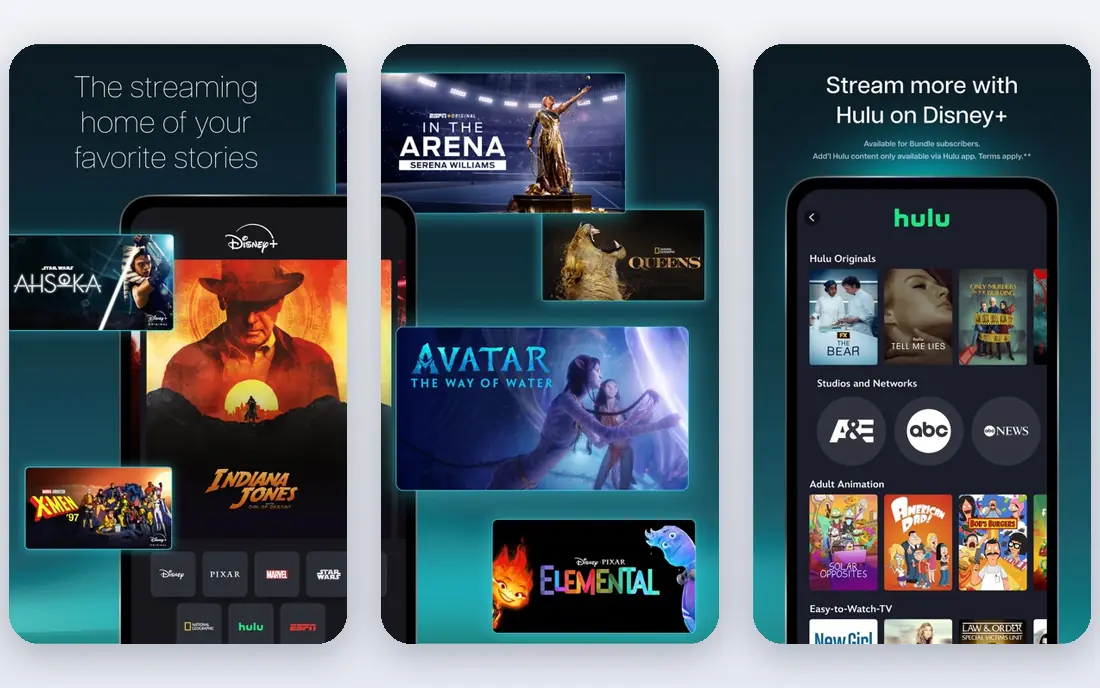
Disney+ is the clearest family pick, with Disney and Pixar films, Marvel and Star Wars series, and National Geographic documentaries in one app. Its family profiles and parental controls help parents manage what children can watch, and its bundles with Hulu can lower the combined cost for households that want both.
Disney+ costs $12.49 per month with ads and $21.49 per month for Premium in October 2026 guides, after a September 2026 price rise. It is less convincing for viewers who do not care about its franchises, so check its current catalog before subscribing for adults only.
- Disney, Pixar, Marvel, Star Wars, and National Geographic in one place
- Family profiles and controls
- Bundle options with Hulu
- Price rose in September 2026
- Library is franchise-heavy
- No free plan
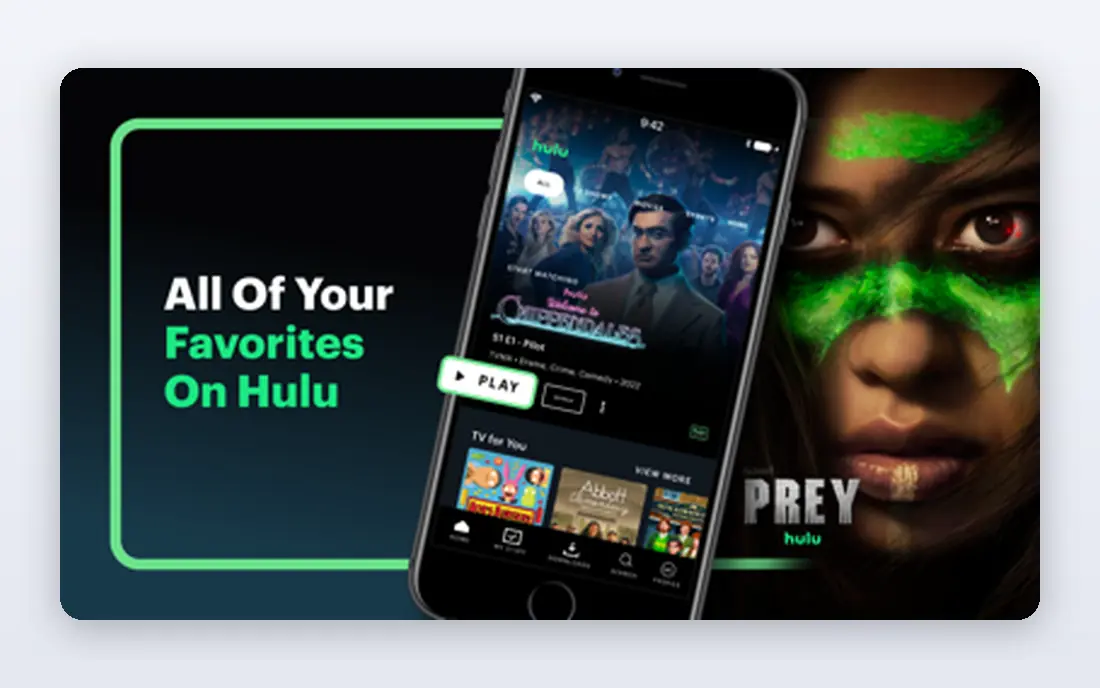
Hulu suits viewers who want current TV without waiting for a full season to arrive elsewhere. It offers next-day episodes from major networks, plus originals and FX programming, which gives it a different feel from Netflix or Disney+. Its price is $12.49 per month with ads and $21.49 per month without ads in October 2026 guides.
Hulu has no free plan, and its ad-supported tier can feel heavy for binge-watchers. We would pick Hulu for households that follow current shows closely, and we would check the Disney+ bundle before paying for both separately.
- Next-day episodes from major networks
- Strong originals and FX content
- Bundle options with Disney+
- Large TV library
- Price rose in September 2026
- Ad-supported plan has frequent ads
- Live TV is a separate, much higher plan
HBO Max, often called Max, is the best pick when quality matters more than volume. Its HBO originals, Warner Bros. films, and documentary catalog give it a prestige feel that other services struggle to match, and its higher tiers add 4K and more streams. Basic with Ads starts at $10.99 per month, Standard at $18.49 per month, and Premium at $22.99 per month in October 2026 guides.
Max is not the best choice for viewers who want endless new titles every week, because its library is more curated. We would rotate Max in for a few months when a major HBO series or film run arrives, then pause it when that run ends.
- HBO originals and Warner Bros. films
- Strong drama and documentary catalog
- 4K on higher tiers
- Good film depth
- No free plan
- Higher tiers cost more
- Library is smaller than Netflix for sheer volume
Prime Video is the best value pick for people who already pay for Amazon Prime, since it is included with Prime at $14.99 per month. Standalone Prime Video costs $8.99 per month with ads, and removing ads costs an extra $4.99 per month in October 2026 guides. Its catalog covers films, originals, and sports like Thursday Night Football.
The interface mixes included titles, rentals, and add-on channels, which can make it harder to find what is actually included. We would pick Prime Video as a second service for Prime members, and we would check the ad-free add-on only if ads bother you often.
- Included with Amazon Prime
- Large film catalog plus originals
- Add-on channels
- Rentals for new releases
- Interface can feel cluttered
- Standalone plan includes ads
- Ad-free viewing needs an extra fee
Apple TV focuses on a smaller set of originals rather than a huge back catalog, and that focus shows in quality. Its dramas, comedies, and documentaries are often among the most acclaimed titles in a given year, and the service has no ads. It costs $14.99 per month in October 2026 guides, with a free trial for new users.
Apple TV is easy to burn through, because its library is far smaller than Netflix or Hulu. We would subscribe for a month or two when several Apple originals appeal to you, watch them, then cancel until the next run arrives.
- No ads on the service
- High-quality originals
- 4K included
- Family sharing and Apple device integration
- Library is much smaller than Netflix
- No ad-supported cheaper tier
- Best value mainly for Apple users
Peacock suits viewers who follow NBC shows, Universal films, and live sports. Its Select plan starts at $8.99 per month, Premium with ads at $12.99 per month, and Premium Plus without ads at $19.99 per month in October 2026 guides, after an August 2026 rise. Sports coverage, including Premier League and NFL games, is a key reason many households keep it.
Peacock is less convincing as a general entertainment service alone, because its originals and film depth trail Netflix and Max. We would pick it for sports seasons and NBC viewing, and we would check which games sit on which tier before subscribing.
- NBC and Universal titles
- Live sports including Premier League and NFL games
- News and reality content
- Lower starting price
- Price rose in August 2026
- Ad-free tier costs more
- Some sports need higher tiers or add-ons
Paramount+ covers CBS shows, Paramount films, live sports, and Showtime content on its Premium tier, which makes it a strong pick for sports and news viewers. Essential costs $8.99 per month with ads, and Premium costs $13.99 per month in October 2026 guides. Its Star Trek catalog and reality titles also give it a distinct identity.
Paramount+ is not the best all-around service, because its general drama and film depth is narrower than Netflix. We would pick it when NFL, UEFA, or Showtime titles are on your watchlist, and we would use the free trial to test its app on your devices first.
- CBS shows and Paramount films
- Live NFL and UEFA coverage
- Showtime content on Premium
- News and reality titles
- Interface and search can frustrate
- Premium costs more
- Some content varies by plan
Tubi is the best free service on this list, and it is a useful check against paying for everything. It offers a large ad-supported library of movies and TV shows, with no subscription and no account needed for much viewing. That makes it a good second or third service for households that want more choice without another monthly bill.
Tubi will not replace Netflix or Disney+ for new originals, and its titles rotate, so a film you plan to watch may leave. Even so, for free, legal viewing, it is the first service we would add before paying for another paid platform.
- Free with no subscription
- Large movie and TV library
- No account needed for much viewing
- Wide device support
- Ad-supported viewing
- No new originals at Netflix scale
- Some titles rotate out
Crunchyroll is the clearest niche pick, with the largest licensed anime library on this list. It offers simulcasts, films, and a deep back catalog that general services cannot match, plus a free limited tier for testing. Paid plans start at $9.99 per month in published guides.
Crunchyroll is only worth paying for if anime is a regular habit, because its non-anime content is minimal. For anime fans, though, it is a better value than hunting for anime across general services, where availability changes often.
- Largest licensed anime library here
- Simulcasts from Japan
- Manga and films beside series
- Free limited viewing
- Niche focus
- Free plan is limited and ad-supported
- Some titles vary by region
How we picked these
We compared licensed services available in the United States, using October 2026 pricing guides and official service pages where available. We kept only legal, licensed services, and we excluded unlicensed sources, live TV bundles that duplicate cable, and services without a clear United States offering. Where prices differed across older guides, we used the October 2026 figures and noted that prices change often.
How to choose without overspending
Start with one anchor service that matches most of your viewing, such as Netflix for variety or Disney+ for families. Add one specialty service only when its catalog matches a real habit, such as Crunchyroll for anime or Peacock for sports. That two-service core covers most households better than five services that all charge every month.
Next, rotate the rest. Services with smaller libraries, like Apple TV and HBO Max, work well for two or three months at a time, when a show or film run appeals to you, then pause. Check bundles before paying separately, especially Disney+ with Hulu, and check carrier deals, since some phone plans include streaming at no extra cost.
Finally, audit your subscriptions every few months. Look at what you actually watched in the last month, not what you might watch someday, and cancel anything unused. A free service like Tubi can fill gaps while a paid service is paused, without losing access to movies and TV entirely.
Frequently asked questions
Which OTT platform is best?
Netflix is the best all-around OTT platform for most households, because it covers the widest range of genres and originals. Disney+ is best for families, HBO Max is best for prestige drama, and Tubi is best for free viewing. The best platform is the one that matches what you watch most often.
What is the best OTT app for movies?
Netflix and HBO Max are the strongest movie picks here, with Netflix offering breadth and HBO Max offering Warner Bros. films and prestige titles. Prime Video also has a large film catalog, plus rentals for new releases. Check current catalogs, since film availability rotates often.
What is the best OTT platform for sports?
Peacock and Paramount+ are the strongest sports picks on this list, with Peacock covering Premier League and NFL games and Paramount+ covering NFL and UEFA. Prime Video also covers Thursday Night Football for Prime members. Check which games sit on which tier before subscribing.
Are there good free OTT platforms?
Yes, Tubi is the best free OTT platform here, with a large ad-supported library and no subscription needed. Crunchyroll also offers free limited viewing. Free services have ads and rotating titles, but they are a good way to cut costs without losing access to movies and TV.
How can I save money on OTT platforms?
Rotate services instead of keeping them all active, use bundles like Disney+ with Hulu, and check carrier deals that include streaming. Audit what you watched last month and cancel unused services. Adding a free service like Tubi can also fill gaps while paid services are paused.
Sources
- https://freesubscriptiontracker.org/blog/streaming-prices-2026
- https://stream-wiser.com/blog/streaming-cost-per-month-2026.html
- https://www.netflix.com
- https://www.disneyplus.com
- https://www.hulu.com
- https://www.max.com
- https://www.primevideo.com
- https://tv.apple.com
- https://www.peacocktv.com
- https://www.paramountplus.com
- https://www.tubitv.com
- https://www.crunchyroll.com
See where you really rank - block by block
ProMapRanker scans Google Maps across a grid of your service area. Simple monthly plans from $19, white-label on every plan.
Start freeKeep reading
 zoho inventory alternatives
6 Alternatives to Zoho Inventory, Compared on Price and Fit
Zoho Inventory alternatives: 6 tools compared on price, free plans and fit. Katana leads the list for manufacturers. Fit and flaws are laid out for each entry.
Read → zoho crm alternatives
Best Zoho CRM Alternatives (2026)
Need Zoho CRM alternatives? We compare 7 tools on cost, free access and who each suits. Every pick gets a straight assessment. Built for quick decisions.
Read → zelle alternatives
Best Zelle Alternatives in 2026
Compare the best Zelle alternatives for sending money to friends, paying sellers and moving funds abroad, with honest notes on fees, speed and safety in 2026.
Read →