 ProMapRanker
Best Organizational Tools in 2026

Key takeaways
- Todoist is the fastest personal task tool, while Notion is the best all-in-one workspace for notes, tasks and databases.
- Trello suits visual thinkers who want a board running today, and Asana suits teams that need ownership and timelines.
- TickTick gives the most built-in extras for the price, including a calendar, habit tracker and focus timer.
- Start free and pay only when a limit bites: free plans differ sharply on users, boards and storage.
Quick comparison
| Pick | Great for | Pricing starts at | Free tier | |
|---|---|---|---|---|
 Todoist | Fast personal task capture | $5 per month | Yes | Visit |
 TickTick | Personal planning with built-in extras | $49.99 per year | Yes | Visit |
 Notion | Notes, tasks and databases in one place | $10 per member per month | Yes | Visit |
 Trello | Simple visual kanban boards | $5 per user per month | Yes | Visit |
 Asana | Team projects with ownership | See website | Yes | Visit |
 ClickUp | One workspace for tasks and docs | $7 per user per month | Yes | Visit |
 Microsoft To Do | Simple lists inside Microsoft 365 | Free | Yes | Visit |
 Evernote | Notes, clipping and scanned documents | See website | Yes | Visit |
 Google Keep | Quick notes and reminders | Free | Yes | Visit |
 Any.do | Simple shared lists and reminders | See website | Yes | Visit |
The best organizational tools
Organizational tools cover tasks, notes, calendars and projects, and the right one depends on whether you organise alone or with a team. We compared official pricing, free limits, platforms and collaboration features. Our pick for most individuals is Todoist for speed, with Notion as the all-in-one alternative and Trello for visual planning.

Todoist wins on speed. Type a sentence such as a task with a date and time, and it creates the task with the right due date, priority and project. That capture speed matters for a busy person who needs to empty their head fast and trust the list later. Labels, filters and a wide integration set let power users build custom views without a complex setup.
The free plan covers personal use well, and Pro costs $5 a month billed annually in recent listings. A full team workspace needs the Business plan, and the calendar view is less central than in TickTick. For an individual who wants the fastest reliable to-do list, Todoist is still the benchmark.
- Natural-language quick add
- Fast on every platform
- Labels, filters and 150 plus integrations
- Full team workspace needs Business
- Some features need the paid plan
- No built-in calendar view as strong as TickTick

TickTick gives the most features for the money on this list. A calendar view, habit tracker, Eisenhower matrix and Pomodoro focus timer sit inside one app, so a user does not need four separate tools to plan a day. Premium costs $49.99 a year, which undercuts Todoist Pro on annual billing, and the free plan is functional for basic lists.
The interface can feel busy if you only want a simple list, and shared lists cap at 29 members, so it is not a large-team tool. For a student, freelancer or solo planner who wants calendar, habits and focus tools in one place, TickTick is the best value pick here.
- Calendar, habit tracker, Eisenhower matrix and Pomodoro timer built in
- Lower annual price than Todoist Pro
- Shared lists cap at 29 members
- Interface can feel busy for casual users
- Team features are lighter than Asana
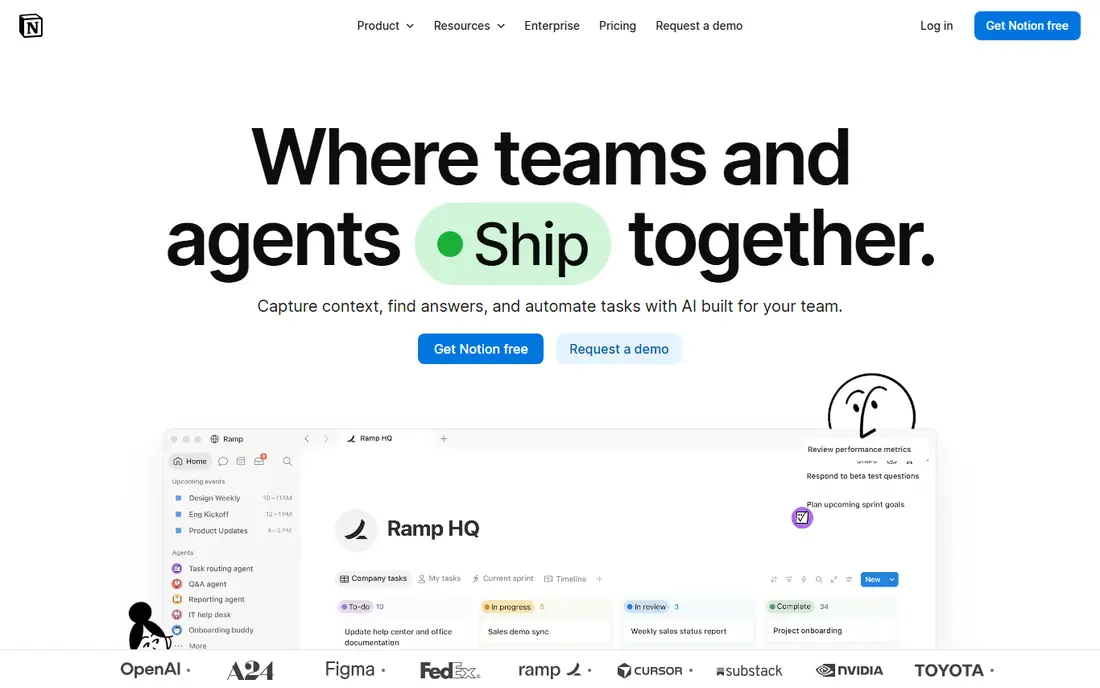
Notion is the all-in-one workspace for people who organise with documents as well as tasks. Pages can hold notes, tables, calendars and task lists, and databases link them together, so a project, a reading list and a client file can live in one system. Templates for personal wikis, team hubs and project trackers give a fast start.
That flexibility demands setup. A blank Notion workspace can feel overwhelming, and designing a system that stays tidy takes time. Plus costs $10 per member per month billed annually, and Business costs more. For a person or team that wants notes and tasks in one place and will invest an afternoon in setup, Notion is the most capable tool here.
- Flexible pages and databases
- Wikis, docs and tasks in one workspace
- Strong template library
- Needs setup time to design a good workspace
- Per-member pricing adds up
- Offline use is limited
Trello suits visual thinkers. A board with lists and cards shows work moving from to do to doing to done at a glance, and a new board takes minutes to set up. The inbox captures tasks from email, Slack and Teams, which helps a small team stop losing requests in chat. The free plan covers up to 10 boards and 10 collaborators per workspace, with unlimited cards.
Native task dependencies are missing, so teams that need strict sequencing should look at Asana or ClickUp. Standard costs $5 per user per month billed annually. For a small team or household that thinks in stages and wants a board today, Trello is the simplest strong choice.
- Kanban boards running in minutes
- Easy to learn
- Inbox captures from email, Slack and Teams
- No native task dependencies
- Free plan limits boards and collaborators
- Advanced features need higher tiers
Asana is the team organisation tool for projects with owners and deadlines. Tasks have one assignee, due dates and timelines, and rules automate routine handoffs on paid plans. That structure helps cross-functional teams stop asking who owns a task, since the answer sits on the task itself. Reporting and portfolio views suit managers overseeing several projects.
The free Personal plan is limited to two users, which blocks a small team fast, and paid pricing has varied across recent listings, so we list it as See website. Check the current Starter price for your seat count before budgeting. For a team that needs accountability and timelines, Asana earns its place despite the free-plan limit.
- Clear task ownership and timelines
- Rules and automation on paid plans
- Strong team reporting
- Free Personal plan is limited to two users
- Paid pricing has changed across listings
- No single-user paid plan in some tiers
ClickUp tries to replace several tools at once: tasks, docs, goals, whiteboards and chat sit in one workspace with many views, from lists to Gantt charts. The free plan includes unlimited members and tasks, which is generous, though storage is capped. Unlimited costs $7 per user per month billed annually in recent listings.
That depth is also the drawback. New users face many settings, and a solo user may spend more time configuring ClickUp than using it. For a team that wants one workspace for tasks and docs and will invest in setup, ClickUp offers the most breadth for the price. For a solo list, Todoist is faster.
- Unlimited members and tasks on the free plan
- Tasks, docs and goals in one workspace
- Many views
- More setup than a solo list needs
- Free plan storage is capped at 60 MB
- Settings can overwhelm new users
Microsoft To Do is the simple list for people already living in Outlook and Teams. Tasks from flagged emails flow into To Do, My Day offers a daily planning view, and lists sync across Windows, web and mobile at no extra cost. For a Microsoft 365 user who wants a clean personal list without another subscription, it is hard to beat.
It is not a team project tool. There are no boards, timelines or workload views, and users outside Microsoft 365 get less value. If you already pay for Microsoft 365, start here before buying another task app. If you need team projects, pair it with Planner or pick Asana.
- Free with a Microsoft account
- Tight Outlook and Teams integration
- My Day planning view
- No team project features
- Limited compared with Todoist or TickTick
- Best only inside Microsoft 365
Evernote organises reference material rather than just tasks. Web clipping saves articles and research, scanned documents become searchable, and notebooks with tags keep years of notes findable. That reference strength suits researchers, students and professionals who keep a personal knowledge base.
The free plan is limited, and paid tiers have changed across recent listings, so we list pricing as See website. It is also heavier than Google Keep for quick notes. For a long-term note archive with clipping and scanning, Evernote still has a clear role. For quick capture, Keep or Todoist is faster.
- Web clipping and search
- Scanned document handling
- Notebooks and tags for long-term reference
- Free plan is limited
- Paid tiers have changed often
- Heavier than a simple note app
Google Keep is the fastest note tool on this list for Google users. Open it, type a note, set a reminder or a colour label, and it syncs to every device at no cost. It suits shopping lists, quick ideas, phone numbers and reminders that do not need a full project system.
It is not a task manager or a wiki. Formatting is basic, there are no boards or timelines, and a large structured workspace will outgrow it. Use Keep for capture and quick reference, and pair it with Todoist, Notion or Trello when a note becomes a project.
- Free with a Google account
- Fast capture
- Colour labels and reminders
- Syncs across devices
- No project management features
- Limited formatting
- Not suited to large structured workspaces
Any.do suits people who want a simple shared list without learning a power tool. Lists, a calendar view and reminders sit in one clean app, and sharing a list with a partner or a small team takes seconds. That simplicity makes it a good family or household organisation tool.
Power users will miss Todoist filters, TickTick extras and Notion databases, and paid pricing varies by platform, so we list it as See website. For a household or a small team that wants shared lists and reminders done simply, Any.do is a friendly, low-friction choice.
- Simple shared lists
- Calendar and reminders in one app
- Easy for families and small teams
- Fewer power features than Todoist or TickTick
- Paid pricing varies by platform and listing
How we picked these
We compared official pricing pages, free-plan limits, platforms, collaboration features and the job each tool does best: capture, planning, notes or team projects. We kept only tools that are live in October 2026 and that an ordinary user can start for free or at a low cost. Where paid pricing has changed across recent listings, we listed See website rather than repeating a figure we could not tie cleanly to a current vendor page.
How to choose without buying five apps
Start with how you think. If you think in lists, start with Todoist or TickTick. If you think in boards, start with Trello. If you think in documents, start with Notion. If you work in a team with deadlines, start with Asana or ClickUp. That one choice saves weeks of switching between tools that all look similar in a demo.
Next, test with real work for two weeks, not with a sample project. Put your actual tasks, notes and deadlines into the free plan, and notice which limit bites first: users, boards, storage or features. Pay only when that limit blocks real work. Finally, keep capture separate from storage: a fast capture tool such as Keep or Todoist plus a reference tool such as Notion or Evernote often beats one tool forced to do both jobs badly.
Frequently asked questions
What are the best organization tools for personal use?
Todoist is our personal pick for fast task capture, TickTick is the best value for calendar, habits and focus tools in one app, and Notion is best if you also want notes and databases. Google Keep is the best free quick-note tool for Google users.
What are the best tools for organization at work?
Asana and ClickUp lead for team projects, with Asana stronger on ownership and timelines and ClickUp stronger on breadth. Trello suits small visual teams, and Microsoft To Do suits individuals inside Microsoft 365 who only need personal lists.
Is Notion or Todoist better for staying organized?
They do different jobs. Todoist is better for capturing and completing tasks fast, while Notion is better for organising notes, projects and reference material in one workspace. Many users run both: Todoist for daily tasks and Notion for projects and notes.
Are there good free organizational tools?
Yes. Todoist, TickTick, Notion, Trello, ClickUp, Microsoft To Do and Google Keep all offer free plans, but limits differ sharply. Trello caps boards, Asana caps free users at two, and ClickUp caps free storage, so read the limit that matters for your work before choosing.
How do I stop switching organizational tools every month?
Pick one tool for capture, one for reference if needed, and commit to a two-week trial with real work. Switching usually comes from an unclear system, not a bad tool, so define your daily review habit before blaming the app.
Sources
See where you really rank - block by block
ProMapRanker scans Google Maps across a grid of your service area. Simple monthly plans from $19, white-label on every plan.
Start freeKeep reading
 zscaler alternatives
Best Zscaler Alternatives in 2026
Looking for zscaler alternatives? We compare 9 SASE and zero trust platforms on architecture, data protection, pricing, and fit for your network and team.
Read → zapier alternatives free
Best Zapier Alternatives Free in 2026
Nine automation tools for zapier alternatives free in 2026, all with genuinely free tiers, plus free plan limits, starting prices and upgrade paths explained.
Read → which platform is best for online reputation
Which Platform Is Best for Online Reputation in 2026
Wondering which platform is best for online reputation? We compare 8 review, listing, and response tools for small and multi-location businesses and agencies.
Read →