 ProMapRanker
Best Org Chart Software in 2026


Org charts plus general diagramming · Pricing starts at: $7.95 per month
Key takeaways
- ChartHop is the strongest pick when charts must stay linked to HR data and update automatically.
- Lucidchart and Miro suit teams that need org charts beside other diagrams and planning boards.
- Organimi and Venngage suit smaller teams that want a simple, clean chart without enterprise pricing.
- For a free starting point, Diagrams.net and the free tiers of ChartHop, Venngage, and Miro are worth testing first.
Quick comparison
| Pick | Great for | Pricing starts at | Free tier | |
|---|---|---|---|---|
| Lucidchart | Org charts plus general diagramming | $7.95 per month | Yes | Visit |
 ChartHop ChartHop | Living charts tied to people data | Free | Yes | Visit |
 Microsoft Visio Microsoft Visio | Microsoft-first diagram builders | $6 per month | No | Visit |
 Pingboard Pingboard | Org charts plus employee directory | $149 per month | Free trial | Visit |
 Organimi Organimi | Simple dedicated org charts | $10 per month | Free trial | Visit |
 Venngage Venngage | Polished charts for HR and managers | Free | Yes | Visit |
 Miro Miro | Collaborative planning on a canvas | Free | Yes | Visit |
 Creately Creately | Low-cost team diagramming | $5 per month | Yes | Visit |
 Diagrams.net Diagrams.net | Free general diagramming | Free | Yes | Visit |
The best best org chart software
We compared 9 options for this guide, looking at what each tool does best, what it costs, and where it falls short. The list below mixes well-known leaders with smaller options that serve a clear job well, so you can shortlist by fit rather than by fame alone.
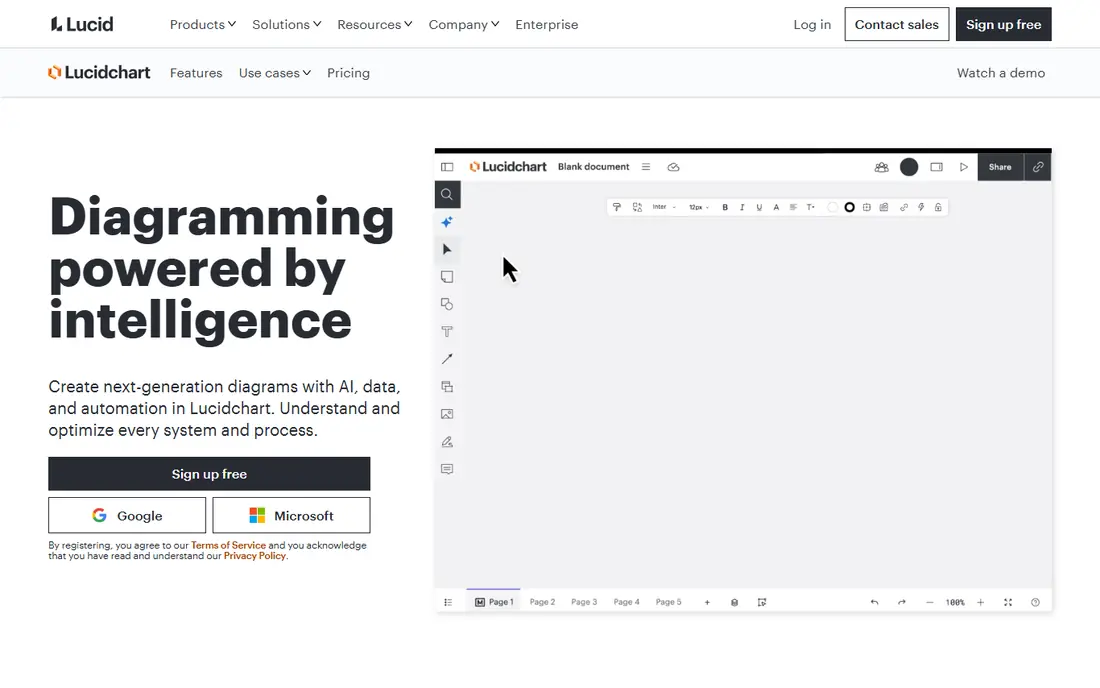
Start here if you want a clear first option to test. Lucidchart is a general diagramming tool with strong org chart templates, so teams can build charts beside process maps and system diagrams. It fits teams that need org charts plus other diagrams in one tool, with easy sharing and comments. In day-to-day use, the value shows up in how much manual follow-up it removes from a normal week. The catch is HR depth: if you need automatic updates from HR data, a dedicated org tool such as ChartHop may fit better. Starting at $7.95 per month, with a free plan status of yes, it is worth testing on a real task before you commit to a longer plan, and checking current limits on the vendor site first.
- Drag-and-drop org chart templates
- Data import from spreadsheets
- Real-time comments and sharing
- Free plan is limited
- Org-specific HR sync is lighter than dedicated tools
- Cost rises with team seats
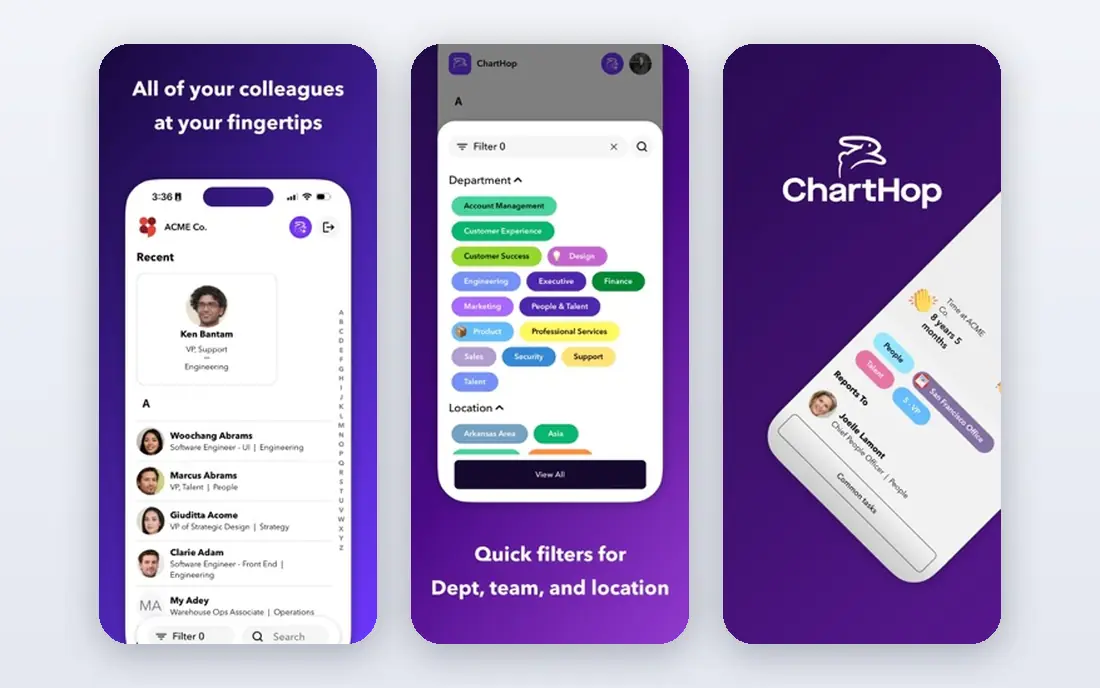
Consider this option when your current setup feels slow or scattered. ChartHop builds org charts from people data, so charts stay current when HR records change, rather than needing manual redraws. It fits companies that want a living chart linked to hiring, planning, and people analytics. In day-to-day use, check how it handles your most common task, not the feature list as a whole. The catch is data quality: the chart is only as good as the HR data feeding it, so clean job titles and reporting lines matter. Starting at free, with a free plan status of yes, it is worth testing on a real task before you commit to a longer plan, and checking current limits on the vendor site first.
- Free tier for smaller headcounts
- HRIS integrations
- Scenario planning and people analytics
- Paid plans are priced per employee, so large headcounts cost more
- Setup needs clean HR data
- Analytics features need higher tiers
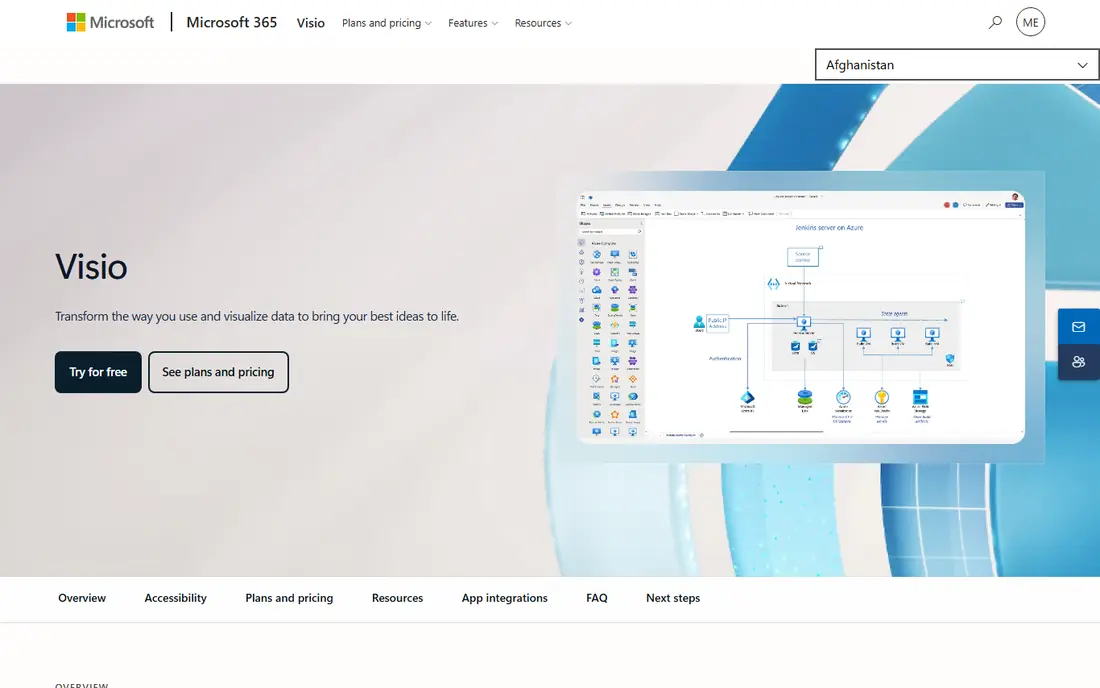
This pick makes sense for teams that know exactly which stage to fix first. Microsoft Visio offers detailed diagramming with Excel import, so large org charts can be generated from a spreadsheet rather than drawn box by box. It fits Microsoft-first organisations that already use Excel, Teams, and Microsoft 365 for daily work. In day-to-day use, the setup time and the learning curve matter as much as the headline features. The catch is simplicity: for a quick, shareable chart, a dedicated tool such as Organimi may be faster to learn. Starting at $6 per month, with a free plan status of no, it is worth testing on a real task before you commit to a longer plan, and checking current limits on the vendor site first.
- Excel data import for org charts
- Deep diagram controls
- Works with Teams and Microsoft 365
- No free plan
- Interface can feel heavy for simple charts
- Best value sits inside Microsoft licensing
Look at this one first if price or simplicity matters more than breadth. Pingboard pairs org charts with an employee directory, profiles, and onboarding tools, so new hires can find people and teams quickly. It fits mid-sized companies that want a chart, directory, and people profiles in one place. In day-to-day use, the value shows up in how much manual follow-up it removes from a normal week. The catch is price: small teams should compare the monthly total with simpler tools such as Organimi before committing. Starting at $149 per month, with a free plan status of free trial, it is worth testing on a real task before you commit to a longer plan, and checking current limits on the vendor site first.
- Org charts with rich employee profiles
- Directory and onboarding features
- Sharing controls
- Monthly entry price is high for small teams
- Per-plan limits need checking
- HRIS sync varies by plan
A practical choice for buyers who want one tool to cover the core job. Organimi focuses on org charts alone, with a simple editor, CSV import, and exports that suit startups and growing teams. It fits small and mid-sized businesses that want a clean chart without learning a full diagramming suite. In day-to-day use, check how it handles your most common task, not the feature list as a whole. The catch is automation: expect more manual updates than with an HR-linked tool, unless you import data regularly. Starting at $10 per month, with a free plan status of free trial, it is worth testing on a real task before you commit to a longer plan, and checking current limits on the vendor site first.
- Simple org-chart-first editor
- CSV import and export
- Photo profiles and flexible layouts
- No free plan on current pricing
- HRIS sync is limited
- Analytics are lighter than ChartHop
This tool stands out when you need depth in one area rather than a little of everything. Venngage offers polished org chart templates that look presentation-ready with little design work. It fits HR teams and managers who need a clear, attractive chart for planning meetings, onboarding, or board packs. In day-to-day use, the setup time and the learning curve matter as much as the headline features. The catch is maintenance: it is best for charts you update by hand, not for charts that must sync with HR data daily. Starting at free, with a free plan status of yes, it is worth testing on a real task before you commit to a longer plan, and checking current limits on the vendor site first.
- Free plan for basic charts
- Polished templates
- Easy sharing and export
- Free plan limits apply
- HR data sync is limited
- Paid plans are per user
Choose this if you plan to grow into the tool over the next year. Miro is a visual collaboration canvas where teams can build org charts beside strategy maps, workshops, and planning boards. It fits remote teams that plan structure together and want comments, sticky notes, and live editing in one space. In day-to-day use, the value shows up in how much manual follow-up it removes from a normal week. The catch is structure: Miro gives freedom, so teams need agreed layouts and owners, or charts can drift over time. Starting at free, with a free plan status of yes, it is worth testing on a real task before you commit to a longer plan, and checking current limits on the vendor site first.
- Free plan for basic boards
- Infinite canvas for planning
- Real-time collaboration and comments
- Org charts are manual, not HR-linked
- Paid plans are per user
- Large boards need organisation to stay readable
For a narrower job, this option can be easier to run than a full suite. Creately offers diagramming with org chart templates at a low entry price, with collaboration for distributed teams. It fits small teams that need org charts plus flowcharts and planning diagrams without a large budget. In day-to-day use, check how it handles your most common task, not the feature list as a whole. The catch is depth: for HR-linked charts and workforce planning, ChartHop or Pingboard offer more purpose-built features. Starting at $5 per month, with a free plan status of yes, it is worth testing on a real task before you commit to a longer plan, and checking current limits on the vendor site first.
- Low entry price
- Org chart templates
- Real-time collaboration and integrations
- Free plan limits apply
- HR sync is lighter than dedicated tools
- Template quality varies
The case for this tool is strongest when its main strength matches your daily work. Diagrams.net, also known as draw.io, is a free diagramming tool that covers org charts with no subscription for basic use. It fits teams that need a free, flexible chart tool and are happy to update charts by hand. In day-to-day use, the setup time and the learning curve matter as much as the headline features. The catch is automation and polish: it lacks HR sync and the refined templates of paid org-first tools. Starting at free, with a free plan status of yes, it is worth testing on a real task before you commit to a longer plan, and checking current limits on the vendor site first.
- Free web and desktop use
- Org chart shapes and templates
- Storage in Drive, Dropbox, or OneDrive
- No HR data sync
- Interface is functional rather than polished
- Support is community-led
How we picked these
We compared official feature pages, pricing pages, app store listings, privacy policies, and public reviews for each product, and we kept only tools that exist and work in October 2026 and truly fit the topic. Where a price could not be verified from a vendor page or a reliable pricing summary, we wrote See website rather than guessing a number.
Choosing org chart software
Start with the work you do most often, not the longest feature list. A tool that excels at your main task will save more time than a broader tool that is only average at that task. Write down the top three jobs you need done each week, then score each shortlisted tool against those jobs alone.
Start with the work you do most
List the jobs that take the most time today, and check whether each candidate actually shortens those jobs. If a tool only helps with rare tasks, it will sit unused while the daily work stays manual.
Check the price at your team size
Model the cost for your current team and for the team you expect in a year. Include seats, storage, limits, and add-ons, and compare that total, not the headline starting price.
Frequently asked questions
What is the best software for org charts in a large company?
ChartHop and Pingboard suit larger companies, because they link charts to people data and support profiles, planning, and directory features. For diagram-heavy work in a Microsoft shop, Visio is also a strong option.
What is the best organizational chart software for a small team?
Organimi and Venngage suit small teams that want a simple chart quickly. Diagrams.net is a free alternative when budget is tight and manual updates are acceptable.
What is the best org chart tool for remote teams?
Miro suits remote planning sessions, with live collaboration and comments. Pingboard suits remote teams that also need a searchable directory and employee profiles.
What is the best app for org charts on a tight budget?
Diagrams.net is free, and ChartHop, Venngage, Miro, and Creately offer free tiers. Start free, then pay only if you need HR sync, sharing controls, or polished exports.
How do best tools for org charts handle HR data?
Dedicated tools such as ChartHop sync with HR systems, while general diagram tools rely on spreadsheet imports or manual edits. Check which HR system is supported, how often sync runs, and what happens when a reporting line changes.
Sources
See where you really rank - block by block
ProMapRanker scans Google Maps across a grid of your service area. Simple monthly plans from $19, white-label on every plan.
Start freeKeep reading
 zendesk alternatives
Best Zendesk Alternatives in 2026
Compare the best Zendesk alternatives in 2026, from budget help desks to AI-first support tools, with current pricing, free plans, and honest trade-offs.
Read → wordpress alternatives
Best WordPress Alternatives in 2026
Looking for the best WordPress alternatives? We compare 8 free and paid options for blogs, business sites, stores, and developer-led projects in 2026.
Read → which real estate company has the best training
Best Real Estate Company Training in 2026
Compare which real estate company has the best training, from Keller Williams and eXp to Compass and Coldwell Banker, by program, mentor, and fit in 2026.
Read →