 ProMapRanker
Best Open Source Software for Password Protection in 2026

Key takeaways
- Every tool here publishes its source code, so anyone can inspect how it stores and encrypts passwords.
- Bitwarden is the easiest starting point for most people, with a free tier and apps for phones, browsers, and desktops.
- KeePassXC suits people who want a local vault file and no account or server at all.
- Passbolt and Psono fit teams that need shared credentials with clear permission controls.
- Self-hosted tools save subscription fees but add backup and update work that you must actually do.
Quick comparison
| Pick | Great for | Pricing starts at | Free tier | |
|---|---|---|---|---|
 Bitwarden | Most people starting out | Free | Yes | Visit |
 KeePassXC | Fully local vaults | Free | Yes | Visit |
 KeePass | Windows users who want plugins | Free | Yes | Visit |
 Passbolt | Teams sharing credentials | Free | Yes | Visit |
 Vaultwarden | Light self-hosting | Free | Yes | Visit |
 Psono | Business teams with strict controls | Free | Yes | Visit |
 Padloc | Simple cross-device vaults | Free | Yes | Visit |
 Buttercup | Simple vaults with cloud sync | Free | Yes | Visit |
 LessPass | Passwords without storing a vault | Free | Yes | Visit |
The best open source software for password protection
We compared open-source password tools on code transparency, sync options, sharing controls, and day-to-day ease of use. The list below covers hosted, self-hosted, and fully local choices.
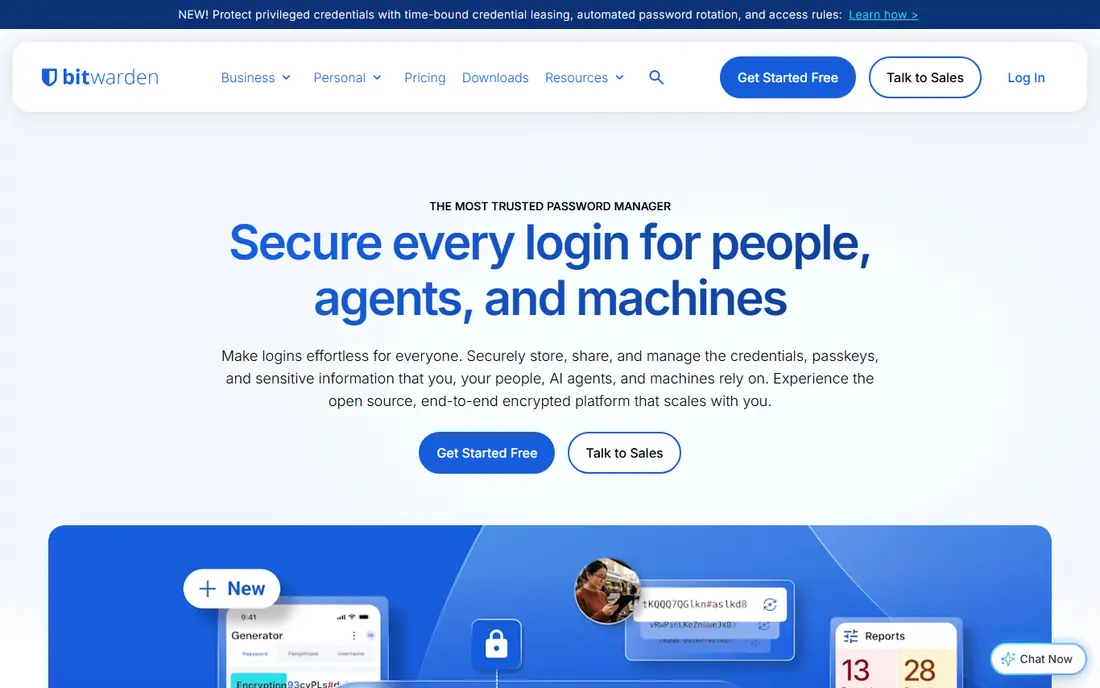
Bitwarden is our pick for most readers because it pairs open code with a normal, easy setup. The free tier covers unlimited passwords across devices, secure notes, and a password generator. Browser extensions and mobile apps fill logins without much fuss, and you can move to a paid personal plan if you want extra authentication options and reports.
The trade-off is modest. Bitwarden offers a hosted service and a self-hosted server, so you choose between convenience and full control. If you self-host the official server, expect a heavier setup than the lighter community alternative below. For most households and small teams, the hosted free tier or a low-cost paid plan is the sensible path.
- Open-source clients and server
- Generous free tier
- Apps for major platforms
- Advanced reporting and some business controls need a paid plan
- Self-hosting the official server takes more resources
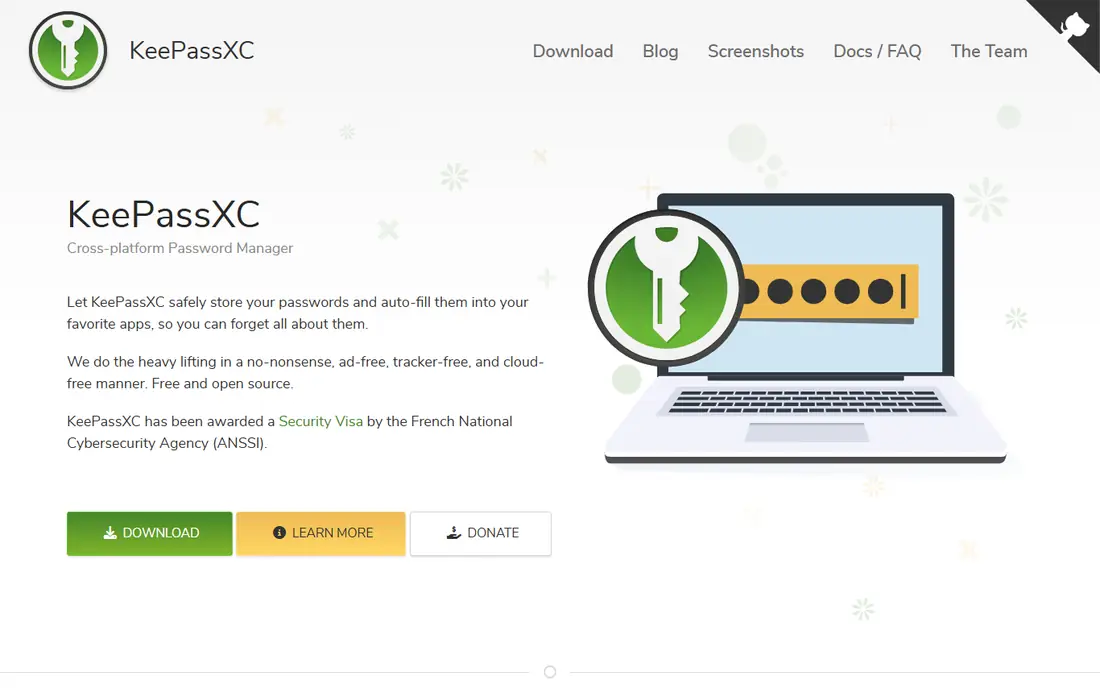
KeePassXC stores passwords in an encrypted file on your own device, which appeals to people who do not want a vendor holding their vault. It supports strong encryption options, auto-type, and a password generator, and it works well as a desktop tool. You can pair it with a file-sync service you already trust if you need the vault on more than one device.
That control comes with responsibility. There is no built-in cloud sync, so you arrange backups and file transfers yourself. Mobile use depends on compatible third-party apps rather than one official app. If you like owning every step, KeePassXC is a strong, honest choice.
- Local encrypted vault file
- No account required
- Browser integration on desktop
- No built-in sync
- Mobile apps come from separate projects
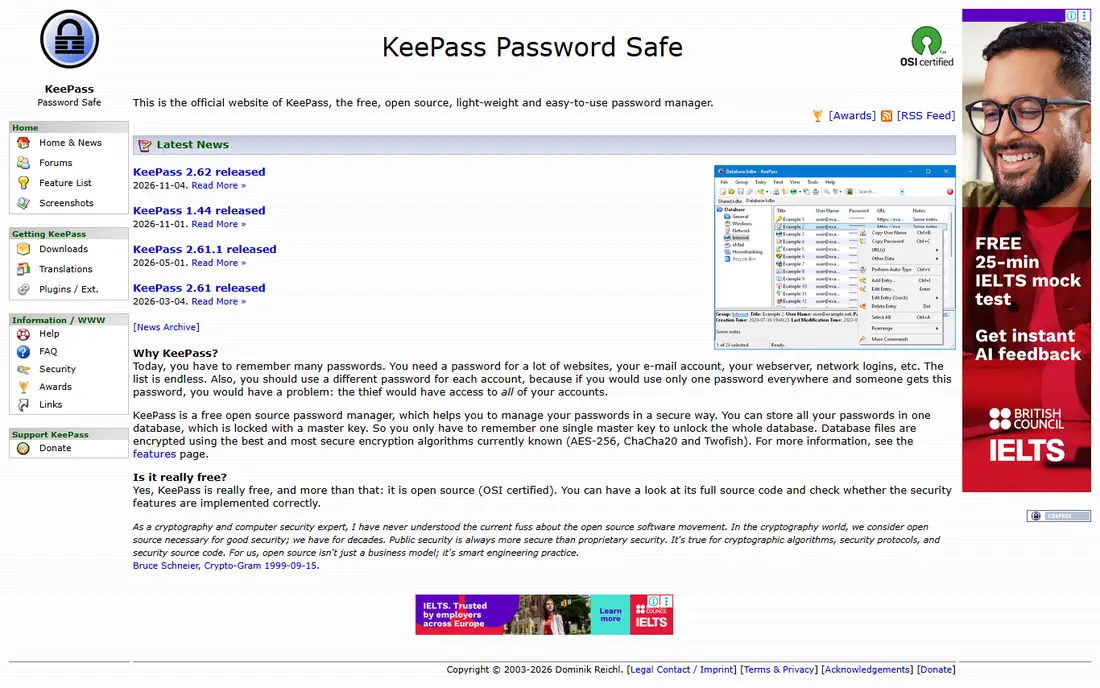
KeePass is the original project behind the KeePass vault format, and it remains a solid pick on Windows. It is free, portable, and supported by a wide range of plugins that add browser integration, sync helpers, and extra features. People who have used it for years often stay because the format is widely supported by other apps.
The interface will not win design awards, and Mac or Linux users generally turn to ports or KeePassXC instead. Setup also asks more of you than a hosted service does, since you manage the vault file and any sync method yourself. For a Windows user who values plugins and portability, it still earns its place.
- Long-running open-source project
- Large plugin collection
- Portable use
- Windows-first design
- Other platforms rely on ports
- Interface looks dated
Passbolt is built for teams that share logins, server credentials, and other secrets with care. It uses OpenPGP encryption and lets admins control who can see each item, which matters when staff join or leave. The community edition is free and self-hosted, while paid editions add support and business features.
It is not the simplest personal password manager, and that is fine, because it is not trying to be one. Small teams should budget time for installation, user onboarding, and backups. If your main problem is shared access rather than one personal vault, Passbolt fits better than a consumer tool stretched into team duty.
- Team sharing with granular permissions
- Open-source community edition
- Browser-based access
- Setup takes more effort than a personal vault
- Advanced business features are paid
Vaultwarden is a community-built server that works with official Bitwarden clients, giving you Bitwarden apps with a much lighter server footprint. It suits people who already run a small home server and want control over where their vault data lives. Setup is commonly done with a single container, and day-to-day use feels much like hosted Bitwarden.
The catch is support and upkeep. This is not Bitwarden's official server, so you should follow its release notes and keep backups before updating. If a server outage would lock you out of every account, keep an exported backup in a safe place. For capable self-hosters, it is an efficient and popular route.
- Works with official Bitwarden apps
- Light on resources
- Free to self-host
- Community project, not the official server
- You handle updates and backups
Psono targets companies that need structured sharing, audit trails, and control over sensitive credentials. It supports team folders, fine-grained permissions, and a self-hosted edition for organisations that want data on their own systems. The community edition gives smaller teams a way to test the model without paying first.
Smaller households will find Psono more formal than they need, and the setup reflects that business focus. It is best judged on a trial with your real team structure, including who approves access and how you handle leavers. For regulated or process-heavy teams, that structure is the point.
- Team folders and granular permissions
- Self-hosted option
- Enterprise features
- Heavier setup for small groups
- Interface is business-first
Padloc keeps the experience deliberately simple, with a clean interface and apps across desktop and mobile. It suits people who found other tools busy and just want to store, generate, and fill passwords without a long settings tour. You can use its hosted service or self-host if you prefer.
The smaller ecosystem is the honest limit. You will find fewer integrations and community guides than for Bitwarden or KeePassXC, and team features are less deep than Passbolt or Psono. If simplicity matters more than an extensive feature list, Padloc is a pleasant, transparent option.
- Clean and simple design
- Cross-platform apps
- Self-hosted option
- Smaller ecosystem than Bitwarden
- Fewer advanced team features
Buttercup is a straightforward vault that stores encrypted archives you can sync through cloud storage services. It covers the basics well: passwords, secure notes, a generator, and apps for desktop and mobile. People who like the KeePass idea but want a more modern-looking app often land here.
It is a smaller project, so feature releases and support do not match larger tools. It also lacks the deep team administration found in business-focused options. For one person or a small household that wants a free, open vault with a friendly face, Buttercup does the job.
- Free and open source
- Works with common cloud storage
- Desktop and mobile apps
- Smaller team and slower feature pace
- Fewer business controls
LessPass takes a different approach: instead of storing passwords, it generates the same password each time from a site name, login, and master password. That means there is no vault file for an attacker to steal, and nothing to sync between devices. It is a clever fit for people who want deterministic passwords and minimal storage.
The model has real limits. You cannot browse a stored list of accounts, and if you change your master password, the generated passwords change too. It also suits people comfortable with its login and site rules. Use it as a focused tool, not as a drop-in replacement for a full vault, unless you understand those trade-offs.
- Generates passwords on demand
- Nothing to sync or steal as a vault
- Works in browser and apps
- No stored vault to browse
- Changing a master password changes derived passwords
How we picked these
We checked each tool's published source code, official site, and stated sync and sharing model, and we left out proprietary tools even when they offer free tiers. We favoured tools that are still maintained, work on current systems, and clearly state how encryption and sharing work. Where a price was not published on the vendor site, we used a free starting point only when a free edition is clearly offered.
What to check before you switch
Start with your recovery plan, not the feature list. A password manager only helps if you can still get in after a lost phone or a forgotten master password, so set up emergency access or a printed recovery code before you move accounts over. Test the browser extension and mobile app on the devices you actually use, since a tool that feels fine on desktop can frustrate on a phone.
Next, decide how much control you want. A hosted open-source service is easiest, a local vault file gives you the most control with the most upkeep, and self-hosting sits between those poles with server work attached. Teams should also test permission changes and leaver access before rolling a tool out widely. Finally, turn on two-factor authentication for the vault account itself, and use a long master password you have not used anywhere else.
Frequently asked questions
Is open-source password software safer than closed-source software?
Open code lets independent researchers inspect the encryption and spot mistakes, which is a real advantage. It does not guarantee safety on its own, so also check recent audits, maintenance activity, and how the project handles security reports.
Do I need to self-host to benefit from open source?
No. Hosted open-source tools still let anyone review the client code, and they remove server upkeep from your plate. Self-hosting adds control over data location, but it also adds backup and update duties.
What happens if I forget my master password?
In most zero-knowledge designs, the vendor cannot recover it for you, so you could lose access to the vault. Keep a written recovery code or emergency access plan in a safe place before you rely on the tool.
Can I move from another password manager?
Most tools here support imports from common managers through CSV or dedicated import tools. Import into a test vault first, check that logins and notes arrived correctly, and then delete the export file.
Are these tools free for business use?
Several offer free community editions, but business use may still require a paid plan for support, advanced controls, or larger teams. Check the licence and pricing page for the edition you plan to use.
Sources
See where you really rank - block by block
ProMapRanker scans Google Maps across a grid of your service area. Simple monthly plans from $19, white-label on every plan.
Start freeKeep reading
 worlds best local seo company
8 Worlds Best Local SEO Companies for Map Pack Growth in 2026
Compare the worlds best local seo company options for Google Business Profile work, citations, reviews, and multi-location rankings and reporting in 2026.
Read → world's best web hosting company
World's Best Web Hosting Company in 2026
Searching for the world's best web hosting company? We compared 10 hosts on price, renewal rates, speed, and support to help you choose well today in 2026.
Read → who's got the best nanny tax services
Who's Got the Best Nanny Tax Services in 2026
We answer who's got the best nanny tax services, comparing full filing, back taxes, software, and pricing so families can handle nanny taxes correctly.
Read →