 ProMapRanker
Best Open Source Note Taking Apps in 2026

Key takeaways
- Joplin and Logseq give most people a strong free starting point, with plain text files and no forced cloud account.
- Notesnook and Standard Notes put encryption first, while Notesnook includes more editing tools on its free plan.
- AppFlowy and AFFiNE suit people who want docs, boards and whiteboards in one workspace rather than plain notes alone.
- Zettlr, SiYuan and Memos appeal to writers, researchers and self-hosters who want local files and full control.
- Check sync before you commit, since self-hosted sync, a vendor cloud plan and a plain folder sync all feel very different in daily use.
Quick comparison
| Pick | Great for | Pricing starts at | Free tier | |
|---|---|---|---|---|
 Joplin | Everyday Markdown notes | Free | Yes | Visit |
 Logseq | Outlines and linked thinking | Free | Yes | Visit |
 Standard Notes | Encrypted long-term notes | Free | Yes | Visit |
 Notesnook | Encrypted notes with rich editing | Free | Yes | Visit |
 AppFlowy | Workspace notes and boards | Free | Yes | Visit |
 AFFiNE | Docs plus whiteboards | Free | Yes | Visit |
 Zettlr | Academic writing and citations | Free | Yes | Visit |
 SiYuan | Block-based personal knowledge | Free | Yes | Visit |
 Memos | Quick self-hosted memos | Free | Yes | Visit |
The best open source note taking apps
We compared official feature pages, pricing pages and app listings, and we kept only tools whose code is openly published and whose apps are still maintained. Our pick for most people is Joplin, because it covers daily notes, tasks, attachments and sync without asking for payment first.
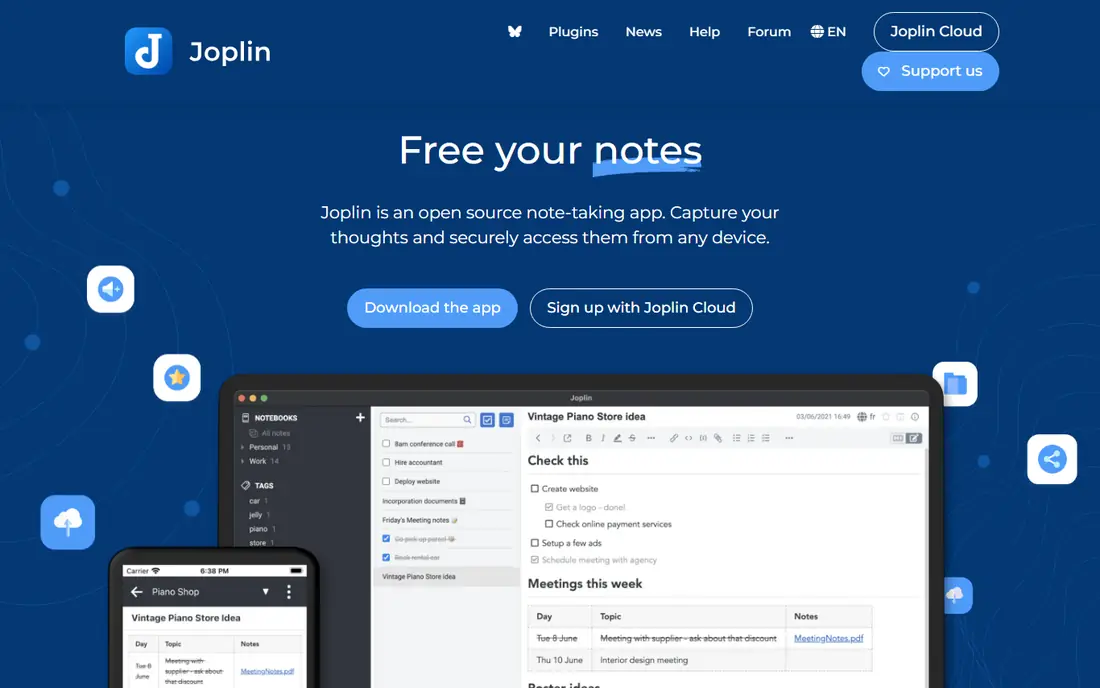
Joplin is the safe default in this list. It stores notes in Markdown, organises them in notebooks and sub-notebooks, and adds tags, search, to-do lists and reminders. You can attach images, PDFs and other files, and clip pages from a browser with its web clipper extension.
Sync is where Joplin shows its open character. You can use Dropbox, OneDrive, Nextcloud, WebDAV or a Joplin server, and you can turn on end-to-end encryption for synced notes. Joplin Cloud is an optional paid service for people who want managed sync and sharing, with plans starting at a small monthly fee, but the app itself stays free. The trade-off is polish. The desktop and mobile apps work well, yet they look more practical than pretty, and new users may need a short while to choose a sync method.
- Free and open source
- Markdown editing with notebooks and tags
- Sync with your own cloud storage or Joplin Cloud
- Interface feels plain next to paid rivals
- Real-time collaboration is limited
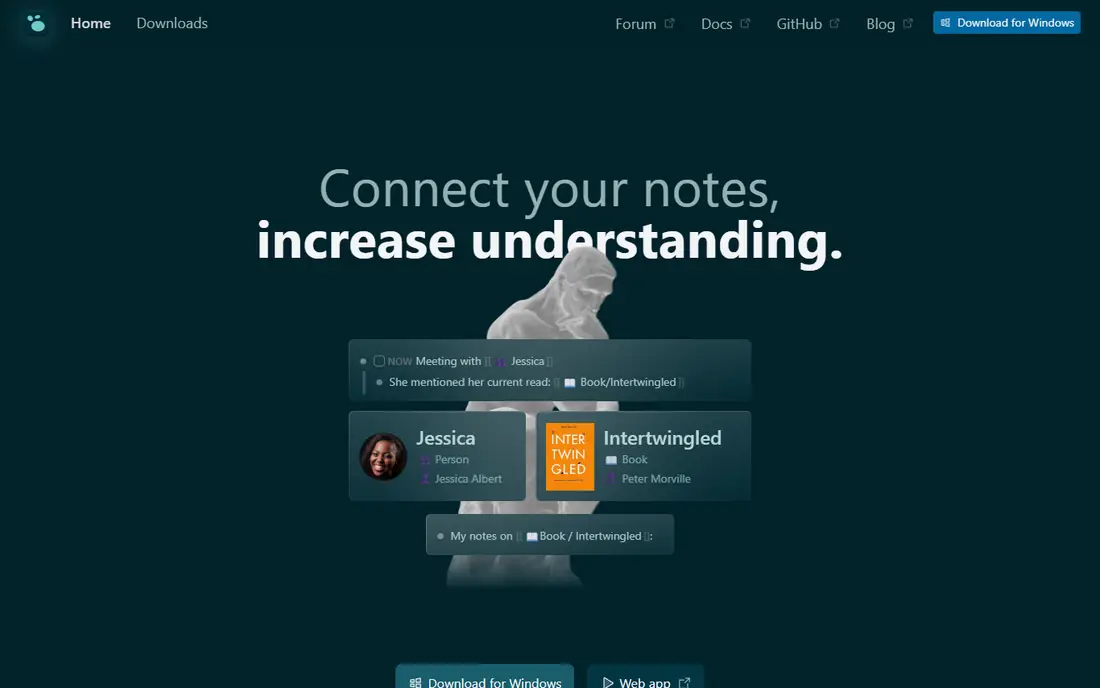
Logseq treats every bullet as a block you can link, reference and query. That design makes it a natural fit for daily journals, research notes and project logs, where ideas connect across days rather than sitting in separate documents. You can build pages from blocks, add tasks with dates and priorities, and use queries to pull related blocks together.
Your notes stay as local files, so you can sync them with iCloud, Dropbox, Git or a similar tool you already trust. Logseq also offers its own sync service, which has been offered through supporter access while it remains in beta. The main catch is the writing model. If you prefer a blank page for essays, the outline-first view can feel restrictive, and the database version and newer mobile workflows have been marked as less mature than the file-based app.
- Free and open source
- Block-based outlines with backlinks
- Local Markdown and Org files
- Outline style does not suit long-form writers
- Official sync has been in beta for some users
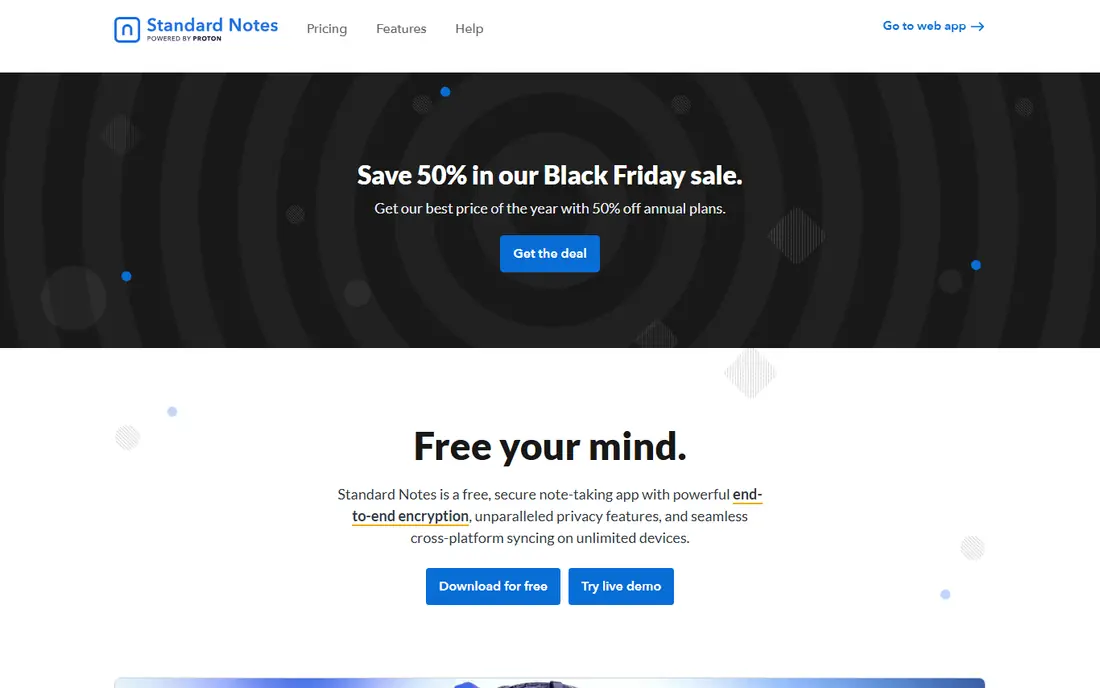
Standard Notes starts from privacy rather than adding it later. Notes are encrypted on your device before sync, and the free plan covers basic text notes, tags, offline access, two-factor authentication and full export. That combination makes it a good home for journals, personal records and notes you want to keep for years.
Paid plans add the Super editor for Markdown and rich text, spreadsheets, folders, a web clipper, note history and file storage. The Productivity plan is listed at 90 dollars per year and Professional at 120 dollars per year in recent comparisons, so check the current vendor page before you pay. The honest downside is the free editor. It is clean and focused, but writers who want tables, rich formatting and file attachments from day one will feel the paywall sooner than they do in Notesnook.
- End-to-end encryption on the free plan
- Unlimited device sync
- Simple and calm editor
- Rich editors sit behind paid plans
- Paid plans cost more than several rivals here
Notesnook answers the main complaint about Standard Notes by giving free users a full editor. You get rich text, tables, checklists, code blocks, notebooks, coloured tags, reminders and note links, with notes encrypted on your device before sync. A vault feature lets you lock sensitive notebooks behind a second password on the device.
Paid plans raise attachment storage and notebook limits. Essential is listed from 1.99 dollars per month and Pro from 6.99 dollars per month in recent guides, with annual billing lowering the monthly equivalent, so confirm the current price on the vendor site. Notesnook also imports from Evernote, Joplin, Obsidian and several other apps, which helps if you are moving an old library. The missing piece is teamwork. If you need several people editing the same note at the same time, this is not the tool for that job.
- Encryption included on the free plan
- Rich text editor without payment
- Notebooks, tags, reminders and vaults
- No real-time collaboration
- Attachment storage is limited on the free plan
AppFlowy is closer to a workspace than a simple notebook. You can write pages, build databases, track tasks on boards and invite guest editors, which makes it useful for small teams that want one place for meeting notes, plans and reference pages. The client apps are published under an open licence, and you can run it locally or use AppFlowy Cloud.
Self-hosting needs care. The commercial server build carries different terms from the open client apps, so read the current licence notes before you deploy it for a company. For personal use, the free self-hosted route covers one user seat with guest editors, while paid tiers are quoted by the vendor. AppFlowy feels less finished than Notion in templates and polish, but it gives you a clear path to keep your workspace under your own control.
- Open source clients
- Pages, databases and boards in one app
- Self-hosted option for teams
- Self-hosted server terms differ from client terms
- Smaller template library than Notion
AFFiNE blends documents with an infinite whiteboard, so a plan can start as a page and grow into a map of sticky notes, shapes and linked pages. It also supports databases and Kanban boards, which helps teams that keep project notes and task tracking together. Workspaces work offline on your device by default, and cloud sync and self-hosting are optional extras.
Pricing for individuals starts free, with self-hosted use free for up to 10 seats per workspace in recent vendor material, and Team listed at 10 dollars per seat per month billed annually. Check the current page, since team pricing and seat limits change. The point to note is licensing. AFFiNE describes its editor and most client code as MIT licensed, while part of the backend is source-available, so it is not identical to a fully open stack. For visual thinkers, that trade-off may be worth it.
- Local-first docs and whiteboards
- Databases and Kanban boards
- Self-hosting with Docker Compose
- Some backend code is source-available rather than fully open
- Team features need a paid plan
Zettlr is built for writers who work with sources. It keeps notes in Markdown files on your computer, supports the Zettelkasten method of linked notes, and connects with reference managers such as Zotero. That makes it a strong choice for students, researchers and authors who need citations inside their notes rather than pasted in later.
Export is another strength. Pandoc support lets you turn notes into Word, PDF and other formats, and LaTeX templates help with academic formatting. Full-text search, themes and custom CSS round out a tool that rewards people who like plain files. The limit is mobility. Zettlr is mainly a desktop app, so phone note capture needs another tool or a synced folder workflow, and beginners who dislike Markdown may prefer Notesnook or Joplin first.
- Free and open source under GPLv3
- Zotero citation support
- Pandoc and LaTeX export
- Desktop focused, with no full mobile app
- Interface assumes comfort with Markdown
SiYuan treats blocks as the basic unit of a note. Headings, paragraphs, lists and pages can all be referenced, moved and linked, and a graph view shows how those blocks connect. It also includes database blocks, spaced repetition flashcards and a wide set of block types, which makes it useful for study notes and long-term knowledge work.
Local use is free, including core editing and offline access. Paid options cover third-party sync through services such as S3 and WebDAV, plus official cloud sync and storage in higher packages, with lifetime packages listed in recent guides. Confirm the current offer on the vendor site before buying, since lifetime and subscription options have changed over time. SiYuan can feel dense when you first open it, but patient users get a system that stays fast with large documents.
- Block editing with backlinks and graph view
- Local use with offline access
- Flashcards and databases built in
- Paid packages are needed for some sync and cloud features
- Interface can feel dense at first
Memos is the lightest tool on this list, and that is its point. It is designed for short notes, ideas, to-do items and daily fragments that you want to capture fast and find later, rather than for long documents or linked research. You can self-host it, keep notes in Markdown, and use tags and search to pull older memos back up.
Because it is small, setup is simpler than a full workspace server, and it runs well on modest hardware. The trade-off is scope. Memos does not try to match Logseq for linking, SiYuan for databases or AFFiNE for whiteboards, and team sharing stays basic. Use it as a personal capture inbox, and pair it with Joplin or Zettlr when a note grows into a longer piece of writing.
- Free and open source
- Light and fast for short notes
- Self-hosting with Markdown support
- Not a full knowledge base
- Sharing and collaboration features are basic
How we picked these
We checked each tool against three tests. First, the code had to be openly published and the app had to be available and maintained in October 2026. Second, it had to fit note taking as its main job, not just include a notes feature inside a larger product. Third, we favoured tools with a clear free route, whether that is a free app, a free plan or a self-hosted install, and we noted where paid plans change what you get. Prices in this guide come from vendor pages and recent pricing guides, and we wrote See website in other guides where a price could not be confirmed. Check the vendor page before you pay, since open source projects often change cloud pricing while the app stays free.
What to check before you choose
Start with how you actually write. If your notes are short and task-like, an outliner such as Logseq or a capture tool such as Memos will feel natural. If you write essays and papers, Zettlr or Joplin gives you plain files and export options that travel well. If your notes hold sensitive personal material, put encryption and export first, and test how you would get your notes out if you stopped paying.
Next, test sync with your real devices. Install the app on your phone and computer, create a test notebook, and sync it before you import years of notes. Self-hosted sync gives control but adds maintenance, while a vendor cloud plan is easier but ties you to a subscription for that convenience. Finally, try import and export. A tool that imports your old notes cleanly and exports them as Markdown or plain text protects you if the project changes direction later.
Frequently asked questions
Are open source note taking apps really free?
Many are free to download and use, including Joplin, Logseq, Zettlr and Memos. Some offer optional paid cloud sync, storage or team features, so the app can be free while a hosted service costs money. Self-hosting can also carry server costs, even when the software itself is free.
Which open source note app is best for privacy?
Standard Notes and Notesnook both encrypt notes on your device before sync, and both offer a free plan. Joplin also supports end-to-end encryption when you sync, and Logseq and Zettlr keep notes as local files you control. The best choice depends on whether you want vendor sync, your own sync or purely local files.
Can I sync open source notes between phone and computer?
Yes, in most cases. Joplin syncs with common cloud providers and its own cloud service, Logseq can sync through files and its own sync service, and Notesnook and Standard Notes sync through their own accounts. Check each app for your platforms, since mobile support varies, especially for desktop-first tools such as Zettlr.
Is Joplin better than Logseq?
Joplin suits people who want notebooks, tasks and attachments in a familiar note app. Logseq suits people who think in outlines, daily pages and linked blocks. Both are free and open source, and both store notes as plain files, so you can try each for a week with a small test notebook before you choose.
Do open source note apps work offline?
Most of the apps here work offline for reading and writing local notes, including Joplin, Logseq, Zettlr, SiYuan and Memos. Cloud sync and collaboration need a connection, and some features, such as shared workspaces, only update once you are back online.
Can I move my notes out of an open source app later?
In most cases, yes, and that is a key benefit of open formats. Joplin, Logseq and Zettlr use Markdown or plain files, while Notesnook and Standard Notes offer export options. Test export with a few notes before you import a large library, so you know exactly what format you get back.
Sources
See where you really rank - block by block
ProMapRanker scans Google Maps across a grid of your service area. Simple monthly plans from $19, white-label on every plan.
Start freeKeep reading
 zscaler alternatives
Best Zscaler Alternatives in 2026
Looking for zscaler alternatives? We compare 9 SASE and zero trust platforms on architecture, data protection, pricing, and fit for your network and team.
Read → zapier alternatives free
Best Zapier Alternatives Free in 2026
Nine automation tools for zapier alternatives free in 2026, all with genuinely free tiers, plus free plan limits, starting prices and upgrade paths explained.
Read → which platform is best for online reputation
Which Platform Is Best for Online Reputation in 2026
Wondering which platform is best for online reputation? We compare 8 review, listing, and response tools for small and multi-location businesses and agencies.
Read →