 ProMapRanker
Best Open Source Low Code Platform in 2026

Key takeaways
- Every platform here has a genuinely open source core that you can self-host, so check the licence before you build on it.
- Appsmith, ToolJet, and Budibase are the closest open source answers to a visual internal tool builder, with database connectors and drag-and-drop screens.
- Refine suits React teams that want ordinary TypeScript code they can keep, while Windmill suits teams that start from scripts and workflows.
- Paid editions mostly add single sign-on, audit logs, governance, and support, so a free edition can still run a real small tool.
Quick comparison
| Pick | Great for | Pricing starts at | Free tier | |
|---|---|---|---|---|
 Appsmith | Developer-built internal tools | Free | Yes | Visit |
 ToolJet | AI-assisted internal tools | Free | Yes | Visit |
 Budibase | All-in-one apps with a built-in database | Free | Yes | Visit |
 Refine | React developers building admin panels | Free | Yes | Visit |
 NocoBase | Data-driven business systems | Free | Yes | Visit |
 Windmill | Scripts, workflows, and data pipelines | Free | Yes | Visit |
 Lowcoder | Component-rich internal and customer apps | Free | Yes | Visit |
 Joget | Workflow-heavy operational apps | Free | Yes | Visit |
The best open source low code platforms
We compared these platforms on open source licensing, self-hosting, visual building, database connections, and what stays free. All eight are open source at their core, and none of them is a proprietary low code suite dressed up as open source.
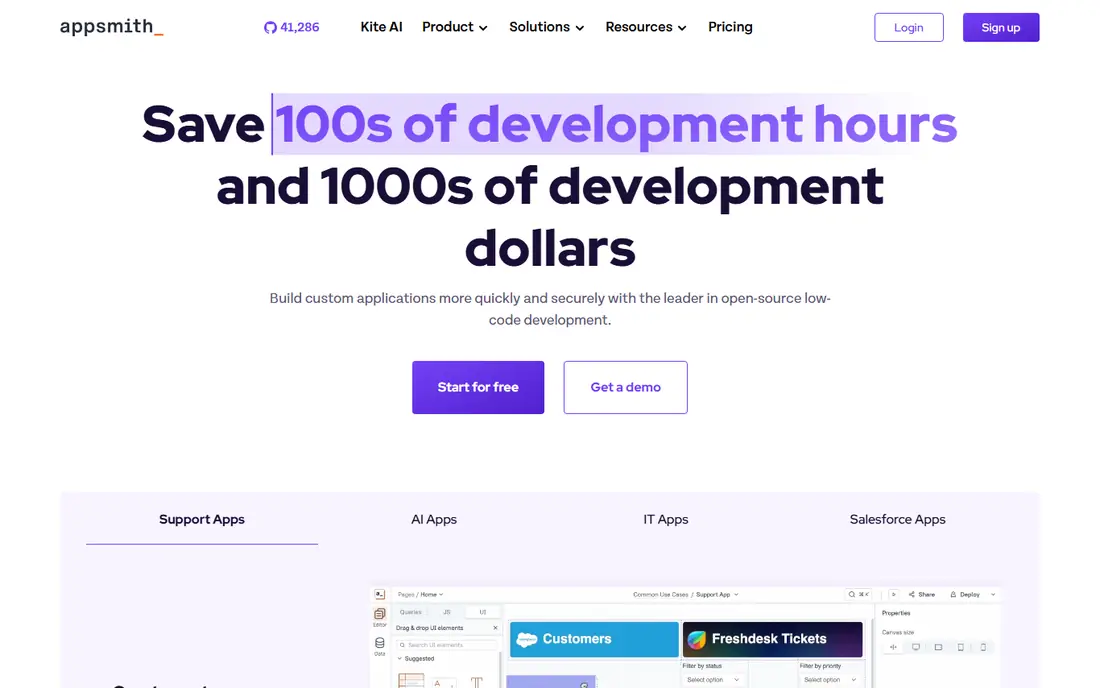
Appsmith is our pick for teams that want a developer-friendly builder without giving up control of the code and the hosting. You connect a database or a REST or GraphQL API, lay out widgets on a canvas, and write JavaScript where a stock widget does not cover the job. That mix keeps simple admin screens fast while leaving room for real logic in dashboards, approval screens, and support tools.
The Community Edition is free to self-host, and the cloud free plan covers up to five users, which suits a pilot or a small team. Business starts at 15 dollars per user per month and adds governance features such as audit logs and custom roles, while Enterprise starts at 2,500 dollars per month for 100 users. The main catch is the learning curve. A non-developer can build a form, but complex queries and transforms still reward someone who is comfortable with JavaScript.
- Apache 2.0 community edition
- Drag-and-drop widgets with JavaScript logic
- Git versioning for apps
- Cloud free plan is capped at a small team
- Non-developers may need help with custom logic
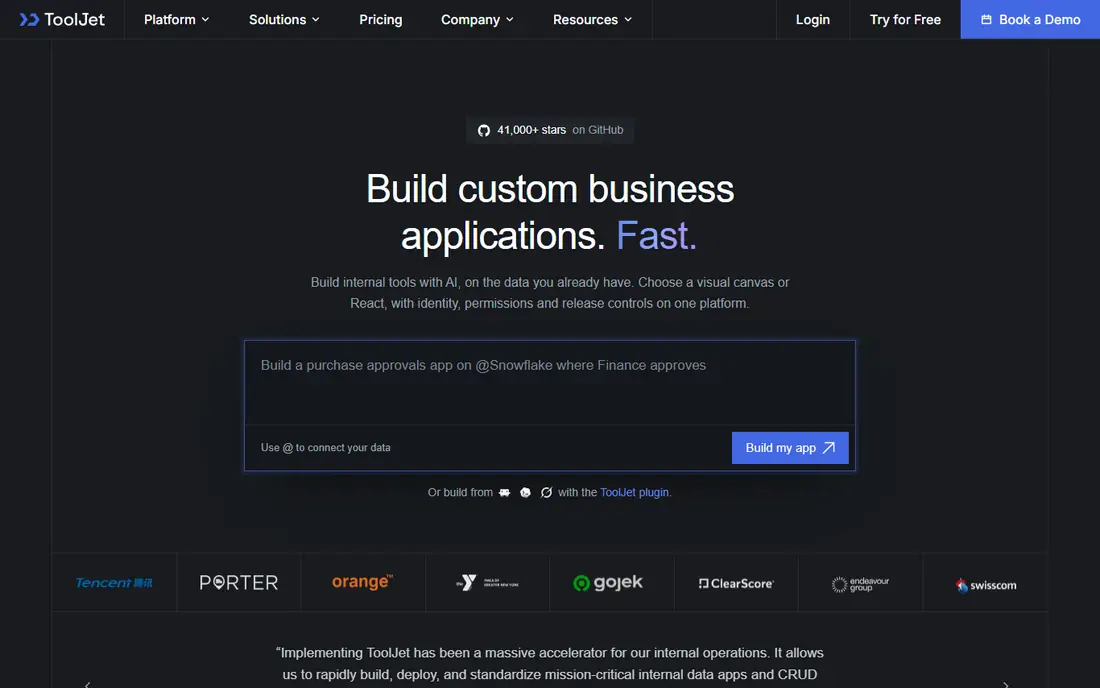
ToolJet feels closer to a product a mixed team can share. The visual builder is clean, the component set covers tables, forms, and charts, and you can write queries in JavaScript or Python when a visual step is not enough. It also offers AI app generation, which can turn a plain description into a first draft that you then edit by hand.
The free self-hosted edition lets you test the core builder on your own infrastructure, and paid cloud and self-hosted plans add features such as white labelling, version control, and stronger access controls. ToolJet is a good fit when your team wants Appsmith-style control with a gentler start. The catch is that you still need to plan around builder and end user limits on paid plans, and you should check which workflow features your chosen edition includes before you commit.
- Open source core with self-hosting
- Broad connector list
- JavaScript and Python queries
- Some workflow and governance features sit in paid editions
- Pricing varies by builder and end user counts
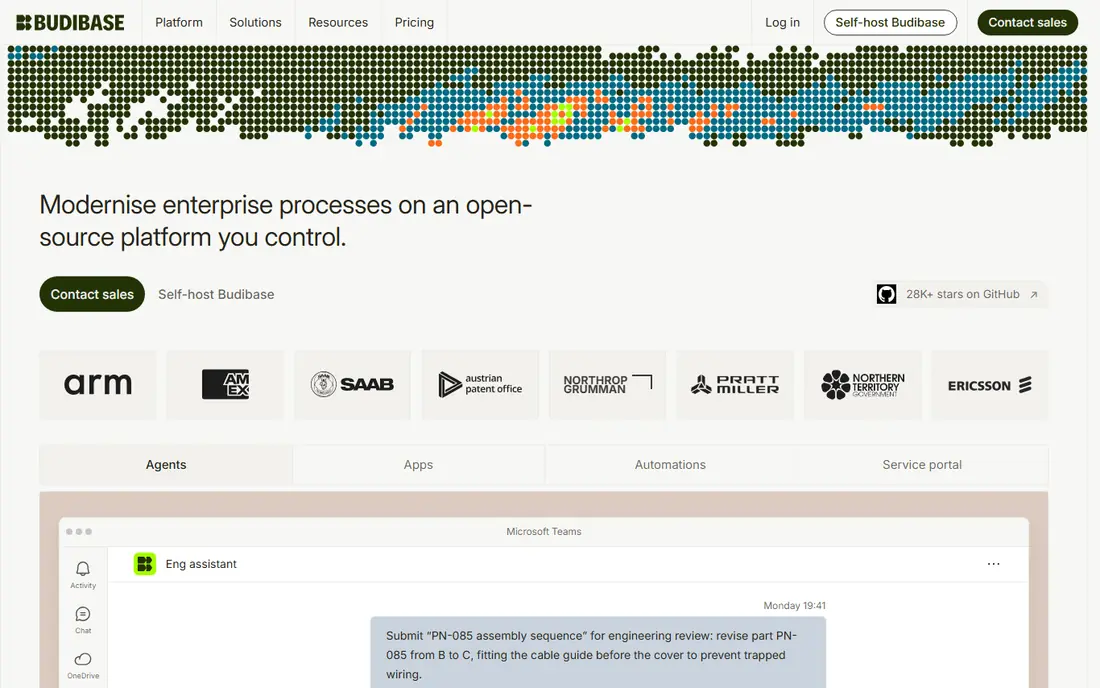
Budibase is the most self-contained choice in this list. You can design data tables, build screens, and add automations in one place, without standing up a separate database first. That matters for small teams that want a working internal app this week, not a set of parts to assemble. The automation engine handles approvals, notifications, and routing, and role-based access control helps keep sensitive tables out of the wrong hands.
The open source self-hosted edition is free, and paid cloud plans add creators, end users, and actions in tiers. Budibase counts actions such as automation runs and row saves, and those limits are hard caps on each tier, so a very busy app needs a realistic estimate before you choose a plan. The licence also deserves attention, since the core uses a copyleft licence and some commercial features sit in a separate package. For a small or mid-size team that wants one platform, Budibase is hard to beat.
- Built-in database included
- Visual automations for approvals and routing
- Self-hosting available
- Copyleft licence needs a careful read for commercial reuse
- Heavy automation use can push you to a higher tier
Refine takes a different path from the rest of this list. Instead of keeping your app inside a builder, it helps you generate standard React and TypeScript code for admin panels, dashboards, and business apps, and that code is yours to keep and deploy anywhere. That is a strong answer to lock-in, and it suits teams that already work in React and want low code speed without a proprietary runtime.
The open source framework itself is free, and the newer AI generation service offers a low-cost starter tier, with a flat monthly Pro option for heavier use. The trade-off is that Refine is less of a point-and-click builder than Appsmith or ToolJet. You will edit code when a generated screen needs something specific, and you will own hosting, updates, and access controls for the finished app. For a React team, that control is a feature, not a flaw.
- Produces ordinary React and TypeScript code
- Full code ownership
- Strong data table and form patterns
- Less visual than a drag-and-drop builder
- Enterprise governance is less mature than older platforms
NocoBase is built around data models first and screens second. You define tables and relationships, then compose pages, blocks, and actions from those tables, which makes it a natural fit for customer records, project trackers, approval systems, and client portals. The interface lets you switch between using an app and configuring it, so a technical team member can adjust a layout without rebuilding the whole system.
The Community Edition is free, self-hosted, and includes unlimited applications and users, with most day-to-day features included. Paid editions are one-time licences rather than monthly subscriptions in the published pricing, starting at 800 dollars for Standard and 8,000 dollars for Professional, and they add branding control, external database connections, single sign-on, and advanced workflows. The honest catch is operations. If no one on your team can run a server and follow a setup guide, the freedom of self-hosting will feel like extra work.
- Free community edition with unlimited apps and users
- Plugin-based design
- WYSIWYG interface building
- Self-hosting needs someone to run the server
- Single sign-on and advanced workflows sit in paid editions
Windmill starts from code and turns it into something a wider team can use. You write a script in Python, TypeScript, Go, Bash, SQL, or another supported language, and Windmill gives it an API endpoint and a generated form, so a colleague can run it without touching code. Flows link scripts together with branching, loops, approvals, and error handling, and a low code app builder sits on top for internal screens.
The self-hosted open source edition is free with unlimited script executions, and paid cloud and enterprise editions add seats, workers, audit logs, and dedicated infrastructure. Windmill is a strong pick for data teams and platform teams that already have scripts scattered across laptops and servers. It is less suited to a team that wants a purely visual builder and no code at all, since its best work still starts with a script.
- Open source core with many supported languages
- Scripts become APIs with generated forms
- Git sync
- More code-first than a visual app builder
- Enterprise features such as audit logs sit in paid editions
Lowcoder stands out for the breadth of its visual parts. It offers a large component library, connections to databases and APIs, JavaScript customization, workflows, and apps that can be embedded in another site. That makes it useful for both internal tools and customer-facing apps that need a more polished front end than a plain admin panel.
The Community Edition is free to self-host under an open source licence, while Enterprise licences are billed per instance rather than per user, which can help a team with many app viewers. The trade-off is community size and polish. Documentation and terminology can feel less finished than the larger projects here, and a scaled deployment involves managing MongoDB, Redis, and other services. For a team that values component choice and viewer-friendly pricing, Lowcoder is worth a trial.
- Broad component and data source library
- Free community self-hosting
- Apps can be embedded elsewhere
- Smaller community than Appsmith or ToolJet
- Scaled deployments need several services managed
Joget is a process-first platform. Its App Composer combines form, list, interface, and process builders, so an approval, a ticket flow, or a multi-step operational app can be built as one coherent system rather than a set of disconnected screens. Plugins and Java or script extensions let developers go further when a stock step does not fit, and the platform can run on premises or in containers.
The Community Edition is free and open source, and Enterprise adds single sign-on, multi-factor authentication, high availability options, and vendor support, with published pricing starting around 150 dollars per user per year for Enterprise in some listings. Joget suits regulated or process-heavy teams that want a stable, workflow-driven stack. It is less suited to teams that want a huge ready-made connector catalog with no technical work, since its marketplace is leaner than the largest rivals.
- Free community edition
- Form, list, interface, and process builders in one stack
- Plugin extensions
- Smaller connector marketplace than larger rivals
- Advanced governance sits in Enterprise
How we picked these
We compared official product pages, pricing pages, licence statements, and public documentation for each platform, and we kept only tools with a genuinely open source core that can be self-hosted. We excluded proprietary low code suites, even strong ones, because they do not meet the open source test for this article. We also weighed visual building, database and API connections, workflow support, and what remains free without a paid edition.
What to check before you build on one
Start with the licence, not the demo. A permissive licence such as Apache 2.0 gives you more freedom to reuse code in a commercial product than a copyleft licence such as GPL or AGPL, and some platforms keep single sign-on, audit logs, or AI features in paid editions. Read the licence and the paid feature list for the exact edition you plan to use, and keep a note of anything your app will need in six months, not just on day one.
Next, test self-hosting on a small app before you migrate a real workflow. Check backups, updates, user roles, and how you will handle a failed deployment, since self-hosting shifts those jobs to your team. Also test the database connections you actually use, including permissions, filters, and how the platform handles a slow or failed query. A builder that looks fast with a demo table can feel very different with real data.
Finally, plan for the people who will use the app every day. A developer-friendly builder can still fail if end users find screens confusing, and a visual builder can still fail if developers cannot add the logic a process needs. Run a short pilot with one real workflow, measure how long changes take, and only then decide which platform earns a larger rollout.
Frequently asked questions
Is open source low code really free?
The core software can be free to self-host, but you still pay for hosting, backups, updates, and staff time. Paid editions add governance, support, and higher limits, so a free edition is best for pilots and small tools, while a larger rollout often needs a paid tier.
Which open source low code platform is best for beginners?
Budibase and ToolJet are good starting points for a mixed team, since both offer visual builders and a built-in way to get started. Appsmith and Windmill reward a developer on the team, while Refine is best if you already work in React and want to keep the code.
Can I move my app if I stop paying?
That depends on the platform and the licence. Self-hosted open source editions let you keep running the core software on your own infrastructure, while cloud-only features, paid governance tools, and AI generation credits do not always move with you. Check export options before you build a critical app.
Do these platforms work for customer-facing apps?
Some do, and Lowcoder and Budibase are often used for that purpose, but many tools in this list are designed for internal tools first. Check authentication, public access controls, performance limits, and support terms before you expose an app to customers.
What is the difference between low code and no code here?
Low code tools in this list let you build visually and add code where needed, while a pure no code tool tries to avoid code altogether. Most teams land in the middle, with business users shaping screens and developers handling data logic, permissions, and integrations.
Sources
See where you really rank - block by block
ProMapRanker scans Google Maps across a grid of your service area. Simple monthly plans from $19, white-label on every plan.
Start freeKeep reading
 worlds best local seo company
8 Worlds Best Local SEO Companies for Map Pack Growth in 2026
Compare the worlds best local seo company options for Google Business Profile work, citations, reviews, and multi-location rankings and reporting in 2026.
Read → world's best web hosting company
World's Best Web Hosting Company in 2026
Searching for the world's best web hosting company? We compared 10 hosts on price, renewal rates, speed, and support to help you choose well today in 2026.
Read → who's got the best nanny tax services
Who's Got the Best Nanny Tax Services in 2026
We answer who's got the best nanny tax services, comparing full filing, back taxes, software, and pricing so families can handle nanny taxes correctly.
Read →