 ProMapRanker
Best Online Training Platform in 2026


Small and mid-size team training · Pricing starts at: $119 per month
Key takeaways
- TalentLMS is the easiest starting point for a small or mid-size team, with a free plan and a clear published price for small groups.
- Docebo, Absorb LMS and LearnUpon suit larger teams that need separate portals for employees, customers and partners.
- Creator tools such as Thinkific, Teachable and LearnWorlds are better when you sell courses to the public, not when you train staff for compliance.
- The deciding test is not the feature list but a pilot course with your own content, your own learners and your own reports.
Quick comparison
| Pick | Great for | Pricing starts at | Free tier | |
|---|---|---|---|---|
| TalentLMS | Small and mid-size team training | $119 per month | Yes | Visit |
 Docebo | Large enterprise training | See website | No | Visit |
 Absorb LMS | Mid-market training with strong reporting | See website | No | Visit |
 LearnUpon | Multi-portal training for several audiences | See website | No | Visit |
 360Learning | Collaborative course creation | $8 per user per month | Free trial | Visit |
 Thinkific | Selling courses online | $49 per month | Free trial | Visit |
 Teachable | Simple course selling for creators | See website | Free trial | Visit |
 LearnWorlds | Branded academies and memberships | $24 per month | Free trial | Visit |
The best online training platform
We compared these platforms on course creation, learner management, reporting, portals for different audiences, and pricing clarity. Our pick for most small teams is TalentLMS, while larger organisations should shortlist Docebo, Absorb LMS and LearnUpon and test them with a real pilot.
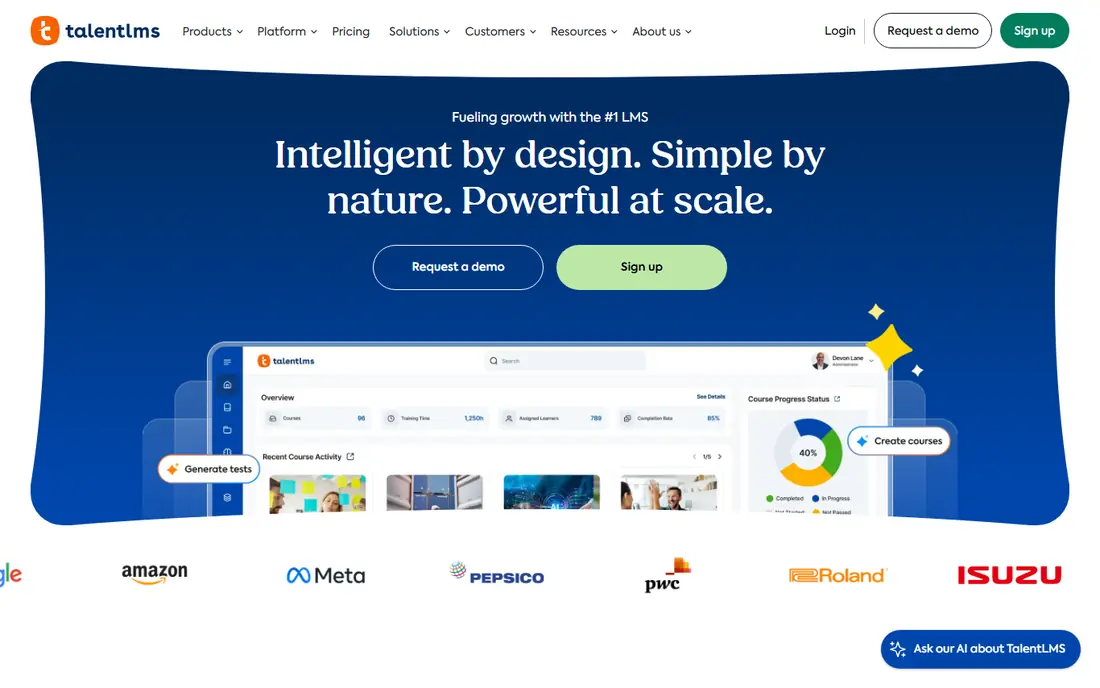
TalentLMS is the platform we would start with for a team that needs training live quickly. The setup is simple, the course builder handles video, documents, quizzes and SCORM content, and branches let you run separate portals for staff, partners or customers without buying a second system. A free plan for a small group makes it easy to test with real learners before paying.
The limits appear as a team grows into complex compliance reporting or many separate client portals. TalentLMS can handle those cases, but the comparison with Docebo or Absorb LMS becomes closer, and the higher tiers matter more. For most teams under a few hundred learners, though, the balance of price, ease of use and features is hard to beat.
- Simple setup and course builder
- Free plan for a small team
- Branches for separate audiences
- Clear pricing for small groups
- Advanced enterprise features sit in higher tiers
- Reporting is simpler than enterprise rivals
- Large multi-portal setups need careful planning
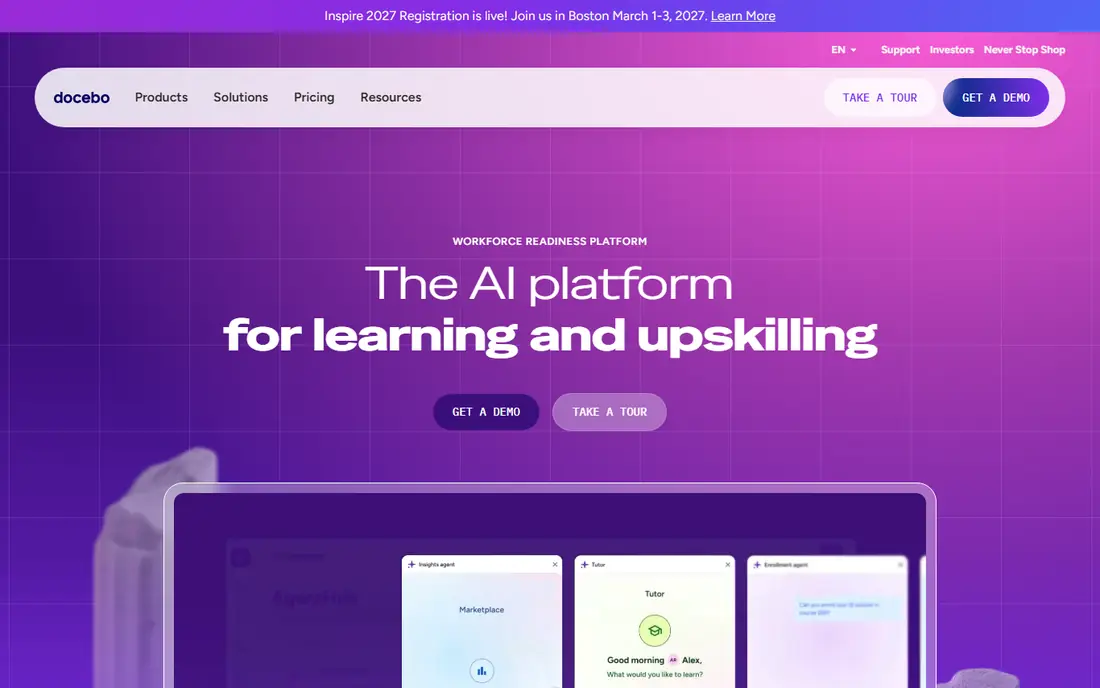
Docebo is built for organisations with hundreds or thousands of learners across employees, customers and partners. Its multi-portal design lets each audience see its own branded learning space, while the central team keeps control of content and reporting. AI recommendations and social learning features help larger catalogues feel personal, rather than a long list of courses.
The cost of that scale is complexity. Docebo is sold by quote, and implementation, integrations and migration need planning. A small team will find it expensive and slow to set up compared with TalentLMS. For a large enterprise with several audiences and strict governance needs, it is one of the strongest options on this list.
- Multi-portal learning for large audiences
- AI recommendations and social learning
- Broad integration range
- Enterprise governance
- Quote-based pricing
- Implementation takes longer
- More than a small team needs
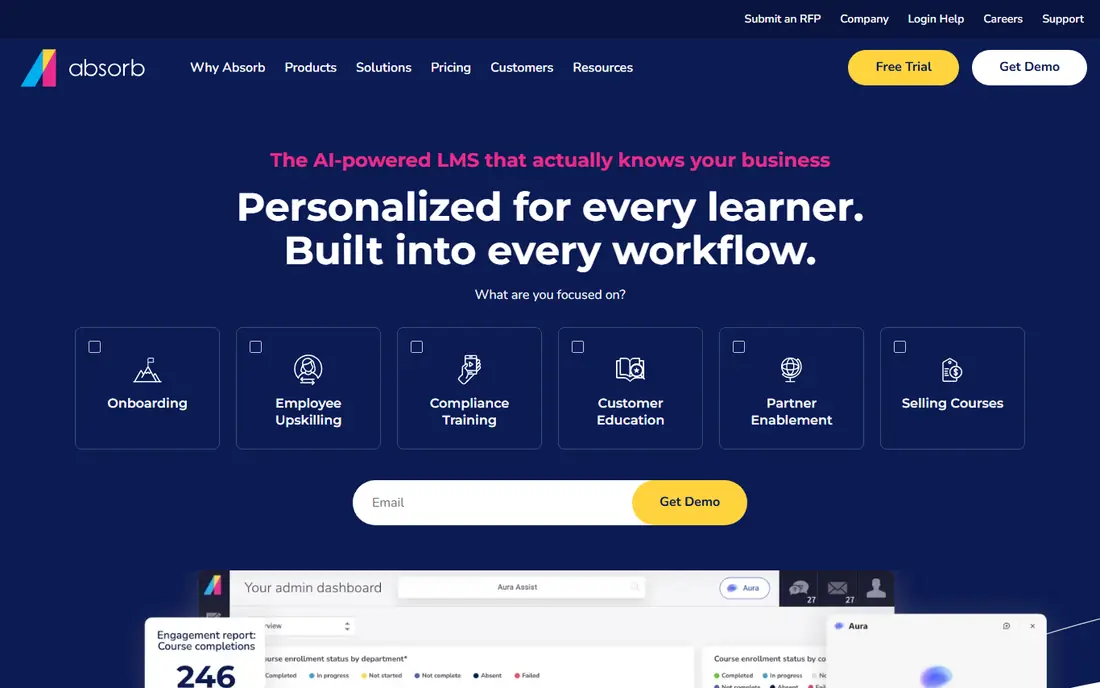
Absorb LMS sits between the simple small-team tools and the largest enterprise platforms. Learners get a clean, modern interface, while admins get reporting that can show completion, progress and compliance without exporting data to a spreadsheet. Support for SCORM and xAPI means existing course content usually moves across without rebuilding it.
Pricing is by quote, so a buyer needs a conversation with the vendor to get a firm number. That is normal for this tier, but it makes direct price comparison harder. For a mid-market team that values reporting and learner experience over selling courses to the public, Absorb LMS is a strong shortlist choice.
- Clean learner experience
- Strong reporting and admin tools
- SCORM and xAPI support
- Good fit for mid-market teams
- Quote-based pricing
- E-commerce features are less central than creator tools
- Setup still needs admin time
LearnUpon is designed around portals. If you train your own staff, onboard channel partners and educate customers, LearnUpon lets you run each audience from its own branded portal while keeping one admin view. Rule-based enrolments can assign the right courses when a learner joins a group, which saves manual work as the audience grows.
The main drawback is price transparency. LearnUpon does not publish a simple starter price, so budgeting requires a quote. For a team with one audience and under fifty learners, TalentLMS will usually be simpler and cheaper. For a team with several audiences and a need for clean separation, LearnUpon is worth the quote.
- Portal-first design for employees, customers and partners
- Rule-based enrolments
- Clean admin experience
- Strong for extended enterprise use
- Quote-based pricing
- No simple public starter price
- Smaller teams may find it more than they need
360Learning takes a different approach to course creation. Instead of a central training team building every course, subject experts across the company can create and share short courses, with peer feedback and social features built in. That model works well for onboarding, product knowledge and process training, where the people who know the work are the best teachers.
The trade-off is that 360Learning is less focused on formal compliance reporting and on selling courses to the public. Per-user pricing also means the bill grows directly with headcount, so a large team should model the total cost. For a company that wants learning to come from inside the team, not just from a central catalogue, it is a distinctive and useful choice.
- Subject experts can co-create courses
- Social features and peer learning
- AI help for quizzes and course drafts
- Good for internal knowledge sharing
- Less suited to strict compliance reporting than some rivals
- Per-user pricing grows with headcount
- External course selling is not its main strength
Thinkific is a creator and training-business platform first. You can build courses, set up a branded storefront, sell access, and manage groups of learners from one hosted system. That makes it a good fit for a consultant, coach or training company that sells courses to the public or to client teams, without maintaining a separate website and checkout.
It is a weaker fit for internal staff compliance, where an LMS with stronger reporting, portals and enrolment rules will serve better. Thinkific Plus adds more for larger sellers, but the core product remains a course-selling tool. If selling is the job, Thinkific deserves a trial. If staff compliance is the job, start with TalentLMS or Absorb LMS instead.
- Hosted course store with checkout
- Group sales and memberships
- Good for creators and training businesses
- No need to run your own site
- Weaker for internal compliance training
- Multi-portal client delivery is limited
- Transaction and gateway terms need checking
Teachable is the simplest option here for a creator who wants to sell a first course without learning a full LMS. Setup is quick, checkout and payment handling are built in, and the platform handles much of the admin that would otherwise need separate tools. For a solo creator with a small catalogue, that simplicity is the main selling point.
The limits show up when a training business needs client portals, live cohort delivery or detailed compliance reporting. Teachable is not built for those cases, and its plan fees and transaction terms should be checked on the current pricing page before launch. For a simple course store, it remains a practical and low-friction choice.
- Simple setup for a first course
- Built-in checkout and tax handling
- Useful for solo creators
- Low friction for a small catalogue
- Limited multi-client portal features
- Weaker for live or cohort training
- Plan and transaction fees need careful checking
LearnWorlds is built for a branded public academy. The course player, site builder and membership options let a training business present a polished school, rather than a plain list of courses. Interactive video, assessments and community features help keep learners engaged, which matters when you sell to the public and need repeat purchases.
For internal staff training, an enterprise LMS will usually offer stronger reporting and enrolment rules. LearnWorlds also reserves full white labelling for higher tiers, so the starter price does not buy the fully branded experience. If your goal is a public academy that looks like your brand, LearnWorlds is one of the best fits on this list.
- Branded academy site and course player
- Memberships and subscriptions
- Interactive video features
- Good for a polished public academy
- Higher tiers needed for full white labelling
- Internal compliance features are thinner than enterprise LMS tools
- Pricing rises with features
How we picked these
We compared official pricing pages, product documentation and public reviews, and we kept only platforms that exist and work in October 2026 and that truly fit online training, whether for staff, customers or course buyers. We favoured platforms with a clear course builder, learner management and reporting, and we mixed enterprise LMS tools with creator platforms because the phrase online training platform covers both jobs. Prices that could not be verified from a vendor page are listed as See website.
How to choose the right platform
Start by naming the audience. Staff training needs completion tracking, reminders and compliance reports. Customer training needs a branded portal and easy access without internal logins. Course selling needs checkout, tax handling and marketing tools. A platform that tries to do all three may do none of them well, so pick the job first and judge the shortlist against it.
Next, run a pilot with your own content. Upload two real courses, enrol twenty real learners, and check the reports you would need for a manager or an auditor. Test on mobile, because many learners will use a phone, and check how enrolments, reminders and certificates work in practice. A vendor demo will show the best path through the product. A pilot shows the path your learners will actually take.
Finally, model the total cost for one year and for three years. Include per-user fees, portal fees, transaction fees on course sales, and any content library or implementation charges. A low starter price can rise quickly with headcount or with sales volume. Ask for the price in writing, including what happens when you pass a learner or sales threshold, before you sign a yearly contract.
Frequently asked questions
What is the best online training platform for a small business?
TalentLMS is our pick for most small businesses, thanks to its free plan, simple setup and clear pricing for small groups. A team that sells courses to the public may prefer Thinkific, Teachable or LearnWorlds instead. Run a pilot with your own courses before choosing, since ease of use matters more than a long feature list.
What is the difference between an LMS and a course-selling platform?
An LMS is built to train a defined group, with enrolments, progress tracking and compliance reports. A course-selling platform is built to sell access to the public, with checkout, marketing and membership tools. Some platforms do both, but most lean one way, so match the platform to your main job.
Can I use TalentLMS for free?
Yes, TalentLMS offers a free plan for a small number of users, which is useful for testing the platform with a small team. Paid plans add more users, branches and features, with the Core plan priced for groups of up to forty users on annual billing. Check the current pricing page for the exact user limits.
Is Docebo suitable for a small team?
Docebo can work for a small team, but it is designed for larger organisations with several audiences. A small team will usually find the quote-based pricing and implementation time hard to justify. Start with TalentLMS or 360Learning, and move to Docebo when learner numbers and portal needs grow.
What is the best platform for online courses for employees?
For employee training, an LMS such as TalentLMS, Absorb LMS or LearnUpon is usually the best fit, because of enrolment rules, reporting and completion tracking. Creator platforms can host employee courses, but they often lack the compliance reports managers need. Choose based on your reporting needs, not just on course creation.
Do I need SCORM support?
You need SCORM or xAPI support if you buy or reuse courses from outside providers, or if you need to move courses between systems. TalentLMS, Absorb LMS and Docebo support these standards, which protects your content investment. If you only create your own courses inside one platform, standards support matters less.
Sources
See where you really rank - block by block
ProMapRanker scans Google Maps across a grid of your service area. Simple monthly plans from $19, white-label on every plan.
Start freeKeep reading
 outreach alternatives
Outreach Alternatives in 2026
Compare outreach alternatives for 2026, from Salesloft and Apollo to HubSpot and Lemlist, with pricing, channels, features, limits, and honest trade-offs.
Read → best web conference tools
Best Web Conference Tools in 2026
Compare the best web conference tools for meetings, webinars and team calls, with current pricing, free plans and honest limits for each option here today.
Read → best voice cloning tools
Best Voice Cloning Tools in 2026
Compare the best voice cloning tools in 2026, from ElevenLabs and Descript to Resemble and Cartesia, with consent rules, pricing, licenses, and limits.
Read →