 ProMapRanker
Best Online Gaming Platforms in Germany in 2026

Key takeaways
- Steam, GOG, and the Epic Games Store are the core PC stores in Germany, with Steam offering the largest catalogue and GOG offering DRM free games.
- Console players should start with the store tied to their console, namely PlayStation Store, Xbox, or Nintendo eShop, since games rarely transfer between systems.
- Age ratings in Germany come from the USK system, and some games are restricted by age, so check the rating on each store page before you buy.
- Store access is free on every platform here. You pay for individual games or optional subscriptions, not for joining the store itself.
- Set spending limits, use family controls where available, and take breaks. If gaming starts to affect sleep, work, or money, seek support early.
Quick comparison
| Pick | Great for | Pricing starts at | Free tier | |
|---|---|---|---|---|
 Steam | Largest PC game catalogue | Free | Yes | Visit |
 Epic Games Store | Free weekly games and exclusives | Free | Yes | Visit |
 GOG | DRM free PC games and classics | Free | Yes | Visit |
 PlayStation Store | PlayStation console games | Free | Yes | Visit |
 Xbox | Console and PC games in one account | Free | Yes | Visit |
 Nintendo eShop | Nintendo Switch games | Free | Yes | Visit |
 EA app | EA games on PC | Free | Yes | Visit |
 Ubisoft Connect | Ubisoft games on PC | Free | Yes | Visit |
 Battle.net | Blizzard and Activision PC games | Free | Yes | Visit |
The best online gaming platforms in Germany
This article covers video game stores and services that are legally available in Germany, not gambling sites. We compared PC and console stores on catalogue size, pricing, refunds, age controls, and how well they work for players in Germany, including German language support and local payment options where offered.
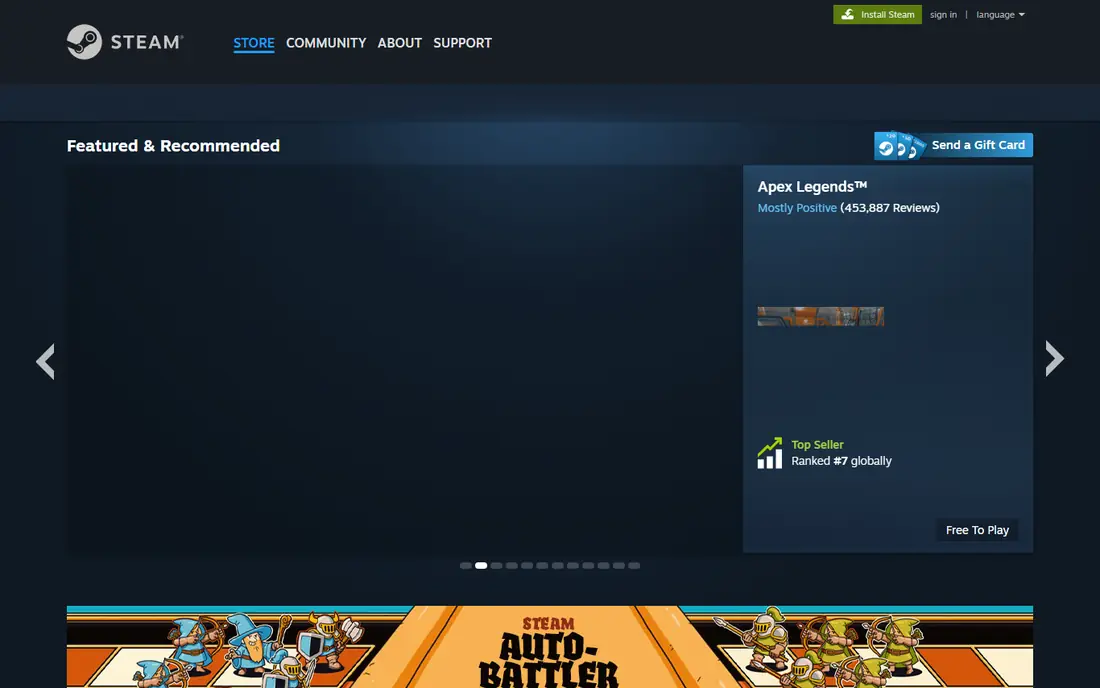
Steam is the default PC game store in Germany for good reason. Its catalogue is the largest of any PC store, covering major releases, indie games, and older titles, and its sales make it easy to build a library at lower prices. Cloud saves, controller support, and the Workshop for player made content add real value beyond the store itself.
The catch in Germany is age and content rules. Games carry USK age ratings, and some titles are restricted or sold in a modified form to meet German law. Steam shows the rating on each game page, so check it before you buy, especially for younger players. For most PC gamers in Germany, Steam is the first store to set up.
- Huge catalogue from indie to major releases
- Frequent sales
- Strong community, workshop, and cloud save features
- Some games are region restricted or age gated in Germany
- Library is tied to your Steam account
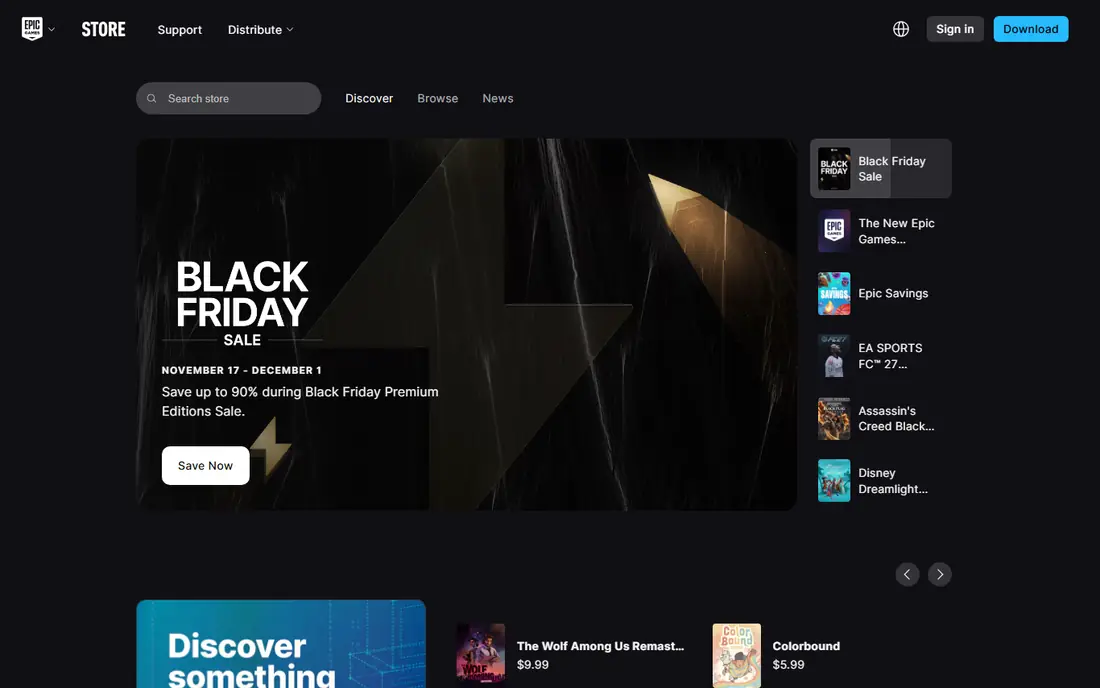
The Epic Games Store is worth having alongside Steam, mainly because of its free game offers. Epic gives away games on a regular basis, and claimed games stay in your library, which is an easy way to try genres you would not buy at full price. It also hosts major Epic titles and a growing list of third party games.
The drawback is breadth. The catalogue is smaller than Steam, and community tools such as workshops and forums are thinner. Treat Epic as a second store for free games and exclusives, with Steam as your main library, and check USK ratings on each title as you would anywhere else.
- Regular free games to keep
- Exclusive titles such as Fortnite on PC
- Simple store and launcher
- Smaller catalogue than Steam
- Fewer community features
GOG, run by CD Projekt, is the pick for players who want to own their games without digital rights management locks. Most games come with standalone installers that work offline, so you are less dependent on a launcher staying online. GOG is also excellent for classic games, many of which are updated to run on modern systems.
The limit is new releases. Big new titles often arrive on Steam or Epic first, and GOG multiplayer features are lighter. For classic games, single player titles, and players who value offline ownership, GOG is a strong and fairly priced addition to any German PC library.
- Games are DRM free with offline installers
- Strong classic and retro catalogue
- 30 day refund policy on many titles
- Smaller new release catalogue than Steam
- Fewer multiplayer and community features
PlayStation Store is the only official digital store for PlayStation games, so PlayStation owners in Germany will use it for most digital purchases. It carries the full range of PS4 and PS5 titles, from major exclusives to indie games, and its sales are frequent enough that patient buyers save money. Age ratings and parental controls help families manage what younger players can buy and play.
The catch is lock in and online play. Digital games do not transfer to Xbox or Nintendo systems, and online multiplayer on PlayStation needs a paid PlayStation Plus subscription, priced separately. If you own a PlayStation, this store is essential. If you play on several systems, budget for each store separately.
- Full PlayStation catalogue for PS4 and PS5
- Regular sales
- Family controls and age ratings on each title
- Games are tied to PlayStation consoles
- Online multiplayer needs a paid subscription
Xbox is a flexible choice for players in Germany who play on both console and PC. The Xbox store and app let you buy games for Xbox consoles and Windows PCs, and Play Anywhere titles work on both console and PC with one purchase. That cross device value is a real advantage over single system stores.
The drawback is that not every title supports Play Anywhere, so check the product page before you assume a purchase covers both devices. Online multiplayer on console also needs a paid subscription, separate from the free store account. For players who already use Windows and an Xbox console, Xbox is a natural, well integrated store.
- One account spans console and PC
- Play Anywhere titles work on both
- Game Pass subscription is optional
- Some games are console only or PC only
- Online multiplayer needs a paid subscription
Nintendo eShop is the digital store for Nintendo Switch games in Germany, and it is the only place to buy digital Switch titles officially. Its catalogue includes Nintendo exclusives that appear nowhere else, plus a large indie selection, and parental controls let parents set age limits and spending controls for younger players. That makes it a strong family store.
The honest catch is price and lock in. Nintendo games hold their price longer than PC games, and sales are usually smaller, so patient buyers still pay more than on Steam. Digital games also stay tied to Nintendo hardware. For Switch owners, eShop is essential, and it is best paired with a PC store for cheaper indie and sale titles.
- Full Nintendo Switch catalogue
- Family friendly exclusives
- Parental controls through the Nintendo app
- Games are tied to Nintendo hardware
- Sales are less deep than on PC stores
The EA app is Electronic Arts own PC launcher and store in Germany, and it is the direct route to EA games on PC. Players who follow EA sports, racing, or shooter series will find the full catalogue here, with cloud saves and friends lists tied to an EA account. An optional EA Play subscription adds a library of EA titles and trials, priced separately.
The limit is scope. The EA app only covers EA and partner games, so it cannot replace Steam or GOG as a general store. Some EA titles are also sold on Steam, which may suit players who prefer one library. Use the EA app when you play EA games regularly, and keep your main library elsewhere.
- Direct home for EA titles on PC
- EA Play subscription is optional
- Account and library in one launcher
- Catalogue limited to EA and partner titles
- Some EA games are also on Steam
Ubisoft Connect is Ubisoft own PC platform in Germany, and it is the direct home for its major series on PC. It adds a rewards system, challenges, and friends features across Ubisoft games, and an optional subscription gives access to a library of Ubisoft titles. Players who buy several Ubisoft games a year will find the rewards and the single library useful.
The drawback is the same as with the EA app. Ubisoft Connect only covers Ubisoft games, so it is a second launcher rather than a main store. Some Ubisoft titles are also available on Steam or Epic, so compare prices and check which launcher a purchase will use before you buy.
- Direct home for Ubisoft titles
- Rewards and challenges across Ubisoft games
- Optional subscription for a games library
- Catalogue limited to Ubisoft titles
- Launcher adds another app to manage
Battle.net is Blizzard own PC platform, and it is the only official route to many Blizzard games on PC in Germany. Long running online titles, free to play games, and Activision titles sit in one launcher with friends, chat, and account security tools. For players who spend most of their time in Blizzard worlds, it is a clean, focused platform.
The limit is breadth. Battle.net does not sell games from other publishers, so it cannot serve as a general game store. It also ties your library to a Blizzard account, as every store here ties games to its own account. Use Battle.net for Blizzard and Activision games, and use Steam, GOG, or Epic for everything else.
- Direct home for Blizzard titles
- Stable launcher for long running online games
- Free to play titles available
- Catalogue limited to Blizzard and Activision games
- No general store for other publishers
How we picked these
We compared game stores and launchers that are legally available in Germany in October 2026, using their official sites, store pages, and published age rating and refund information. We kept only video game platforms with a real German store presence, and we left out gambling sites, key resellers with unclear sourcing, and platforms that are not available in Germany. Age ratings, family controls, and responsible play tools were part of every comparison.
How to choose a gaming platform in Germany
Start with your hardware. Console owners should use the store tied to their console first, and PC players should start with Steam, then add GOG for DRM free titles and Epic for free games. Check USK age ratings on every title, set up family controls for younger players, and use spending limits or prepaid credit where a platform offers them.
Next, think about ownership and price. Digital games stay tied to the store account that bought them, so a cheaper game on a store you rarely use may cost more in the long run if you lose track of it. Compare prices across stores for the same title, check refund terms before you buy, and keep an eye on total subscription costs if you add Game Pass, PlayStation Plus, or a similar service. Play in moderation, take breaks, and seek support if gaming starts to affect health, work, or finances.
Frequently asked questions
What are the best online gaming platforms in Germany?
For PC, Steam, GOG, and the Epic Games Store are the core choices, with Steam offering the largest catalogue. For consoles, use PlayStation Store, Xbox, or Nintendo eShop depending on your console. Publisher stores such as EA app, Ubisoft Connect, and Battle.net are useful additions for their own games.
Are these platforms legal in Germany?
Yes, the video game stores on this list operate legally in Germany and follow German age rating and consumer rules. Games carry USK age ratings, and some titles are restricted by age or sold in a modified form. This article does not cover gambling sites, which fall under separate German licensing rules.
What is the USK age rating?
USK is the German Entertainment Software Self Regulation Body, which rates games by age, such as 0, 6, 12, 16, or 18. Retailers and digital stores in Germany must follow these ratings, and age gated titles require verification. Always check the rating on the store page before buying for a younger player.
Do I pay to join these gaming platforms?
No, store accounts are free on every platform here. You pay for individual games, downloadable content, or optional subscriptions such as Game Pass or PlayStation Plus. Free to play games are also available on several of these stores without a purchase.
Can I play games bought on one platform on another?
Usually no. A game bought on Steam does not transfer to PlayStation, Xbox, or Nintendo systems, and vice versa. Some Xbox Play Anywhere titles work on both Xbox console and Windows PC with one purchase, but that is an exception. Check the product page before you buy.
How can parents control gaming spending and content?
Use the parental controls on each platform to set age limits, spending limits, and play time where offered. Keep payment details off shared accounts, review purchase history regularly, and talk with younger players about age ratings and in game purchases. If gaming becomes a problem, seek advice from a health professional or a support service early.
Sources
See where you really rank - block by block
ProMapRanker scans Google Maps across a grid of your service area. Simple monthly plans from $19, white-label on every plan.
Start freeKeep reading
 zscaler alternatives
Best Zscaler Alternatives in 2026
Looking for zscaler alternatives? We compare 9 SASE and zero trust platforms on architecture, data protection, pricing, and fit for your network and team.
Read → zapier alternatives free
Best Zapier Alternatives Free in 2026
Nine automation tools for zapier alternatives free in 2026, all with genuinely free tiers, plus free plan limits, starting prices and upgrade paths explained.
Read → which platform is best for online reputation
Which Platform Is Best for Online Reputation in 2026
Wondering which platform is best for online reputation? We compare 8 review, listing, and response tools for small and multi-location businesses and agencies.
Read →