 ProMapRanker
Best Online Form Builder for Lead Capture (2026)
Direct answer
If you need straightforward cloud-based form creation, Wufoo is the first tool to look at here. Listed starting prices: Jotform from $34 a month, Formstack from $83 a month and WPForms from $49.50 a year. If your case is different, Jotform suits rapidly creating diverse forms and surveys and Formstack suits secure forms with documents and e-signatures. The remaining 3 options are covered below with prices and limits.
ProMapRanker put together this guide to online form builder for lead capture for readers who want a clear shortlist without reading every vendor page. It compares 6 tools on starting price, free plans, who each one suits and where each one falls short.
Key takeaways
- Wufoo sits first on this list: straightforward cloud-based form creation.
- Wufoo, Jotform: these are the 2 tools out of 6 that offer a free plan.
- Check the limits for Jotform before you commit: advanced workflows may need configuration.
- For custom WordPress form workflows, Gravity Forms is worth a look.
Quick comparison
| Pick | Great for | Pricing starts at | Free tier | |
|---|---|---|---|---|
 Wufoo | Straightforward cloud-based form creation | See website | Yes | Visit |
 Jotform | Rapidly creating diverse forms and surveys | $34 a month | Yes | Visit |
 Formstack | Secure forms with documents and e-signatures | $83 a month | Free trial | Visit |
 Typeform | Engaging lead forms with automation | See website | Not stated | Visit |
 WPForms | WordPress sites needing lead forms | $49.50 a year | Not stated | Visit |
 Gravity Forms | Custom WordPress form workflows | $59 per year | No | Visit |
The 6 tools in detail
In short, Wufoo is for straightforward cloud-based form creation. It suits users who want a straightforward hosted form builder with built-in data storage.
Worth adding: Wufoo may not offer the same depth of automation or CRM integration as some alternatives. This comparison lists no price for Wufoo; ask the vendor. Wufoo offers a free plan.
Drawbacks to consider: Advanced automation limited.
- Fast form setup
- Cloud storage database
- Design choices may feel basic
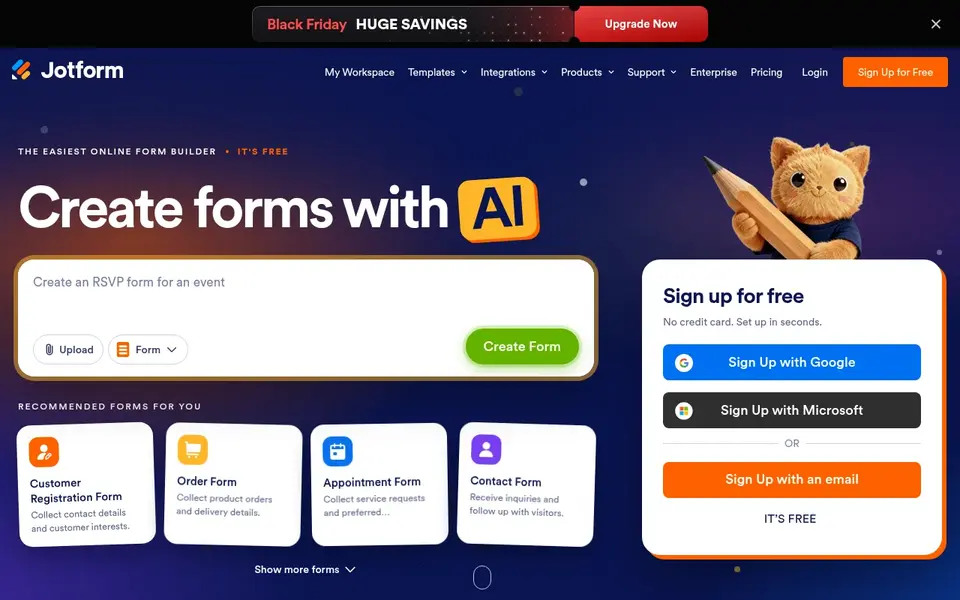
Think of Jotform for rapidly creating diverse forms and surveys. Its homepage emphasizes simplicity and quick setup, making it a fit for small teams and departments that require lead capture forms without a steep ramp-up time.
Downsides: Advanced workflows may need configuration.
Beyond that, consider a CRM-native tool if lead routing is the priority. Entry price for Jotform: $34 per month. Free access exists with Jotform.
- Supports surveys and forms
- Straightforward to use
- Interface can feel busy for new users
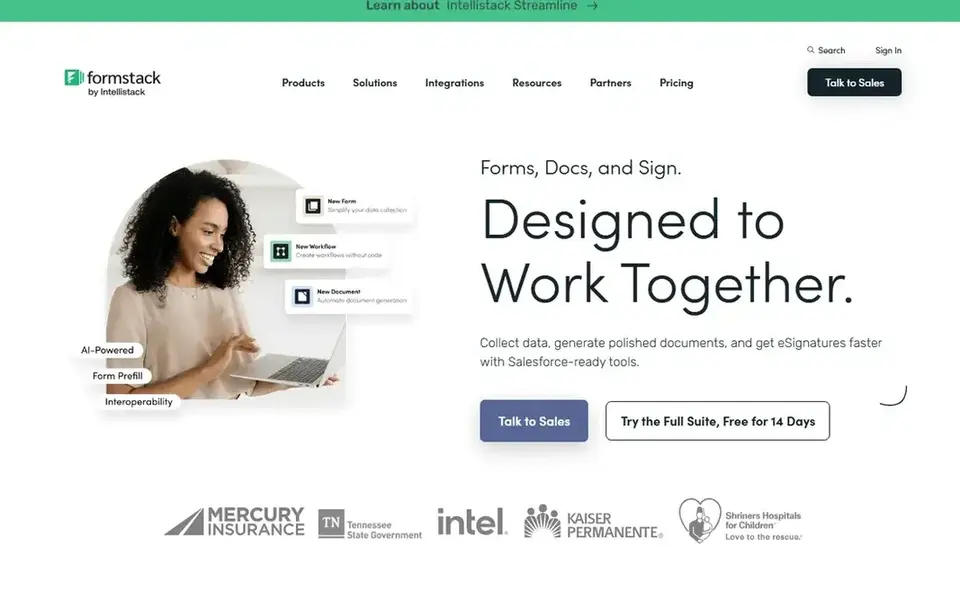
Choose Formstack for secure forms with documents and e-signatures. Formstack gives you secure online forms along with document generation and e-signature tools.
From a buyer's view, for entry-level lead capture, Formstack's broader workflow features may be more than necessary. Formstack cost at the entry level: $83 per month. Trial and free access: Free trial.
Downsides: Broader feature set may be overkill.
- Document generation
- E-signature support
- Setup for workflows can take time
Typeform is built with engaging lead forms with automation in mind. The automation focus may be more than needed for entry-level contact forms, and setup can take time.
Typeform is a form builder centered on engaging, conversational forms and automatic workflows. Its homepage flags AI-powered forms that trigger actions to enrich leads and follow up. Typeform does not show a starting price in this comparison, so check the vendor site for current pricing. On free options: Not stated.
Downsides: Automation features may need setup.
- AI-powered automation
- Interactive form design
- Can be more complicated for straightforward forms
WPForms targets WordPress sites needing lead forms. Its homepage flags its role as a WordPress forms plugin.
Limits to weigh: Advanced features may need extras.
It suits site owners on WordPress who want to add lead capture forms straight within their site's dashboard. WPForms pricing: $49.50 per year. Free access: Not stated.
- Drag-and-drop builder
- AI-assisted form creation
- Needs WordPress
Gravity Forms works best for custom WordPress form workflows. Teams outside WordPress should look at hosted form builders instead.
Limits to weigh: Needs WordPress.
On top of that, Gravity Forms is a WordPress form plugin for creating custom forms. Its homepage emphasizes simplicity, security, and reliability. Entry price for Gravity Forms: $59 per year. Gravity Forms has no free plan.
- Custom form building
- WordPress-native
- May need developer help for complicated logic
Our selection method
Selection started from tools commonly considered for online form builder for lead capture, then narrowed to 6 that have clear pricing information or a clear quote process. Treat prices as a snapshot: vendors change plans often, so check the vendor site for the figure that applies today. We ordered the tools by general fit, then by how clearly pricing is shown, then by free access. A buyer with unusual needs may reorder them.
Before you commit
- Confirm the entry price on the vendor page. For Wufoo and Typeform that means a quote rather than a fixed price.
- Check what the free option really includes: Wufoo and Jotform offer a free plan, and usage caps differ.
- Run a trial of Formstack with real work before paying for a year; your own workflow is the best test.
- Before choosing Wufoo, weigh its main limit: design choices may feel entry-level.
- A short pilot of Formstack with your real workflow tells you more than a feature table.
- Read the plan comparison for Typeform carefully; key features often start on a higher tier.
Frequently asked questions
How are the tools for online form builder for lead capture ordered?
The order follows typical fit for online form builder for lead capture, with Wufoo first and Gravity Forms last, then price clarity and free access. It is editorial judgement, not a score, so another team could rank the tools differently.
Which options for online form builder for lead capture have a free plan?
On this list, Wufoo and Jotform include a free plan. Caps on seats, usage or features are common, so test the free plan against your real workload. One other tool offers a trial instead.
What should I look for in a lead capture form builder?
Focus on how form submissions reach your follow-up systems, like CRM or email marketing. Also check form customization, conditional logic, and whether the tool suits your website product.
How can I compare form builders without testing them all?
Start with your must-have integrations and form complexity. Also, then review vendor documentation for limits and features.
Is Wufoo the right pick for everyone comparing online form builder for lead capture?
No single tool suits every team. Wufoo comes first because it fits simple cloud-based form creation, while Jotform suits quickly creating diverse forms and surveys and Formstack suits secure forms with documents and e-signatures. Match the tool to your own size, budget and workflow before deciding.
Can I try these tools before paying?
Often, yes. Wufoo and Jotform have a free plan and Formstack offers a free trial. Use your own data and a real task during the test, and check what the free tier or trial limits before you rely on it.
Sources
See where you really rank - block by block
ProMapRanker scans Google Maps across a grid of your service area. Simple monthly plans from $19, white-label on every plan.
Start freeBrowse all guides
← Best Omnichannel Marketing Platforms for B2B in 20266 Best Software for B2B Demand Generation in 2026 →
 best lead generation tools for manufacturers
Lead Generation Tools for Manufacturers: Best Picks of 2026
Weighing the best lead generation tools for manufacturers? We lined up 5 products by cost, free access and fit. Verdicts stay brief and factual. No filler.
Read → best lead generation platforms for agents
Lead Generation Platforms for Agents in 2026: Top 5 Compared
Compare 5 best lead generation platforms for agents, with prices, free plans and who each fits. Each listing flags where it falls short. Refreshed for 2026.
Read → best lead generation companies in the usa
Best Lead Generation Companies in the USA (2026)
5 tools for the best lead generation companies in the USA, compared on pricing, free plans and best-fit use. Verdicts stay brief and factual. Costs up front.
Read → best crm software for recruiting
6 Top CRM Software for Recruiting Choices Compared (2026)
6 products for the best CRM software for recruiting, ranked by fit, with starting costs and free tiers. Every profile names its biggest catch. Details below.
Read → best devsecops tools
Best DevSecOps Tools in 2026
Compare the best DevSecOps tools in 2026, from all-in-one platforms to developer-first scanners, with pricing, free tiers, and pipeline fit for teams.
Read → alternatives to paypal
8 Alternatives to PayPal for Business in 2026
Explore the best alternatives to paypal for business payments, invoicing, and global sales. Compare Stripe, Square, Wise, and more, with fees in 2026.
Read →More in Sales & CRM · All guides A to Z by date · Latest guides