 ProMapRanker
Best DevSecOps Tools in 2026

Key takeaways
- GitLab and GitHub Advanced Security suit teams that want security built into the platform they already use for code.
- Snyk and Semgrep win on developer adoption, with free tiers and fast feedback inside editors and pull requests.
- Checkmarx and Aqua Security suit larger estates with deep scanning or container and cloud native needs.
- Start with one or two scanners and warn mode gates, then tighten policy once fix rates and false positives are understood.
Quick comparison
| Pick | Great for | Pricing starts at | Free tier | |
|---|---|---|---|---|
 GitLab | All-in-one DevSecOps platform | Free | Yes | Visit |
 GitHub Advanced Security | GitHub native code security | See website | No | Visit |
 Snyk | Developer-first scanning and fixes | Free | Yes | Visit |
 Checkmarx | Enterprise application security depth | See website | No | Visit |
 Aqua Security | Container and cloud native security | See website | No | Visit |
 Harness | Delivery platform with security gates | See website | Free trial | Visit |
 JFrog | Artifact and supply chain security | See website | Free trial | Visit |
 Semgrep | Fast, customizable code scanning | Free | Yes | Visit |
The best DevSecOps tools
DevSecOps tools put security checks into the pipeline so problems surface where developers work, not weeks later in a separate audit. The best DevSecOps platforms combine code scanning, dependency checks, container scanning, secrets detection, and policy gates, then rank findings so teams fix the risky ones first. We compared official feature pages, pricing pages, and public documentation for each tool below.
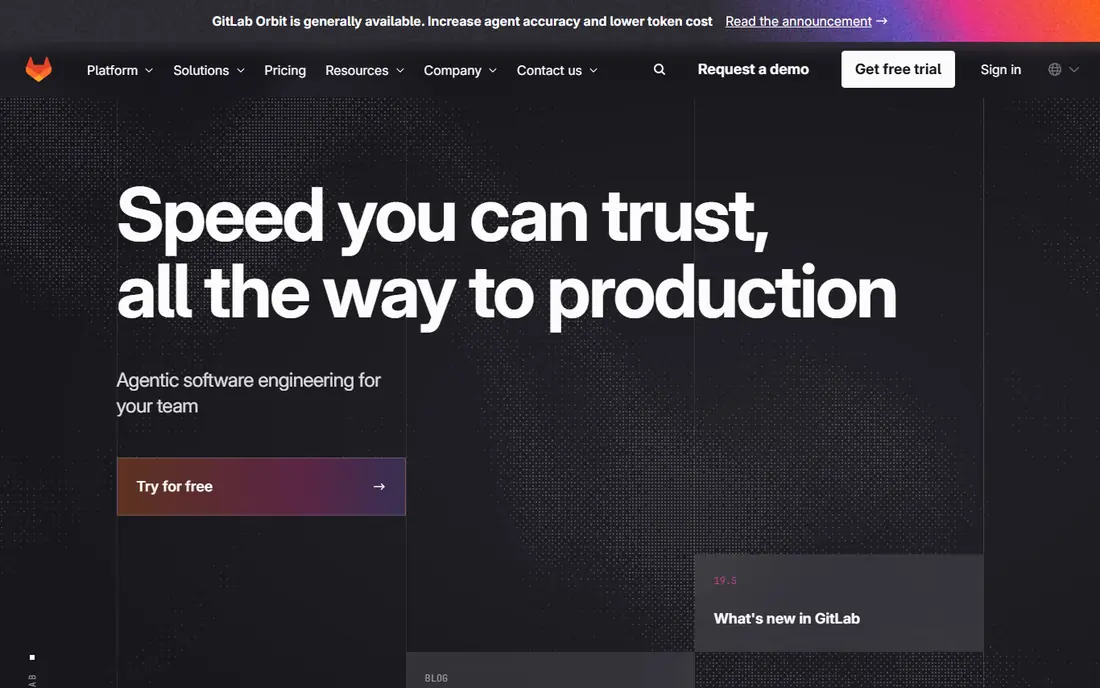
GitLab is our pick for teams that want DevSecOps as one buying decision. Security scanning is built into the pipeline, so findings appear in merge requests where code review already happens. That placement matters more than any single scanner, because developers act on findings they see in context and ignore dashboards they never open.
The trade off is depth. A specialist scanner may catch more in its own lane, and GitLab Ultimate is needed for the full security set. Still, for teams tired of stitching together five tools, GitLab gives a coherent baseline fast. Start with its free tier to test pipeline fit, then move to a paid tier when policy gates and compliance reporting become requirements.
- SAST, dependency, container, and DAST scanning built in
- Merge request visibility
- Compliance pipelines
- Per scanner depth trails specialists
- Advanced security features need a paid tier
- Large instances need care
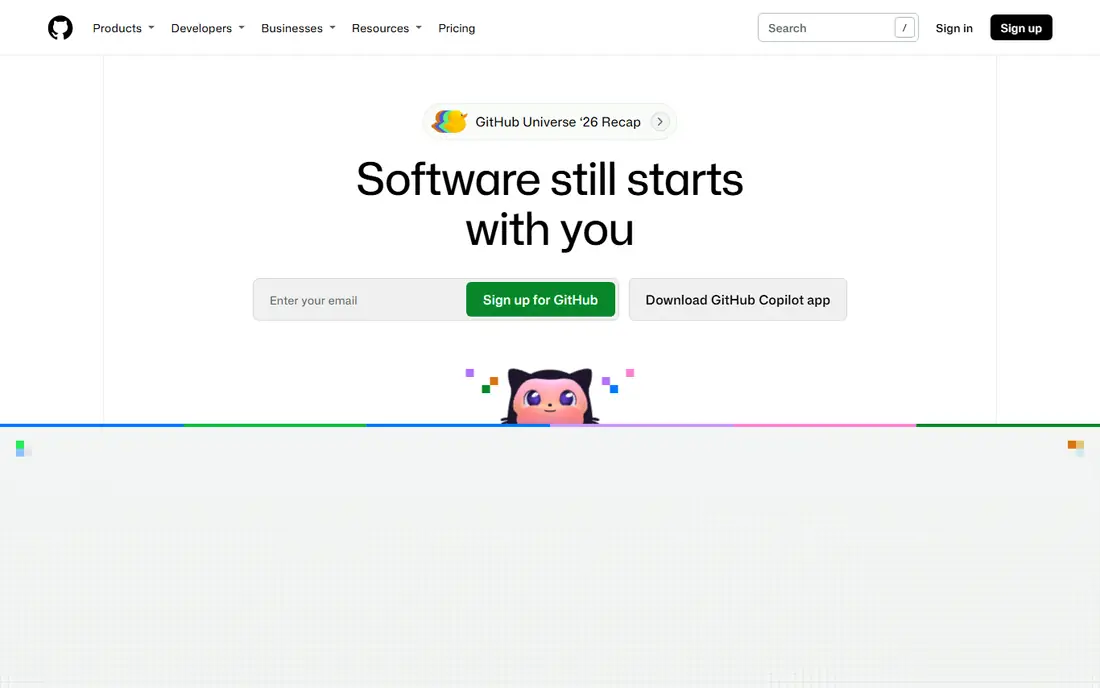
GitHub Advanced Security suits teams already standardized on GitHub. Code scanning, secret scanning, and dependency alerts live in the same pull request flow developers use daily, which keeps security feedback close to the change that caused it. Dependabot can open fix pull requests for vulnerable dependencies, cutting the manual work of patching.
The limit is obvious. If your code lives elsewhere, this tool is not a general platform. Pricing is also a real consideration at scale, since it is charged per active committer in many cases. For GitHub shops, though, it is often the lowest friction first step, because no new repository host or separate dashboard is required.
- Code scanning and secret scanning inside GitHub
- Dependabot alerts and fixes
- Strong pull request workflow
- Best only for GitHub estates
- Pricing is per user and adds up
- Advanced features need the paid add on
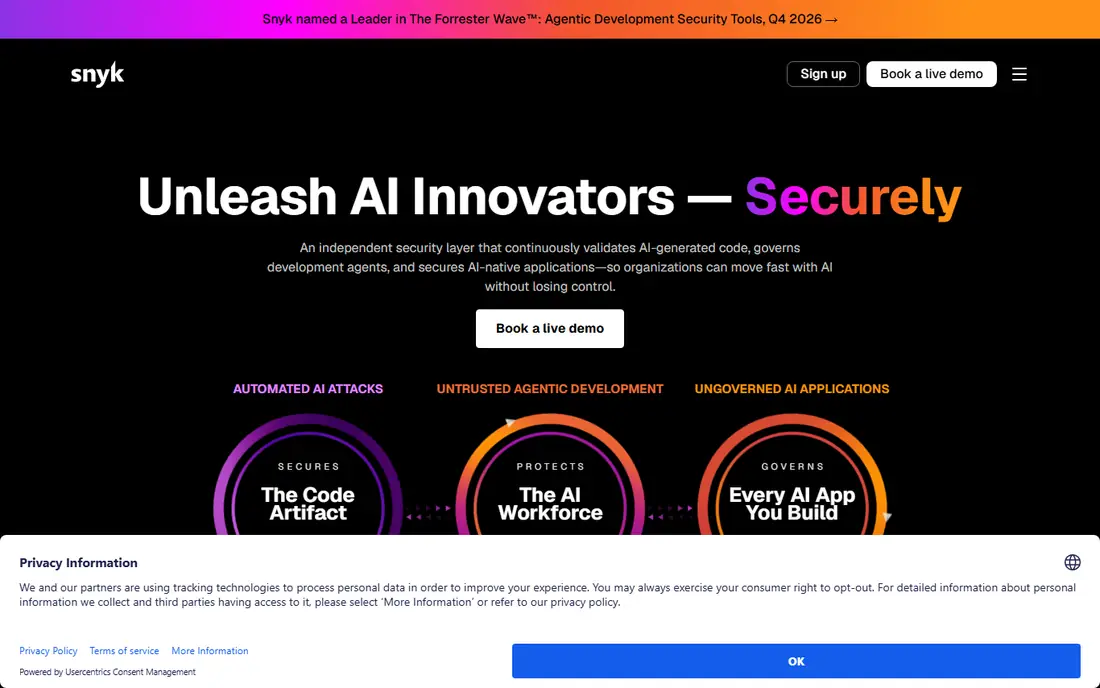
Snyk is the benchmark for developer adoption in this category. It scans open source dependencies, code, containers, and infrastructure as code, and it meets developers in editors and pull requests with fix suggestions. The free tier covers individuals and small teams well, which makes it easy to trial on a real repository before buying.
Alert volume is the honest catch. Without prioritization and tuning, teams can drown in low risk findings and start ignoring the tool. Snyk helps with priority scoring based on severity, reachability, and exploit maturity, so sort by that score and work top down. For teams that judge a tool by fix rate rather than finding count, Snyk is a strong default.
- Open source, code, container, and infrastructure scanning
- IDE and pull request integration
- Automated fix pull requests
- Per developer pricing scales with team size
- Alert volume needs triage
- Some enterprise features are tiered
Checkmarx suits enterprises with large, complex, or legacy codebases where scan depth matters more than speed to first result. Its static analysis covers many languages and frameworks, and its policy and reporting tools support compliance programs that need audit trails. For regulated teams, that depth and reporting weight often decides the purchase.
Smaller teams may find Checkmarx heavier than they need. Pricing is quote based, and getting accurate results with low noise takes tuning and ownership. Treat it as a platform investment, not a quick add on, and pilot it on a difficult repository to see whether its depth beats your current baseline in practice.
- Deep static analysis
- Broad language and framework coverage
- Compliance and policy reporting
- Quote based pricing
- Setup and tuning take time
- Developer experience needs configuration
Aqua Security is built for teams running containers and Kubernetes at scale. It scans images, checks Kubernetes posture, and adds runtime controls, covering the path from build to running workload. That code to runtime view is valuable when a vulnerable image can reach production even after code scanning passes.
The trade off is focus. Aqua is not primarily a code scanning workbench, so teams that need deep static analysis will still want another tool. Pricing is enterprise and quote based, and the platform rewards teams with cloud native skills. For container heavy estates, Aqua belongs on the shortlist alongside the cloud security tools from larger platform vendors.
- Container image and Kubernetes security
- Runtime protection
- Cloud native pipeline controls
- Enterprise focus and pricing
- Code scanning is less central than container coverage
- Setup needs cloud expertise
Harness approaches DevSecOps from delivery rather than scanning. Its platform runs continuous integration and delivery, and security tests and policy gates sit inside those pipelines. That means a failing security check can block a release in the same system that ships it, which is exactly where a gate belongs.
The catch is that Harness is a delivery platform first. Its security value depends on which scanners and tests are integrated and how policies are configured. Teams that already have a delivery platform may prefer a standalone scanner, while teams replacing delivery tooling get security gates as part of the move. Trial it on a real service pipeline, not a demo app, to judge gate behavior.
- Continuous delivery with security testing built in
- Policy gates in pipelines
- Broad CI and CD coverage
- Security depth depends on integrated scanners
- Pricing is quote based
- Platform scope can be large
JFrog is the artifact centric pick. Its platform stores, manages, and scans packages and binaries, so security checks happen where dependencies and build outputs are actually consumed. That position helps teams control which versions reach production and trace a vulnerable component back to the builds that used it.
For teams without a central artifact repository, JFrog is a bigger change than a scanner alone. Pricing is quote based, and the full platform covers more than security. It fits best where supply chain control is already a priority, such as regulated software or teams shipping many services from shared libraries.
- Artifact repository with security scanning
- Software supply chain controls
- Binary and package management
- Security is tied to artifact workflows
- Pricing is quote based
- Smaller teams may not need the full platform
Semgrep wins fans because developers can write their own rules quickly. Instead of waiting for a vendor rule update, a team can encode a bad pattern it just found and scan every repository for it. That custom rule workflow, plus fast scans and a free tier, makes Semgrep a strong choice for teams that want control over what gets flagged.
The limit is ownership. A tool that depends on custom rules is only as good as the rules its team maintains, and deep enterprise analysis may still need a specialist scanner. Semgrep fits best as a fast first layer, or as the custom guardrail layer alongside a broader platform. Start free, write rules for your top risks, and measure fix rate before expanding.
- Fast scanning
- Custom rules developers can write
- Free tier and open source core
- CI integration
- Needs rule ownership to reach full value
- Coverage differs from deep enterprise scanners
- Enterprise features are paid
How we picked these
We compared official feature and pricing pages, pipeline integration, and scan coverage across code, dependencies, containers, and delivery. We kept tools that operate in October 2026 and cover at least one core DevSecOps lane well, and we favored tools with a free tier or trial for smaller teams. Where pricing was not published, we wrote See website.
How to choose a DevSecOps tool
Match the tool to where your code already lives. GitHub teams should start with GitHub Advanced Security, GitLab teams with GitLab, and everyone else with a developer workbench like Snyk or Semgrep. That starting point reduces adoption friction, which is the main reason DevSecOps tools fail in practice.
Rollout and policy gates
Pilot on one volunteer team for a few weeks before any mandate. Run gates in warn mode first, tune false positives with developers present, and only block merges on new critical findings once the team trusts the results. Track fix rate within a sprint, not raw finding counts, and assign a security owner per repository so findings reach a person, not a shared inbox nobody reads.
Frequently asked questions
What are the best DevSecOps platforms in 2026?
GitLab and GitHub Advanced Security lead for platform native teams, Snyk leads for developer-first scanning, and Checkmarx leads for enterprise depth. Aqua Security leads for container heavy estates, while Semgrep leads for fast custom rules. The best choice depends on your repository host and team size.
What is the difference between DevSecOps tools and DevSecOps platforms?
Tools usually cover one lane, such as code scanning or container security. Platforms combine several lanes, plus pipelines, policy, and reporting, in one system. Many teams use a platform for the baseline and add a specialist tool for their riskiest lane.
Do DevSecOps tools have free plans?
Some do. GitLab, Snyk, and Semgrep offer free tiers that suit individuals and small teams. GitHub Advanced Security, Checkmarx, and Aqua Security are generally paid, with pricing based on users, usage, or a quote. Harness and JFrog offer trials.
How do I reduce false positives?
Tune rules with developers, prioritize by reachability and exploit maturity, and suppress findings only with a documented reason and expiry. Review the false positive rate monthly with engineering present, and keep gates in warn mode until the team trusts the signal.
Should security gates block every pull request?
No, at least not at first. Blocking on every finding teaches developers to work around the tool. Start by blocking only new critical findings, give teams a runway and a clear fix path, and expand policy once fix rates and triage discipline are proven.
Sources
See where you really rank - block by block
ProMapRanker scans Google Maps across a grid of your service area. Simple monthly plans from $19, white-label on every plan.
Start freeKeep reading
 zoho inventory alternatives
6 Alternatives to Zoho Inventory, Compared on Price and Fit
Zoho Inventory alternatives: 6 tools compared on price, free plans and fit. Katana leads the list for manufacturers. Fit and flaws are laid out for each entry.
Read → zoho crm alternatives
Best Zoho CRM Alternatives (2026)
Need Zoho CRM alternatives? We compare 7 tools on cost, free access and who each suits. Every pick gets a straight assessment. Built for quick decisions.
Read → zelle alternatives
Best Zelle Alternatives in 2026
Compare the best Zelle alternatives for sending money to friends, paying sellers and moving funds abroad, with honest notes on fees, speed and safety in 2026.
Read →