 ProMapRanker
Best Online Fax Service for Businesses in 2026

Key takeaways
- Fax.Plus and eFax cover the most common business needs, with Fax.Plus offering a usable free tier and eFax offering long-established enterprise plans.
- RingCentral Fax makes most sense for teams that already use RingCentral for phones, because fax then sits inside one communications system.
- Healthcare and legal teams should confirm HIPAA support and a business associate agreement in writing before sending sensitive documents.
- Page allowances matter more than headline price, so check overage charges and how many pages your team sends in a typical month.
Quick comparison
| Pick | Great for | Pricing starts at | Free tier | |
|---|---|---|---|---|
 Fax.Plus | small business faxing | $6.99 per month | Yes | Visit |
 eFax | established enterprise faxing | $16.95 per month | No | Visit |
 RingCentral Fax | RingCentral phone users | $27.99 per month | Free trial | Visit |
 Dropbox Fax | Dropbox and signing workflows | $9.99 per month | Free trial | Visit |
 SRFax | security-focused healthcare faxing | $12.60 per month | Free trial | Visit |
 iFax | mobile-first faxing | $8.99 per month | Free trial | Visit |
 MetroFax | low-volume business faxing | $11.99 per month | No | Visit |
 MyFax | simple send and receive faxing | $10 per month | No | Visit |
The best online fax service for businesses
These services let a business send and receive faxes by web, email or mobile app, with a dedicated fax number and no paper machine. We compared page allowances, security options, apps and published pricing.
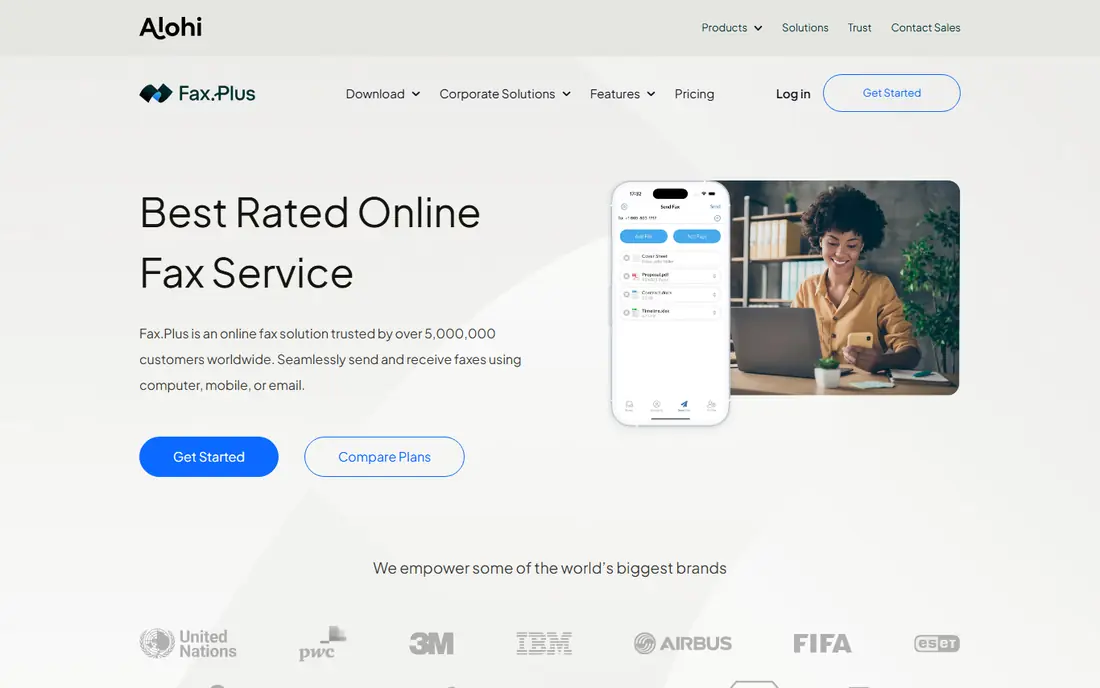
Fax.Plus is an easy first pick for a small business that faxes regularly but does not need a full phone system. Sending from a browser or phone feels close to sending an email attachment, and received faxes land in an inbox that can be searched and forwarded. The free tier, with a small page allowance, also lets a team test the workflow before paying.
The limits are clear. Lower plans cap pages, so a team that faxes contracts daily should price the next tier up, not the entry tier. Healthcare teams should also confirm current HIPAA terms directly, because compliance coverage varies by plan and published roundups have described it as enterprise-only.
- Free tier for occasional use
- Clean web and mobile apps
- Fax number included on paid plans
- HIPAA support is limited to enterprise tiers in published comparisons
- Page limits apply on lower plans
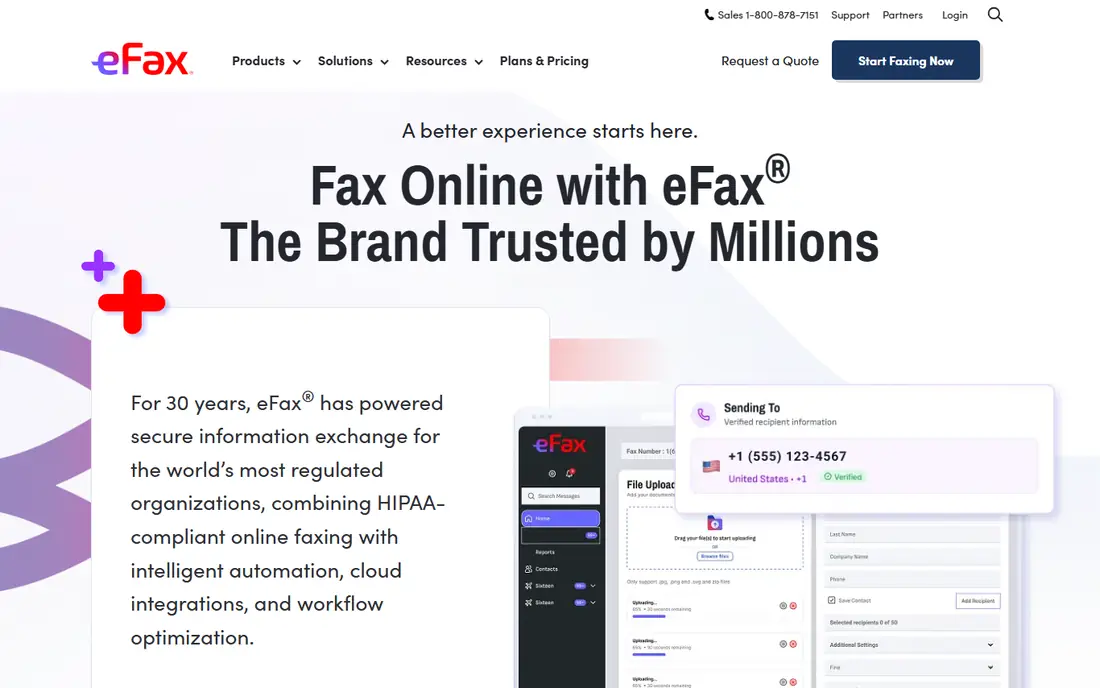
eFax has served business faxing for many years, and that history still counts for larger organisations that need predictable service and support. Plans include a dedicated fax number, email-to-fax and mobile apps, and the brand is familiar to legal, finance and healthcare partners who still expect fax for signed documents.
Price is the main drawback. The entry plan costs more than Fax.Plus or iFax, and there is no free tier to trial low-volume use. For a large team with steady volume, that premium may be acceptable, but a small business should compare page allowances first, because a cheaper plan with enough pages wins in practice.
- Long track record with large organisations
- Dedicated numbers
- Email and app faxing
- Higher entry price than newer rivals
- No free tier for casual testing
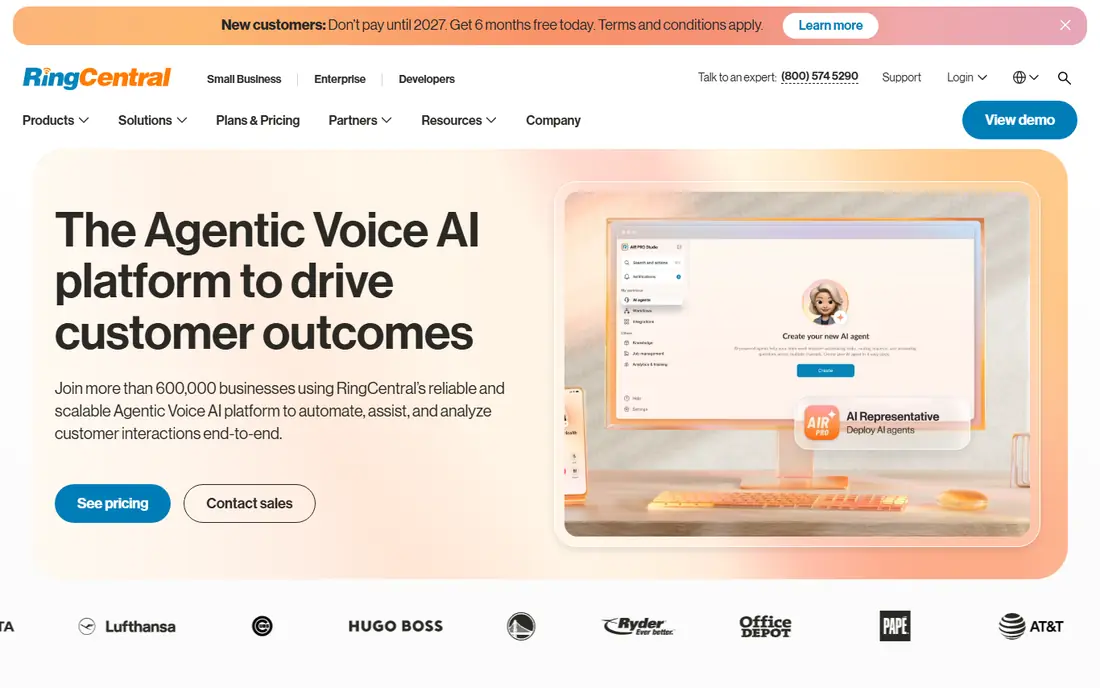
RingCentral Fax suits businesses that already pay for RingCentral phones, messaging and video. Fax then shares the same admin panel, user accounts and security settings, which simplifies onboarding and audit trails. Published material also describes HIPAA and FINRA compliance options, which matter for regulated teams.
As a standalone fax purchase, the Fax 3000 plan price is hard to justify against dedicated fax services. The value case depends on using the wider RingCentral system, so teams that only need fax should look at Fax.Plus, SRFax or MetroFax first and keep RingCentral for phone-led operations.
- Fax inside a full phone system
- Compliance options
- Strong admin controls
- Expensive as a standalone fax tool
- Best value only with RingCentral plans
Dropbox Fax, formerly HelloFax, fits teams that already store and sign documents in Dropbox. A contract can move from storage to signature to fax without downloading and re-uploading files, which reduces version errors. That workflow benefit matters more than a small price gap for teams that sign documents every week.
The drawback is focus. Fax is not a standalone specialist product here, so businesses that need advanced fax routing, high page volumes or detailed compliance settings may find a dedicated service clearer. Confirm the current plan page for page limits before moving a high-volume workflow over.
- Ties fax to document signing
- Simple sending from cloud files
- Familiar interface
- Fax is one part of a wider product
- Page and plan details need checking at signup
SRFax appeals to clinics, therapists and small healthcare practices that need fax security handled carefully. Published comparisons describe HIPAA support with a business associate agreement available on request, plus email-to-fax and web faxing for staff who work from different locations. That combination suits practices where compliance paperwork matters as much as sending speed.
The trade-off is polish. The web interface feels practical rather than modern, and mobile features are thinner than app-led rivals. If your team faxes mainly from a desk and values a clear compliance story, SRFax deserves a shortlist place despite the plainer design.
- Security-first positioning
- Business associate agreement on request
- Email and web faxing
- Interface is more functional than polished
- Fewer consumer-style mobile extras
iFax works best for people who fax from a phone while away from a desk. The app scans paper documents, cleans up the image and sends the result as a fax, with optical character recognition on some plans to make scanned text searchable. Field staff, agents and sole traders often prefer that flow to a web-only service.
Pricing needs care. Published roundups have listed different starting figures for iFax depending on plan and date, so treat $8.99 as a starting point to verify at checkout, not a fixed quote. Check the page allowance and whether OCR and cloud storage sit in the plan you actually buy.
- Strong mobile scanning
- OCR tools
- Send from phone or web
- Published pricing varies by plan and source
- Higher tiers cost notably more
MetroFax suits a business with steady but modest fax volume that wants a simple service without learning a new platform. Plans include a dedicated number and the usual web and email sending options, and the pricing sits below eFax while staying above the cheapest dedicated options. For a small office, that middle ground can be enough.
The limits are modest rather than serious. There is no free tier, and the mobile and integration features lag behind Fax.Plus and iFax. Teams that fax mainly from a computer and want predictable billing will be fine, while mobile-heavy teams should test an app-led rival first.
- Straightforward plans
- Dedicated number
- Web and email faxing
- No free tier
- Fewer modern app features than newer rivals
MyFax remains useful for a business that wants faxing to be boring and simple. Setup is short, sending works by web or email, and received faxes arrive in an inbox. For an office that sends a handful of faxes a week and does not need integrations, that simplicity is a genuine benefit.
The drawback is depth. Newer services offer better mobile apps, signing links and automation, and some published reviews rate MyFax below those rivals. If your volume grows or you need signing and cloud storage in the same workflow, a more complete service will save time even if the monthly price is similar.
- Very simple setup
- Dedicated number
- Email-to-fax support
- Basic feature set
- Published reviews rate it below newer rivals
How we picked these
We compared official product pages and published 2026 pricing roundups for dedicated fax services and fax features inside wider communications products. We favoured services that are actively sold to businesses, include a dedicated fax number on paid plans, and publish a starting price or trial. We did not claim hands-on testing, and fax prices and page allowances change often, so confirm the current plan page before signing up.
What to check before you commit
Start by counting pages. Look at the last three months of faxing, including both sent and received pages, because most plans count both directions toward the allowance. A plan that looks cheap at entry level can cost more than a higher tier once overage charges apply, so compare the total at your real volume.
Next, confirm compliance and retention in writing. Healthcare, legal and finance teams should ask for the business associate agreement or security terms that apply to their exact plan, not only to the brand in general. Ask how long faxes are stored, who can access them, and how a number is ported if you leave.
Finally, test number porting and receiving before you announce the change. Port your existing fax number if you have one, send a test fax to a partner, and confirm that replies arrive in the right inbox. A short overlap with the old number avoids missed documents during the switch.
Frequently asked questions
Is online fax secure enough for business documents?
Reputable services use encryption in transit and at rest, and some offer HIPAA support with a business associate agreement. Security still depends on your plan and settings, so confirm the exact terms for the plan you buy and avoid sending highly sensitive documents over a free consumer tier.
Can I keep my existing fax number?
Most business services support porting an existing number, subject to carrier checks and timing. Start the port early, keep the old service active until the port completes, and test inbound faxes before telling clients about the change.
Do I need a fax machine at all?
No, for most business use. Online fax services send and receive through a browser, email or mobile app, and they assign a fax number for inbound documents. You only need a machine if a partner or regulator specifically requires a physical device.
What happens if I exceed my page allowance?
Most plans charge overage fees or pause sending until the next cycle, depending on the service. Check the overage rate on the pricing page, because a low entry price with a high overage rate can cost more than a higher tier for a busy month.
Which service is best for a healthcare practice?
SRFax and RingCentral Fax are often shortlisted for healthcare use because published material describes HIPAA options, but the right choice depends on your exact plan and a signed business associate agreement. Confirm those terms directly with the vendor before sending patient documents.
Sources
See where you really rank - block by block
ProMapRanker scans Google Maps across a grid of your service area. Simple monthly plans from $19, white-label on every plan.
Start freeKeep reading
 worlds best local seo company
8 Worlds Best Local SEO Companies for Map Pack Growth in 2026
Compare the worlds best local seo company options for Google Business Profile work, citations, reviews, and multi-location rankings and reporting in 2026.
Read → world's best web hosting company
World's Best Web Hosting Company in 2026
Searching for the world's best web hosting company? We compared 10 hosts on price, renewal rates, speed, and support to help you choose well today in 2026.
Read → who's got the best nanny tax services
Who's Got the Best Nanny Tax Services in 2026
We answer who's got the best nanny tax services, comparing full filing, back taxes, software, and pricing so families can handle nanny taxes correctly.
Read →