 ProMapRanker
Best Online Backup Service for Small Business in 2026

Key takeaways
- Dedicated backup keeps version history and restores files even after deletion or ransomware, while sync alone can copy the damage everywhere.
- IDrive Business suits teams with many devices on one storage plan, while Backblaze Business suits simple per-computer backup.
- Acronis suits businesses that want backup plus security in one agent, while CrashPlan suits endpoint teams that need long version history.
- Test a restore before you rely on any service, since a backup you cannot restore is not a backup at all.
Quick comparison
| Pick | Great for | Pricing starts at | Free tier | |
|---|---|---|---|---|
 IDrive Business | Many devices on one plan | $99.50 per year | Free trial | Visit |
 Backblaze Business | Simple unlimited workstation backup | $99 per computer per year | Free trial | Visit |
 Acronis Cyber Protect | Backup plus security | $85 per device per year | Free trial | Visit |
 CrashPlan | Unlimited endpoint backup | $8 per user per month | No | Visit |
 Carbonite Safe Backup Pro | Traditional small-office backup | $287.99 per year | Free trial | Visit |
 Veeam Data Platform | Servers and virtual machines | See website | Free trial | Visit |
 Dropbox Backup | Existing Dropbox users needing backup | See website | Free trial | Visit |
The best online backup services for small business
We compared official feature pages, pricing pages, and independent small-business backup comparisons published in 2026 to build this list. Dedicated backup services come first, since they are built for recovery. Dropbox Backup appears last and is flagged in its section as a storage-first add-on rather than a dedicated backup platform.
IDrive Business is the most flexible pick for a small team with mixed devices. One storage plan covers unlimited users and computers, plus servers, which helps offices that mix desktops, laptops, and a file server. It keeps up to 30 versions in published comparisons and supports hybrid backup to a local drive as well as the cloud.
The shared storage model needs attention, since a team that stores large media files can hit overage charges. Still, for a team that wants one plan for the whole office rather than a licence per computer, IDrive Business offers strong value and breadth.
- Unlimited users and devices on a single storage plan
- Server backup included
- Hybrid local plus cloud backup
- Storage allowance is shared, so overage charges can apply
- Interface is denser than Backblaze
Backblaze Business is the simplest option in this list, and that simplicity is the point. Each licensed computer gets unlimited backup for $99 per year, with continuous background backup and connected external drives included. Version history extends to one year in published comparisons, and restores can use download or a shipped USB drive.
The limit is scope. This plan covers Mac and Windows workstations, not servers or NAS devices, so a 10-computer office pays $990 per year. For a small office with only workstations and no server, Backblaze is the easiest reliable choice.
- Unlimited storage per licensed computer
- Very simple setup
- External drives included in backup
- Computers only, with no NAS or server backup on this plan
- One licence per computer adds up for large offices
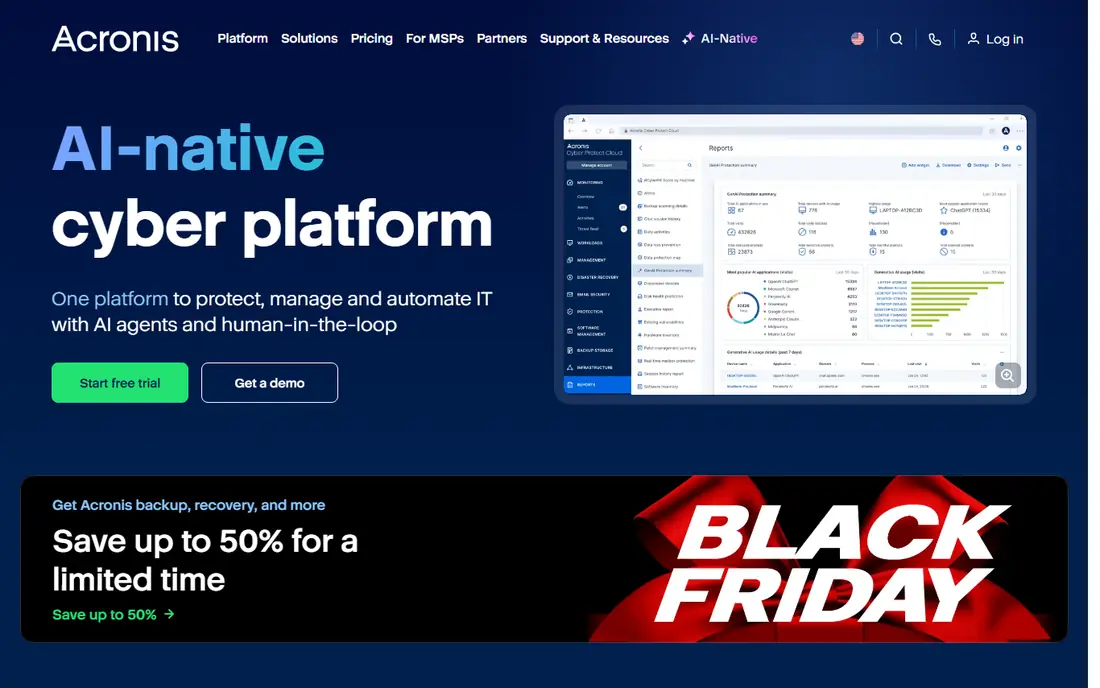
Acronis suits businesses where ransomware is the main fear, not only hardware failure. Its Cyber Protect agent combines backup with endpoint security, including anti-ransomware protection, and Advanced tiers offer immutable backups that ransomware cannot easily alter. It supports local, Acronis Cloud, and third-party storage targets.
Cost control needs care, since cloud storage and advanced tiers add to the base per-device price. Published starting figures near $85 per device per year cover the base, not every option. For a business that wants one agent for backup and security, Acronis is a strong, if pricier, pick.
- Backup plus anti-malware and anti-ransomware in one agent
- Immutable backups on Advanced tier
- Local and cloud targets
- Cloud storage and advanced options raise cost
- Pricing varies by edition and storage
CrashPlan fits teams that mainly need to protect laptops and desktops, with unlimited storage per user and long version history. Per-user pricing at $8 per month, or $88 per user per year in comparisons, makes budgeting simple for a growing team. It runs quietly in the background and restores files by version, which helps after accidental deletion or encryption.
It is not a full infrastructure backup tool for servers and virtual machines. Teams with servers should pair it with another solution or choose IDrive, Acronis, or Veeam instead. For endpoint-first offices, CrashPlan offers predictable pricing and deep version history.
- Unlimited endpoint cloud storage per user
- Long version history
- Simple per-user pricing
- Focused on endpoints rather than full infrastructure
- No free plan, only trials or paid plans
Carbonite has served small offices for many years, and its Safe Backup Pro plans offer automatic backup with a familiar, low-effort setup. It suits offices that want a traditional package with support for computers and, on higher tiers, servers. Compliance features appeal to professional offices that need audit-friendly records.
The storage limits are the main drawback, since 250 GB or 500 GB depending on plan is low beside unlimited rivals. Offices with large media libraries or many machines may outgrow it quickly. For a small office with modest data and a preference for a known brand, Carbonite still works well.
- Established platform with automatic file selection
- Compliance-friendly options
- Simple set-and-forget setup
- Storage limits of 250 GB or 500 GB depending on plan
- Higher price per gigabyte than unlimited rivals
Veeam suits businesses that run servers or virtual machines and need recovery that goes beyond file restore. Its platform covers virtual, physical, and hybrid workloads, with instant recovery options and replication for disaster recovery. A free agent for Windows and a free community edition for up to 10 workloads help small teams start without a large bill.
The trade-off is complexity. Veeam needs more setup and admin skill than Backblaze or CrashPlan, and pricing depends on protected workloads. For a business with servers, that effort pays off in recovery options. For a workstation-only office, a simpler tool will serve better.
- Enterprise-grade backup for virtual, physical, and cloud workloads
- Instant VM recovery options
- Free agent and community editions
- Needs more technical setup than simple endpoint tools
- Pricing by workload and edition
Dropbox Backup is flagged here as a storage-first add-on, not a dedicated backup service. It backs up computers and external drives into Dropbox, which is convenient if your team already stores and shares files there. Access from any device and simple restore make it useful as an extra layer.
It should not replace a dedicated backup service for a business that needs deep versioning, server backup, or ransomware-focused recovery. Use it alongside IDrive, Backblaze, Acronis, or CrashPlan if you already pay for Dropbox, and treat dedicated backup as the primary safety net.
- Familiar for existing Dropbox users
- Automatic backup of computers and external drives
- Easy file access
- Storage-first tool, not a dedicated backup platform
- Version and recovery depth below dedicated rivals
How we picked these
We compared official feature pages, pricing pages, and independent small-business backup comparisons published in 2026. We kept only services that still operate, offer business plans or business-suitable backup, and publish current pricing or a clear quote model. We ranked dedicated backup first, and we flagged storage-first tools clearly rather than presenting them as equal to dedicated backup. Prices change by plan and region, so check the vendor pricing page before buying.
How to set up backup that actually restores
Follow the 3-2-1 rule as a baseline: keep three copies of important data, on two different media, with one copy offsite. A cloud backup service covers the offsite copy, while a local external drive or NAS covers fast local restore. That mix protects against hardware failure, theft, fire, and ransomware at the same time.
Test restores on a schedule, not only after a disaster. Restore a few files each month, and run a full restore test at least once a year for critical systems. Check version history too, since ransomware may encrypt files days before you notice. A service with long version history gives you a clean copy to return to.
What to check before you buy
Count devices, servers, and data volume first, then price each option against those numbers. A per-computer unlimited plan can beat a storage plan for a small office, while a storage plan wins for many devices with modest data. Check whether servers, NAS, and Microsoft 365 or Google Workspace data are included, since many plans charge extra for those. Also check encryption, data location, support hours, and how restores work when internet speed is slow.
Frequently asked questions
Is cloud storage the same as online backup?
No. Cloud storage syncs chosen folders for access and sharing, while dedicated backup copies your system automatically, keeps version history, and restores files after deletion or ransomware. Sync can copy a deleted or encrypted file everywhere, which is why dedicated backup matters. Use both, with backup as the safety net.
How much storage does a small business need?
It depends on devices, file types, and version history. A text-focused office may need only a few hundred gigabytes, while a design or video office may need several terabytes. Measure current data, add growth for a year, and check whether your plan charges for overage. Unlimited per-computer plans remove that guess for workstations.
Does online backup protect against ransomware?
Dedicated backup helps, especially with version history and immutable backups, since you can restore a clean version from before encryption. It does not replace security software, patching, and staff training. Keep backups separate from daily systems, test restores, and do not rely on a single copy.
How long does the first backup take?
The first backup can take days on a slow connection if you have large data, since every file must upload once. Later backups are faster because only changed files upload. Start the first backup over a weekend or outside work hours, and keep computers on until it completes.
Can I back up servers with these services?
Some can, and some cannot. IDrive Business, Acronis, and Veeam include server backup, while Backblaze Business Backup covers workstations only. Check the plan details for server, NAS, and virtual machine support before you buy, since adding them later can change the price.
What happens if I cancel my backup service?
Your cloud copies usually become unavailable after a grace period, so download or move critical data before cancellation. Keep a local copy as well, so you are not left with only one version. Check the vendor terms for retention after cancellation, and do not cancel until the replacement backup has completed its first full run.
Sources
See where you really rank - block by block
ProMapRanker scans Google Maps across a grid of your service area. Simple monthly plans from $19, white-label on every plan.
Start freeKeep reading
 worlds best local seo company
8 Worlds Best Local SEO Companies for Map Pack Growth in 2026
Compare the worlds best local seo company options for Google Business Profile work, citations, reviews, and multi-location rankings and reporting in 2026.
Read → world's best web hosting company
World's Best Web Hosting Company in 2026
Searching for the world's best web hosting company? We compared 10 hosts on price, renewal rates, speed, and support to help you choose well today in 2026.
Read → who's got the best nanny tax services
Who's Got the Best Nanny Tax Services in 2026
We answer who's got the best nanny tax services, comparing full filing, back taxes, software, and pricing so families can handle nanny taxes correctly.
Read →