 ProMapRanker
Best Online Accounting Software for Small Business in 2026


Accountant-friendly all-rounder · Pricing starts at: $35 per month
Key takeaways
- QuickBooks Online remains the safest choice if your accountant already works in it and you may need payroll or inventory later.
- Xero suits teams that want unlimited users and clean bank reconciliation without paying per seat.
- Wave and Zoho Books offer genuinely free starting points for very small businesses with simple books.
- FreshBooks is strongest for service businesses that live on invoices and getting paid on time.
- Cloud tools need a reliable internet connection and a backup habit, since your books live on someone else's servers.
Quick comparison
| Pick | Great for | Pricing starts at | Free tier | |
|---|---|---|---|---|
| QuickBooks Online | Accountant-friendly all-rounder | $35 per month | Free trial | Visit |
 Xero | Growing teams and multi-currency work | See website | Free trial | Visit |
 FreshBooks | Invoice-led service businesses | $21 per month | Free trial | Visit |
 Wave | Free bookkeeping for solos | Free | Yes | Visit |
 Zoho Books | Best value inside the Zoho suite | Free | Yes | Visit |
 Sage Accounting | Established small businesses | See website | Free trial | Visit |
 Kashoo | Simple books with minimal setup | See website | Free trial | Visit |
 FreeAgent | Freelancers and small limited companies | See website | Free trial | Visit |
The best online accounting software for small business
We compared official pricing pages, invoicing, bank connections, reporting and accountant access for cloud tools that a small US business can run from a browser. This article is general information only, not tax or accounting advice, so check tax and filing questions with a qualified professional. Prices change often and vendors run promotions, so confirm the current rate before you buy.
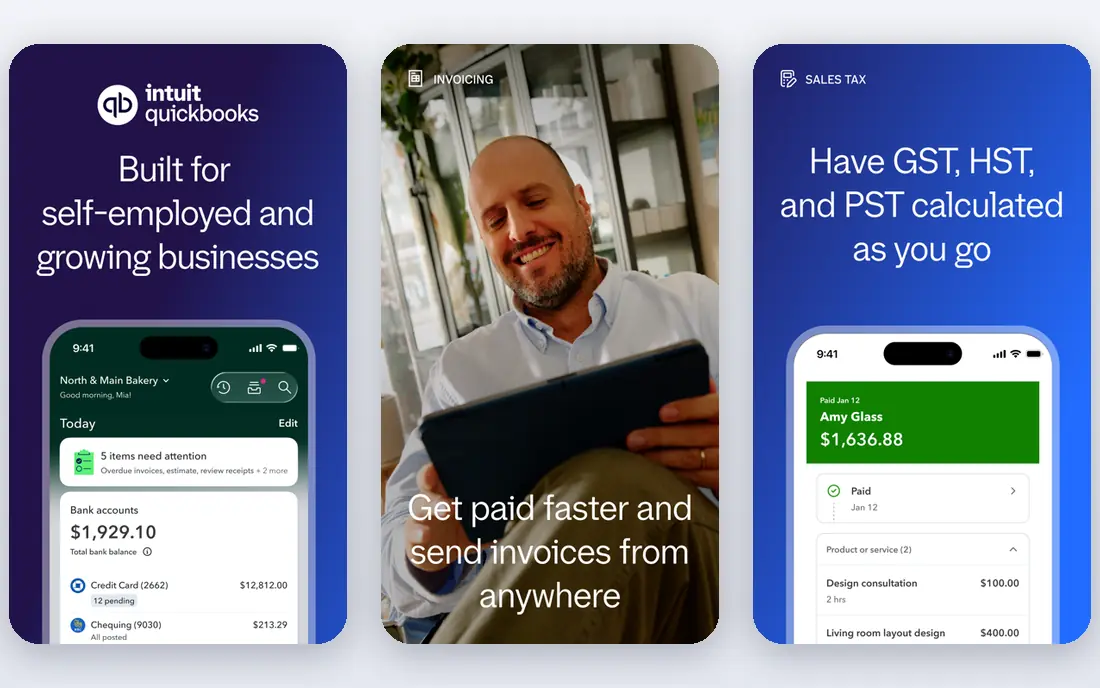
QuickBooks Online is the default recommendation for a reason that has little to do with design: most US accountants already know it. That familiarity saves time at year end, because your accountant can review, adjust and file from books they understand, and it makes hiring a bookkeeper easier. The core covers invoicing, expense tracking, bank feeds, reports and sales tax, with payroll and inventory available as you grow. Simple Start is listed around 35 dollars a month, with Essentials, Plus and Advanced stepping up in users and features. The catch is that the plan you start on is rarely the plan you stay on, since bill pay, inventory and extra users each push you upward. If your books are simple, a cheaper rival may serve you just as well. If you expect growth, payroll or a close accountant relationship, QuickBooks Online is still the safest cloud pick.
- Widest accountant familiarity in the United States
- Invoicing, expenses, payroll add-ons and inventory on higher tiers
- Large integration library
- Price rises steeply across tiers
- Interface can feel crowded for a solo owner
Xero appeals to owners who want a modern, uncluttered ledger that a whole team can open without paying per seat. Bank feeds reconcile cleanly, the dashboard shows cash position at a glance, and invoicing and bill tracking feel lighter than in QuickBooks. For businesses with staff, a bookkeeper and an accountant all touching the books, unlimited users remove a recurring argument about seats. The entry plan is the weak point, since it caps monthly invoices and bills and will feel tight within a quarter for most trading businesses. Most owners land on a mid-tier plan instead, so budget for that rather than the headline entry price. Xero also handles US payroll through a partner integration rather than a built-in product, which is fine if you already use that partner and an extra step if you do not.
- Unlimited users on every plan
- Clean bank reconciliation and dashboard
- Strong multi-currency support on higher tiers
- Cheapest plan caps invoices and bills
- Payroll in the United States runs through a partner
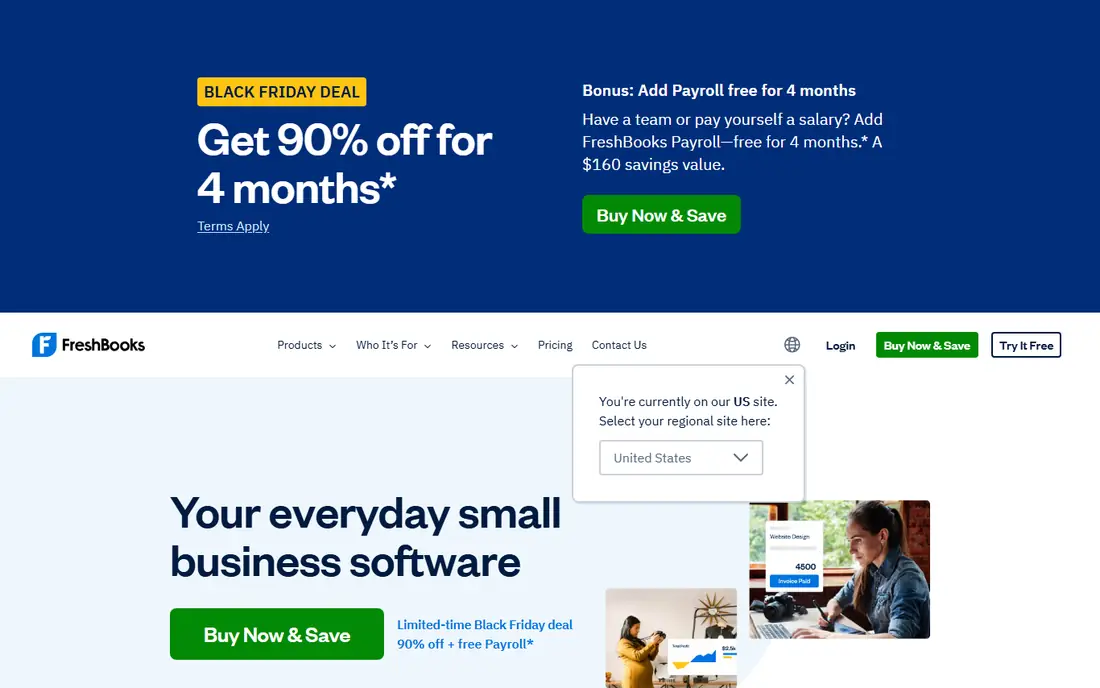
FreshBooks is built around a simple question: have you been paid yet. Invoices look professional, clients can pay online, reminders chase late payers, and time tracked on a project flows into an invoice without retyping. For consultants, agencies, designers and other service businesses, that loop matters more than a deep general ledger, and FreshBooks keeps it front and centre. The limit is the client cap. The Lite plan covers a small number of billable clients, and a long tail of small customers will push you to Plus or Premium sooner than you expect. Inventory is also limited, so product sellers should look elsewhere. If your business sells hours and projects rather than stock, FreshBooks is the most pleasant cloud accounting tool on this list to open every day.
- Excellent invoicing and payment reminders
- Time tracking and project views for service work
- Easy for non-accountants to use
- Billable client caps push growing firms to higher tiers
- Inventory support is limited
Wave is the honest free option in cloud accounting. Core bookkeeping, unlimited invoicing and receipt capture cost nothing, which makes it ideal for a freelancer or a very small business that needs tidy books without a monthly subscription. Setup is quick, bank connections import transactions, and the interface stays simple enough for an owner with no accounting background. Free has trade-offs worth naming. Support is mainly self-serve, advanced reporting is thinner than in QuickBooks or Xero, and payroll and payment processing are paid add-ons with their own fees. Wave suits simple books and low volume best. Once you need inventory, multi-user controls or detailed job costing, you will outgrow it, but by then you will know exactly what to pay for next.
- Core accounting, invoicing and receipts free
- Simple setup for a solo owner
- Payroll and payments available as paid add-ons
- No dedicated support line on the free plan
- Fewer advanced reports than paid rivals
Zoho Books gives you more accounting per dollar than most rivals, and its free plan is a real plan, not a trial, for businesses under 50,000 dollars in annual revenue. Paid plans stay low by cloud standards, and they include invoicing, expenses, bank feeds, projects and client portal features that other vendors charge more to open up. If you already use Zoho CRM or Zoho Inventory, the native connections remove a layer of syncing work. The catch is ecosystem fit. Zoho Books works well on its own, but its best value shows when the rest of your stack is Zoho too, and some third-party integrations are thinner than the QuickBooks or Xero libraries. Small product businesses that sell online and want order and stock data near their books will like it. Larger teams with a dedicated accountant may still prefer the tool their accountant already uses.
- Free plan for businesses under 50,000 dollars in annual revenue
- Full double-entry accounting at a low paid price
- Native links to Zoho CRM, Inventory and other Zoho apps
- Free plan has user and feature limits
- Best value appears when you already use Zoho apps
Sage Accounting, formerly Sage Business Cloud Accounting, is the cloud option for businesses that like Sage and want a browser-based ledger without moving to desktop software. It covers invoicing, expenses, bank reconciliation and cash flow forecasting, with reporting that suits an owner who reviews numbers weekly rather than daily. Sage also gives you a path upward if the business grows into a larger Sage product. The honest weakness is feel. Sage Accounting looks and behaves more traditionally than the newest cloud tools, and plan names and prices differ by country, so US buyers should confirm the exact plan on the US site. If you already run Sage elsewhere, or your accountant prefers Sage, that familiarity outweighs the plainer interface. If you want the most modern dashboard, Xero or FreshBooks will feel fresher.
- Long track record with small business accounting
- Invoicing, cash flow and VAT and tax reporting tools
- Scales toward Sage desktop and mid-market products
- Interface feels more traditional than Xero or FreshBooks
- Pricing and plan names vary by region
Kashoo, now sold under the TrulySmall name in some listings, is built for owners who want books done with as little accounting language as possible. You connect a bank account, record income and expenses, send invoices and check a simple dashboard, and the tool stays out of your way. That restraint is the appeal: there is less to learn, less to misconfigure, and less clutter on screen. The limit is depth. Kashoo does not match QuickBooks or Xero for integrations, advanced inventory or detailed job costing, so a growing product business will feel the ceiling. It fits micro-businesses, solo consultants and side businesses that need clean, credible books for tax time without hiring a bookkeeper. If simplicity is your top requirement, Kashoo is worth a trial before you pay for a larger platform.
- Very simple setup and dashboard
- Invoicing, expenses and bank feeds included
- Good fit for owners who dislike accounting jargon
- Smaller integration library than the big three
- Limited advanced inventory and job costing
FreeAgent started in the UK for freelancers and small companies, and it keeps that focus in its design: invoices, expenses, time tracking and a tax timeline that shows what may be due and when. For a solo professional who wants to see the whole year, not just this month, that forward view is genuinely useful. The dashboard is calm, the language is plain, and bank feeds keep manual entry low. US buyers should check availability and feature fit carefully, since FreeAgent's deepest tax features were built for the UK market and its US accountant network is smaller than QuickBooks or Xero. That does not rule it out, especially for a freelancer with simple books, but it does mean you should confirm bank support and filing features for your state before switching. For the right solo owner, FreeAgent is a tidy, low-stress cloud ledger.
- Invoicing, expenses and time tracking in one place
- Tax timeline and estimates for filing
- Clean dashboard for freelancers
- US availability and features differ from its UK home market
- Smaller US accountant network than QuickBooks
How we picked these
We compared official pricing pages, invoicing and bank feed features, reporting depth and accountant access for cloud accounting tools that are live in October 2026 and that a small US business can run entirely from a browser. We kept only tools with real bookkeeping, not invoice-only apps, and we noted where a free plan is genuinely free and where a price is a trial or a promotion. This article is general information only, not tax or accounting advice.
Choosing the right cloud accounting tool
Start with who else touches your books. If an accountant or bookkeeper will review them, ask which tool they prefer before you choose, because their time costs more than any subscription saving. Then list your must-have transactions: invoicing volume, bill payment, payroll, inventory, multi-currency and project tracking. A tool that covers four of five well is better than a cheaper tool that forces a spreadsheet workaround for the fifth. Test bank feeds and invoicing with real data during a trial. Connect your main bank account, import a month of transactions, reconcile them, send a test invoice to yourself, and run a profit and loss report. That hour reveals more than any feature page, including how the tool handles duplicate transactions, categorisation and late payments. Also check export options, since you should be able to leave with your full transaction history intact. Finally, plan for tax time from the start. Keep receipts attached to expenses, reconcile monthly rather than once a year, and confirm how your tool handles sales tax for your state. Cloud accounting removes the install and backup chore, but it does not remove the need for tidy records. A tool you actually open weekly will serve you better than a powerful tool you avoid.
Frequently asked questions
What is the best online accounting software for a small business?
There is no single winner. QuickBooks Online suits most US small businesses because accountants know it. Xero suits teams that want unlimited users. Wave suits solos with simple books and no budget. Match the tool to your invoicing volume, payroll needs and accountant, not to a headline price.
Is free online accounting software really free?
Wave and Zoho Books both offer genuinely free core plans with limits, while other tools offer free trials that end after a set period. Read the limits on users, invoices and revenue before you rely on a free plan, and check what payroll and payment processing cost on top.
Do I still need an accountant if I use cloud accounting?
Usually yes, at least for year-end review and tax filing. Cloud software records and organises transactions, but it does not give tax advice or decide how a complex transaction should be treated. A short annual review often pays for itself in avoided errors.
Can I switch from one accounting tool to another?
Yes, but plan the move. Export your chart of accounts, customers, vendors and transaction history, pick a quiet month to switch, and reconcile the opening balances in the new tool. Most vendors offer import tools or migration help, and your accountant can check the opening position.
Is my data safe in cloud accounting software?
Reputable vendors use encryption, backups and access controls, and they publish security information on their sites. You should still use strong passwords, two-factor authentication, and regular exports of your data, since your books are only as safe as your login habits.
What is the difference between online and desktop accounting software?
Online software runs in a browser, updates automatically, and lets your accountant log in from anywhere, but it needs an internet connection and a subscription. Desktop software runs on your own computer and works offline, but you manage updates, backups and remote access yourself. The next article in this series covers desktop options in detail.
Sources
See where you really rank - block by block
ProMapRanker scans Google Maps across a grid of your service area. Simple monthly plans from $19, white-label on every plan.
Start freeKeep reading
 what’s the best risk software for enterprises
What Is the Best Risk Software for Enterprises in 2026
We compared what’s the best risk software for enterprises on risk registers, controls, third-party risk, and reporting, with pricing notes for large teams.
Read → what's the best pam software for enterprises
What is the Best PAM Software for Enterprises in 2026
Find what's the best pam software for enterprises, with vaulting, session recording, just in time access and pricing compared for large enterprise IT teams.
Read → what’s the best grc software
What Is the Best GRC Software in 2026
We compared what’s the best grc software on risk, compliance, audit and vendor risk, so teams can pick a platform that fits their frameworks and budget.
Read →