 ProMapRanker
Best One-Click Job Apply Platforms in 2026

Key takeaways
- Simplify Copilot auto-fills forms while you press submit, while its Autopilot beta submits on supported portals without a per form review step.
- LazyApply, LoopCV, JobCopilot, and AIApply submit on your behalf on supported boards and systems, with different review controls by plan.
- Teal auto-fills and organises your search, but you submit each application yourself, which gives the most control per form.
- No tool guarantees a job or an interview, and volume alone does not improve fit, so tight filters and a tailored resume matter more than speed.
- Check which boards and applicant tracking systems each tool supports, since coverage decides whether one click works for the roles you want.
Quick comparison
| Pick | Great for | Pricing starts at | Free tier | |
|---|---|---|---|---|
 Simplify | Free autofill and tracking | Free | Yes | Visit |
 LazyApply | High volume board applying | See website | No | Visit |
 LoopCV | Automated job loops | Free | Yes | Visit |
 JobCopilot | Daily auto applying | See website | No | Visit |
 AIApply | Tailored auto applying | See website | No | Visit |
 Sonara | Hands off matching and applying | See website | No | Visit |
 FastApply | Reviewed auto applying | See website | Yes | Visit |
 Teal | Autofill with full control | Free | Yes | Visit |
The best one-click job apply platforms
One click can mean two different things, and the difference matters. Some tools auto-fill a form and wait for you to press submit, while others submit the application for you. This guide states that distinction for each product, based on vendor descriptions and October 2026 comparisons. All products below are live in October 2026. No tool on this list guarantees a job or an interview, and employers may still reject an application for fit, timing, or role closure.
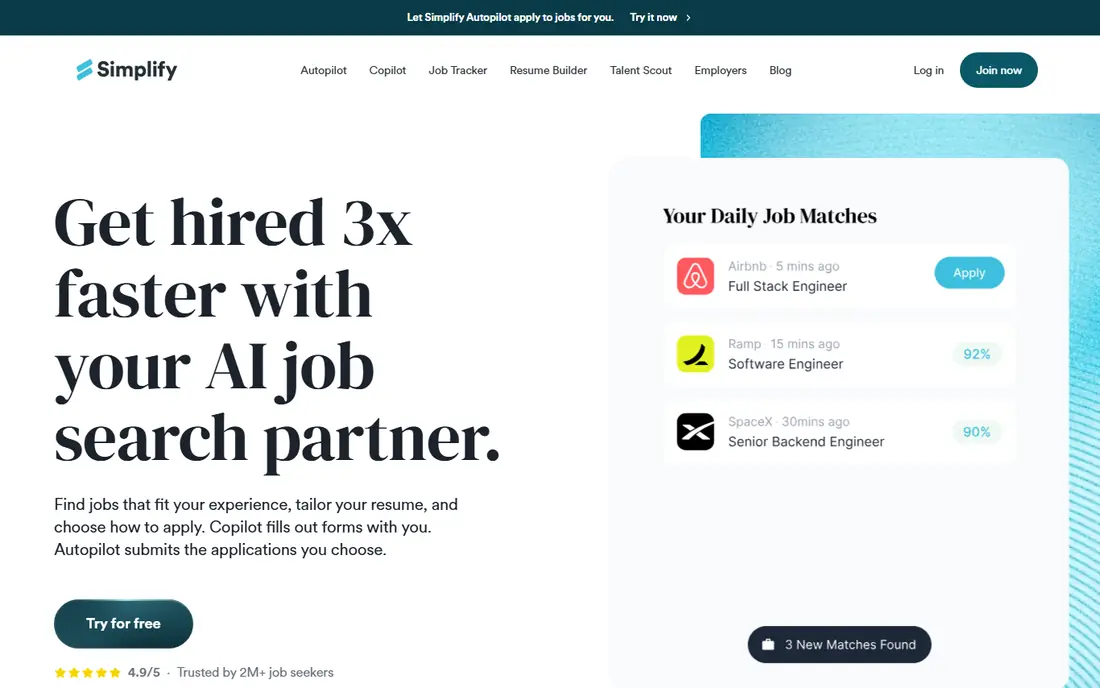
Simplify is the best free starting point for most job seekers, because its Copilot extension auto-fills application forms and tracks roles without charging for basic use. In Copilot mode, you review the filled form and press submit yourself, which keeps control over each application. That control helps for roles you care about, where a wrong answer or a poor resume version would hurt.
Simplify+ adds Autopilot in beta, which submits on supported postings without a per form review step, plus tailored resumes for some plans. That speed suits high volume searches, but it also means errors can go out unchecked, so use tight filters and exclude dream employers from auto submission. Check current Simplify+ pricing on the vendor site, since weekly and monthly terms have both been listed.
- Free Copilot autofill and job tracking
- Works on many job boards and portals
- Autopilot beta for supported postings
- Autopilot submits without a per form review step
- Paid Simplify+ features need a subscription
- Coverage varies by portal
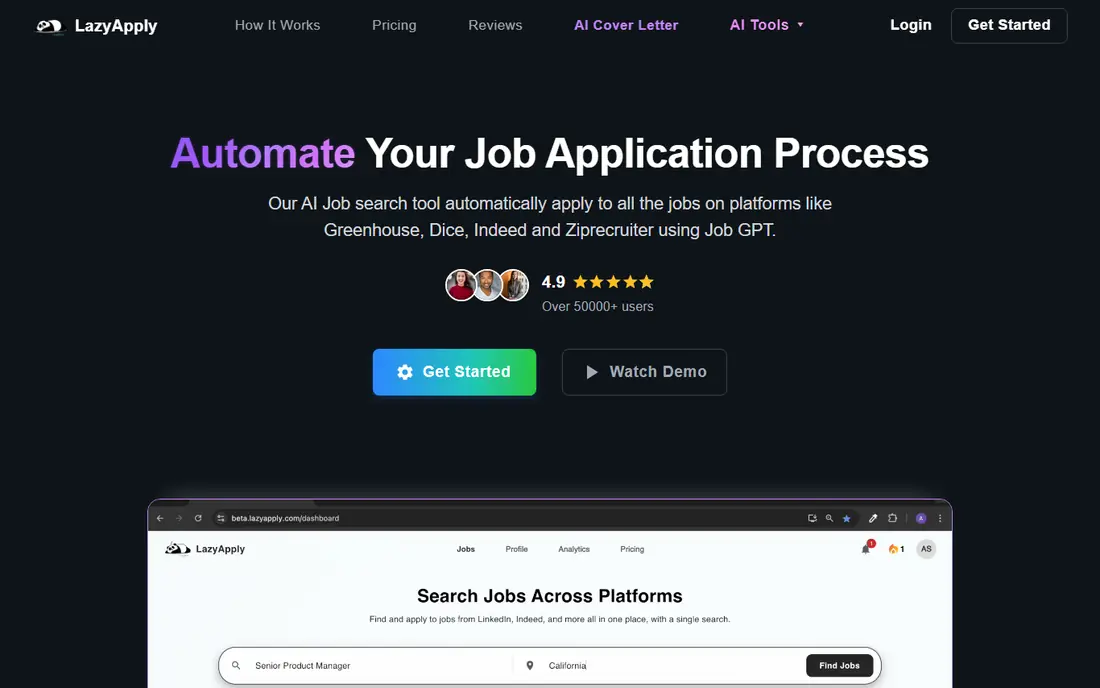
LazyApply is a Chrome extension that applies through supported boards and applicant tracking systems, with daily caps set by plan. It suits job seekers who want raw volume on Indeed, ZipRecruiter, Dice, LinkedIn, and Greenhouse, especially for standardised roles where job descriptions repeat across employers. Setup is simple compared with cloud services that need a full profile build first.
The trade off is control. Auto applying at volume means some forms go out without a careful per form check, and complex Workday or Greenhouse forms may still need manual attention. There is also no free plan listed, so buyers should confirm current annual pricing and refund terms before paying. Use LazyApply as a supplement to targeted applications, not as a replacement for them.
- Chrome extension for Indeed, ZipRecruiter, Dice, and Greenhouse
- Daily application caps by plan
- Simple setup
- No free plan or free trial listed
- Limited per application review in auto mode
- Best for standard roles, not tailored pitches
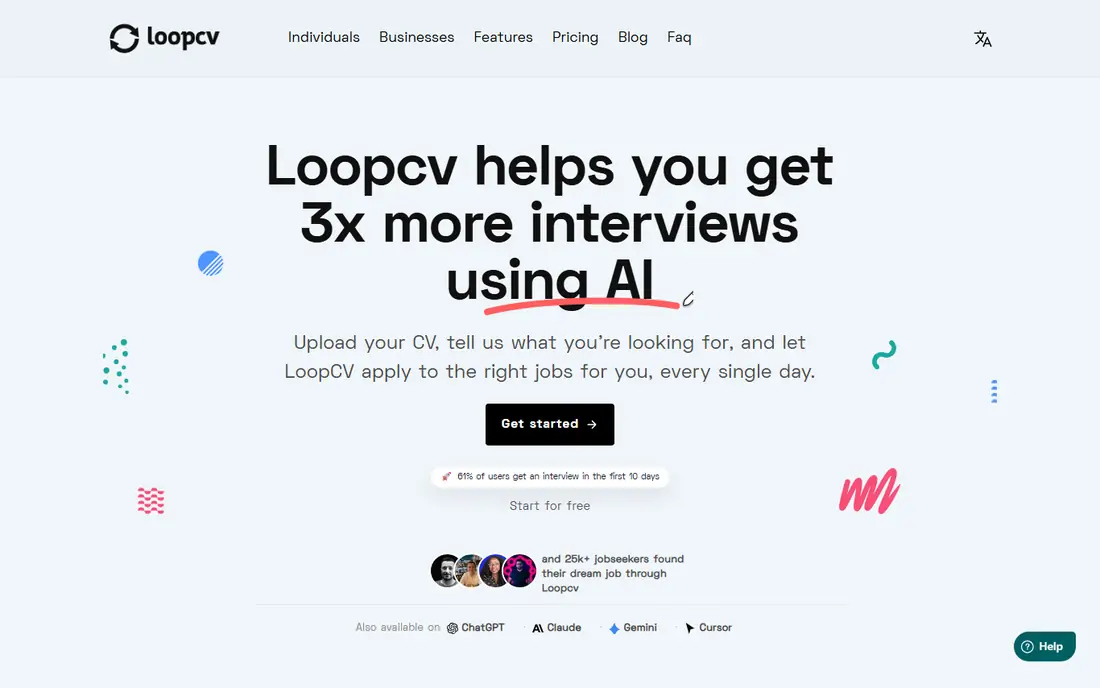
LoopCV runs automated job search loops on LinkedIn, Indeed, Glassdoor, and other boards, then applies or emails recruiters based on your settings. It submits on your behalf on supported sites, with a free tier that includes a limited number of monthly applications. That model suits a steady, ongoing search where new roles appear daily and you want applications to keep moving without manual board checks.
Review controls need attention. You can review matched jobs in a loop, but that is not always the same as reviewing each filled form before submission, so check the plan settings carefully. LoopCV also uses your uploaded resume rather than rewriting it per role, so keep several tailored versions ready for different role types. For a low cost automated search, it is a practical pick.
- Job search loops on many boards
- Free tier with monthly applications
- Recruiter email options on some plans
- Review is of the matched job, not always the filled form
- Paid plans scale with volume
- No automatic resume rewrite
JobCopilot submits applications in daily batches from company career pages, rather than only from job boards. That approach can reach roles that never appear on a board, and premium plans add a review queue for more control. Job seekers who want a hands off daily flow, with applications going out while they prepare for interviews, often shortlist it first.
Lower plans submit without a per form review step, so filters matter a great deal. Set narrow titles, locations, seniority, and salary ranges, and exclude companies you want to approach by hand. Pricing is often shown per day, so confirm the billed total for a month or a plan period before paying. JobCopilot suits volume searches for standard roles, not careful pitches for senior or niche jobs.
- Submits daily batches from company career pages
- Broad company coverage claims
- Review queue on premium plans
- Auto mode submits without per form review on lower plans
- Pricing is shown per day, so check billed totals
- Company coverage varies
AIApply combines resume tailoring with auto applying, so each application can carry a resume and cover letter adjusted for the role. The vendor says users can review drafts before they are sent, which gives more control than fully hands off tools, though the exact review step depends on plan and mode. Writing tools for resumes and cover letters add value even if you apply manually for some roles.
Pricing and coverage are less transparent. Auto apply terms have been listed through third parties rather than a clear vendor pricing page, so buyers should confirm current cost, application credits, and supported boards before paying. For job seekers who want tailoring plus automation, AIApply is worth a trial, but confirm the review step on your first applications.
- Tailors resume and cover letter per role
- Auto apply with review options described by the vendor
- Writing tools included
- Auto apply pricing is not published on a clear public page
- Coverage by board and system is not fully listed
Sonara runs a cloud based, hands off service that matches you to roles and applies through its apply flow. You can edit the job queue, which gives some control over which roles enter the pipeline, but vendor terms describe queue editing rather than a per form review step before each submission. That distinction matters for roles where a single wrong answer could hurt your chances.
Pricing is also unclear from public vendor pages, with third party listings showing trial and subscription terms that change over time. Buyers should confirm cost, cancellation, and application limits directly with Sonara before paying. Sonara suits a hands off search for standard roles, but it is a weaker pick for careful, high stakes applications.
- AI matching with a hands off apply flow
- Job queue editing
- Cloud based, no extension needed
- Pricing is not published on a clear vendor page
- Per form review is limited
- Terms describe queue editing, not form review
FastApply offers a useful middle ground between autofill and full automation. In Copilot mode, you can review the filled form before submitting, which catches errors and poor matches. Other modes submit without that pause, so the same tool can serve both careful and high volume searches, depending on the mode you choose. A free tier with a small number of applications lets you test the flow before paying.
Paid plans add volume and, on higher tiers, resume tailoring per role. Buyers should check which boards and applicant tracking systems are covered for their target roles, since coverage varies and decides whether one click actually works. For job seekers who want review control plus automation, FastApply is a balanced pick.
- Copilot mode lets you review the filled form before submit
- Free tier with a small application allowance
- Covers many boards and systems
- Other modes submit without a pause
- Resume tailoring sits on higher plans
- Coverage list needs checking for your target roles
Teal is different from the auto submitters on this list, because it auto-fills forms and organises your search, but you press submit on each application. That gives the most control per form, since you can check answers, swap resume versions, and skip roles that do not fit. Its tracker, resume builder, and job board tools also help job seekers who want one place for the whole search, not just applying.
The trade off is speed. Teal will not run a hands off daily batch while you do other work, so it suits careful searches, senior roles, and applications where quality matters more than volume. A free tier covers basic tracking and autofill, while Teal+ adds AI features and deeper tools. For control first job seekers, Teal is the safest pick on this list.
- AI autofill on any site
- Strong job tracker and resume builder
- You submit each application yourself
- Does not auto submit applications
- Paid Teal+ features need a subscription
- Autofill accuracy varies by form
How we picked these
We compared official feature pages, pricing pages, documentation, and October 2026 comparisons of auto apply tools, and we kept only products that are live in October 2026. We favoured tools that clearly state whether they auto-fill or submit, and we noted review controls, board coverage, and free tiers where vendors publish them. We did not claim hands-on testing, and we used See website for pricing where vendors do not publish a clear public price. No tool here guarantees a job or an interview.
How to use a one-click tool without harming your search
Start with tight filters and a small test batch. Apply to ten roles, then check confirmation emails, the resume version sent, and any answers the tool filled in. If five applications look wrong, tighten filters or switch to a review mode before scaling up. Exclude employers you care about most from auto submission, and apply to those roles by hand with a tailored resume and cover letter.
Separate volume roles from priority roles
Use auto applying for standardised roles where descriptions repeat and fit is clear, and use manual applying for senior, niche, or dream roles where a tailored pitch matters. Keep a tracker for every application, including date, resume version, and employer reply, so you can follow up and avoid duplicate applications to the same role.
Check employer rules and account safety
Some employers and job boards restrict automated applying, and repeated bot like activity can flag an account. Read the terms of each board you use, avoid applying to the same role twice, and keep your login and personal data secure. If a tool asks for broad account access, check what it stores, how long it keeps data, and how to delete it.
Judge results by replies, not by count
A tool that sends five hundred applications with no replies is worse than a careful search that sends fifty with five interviews. Track reply rate, interview rate, and time spent per reply, then adjust filters, resume versions, and review settings. Volume is easy to measure, but replies are the measure that matters.
Frequently asked questions
What is the difference between autofill and auto apply?
Autofill fills a form for you, but you press submit, as with Simplify Copilot and Teal. Auto apply submits for you, as with LazyApply, LoopCV, JobCopilot, AIApply, Sonara, and FastApply in some modes. Check the mode for each tool, since the same product can offer both.
Can a one-click tool guarantee a job or an interview?
No. No tool on this list guarantees a job or an interview. Employers decide based on fit, experience, timing, and role needs, and automation only changes how fast an application is sent, not how strong it is.
Is auto applying safe for my accounts?
It carries risk if used carelessly. Some boards restrict automation, and duplicate or poor quality applications can hurt your reputation with an employer. Use tight filters, review early batches, avoid duplicates, and keep priority roles manual.
Which tool is best for free one-click applying?
Simplify offers free autofill and tracking, LoopCV offers a free tier with monthly applications, FastApply offers a small free allowance, and Teal offers free autofill with manual submission. Paid plans add volume, tailoring, or hands off submission.
Should I use auto apply for every role?
No. Use it for standardised roles where fit is clear, and apply manually to senior, niche, or high priority roles. A tailored resume, a clear cover letter, and a careful answer set matter more for those roles than speed.
Sources
See where you really rank - block by block
ProMapRanker scans Google Maps across a grid of your service area. Simple monthly plans from $19, white-label on every plan.
Start freeKeep reading
 worlds best local seo company
8 Worlds Best Local SEO Companies for Map Pack Growth in 2026
Compare the worlds best local seo company options for Google Business Profile work, citations, reviews, and multi-location rankings and reporting in 2026.
Read → world's best web hosting company
World's Best Web Hosting Company in 2026
Searching for the world's best web hosting company? We compared 10 hosts on price, renewal rates, speed, and support to help you choose well today in 2026.
Read → who's got the best nanny tax services
Who's Got the Best Nanny Tax Services in 2026
We answer who's got the best nanny tax services, comparing full filing, back taxes, software, and pricing so families can handle nanny taxes correctly.
Read →