 ProMapRanker
Best One-Click Apply Features in Job Apps in 2026

Key takeaways
- LinkedIn Easy Apply and Indeed Apply are the most widely available one-click style features, but only on postings that carry those labels.
- ZipRecruiter, Monster, and Dice also offer in-app apply on many postings, yet some jobs still redirect to an employer site.
- A saved profile and resume do the real work, so keep them current before you start applying at speed.
- One-click apply suits high-volume and entry-level searches better than senior roles that need a tailored application.
- Check each posting before you tap apply, since a fast application with the wrong resume can hurt more than a slower, careful one.
Quick comparison
| Pick | Great for | Pricing starts at | Free tier | |
|---|---|---|---|---|
 LinkedIn | Easy Apply on professional roles | Free | Yes | Visit |
 Indeed | Indeed Apply across many sectors | Free | Yes | Visit |
 ZipRecruiter | Fast apply with matching alerts | Free | Yes | Visit |
 Glassdoor | Apply where the form stays in-app | Free | Yes | Visit |
 Monster | Quick apply on broad listings | Free | Yes | Visit |
 Dice | One-click apply for tech roles | Free | Yes | Visit |
 SimplyHired | In-app apply on aggregated jobs | Free | Yes | Visit |
 Handshake | Quick apply for students and graduates | Free | Yes | Visit |
 Wellfound | In-app apply at startups | Free | Yes | Visit |
The best one-click apply features in job apps
We compared official help pages and current job board guides for the apply feature itself, not just the size of each job board. A product earns a place here only when its own in-app apply feature genuinely exists on at least some postings. No app here offers one-click apply on every job, and we say so plainly for each one.
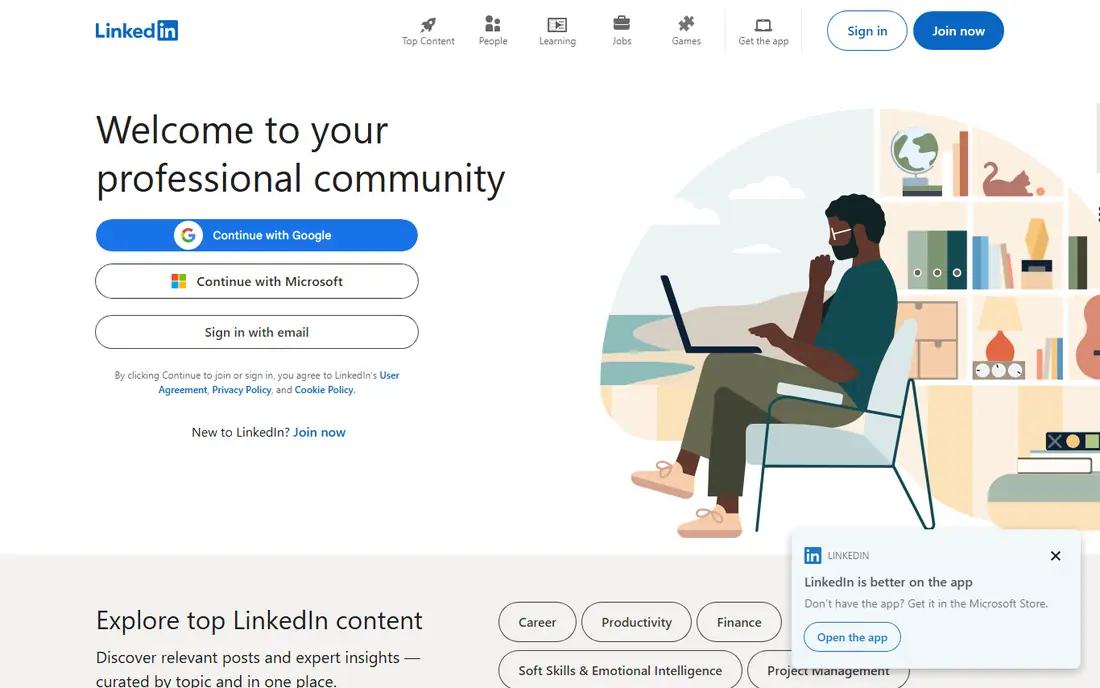
LinkedIn Easy Apply is the feature most job seekers mean when they say one-click apply. On a posting marked Easy Apply, the form opens inside LinkedIn, pulls from your profile and saved resume, and submits without a trip to an employer site. That speed matters when a role has just posted and early applicants get seen first.
The limit is coverage. A plain Apply button on LinkedIn sends you to the employer site, where the form may be long. Some Easy Apply postings also add screening questions, so the tap is not always a single click. Keep your profile and resume current, and use Easy Apply for roles where a standard resume is enough.
- Easy Apply opens inside LinkedIn on labeled postings
- Profile, resume, and answers can be reused
- Job alerts pair well with fast applying
- Many postings use a plain Apply button that leaves LinkedIn
- Screening questions still appear on some Easy Apply jobs
- Rapid bulk applying can trigger limits
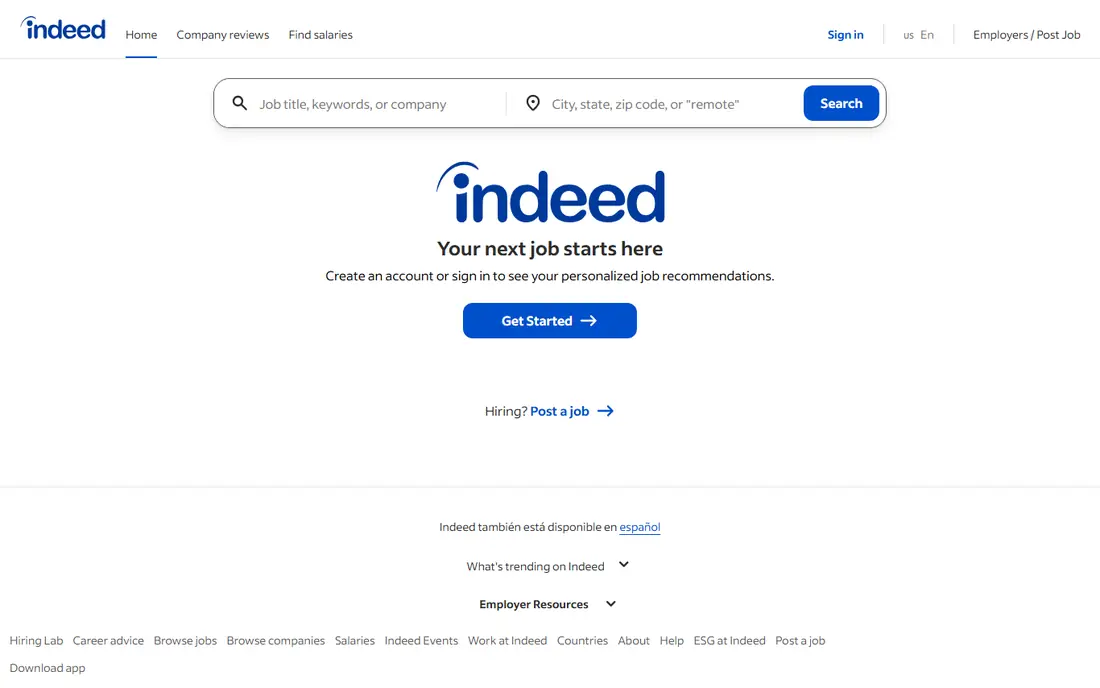
Indeed Apply works in the same spirit as LinkedIn Easy Apply. On postings that carry Indeed Apply, you apply inside Indeed with your saved profile and resume, which saves the repeated account creation that employer sites demand. The range is a strength too, from hourly and retail roles to office and professional jobs.
Not every Indeed posting works this way. Some carry an Apply on company site label, and those forms can be long. Indeed also bars automating Indeed Apply outside its own tooling, so stick to tapping in the app or site yourself. For a broad search, Indeed Apply remains one of the fastest honest routes to an application.
- Indeed Apply keeps many applications inside Indeed
- Huge range of sectors and hourly roles
- Saved resume and profile speed repeat applications
- Some postings redirect to the company site
- Employers may add screening questions
- Applying in bulk can look unfocused to recruiters
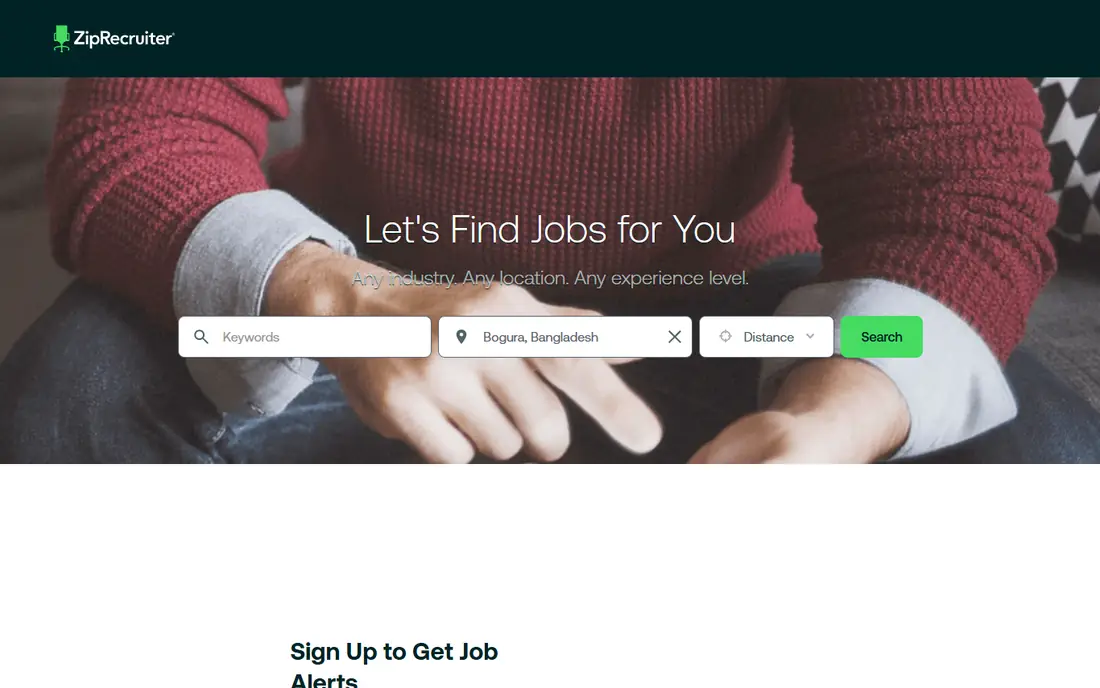
ZipRecruiter pairs fast applying with matching. Its one-click apply feature, described in job seeker guides as a quick apply on many postings, lets you submit from a saved profile without rebuilding your details each time. Alerts then flag new matches, so you can act while a posting is fresh.
The honest weakness is the same as elsewhere: coverage is partial. A posting that redirects to an employer site breaks the fast flow, and a matched job is not always a good job. Treat ZipRecruiter as a speed tool for roles you have already judged as a fit, not as a reason to apply to everything in sight.
- One-click style apply on many postings
- AI matching surfaces roles that fit your profile
- Alerts help you apply soon after posting
- Some postings still redirect to employer sites
- Matching quality varies by field
- Job seekers should check each posting before applying
Glassdoor earns a place because its apply flow, on the postings where it stays in-app, works like Indeed Apply, since many listings route through Indeed. That means a saved Glassdoor or Indeed profile can carry you through the form without a new account. Salary pages and company reviews beside the job also help you judge a role before you tap.
The flow is less consistent than LinkedIn or Indeed alone. Some postings leave Glassdoor entirely, and the button label tells you which kind you are facing. Read that label before you assume a fast apply, and use the review pages to filter out employers you would not want to work for anyway.
- Many postings allow an in-app form through Glassdoor or Indeed
- Salary and review pages sit beside the job
- Saved profile speeds repeat applies
- Many postings route to Indeed or to the employer
- Salary data varies in freshness
- The apply flow differs by posting, so check the button label
Monster is an older board that still offers board-internal apply on many postings, which is why it belongs here. A saved resume and profile let you apply inside Monster on those listings, without creating yet another employer account. The industry range is broad, which helps general searches.
Monster feels dated beside LinkedIn and Indeed, and its tracking and alert tools are less polished. Some postings still redirect, so the fast flow is not universal. Use Monster as a second board in a broad search, not as your only apply tool, and keep your resume updated there as you would anywhere else.
- Board-internal apply on many postings
- Broad range of industries
- Saved resume can be reused across applications
- Some postings redirect to employer sites
- Site feels older than LinkedIn or Indeed
- Fewer fresh features for tracking applications
Dice is the specialist pick. Its one-click apply inside Dice is reported as among the simplest in-app flows, and because Dice is tech-only, the listings you see are far more relevant than a general board feed. A profile that holds skills, location, and work preferences helps the fast apply actually match the role.
The limit is scope. If you are not in tech, Dice is not your board. Even in tech, some postings add questions or redirect, so one-click does not mean one second on every job. For developers, engineers, and IT staff, though, Dice is worth a profile alongside LinkedIn and Indeed.
- One-click apply inside Dice on many tech postings
- Tech-only focus keeps listings relevant
- Profile can hold skills, clearance, and work preferences
- Only useful for tech and related roles
- Some postings still ask extra questions
- Smaller overall volume than general boards
SimplyHired aggregates jobs from many sources, and on many of those postings it offers a board-internal apply flow. That saves time when you are searching across hourly, retail, and entry-level roles, where a long employer form would slow a broad search to a crawl. Salary estimates beside listings help you skip roles that pay too little before you apply.
Aggregation is also the weakness. A posting that came from another board may redirect there, or to the employer, and the fast flow ends. Salary figures are estimates, not promises, so confirm pay before accepting anything. Use SimplyHired to find roles fast, then check the apply button before you count on a quick submission.
- Board-internal apply on many aggregated postings
- Salary estimates sit beside listings
- Simple search for hourly and entry-level roles
- Aggregated postings may redirect to the original board or employer
- Salary estimates are rough, not offers
- Fewer account tools than larger boards
Handshake is built for students and recent graduates, and its quick apply feature in the mobile app reflects that audience. Employers post internships, part-time roles, and graduate jobs aimed at students, and a profile built around education, skills, and availability can carry a fast application. For a student applying to many similar roles, that speed is a real help.
Experienced hires will find less here, and some employers still route applicants to their own sites. The range also varies by school and region, since Handshake ties closely to partner institutions. If you are a student or recent graduate, Handshake belongs beside LinkedIn and Indeed. If you are mid-career, it is a weaker fit.
- Quick apply in the mobile app on many student and graduate postings
- Employers post roles aimed at students
- Profile built around education and skills
- Best for students and recent graduates, not experienced hires
- Some employers still use their own forms
- Employer range varies by school and region
Wellfound, formerly AngelList Talent, is the startup pick. Many startup postings use an in-board form, so you can apply inside Wellfound from a saved profile instead of chasing a dozen different startup career pages. Salary and equity ranges on many roles also help you judge a startup offer before you spend time on interviews.
The trade is focus and risk. Corporate and public sector roles are not here, and each startup can add its own custom questions, so the form is not always short. Startups also change plans fast, so a role can close or shift while you are applying. For startup job seekers, Wellfound is a strong second board. For everyone else, it is a niche tool.
- Startup postings with an in-board form on many listings
- Salary and equity ranges shown on many roles
- Profile can signal remote and visa preferences
- Startup-only, so corporate roles are absent
- Custom questions appear per startup
- Startup risk means roles can vanish or change fast
How we picked these
We compared official help pages and current job board guides for the apply feature on each board, and we required evidence that an in-app or one-click style apply genuinely exists. Boards were left out when their apply flow always redirects, or when no reliable source described an in-app feature. We did not claim hands-on testing, and we treated the feature as posting-dependent in every case, since no board offers fast apply on all jobs.
How to use one-click apply well
Keep one strong resume as your default, and tailor it before you use fast apply on a role you truly want. A fast application with a generic resume can still lose to a slower application that matches the posting. Use quick apply for volume where the role is a clear fit, and slow down for senior, competitive, or dream roles.
Before you tap, read the posting fully. Check location, pay range, work pattern, and required skills, and confirm that the button says Easy Apply, Indeed Apply, or an in-app equivalent. If the button says Apply on company site, expect a longer form and set time aside for it.
After applying, track what you sent and where. A simple sheet with company, role, date, and apply method stops duplicate applications and helps you follow up. One-click apply gets you into a system fast, but follow-up, a tailored note, and interview preparation are what turn an application into an offer.
Frequently asked questions
What is one-click apply?
One-click apply, also called quick apply or Easy Apply, lets you submit a job application from a saved profile and resume with very few steps. On LinkedIn it is called Easy Apply, and on Indeed it is called Indeed Apply. It does not mean every job on that board works this way, since only postings with that feature offer the fast flow.
Does LinkedIn Easy Apply work on every job?
No, Easy Apply works only on postings marked Easy Apply. A plain Apply button sends you to the employer site, where the form may be longer. Check the button label on each posting, and keep your LinkedIn profile and resume current, since Easy Apply pulls from them.
Is one-click apply less effective than applying on a company site?
It can be, for roles where a tailored resume or cover letter matters. Fast applications can also carry parsing errors when data moves into an employer system. For high-volume and entry-level roles, fast apply is often fine. For senior or competitive roles, a direct, tailored application on the company site may serve you better.
Can I use one-click apply on my phone?
Yes, LinkedIn, Indeed, ZipRecruiter, Glassdoor, Monster, Dice, SimplyHired, Handshake, and Wellfound all offer mobile apps with in-app apply on at least some postings. Handshake in particular is noted for quick apply in its mobile app. Check each posting in the app, since the apply flow still varies by employer.
Should I apply to every job with one-click apply?
No, mass applying hurts more than it helps. Recruiters can spot unfocused applications, and you will waste interview time on roles you do not want. Use fast apply for roles that fit your skills, location, and pay needs, and spend the saved time tailoring applications for the roles that matter most.
Do I need to pay for one-click apply?
No, job seekers apply free on all nine apps in this article. Employers pay to post and promote jobs, but the apply feature itself costs job seekers nothing. Be wary of any third-party tool that charges you to auto-apply in bulk, since boards bar automation outside their own tools and accounts can be limited.
Sources
See where you really rank - block by block
ProMapRanker scans Google Maps across a grid of your service area. Simple monthly plans from $19, white-label on every plan.
Start freeKeep reading
 zyte alternatives
Best Zyte Alternatives in 2026
These zyte alternatives cover managed scraping APIs, proxy networks and no code tools for lawful collection from your own or consented sources only in 2026.
Read → zerto alternatives
Best Zerto Alternatives in 2026
Compare the best zerto alternatives for disaster recovery and replication, with recovery targets, cloud options and honest trade-offs for teams in 2026.
Read → zerofox alternatives
Best ZeroFox Alternatives in 2026
We compared 9 zerofox alternatives for brand protection, phishing takedowns, dark web monitoring, and social impersonation, with clear coverage notes.
Read →