 ProMapRanker
Best On-Premise Deployment for Database Software in 2026

Key takeaways
- PostgreSQL, MySQL, and MariaDB give most teams a free, self-hosted starting point with no licence fee for the core software.
- SQL Server, Oracle Database, and IBM Db2 suit firms that need vendor support, strict controls, or legacy app compatibility.
- SQLite fits embedded and single-device work, while MongoDB suits document data and fast-changing schemas.
- On-premise control brings patching, backups, and access control duties that must be staffed, not assumed.
Quick comparison
| Pick | Great for | Pricing starts at | Free tier | |
|---|---|---|---|---|
 PostgreSQL | General self-hosted apps | Free | Yes | Visit |
 MySQL | Web apps and LAMP stacks | Free | Yes | Visit |
 MariaDB | Open alternative to MySQL | Free | Yes | Visit |
 Microsoft SQL Server | Windows and .NET shops | Free | Yes | Visit |
 Oracle Database | Enterprise and legacy workloads | See website | Free trial | Visit |
 IBM Db2 | Enterprise data and analytics | See website | Free trial | Visit |
 SQLite | Embedded and local apps | Free | Yes | Visit |
 MongoDB | Document data and rapid iteration | Free | Yes | Visit |
The best on-premise deployment for database software
This article covers database software that offers on-premise deployment, meaning you install and run it on your own servers or private infrastructure. That control helps with data residency and custom security rules, but it also leaves patching, backups, and monitoring in your hands. Use these tools only for lawful, authorised administration of systems you own or manage.
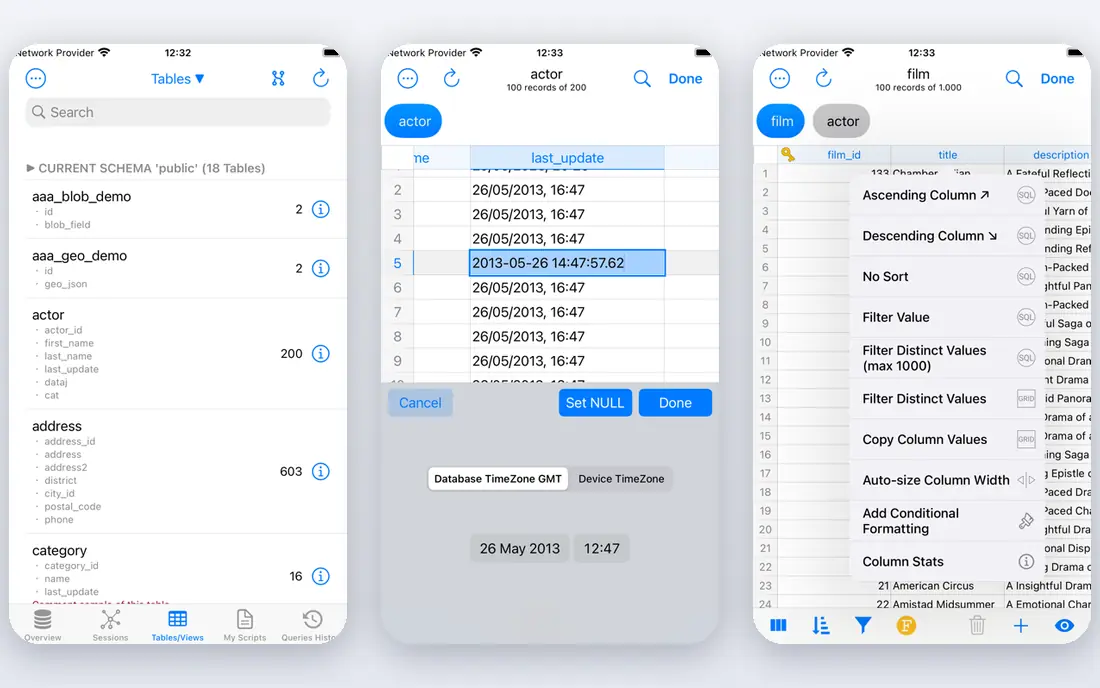
PostgreSQL is the first choice for many self-hosted projects, and for good reason. It handles relational data with strict integrity, supports JSON data, full-text search, and extensions such as PostGIS for location data. Replication, point-in-time recovery, and row-level security give administrators real tools for keeping data safe.
The work is in the operations. You provide the server, the backups, and the upgrade plan, and major version upgrades need a dump and reload or a planned upgrade path. A team with a developer or database administrator gets a powerful, free database. A team without that help should budget for managed support.
- Free open source core
- Strong SQL, JSON, and extension support
- Proven reliability for large apps
- No built-in hosting or forms
- Major upgrades need planning
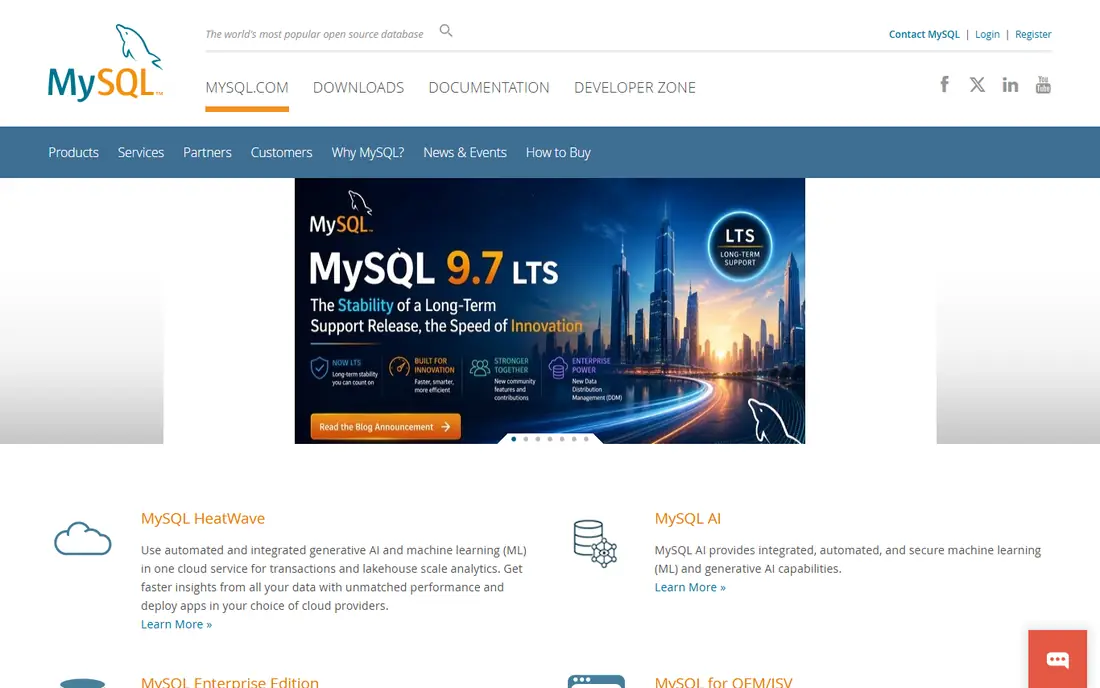
MySQL remains the workhorse of web hosting. Its Community Edition is free and open source, and it runs on a wide range of servers and hosting plans. Web frameworks, content systems, and reporting tools connect to it without fuss, which shortens setup for a typical site or internal app.
Commercial editions add enterprise monitoring, backup, and security features on a subscription basis, with published list prices for Standard and Enterprise editions. For most small and mid-size web apps, the free edition is enough, provided backups and access controls are set up properly. Check licence terms if you distribute MySQL as part of a commercial product.
- Free Community Edition
- Huge hosting and tool support
- Familiar to web developers
- Paid editions are subscription priced
- Advanced enterprise features cost extra
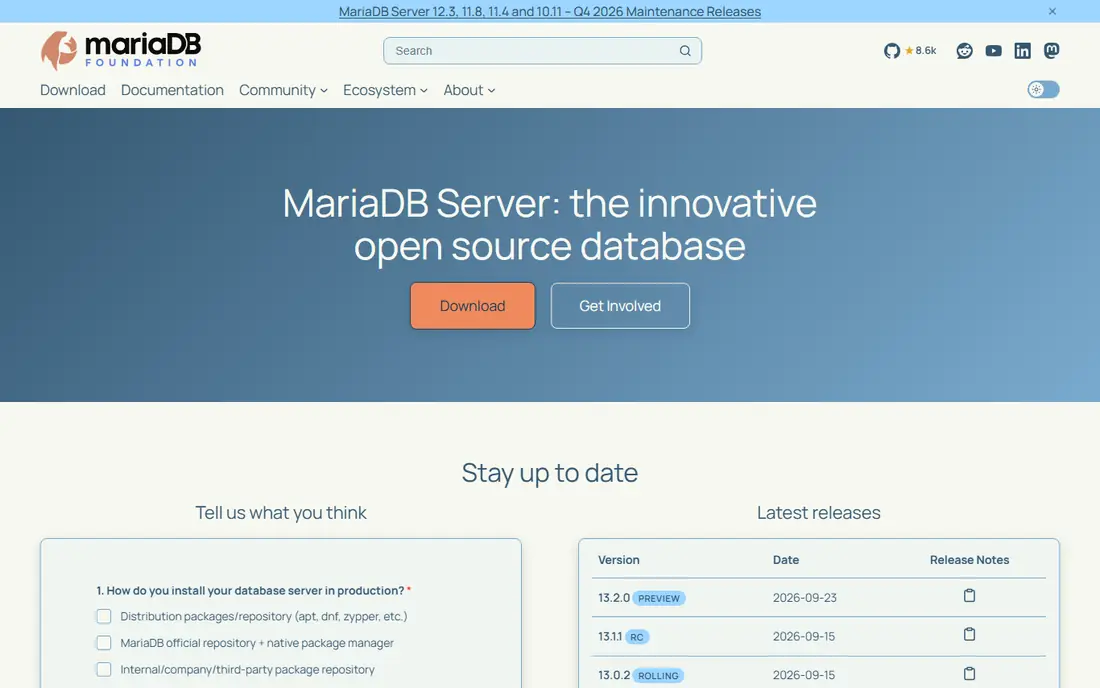
MariaDB began as a community fork of MySQL and has grown into a full database platform in its own right. It keeps broad compatibility with MySQL clients and tools, so many migrations need little code change. Storage engines, replication options, and clustering features suit teams that want choice without licence fees.
Compatibility is broad rather than perfect, so test stored procedures, specific functions, and replication setups before a full move. Commercial support and enterprise services are available separately. For teams that want an open MySQL-style database with community governance, MariaDB is a sensible pick.
- Free open source core
- Largely compatible with MySQL tools
- Active community development
- Some MySQL enterprise features differ
- Commercial support is a separate purchase
SQL Server fits organisations already running Windows servers and .NET applications. The Express Edition is free with a database size limit, which suits learning, small apps, and local development. Management Studio gives administrators a clear way to manage security, backups, and performance.
Paid editions are needed for larger databases, high availability, and advanced analytics features, and licensing depends on cores or users. Teams running Linux can run SQL Server there, but Windows tooling and support paths are still the smoothest route. If your stack is Microsoft based, the integration alone often decides the choice.
- Express Edition is free for smaller databases
- Deep .NET and Windows integration
- Strong tooling
- Full editions are licence priced
- Linux use needs careful planning
Oracle Database is the enterprise standard for many large systems, especially where legacy applications already depend on it. Partitioning, Real Application Clusters, and advanced security features support very large, demanding workloads. Organisations with Oracle applications often have little reason to move away.
Licensing is the hard part. Costs depend on processors, users, options, and support terms, so get a written quote and check the terms for your exact deployment. Administration also needs skilled staff for patching, tuning, and backup testing. Choose Oracle when the workload or the existing estate demands it, not for a simple new app.
- Mature enterprise features
- Strong partitioning and high availability
- Broad legacy app support
- Licensing is complex and costly
- Administration needs experienced staff
IBM Db2 serves enterprises that need a database for transactional work and analytics in one platform. It supports on-premise deployment, with options for warehousing and AI-assisted query features in newer releases. Security, auditing, and high availability features suit regulated firms that need tight controls.
Pricing is quoted, and the community of public tutorials is smaller than for PostgreSQL or MySQL, so training and support matter more. Teams already using IBM systems gain the most, since integration and support paths align. For a standalone small app, an open source database is usually simpler and cheaper.
- Strong analytics and warehousing options
- Enterprise security and availability
- Mainframe heritage
- Quote-based pricing
- Smaller community than open source rivals
SQLite takes a different approach: the database is a single file, with no server to install or maintain. That makes it ideal for mobile apps, desktop tools, embedded devices, and local prototypes. It is free, widely tested, and supported by almost every programming language.
Its limits matter for shared systems. Heavy concurrent writing and multi-user server workloads belong on a client-server database instead. Backups are simple file copies, but access control must be handled by the app or the file system. For local and embedded work, SQLite removes a whole layer of operations.
- Free and serverless
- Whole database in one file
- Ideal for apps, devices, and prototypes
- Not built for many simultaneous writers
- No separate server process to manage users
MongoDB stores data as flexible documents rather than fixed tables, which suits apps where fields change often. The Community Server can be self-hosted for free, with replica sets for availability and sharding for larger data sets. Developers can iterate quickly without a migration for every new field.
That freedom can become a weakness if documents drift without validation rules. Index design and memory sizing still need attention, and large deployments benefit from experienced operations help. For product catalogues, content feeds, and apps with changing data shapes, MongoDB is a strong on-premise option.
- Free Community Server for self-hosting
- Flexible document model
- Horizontal scaling options
- Schema freedom needs discipline
- Memory and indexing need tuning
How we picked these
We compared official product and pricing pages, licence terms, and deployment documentation, and favoured databases with a current, supported on-premise install. We excluded cloud-only services and tools that no longer offer a self-hosted edition, and we treated free editions as free software rather than free managed hosting.
Choosing the right on-premise database
Start with the workload, not the brand. Relational data with strict rules points to PostgreSQL, MySQL, MariaDB, SQL Server, Oracle, or Db2. Flexible documents point to MongoDB. A single-device or embedded app points to SQLite. Match the choice to your team's skills, since on-premise work rewards a team that can patch, back up, and restore without outside help.
Plan security from day one. Restrict network access to the database, use separate accounts with least privilege, encrypt backups, and test restores on a schedule. Keep patching current, since an unpatched database server is a common entry point. Document who can administer the system, and review those permissions when staff change roles.
Budget for the full cost, not just the licence. Servers, storage, backups, monitoring, and staff time are real costs even when the software is free. A small team may find that a free database on a modest server is cheapest, while a larger firm may save money with paid support that prevents outages. Run a proof of concept with real data volume before committing.
One point that buyers often miss is the upgrade path. A database that starts free or cheap can still carry a large future cost if the team has no plan for version upgrades, storage growth, or a move to a larger edition. Ask how long each major version is supported, how backups are tested, and what a restore actually involves on your hardware. A short trial with a copy of real data will show slow queries and missing indexes far better than a demo with a tiny sample set. Keep a written runbook for patching, backups, and access changes, so the system does not depend on one person's memory.
Frequently asked questions
What does on-premise deployment mean?
It means the database runs on servers you control, in your office, data centre, or private cloud, rather than on a vendor's shared service. You control updates, network access, and data location, and you also own backups and security duties.
Is a free database really free to run?
The software licence may be free, but servers, storage, backups, and staff time are not. Budget for hardware or virtual machines, monitoring, and someone who can respond if the database stops.
Which on-premise database is best for a small business?
PostgreSQL or MySQL suit most small apps, MariaDB is a close open alternative, and SQLite suits local or embedded use. Choose based on your developer's experience and the apps you already run.
Do I need a database administrator?
Small, simple deployments can be run by a capable developer or IT generalist, while larger or regulated systems benefit from a dedicated administrator. At minimum, assign one named person for patching, backups, and access reviews.
Can I move from on-premise to cloud later?
Often yes, since most of these databases have managed cloud versions or can be migrated with dump and restore tools. Plan for downtime, test the migration on a copy, and check licence terms before moving.
Sources
See where you really rank - block by block
ProMapRanker scans Google Maps across a grid of your service area. Simple monthly plans from $19, white-label on every plan.
Start freeKeep reading
 what’s the best risk software for enterprises
What Is the Best Risk Software for Enterprises in 2026
We compared what’s the best risk software for enterprises on risk registers, controls, third-party risk, and reporting, with pricing notes for large teams.
Read → what's the best pam software for enterprises
What is the Best PAM Software for Enterprises in 2026
Find what's the best pam software for enterprises, with vaulting, session recording, just in time access and pricing compared for large enterprise IT teams.
Read → what’s the best grc software
What Is the Best GRC Software in 2026
We compared what’s the best grc software on risk, compliance, audit and vendor risk, so teams can pick a platform that fits their frameworks and budget.
Read →