 ProMapRanker
Best Omnichannel Customer Service Providers in 2026

Key takeaways
- True omnichannel means one customer history across email, chat, phone, social, and messaging, not five separate inboxes.
- AI pricing is now a second bill on many platforms, so check per-resolution or credit costs before you choose.
- The cheapest seat price can mislead: check which channels, automations, and reporting tiers each plan actually includes.
- If you already run a CRM, a CRM-native provider often wins on setup time, even if a standalone tool looks cheaper.
Quick comparison
| Pick | Great for | Pricing starts at | Free tier | |
|---|---|---|---|---|
 Zendesk | Large teams with complex workflows | See website | No | Visit |
 Freshdesk | Growing teams wanting balance | See website | Free trial | Visit |
 Salesforce Service Cloud | Salesforce-based enterprises | $25 per user per month | Free trial | Visit |
 HubSpot Service Hub | HubSpot CRM teams | See website | Yes | Visit |
 Intercom | AI-first chat and messaging | $29 per seat per month | Free trial | Visit |
 Zoho Desk | Budget teams in the Zoho range | $7 per user per month | Yes | Visit |
 Genesys Cloud CX | Large contact centres | See website | No | Visit |
 Front | Collaborative shared inboxes | See website | Free trial | Visit |
 Help Scout | Small teams wanting simplicity | $25 per user per month | Free trial | Visit |
The best omnichannel customer service providers
We compared providers on channel coverage, ticket and conversation history, automation, AI options, integrations, and pricing clarity. A provider earns a place here only if it brings several channels into one agent workspace with a shared customer record.
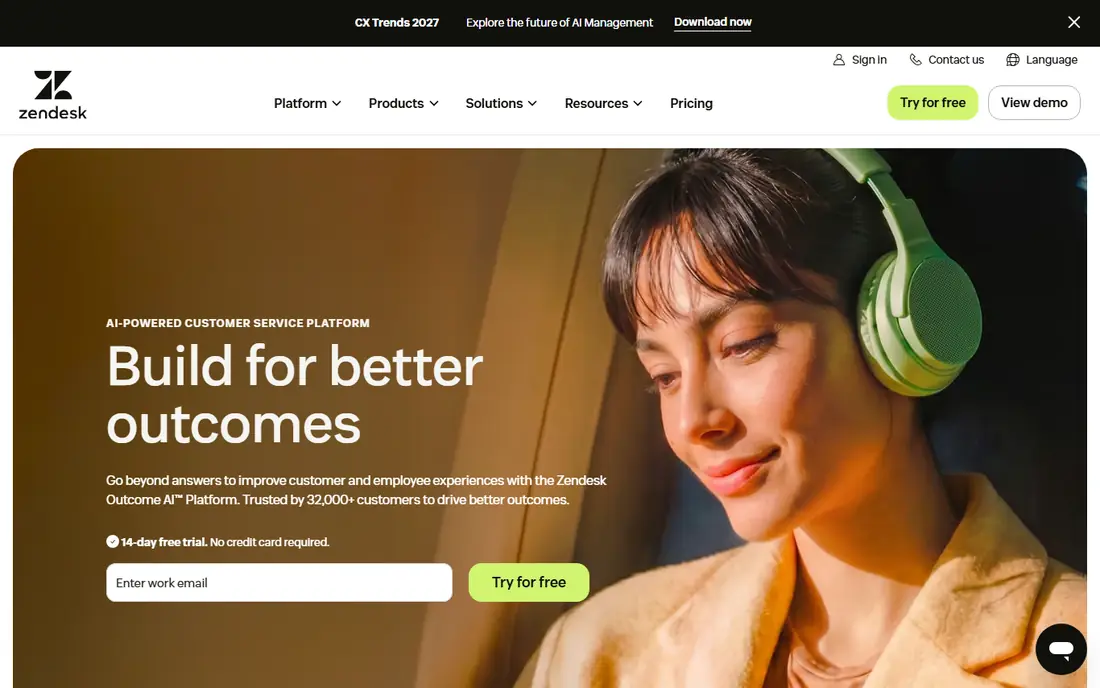
Zendesk remains the default shortlist pick for larger support teams that need email, chat, phone, social, and messaging in one workspace with strong routing and reporting. Its Suite plans bundle ticketing, live chat, and voice options, and its marketplace adds integrations for CRM, commerce, and workforce tools. Teams with complex service level rules, multiple brands, or several departments will find the depth useful.
The cost structure needs attention. Published Suite Team pricing has been reported at $55 per agent per month on annual billing, and AI agent resolutions are billed separately on top of seats. That model can still pay off at scale, but small teams should price their expected AI volume before committing. Plan for a proper implementation period, since Zendesk rewards careful setup.
- Mature ticketing and workflows
- Broad channel coverage
- Deep reporting and marketplace
- Suite pricing rises with tiers
- AI resolutions billed separately
- Setup takes time
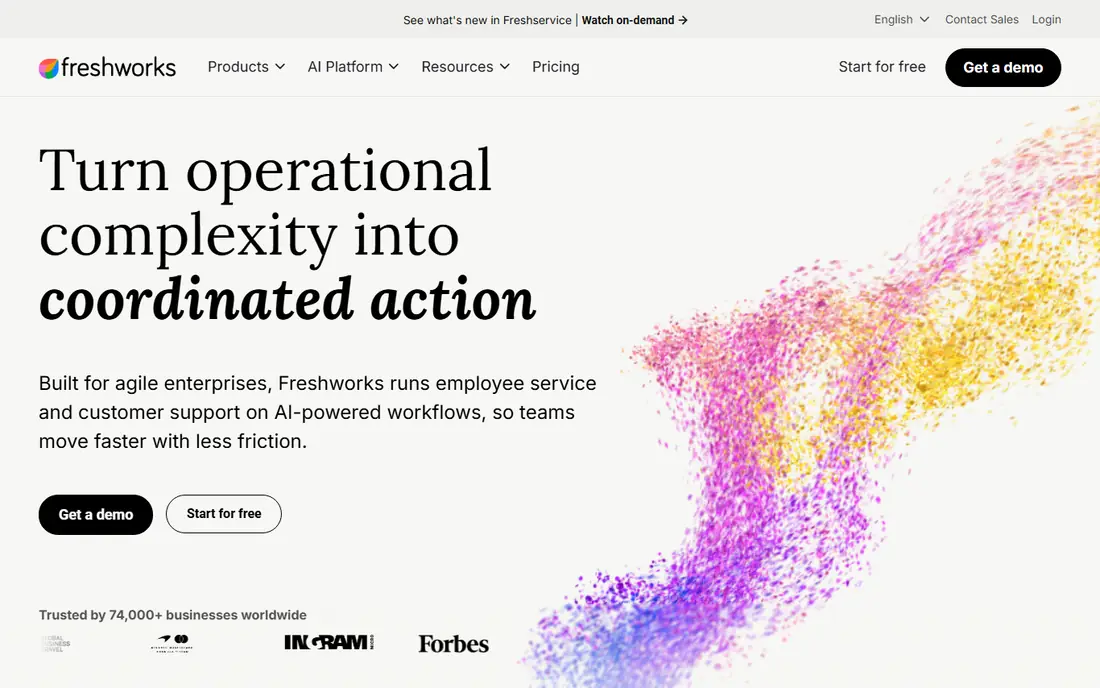
Freshdesk, from Freshworks, suits growing teams that want a full help desk without enterprise complexity. It covers email, chat, phone, social, and messaging, with ticket automation, a knowledge base, and Freddy AI for drafting, summaries, and agent assistance. Setup is faster than Zendesk for many teams, and the interface is approachable for new agents.
Advanced automation and AI features sit on higher tiers, so check the plan that matches your routing and reporting needs. Freddy AI sessions are also billed in packs on some plans, which can surprise teams with high AI volume. For a team of five to fifty agents, Freshdesk often hits the best balance of price and depth.
- Balanced feature set
- Freddy AI across plans
- Easier setup than enterprise suites
- Higher tiers needed for advanced automation
- AI session pricing adds up
- Phone costs vary
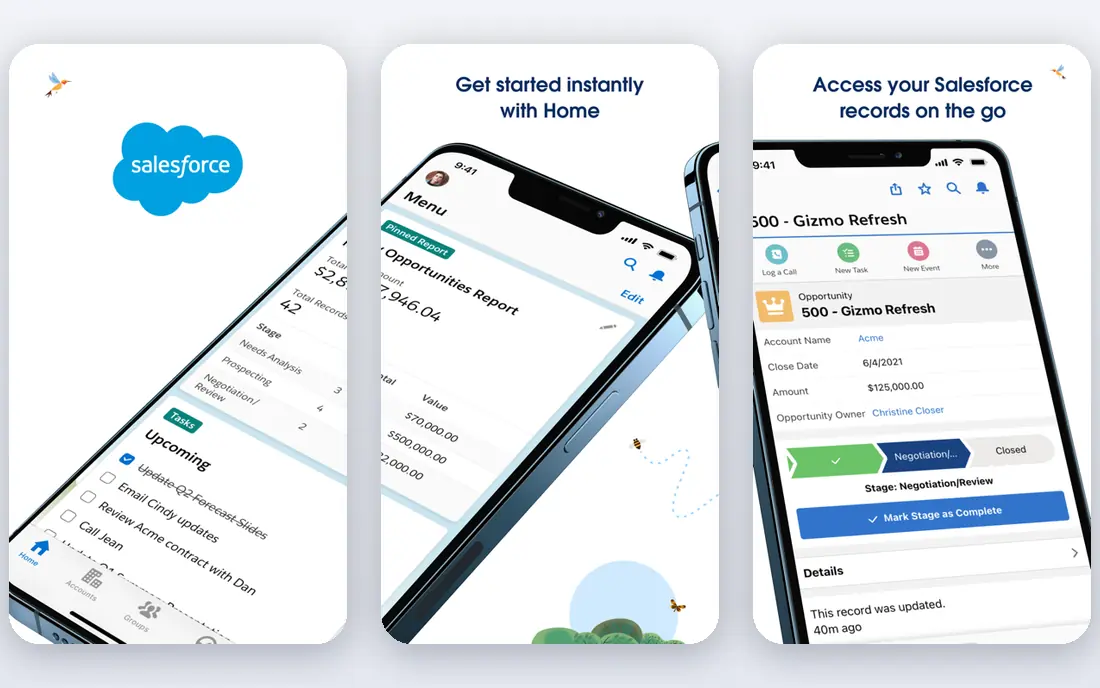
Salesforce Service Cloud is the natural pick if your company already runs Salesforce, because cases, accounts, orders, and service history live in the same system. Its Starter Suite has been reported at $25 per user per month, with email, chat, phone, social, and messaging coverage, plus automation and AI options through Agentforce. That CRM connection helps agents answer without switching tools.
The weakness is weight. Service Cloud rewards teams with Salesforce admin skills, and add-ons for advanced AI, field service, or telephony raise the bill. A small team with no Salesforce footprint should compare Zendesk or Freshdesk first. For a Salesforce house, though, the shared data model is hard to beat.
- Deep CRM data in every case
- Strong enterprise routing
- Agentforce AI options
- Needs Salesforce expertise
- Costs rise with add-ons
- Smaller teams may find it heavy
HubSpot Service Hub suits teams already using HubSpot CRM, since tickets, contacts, deals, and conversations share one record. Free tools cover basic ticketing and live chat, while paid Starter plans have been reported from $7 per seat per month on annual billing, with higher tiers adding automation, feedback, and AI customer agent features. That progression suits a growing business that wants to start free and upgrade gradually.
The catch is that the most useful service automation sits on Professional and Enterprise tiers, and AI resolutions use credits beyond the included amount. Price the tier you actually need, not the free tier, and check how many seats your support, sales, and success teams will require in total.
- CRM-native ticketing
- Free tools to start
- Strong marketing and sales connection
- Advanced service features need paid tiers
- AI credits billed on top
- Seat costs rise with scale
Intercom is built for conversational support, with chat, email, phone, SMS, social, and WhatsApp in one inbox and its Fin AI agent handling routine questions. Its Essential plan has been reported at $29 per seat per month on annual billing, which makes it an attractive starting point for digital-first teams. Fin can resolve a large share of routine contacts, which matters when chat volume grows faster than headcount.
AI billing is the key check. Fin outcomes have been reported at $0.99 per resolution, so high AI volume becomes a real monthly cost. Intercom also suits messaging-first teams better than teams that need deep, traditional ticket workflows. If your customers mainly write in through chat and email, it is a strong pick.
- Strong Fin AI agent
- Modern messaging inbox
- Good for product-led SaaS
- Fin outcomes billed at $0.99 each
- Phone and SMS costs add up
- Ticket depth varies
Zoho Desk is the budget pick that still counts as a real omnichannel tool, covering email, chat, phone, social, and messaging with ticket automation and a knowledge base. Its Express plan has been reported at $7 per user per month on annual billing, and a free plan covers up to three agents. For a Zoho CRM or Zoho One business, the shared data and low price are a strong combination.
The interface and some workflows feel less refined than Zendesk or Intercom, and the best AI features require higher tiers. That trade-off is fair at the price, but test the agent workspace with your team before migrating. If your team lives in Zoho already, the savings and integration usually outweigh the polish gap.
- Low entry price
- Free plan for small teams
- Wide Zoho integration range
- Interface feels less polished to some teams
- Advanced AI on higher tiers
- Support quality varies by plan
Genesys Cloud CX is a full contact centre platform rather than a simple help desk, covering voice, chat, email, messaging, and social with routing, workforce management, and AI assistance. Large service operations with hundreds of agents, complex queues, and strict compliance needs will find its depth useful. It also supports outbound and blended contact centre work that help desks do not cover.
Small teams should not start here. Pricing is by quote, implementation needs planning and often partner help, and the platform assumes a contact centre owner. Shortlist Genesys when your operation is a contact centre first and a help desk second, with the volume to justify the investment.
- Full contact centre platform
- Voice and digital in one cloud
- Strong workforce tools
- Quote-based pricing
- Implementation is a project
- Overkill for small help desks
Front suits teams that live in shared inboxes and want fast collaboration, with internal comments, assignments, and shared drafts built into email, SMS, social, and chat workflows. Its Starter pricing has been reported from $19 to $25 per seat per month depending on billing and plan changes, so confirm the current figure before budgeting. For operations, finance, and customer teams that share an inbox, Front feels faster than a formal ticket queue.
The limit is ticket structure. Front is weaker than Zendesk or Salesforce for complex service level rules, custom ticket objects, and deep reporting. If your support model is inbox-first and collaboration-led, Front wins on speed. If it is workflow-first, choose a traditional help desk.
- Fast collaborative inbox
- Strong assignment and commenting
- Good for email-heavy teams
- Less traditional ticket depth
- Chat on higher tiers
- Pricing rises per seat
Help Scout is the pick for small teams that want support to feel personal and simple. Its shared inbox covers email, chat, SMS, WhatsApp, Instagram, and Messenger, with a clean workspace and a Docs knowledge base. Standard pricing has been reported at $25 per user per month, and a free plan covers a small number of contacts for testing.
The trade-off is depth. Help Scout does not match Zendesk or Genesys for complex routing, enterprise reporting, or voice-led contact centre work, and its AI Answers feature is billed per resolution. For a team under twenty agents that values speed and simplicity, that trade-off is usually worth it.
- Simple, email-style workspace
- Fast setup
- Docs knowledge base included
- Channel depth is narrower than suites
- AI answers billed per resolution
- Reporting is lighter
How we picked these
We compared official pricing pages, channel lists, and product documentation for each provider, checking that email, chat, and at least two other channels feed one agent workspace. We favoured providers with a live omnichannel product in October 2026 and a clear pricing page or quote path. We left out single-channel chat tools and pure CRM tools with no service workspace, since this list is about omnichannel service delivery.
How to choose the right provider
Start with your channels and your customer record. List every channel customers actually use, then check that each one lands in the same conversation history, not in a separate tab or tool. A provider that claims omnichannel support but keeps social messages apart from tickets will create the same duplicate work you are trying to remove.
Next, price the full stack. Add seat costs, phone and SMS charges, AI resolution or credit costs, and any add-ons for reporting or automation. Run the total against your real monthly contact volume, not against the cheapest plan on the pricing page.
Finally, run a pilot with one team and one channel set. Measure first response time, resolution time, repeat contacts, and agent satisfaction for four weeks. A pilot reveals integration gaps and training needs that a sales demo will not show, and it gives you evidence before you migrate the whole company.
Frequently asked questions
What is omnichannel customer service?
It is service where email, chat, phone, social, and messaging share one customer history and one agent workspace. A customer can start on chat and continue by email without repeating their story, because the agent sees the full thread.
Is omnichannel the same as multichannel?
No. Multichannel means you offer several channels, possibly in separate tools. Omnichannel means those channels are connected, with shared history, routing, and reporting across all of them.
Which provider is best for a small business?
Zoho Desk and Help Scout suit small teams on price and simplicity, while HubSpot Service Hub suits small teams already on HubSpot. Freshdesk is a good middle step as the team grows past ten agents.
How much does omnichannel software cost?
Entry prices range from free or $7 per user per month for basic plans to $55 per agent per month for enterprise suites, before AI, phone, and add-on costs. Always price seats plus AI volume plus telephony together.
Do I need AI to run omnichannel support?
No, but AI helps with routine questions, drafting, and summaries as volume grows. Start with good routing and a knowledge base, then add AI where it clearly reduces repeat contacts without hurting satisfaction.
Sources
See where you really rank - block by block
ProMapRanker scans Google Maps across a grid of your service area. Simple monthly plans from $19, white-label on every plan.
Start freeKeep reading
 zscaler alternatives
Best Zscaler Alternatives in 2026
Looking for zscaler alternatives? We compare 9 SASE and zero trust platforms on architecture, data protection, pricing, and fit for your network and team.
Read → zapier alternatives free
Best Zapier Alternatives Free in 2026
Nine automation tools for zapier alternatives free in 2026, all with genuinely free tiers, plus free plan limits, starting prices and upgrade paths explained.
Read → which platform is best for online reputation
Which Platform Is Best for Online Reputation in 2026
Wondering which platform is best for online reputation? We compare 8 review, listing, and response tools for small and multi-location businesses and agencies.
Read →