 ProMapRanker
Best Omnichannel Customer Service Platforms in 2026


Large teams needing deep configuration · Pricing starts at: $55 per agent per month
Key takeaways
- True omnichannel means one customer view across email, chat, phone, social and messaging, not just several separate inboxes.
- Zendesk Suite, Freshdesk Omni and Salesforce Service Cloud suit larger or complex teams, while Help Scout, Zoho Desk and Front suit smaller teams.
- Entry prices can mislead: Zendesk email-only entry differs from its full Suite price, and AI resolutions often bill separately.
- HubSpot Service Hub is strongest for teams already using HubSpot CRM, while Intercom is strongest for chat-led, AI-first support.
- Our pick for most growing teams is Freshdesk for balanced channels and price, with Zendesk Suite as the deeper enterprise option.
Quick comparison
| Pick | Great for | Pricing starts at | Free tier | |
|---|---|---|---|---|
| Zendesk | Large teams needing deep configuration | $55 per agent per month | Free trial | Visit |
 Freshdesk | Growing teams wanting balanced channels | $19 per agent per month | Yes | Visit |
 Intercom | AI-first chat and messaging | $29 per seat per month | No | Visit |
 HubSpot Service Hub | Teams already on HubSpot CRM | $7 per seat per month | Yes | Visit |
 Salesforce Service Cloud | Enterprise teams on Salesforce | $25 per user per month | Free trial | Visit |
 Zoho Desk | Budget teams in the Zoho family | $7 per user per month | Yes | Visit |
 Help Scout | Small teams wanting simple support | $25 per user per month | Free trial | Visit |
 Front | Collaborative shared inboxes | $25 per seat per month | No | Visit |
 Genesys Cloud | Contact centres with voice depth | See website | No | Visit |
The best omnichannel customer service platforms
An omnichannel platform should let a customer start on chat, follow up by email and call later, without repeating the story each time. That needs shared tickets, customer history, routing rules and reporting across channels. The platforms below differ in channel depth, AI pricing and setup effort, so match them to your team size and your busiest channels first.
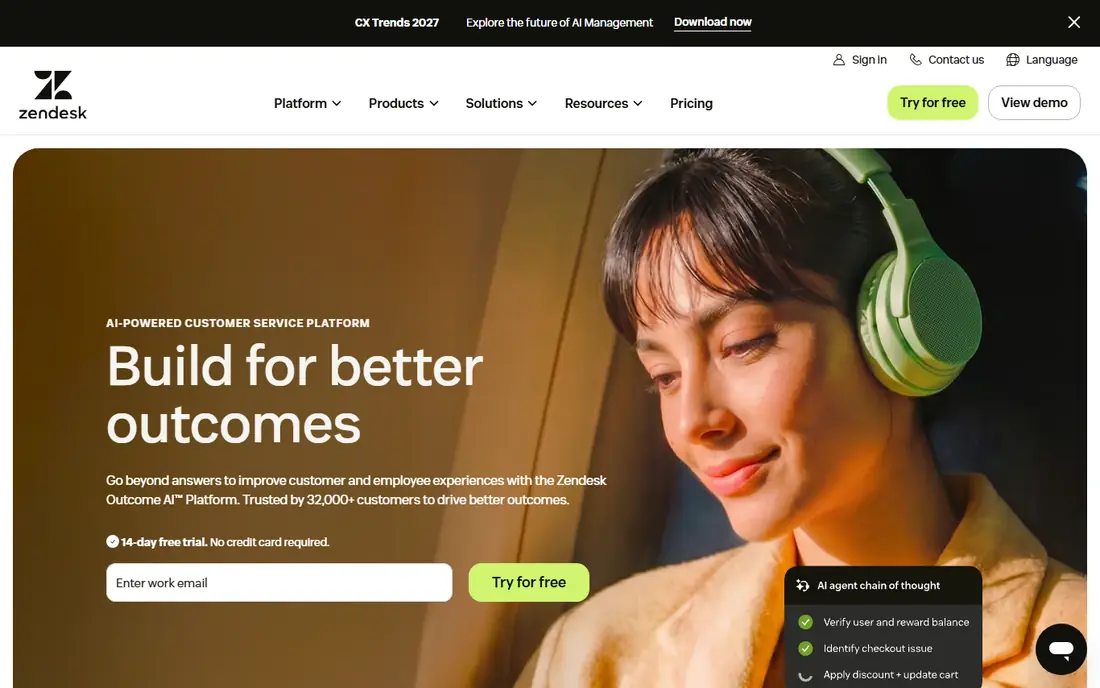
Zendesk Suite is the full omnichannel version, covering email, messaging, live chat, voice and social in one agent workspace. Large teams value its routing rules, triggers, macros, reporting and large app marketplace. When several channels and complex service levels matter, Zendesk gives admins room to shape workflows precisely.
The main warning is price and setup. The cheapest Support plan is email and ticketing only, so teams that need voice and chat must budget for Suite Team at a higher per-agent price. AI add-ons and resolutions also add cost beyond seats. Choose Zendesk when depth and scale justify the admin time, not when you need a quick shared inbox.
- Deep routing, reporting and app marketplace
- Full Suite covers messaging, chat and voice
- Strong enterprise controls
- Entry email-only plan is not full omnichannel
- Suite setup can take weeks
- AI resolutions bill separately
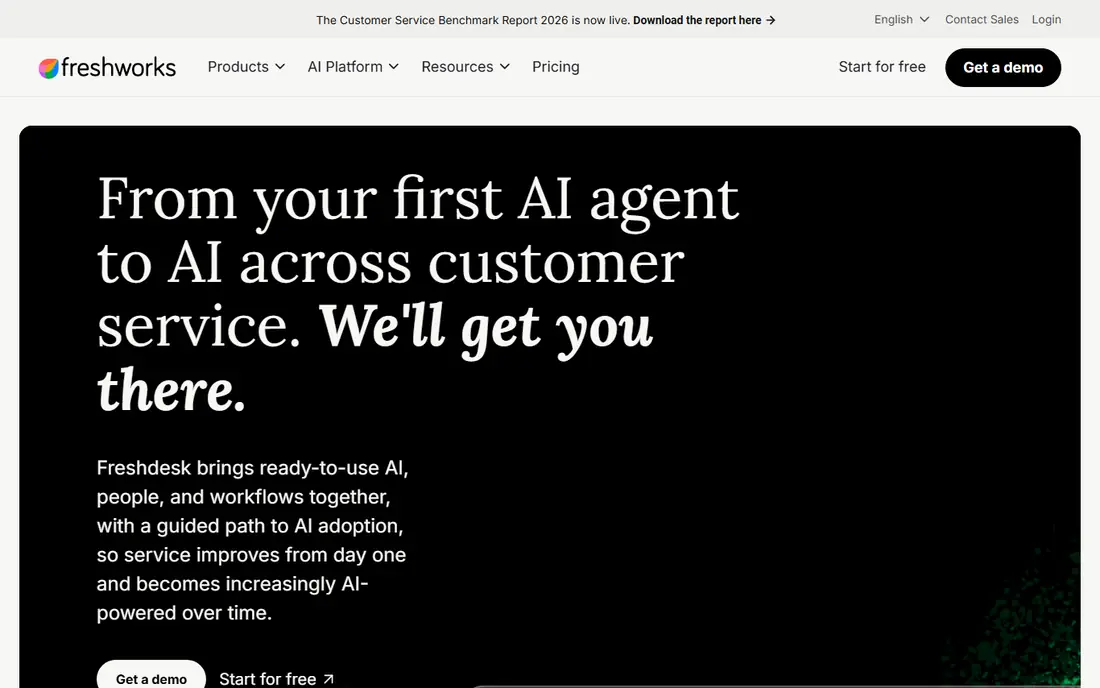
Freshdesk suits growing teams that want email, chat, phone and social without a long implementation. Setup is faster than Zendesk for many teams, with SLA rules, a help portal and ticket forms ready in days rather than weeks. The free tier helps very small teams start, and paid Growth plans add a stronger feature set for scaling support.
Check the plan names carefully. Growth covers core ticketing well, but the full omnichannel workspace, Freshdesk Omni, sits at a higher price point. AI sessions also bill in blocks beyond free allowances. For mid-size teams that want balance across channels and price, Freshdesk remains a practical shortlist leader.
- Fast setup for most teams
- Free tier for basic ticketing
- Freshdesk Omni adds unified channels
- Advanced routing sits on higher plans
- AI sessions bill in blocks
- Entry plan is not full omnichannel
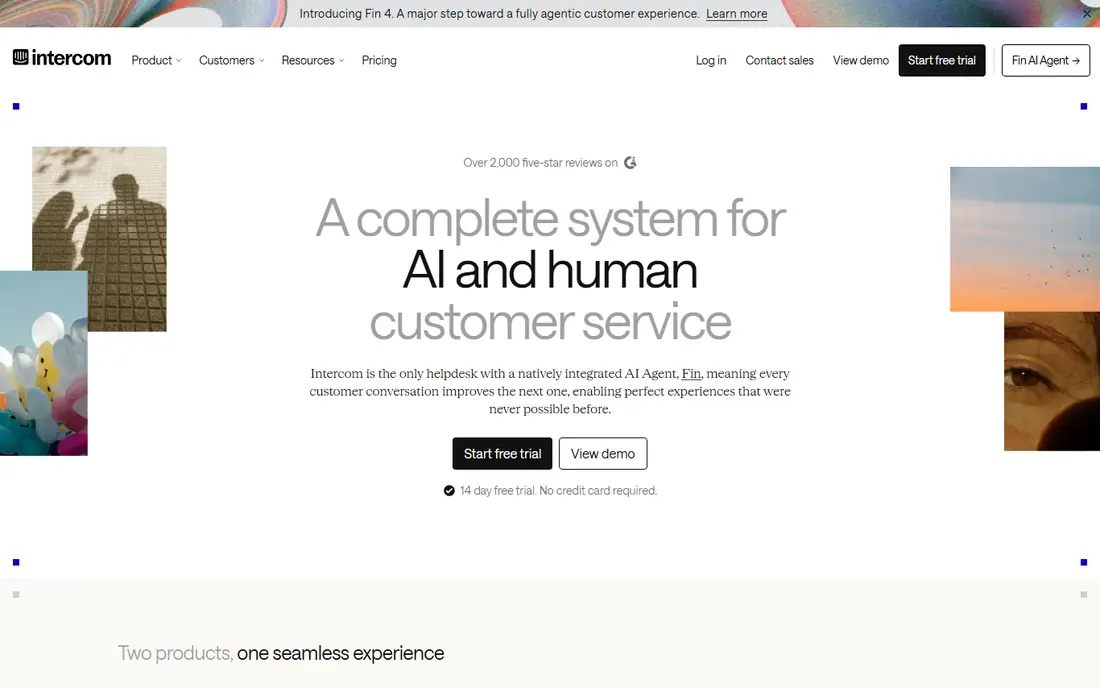
Intercom is built around messaging first, with a strong Messenger, shared inbox and help centre. Product-led SaaS teams often prefer it to ticket-heavy tools because customers can get answers in chat without opening a formal ticket. Its Fin AI agent can resolve many common questions automatically, which helps teams with high chat volume.
Costs need care. Seats are only part of the bill, since Fin resolutions are charged per outcome beyond allowances, and advanced workflows sit on higher plans. Teams with heavy email and phone volume may also miss the deeper ticketing depth of Zendesk or Freshdesk. Choose Intercom when chat and AI resolution are your main channels.
- Strong Messenger and chat experience
- Fin AI agent for automated resolution
- Good help centre tools
- AI resolutions bill separately
- Advanced workflows need higher plans
- Less ticket-centric than Zendesk
HubSpot Service Hub makes sense first for teams already using HubSpot for sales and marketing. Tickets link directly to contacts, companies and deals, so agents see purchase and conversation history without switching systems. Starter pricing is low, and free tools cover basic tickets and chat for small teams.
The limit is depth at scale. Advanced routing, automation and reporting improve on Professional and Enterprise plans, and Professional has been reported with a mandatory onboarding fee. Voice features are also less deep than a contact centre platform. If HubSpot is already your CRM, Service Hub is often the simplest omnichannel step.
- Customer record shared with HubSpot CRM
- Free tools to start
- Tickets, chat and knowledge base in one place
- Full service depth needs Professional or higher
- Onboarding fee reported on Professional
- Less voice depth than Genesys
Salesforce Service Cloud suits enterprise teams that already run Salesforce and need case management across email, chat, phone, social and messaging. It offers strong automation, knowledge, routing and reporting, with a large partner ecosystem for voice, AI and industry needs. For complex service organisations, that depth is hard to match.
Entry pricing does not tell the full story. The Starter Suite is a starting point, while the deeper enterprise features, AI and contact centre tools sit on higher tiers with higher per-user prices. Implementation also needs admin time or partner help. Choose Service Cloud when Salesforce is already central and service scale justifies the investment.
- Deep case management and automation
- Strong reporting
- Native fit with Salesforce CRM
- Enterprise capability sits far above entry suite
- Implementation needs admin skill
- Total cost rises with add-ons
Zoho Desk gives budget teams a real omnichannel start at a low per-user price. It covers email, live chat, phone, social and messaging, with automation, SLAs and a knowledge base on higher plans. Teams already using Zoho CRM, Books or other Zoho apps benefit from shared customer data and single-vendor billing.
The entry Express plan is limited to five users, so growing teams must move up. Advanced routing, custom reporting and AI features also sit on higher tiers. The interface can take time to learn compared with Help Scout. For small, cost-sensitive teams, Zoho Desk offers strong channel breadth per dollar.
- Very low entry price
- Email, chat, phone, social and WhatsApp channels
- Good Zoho app links
- Express plan caps at five users
- Advanced features need higher plans
- Interface takes learning
Help Scout suits small to mid-size teams that want support to feel like email, not a complex ticket system. Agents share inboxes, collaborate with notes and saved replies, and customers get clear, human replies. Live chat, Docs and basic workflows cover the main channels for many small businesses without a steep learning curve.
Limits appear as teams grow. The Standard plan caps users and basic SLA policies, so larger teams need Plus or higher. AI Answers also bills beyond allowances. Help Scout is best for teams that value simplicity and speed over deep contact centre routing. If voice depth is central, pair it with a phone tool or choose a larger platform.
- Easy to learn shared inbox
- Email-style replies customers trust
- Live chat and Docs help centre
- Standard plan caps at 25 users
- Advanced SLAs need Plus
- AI Answers charges apply beyond allowances
Front is built for teams that live in shared inboxes across support, operations and sales. Agents can assign, comment, automate and track messages in one workspace, which helps when a customer issue touches several teams. It supports email, SMS, social and, on higher plans, chat, making it a flexible omnichannel inbox.
The entry Starter plan is limited in channel types and automation rules, so true omnichannel use usually needs Professional. That raises the effective price for small teams. Front fits best when collaboration across inboxes is the main problem, rather than deep ticket SLAs or voice contact centre work.
- Strong shared inbox collaboration
- Email, SMS, social and chat on higher plans
- Automation and analytics
- Starter allows limited channels
- Chat needs Professional
- Pricing rises with collaboration features
Genesys Cloud is a contact centre platform, not just a helpdesk, with deep voice routing, interactive voice response, workforce management and omnichannel queues. Large support and sales centres use it when call volume, routing skill and compliance matter as much as email and chat. Its reporting and quality tools suit regulated or high-volume operations.
Small teams will find it heavy. Pricing is quote-based, implementation needs specialist help, and the feature depth exceeds a simple shared inbox need. Choose Genesys when voice is a core channel and you need contact centre controls at scale. For email and chat-led teams, Zendesk, Freshdesk or Help Scout will be simpler and cheaper.
- Deep voice, routing and workforce tools
- Omnichannel across voice, chat, email and messaging
- Strong enterprise reporting
- Quote-only pricing
- Setup is complex
- Overkill for small shared inbox teams
How we picked these
We compared official pricing pages, channel lists, routing and AI terms, and setup guidance for omnichannel platforms in October 2026. We kept only platforms that cover at least three customer channels in one agent view and that work for US support teams today. Where entry prices differ from full omnichannel prices, we noted the gap rather than presenting an email-only price as an omnichannel price. We did not claim hands-on testing, and we weighed channel breadth, AI billing clarity, setup time and team-size fit.
How to choose an omnichannel platform
Start with your busiest channels and your ticket volume, not with a feature list. List where customers contact you today, how many messages arrive per channel per week, and how often an issue moves between channels. A chat-led SaaS team and a voice-heavy contact centre need different platforms, even if both call themselves omnichannel.
Next, model the full cost. Add seats, AI resolutions or sessions, phone minutes, extra inboxes and onboarding fees, and compare that total, not the headline seat price. Test with real tickets, including a case that moves from chat to email to phone, and check reporting by channel. Finally, confirm integrations with your CRM, help centre and phone system before an annual contract, since a missing integration can undo the benefit of a unified inbox.
Frequently asked questions
What is the best omnichannel customer service software?
Freshdesk suits many growing teams for balanced channels and price, while Zendesk Suite suits larger teams needing deep routing. HubSpot Service Hub suits HubSpot CRM users, and Intercom suits chat-led teams. The best choice follows your busiest channels and team size.
What is the best omnichannel customer service platform for small businesses?
Help Scout and Zoho Desk suit small teams best, with simple setup and low entry prices. Help Scout is easier to learn, while Zoho Desk offers broader channels at a lower price. Both scale to mid-size teams, but larger voice-heavy teams may need Zendesk or Genesys.
How is omnichannel different from multichannel support?
Multichannel means you offer several channels, often in separate inboxes. Omnichannel means those channels share one customer view, history and routing, so a customer does not repeat details when switching channels. Look for shared tickets, unified reporting and cross-channel history when comparing vendors.
Does Zendesk include phone and chat on every plan?
No, Zendesk Support Team covers email and ticketing, while full messaging, live chat and voice sit in Zendesk Suite plans at a higher price. Check the Suite plan details before budgeting. Freshdesk has a similar split between Growth and Freshdesk Omni.
How much does omnichannel software cost?
Seat prices in this list range from $7 per user per month to $55 per agent per month, with Genesys quote-only. AI resolutions, phone minutes, extra inboxes and onboarding can add a large amount. Model the full monthly total for your volume before signing.
Which platform is best for AI-first customer service?
Intercom, with its Fin AI agent, is a strong AI-first choice for chat and messaging, while Zendesk and Freshdesk also offer AI agents with per-resolution or per-session billing. Compare AI allowances, resolution definitions and fallback to human agents, since AI billing models differ widely.
Sources
See where you really rank - block by block
ProMapRanker scans Google Maps across a grid of your service area. Simple monthly plans from $19, white-label on every plan.
Start freeKeep reading
 zscaler alternatives
Best Zscaler Alternatives in 2026
Looking for zscaler alternatives? We compare 9 SASE and zero trust platforms on architecture, data protection, pricing, and fit for your network and team.
Read → zapier alternatives free
Best Zapier Alternatives Free in 2026
Nine automation tools for zapier alternatives free in 2026, all with genuinely free tiers, plus free plan limits, starting prices and upgrade paths explained.
Read → which platform is best for online reputation
Which Platform Is Best for Online Reputation in 2026
Wondering which platform is best for online reputation? We compare 8 review, listing, and response tools for small and multi-location businesses and agencies.
Read →