 ProMapRanker
Best Offline Music App in 2026


Playlists, podcasts, and offline downloads · Pricing starts at: $12.99 per month
Key takeaways
- Offline listening needs a paid plan on most services, since free tiers usually limit or block downloads.
- Download limits, device limits, and license checks matter more than catalog size once you travel.
- Apple Music and TIDAL include higher-quality audio in the standard price, while Spotify now includes lossless on Premium.
- Check your phone storage and download rules before a flight, since downloads can expire if a subscription lapses.
Quick comparison
| Pick | Great for | Pricing starts at | Free tier | |
|---|---|---|---|---|
| Spotify | Playlists, podcasts, and offline downloads | $12.99 per month | Yes | Visit |
 Apple Music Apple Music | High-quality audio for Apple users | See website | No | Visit |
 YouTube Music YouTube Music | Music videos and rare tracks offline | See website | Yes | Visit |
 Amazon Music Amazon Music | Prime households and Alexa homes | $11.99 per month | Yes | Visit |
 TIDAL TIDAL | High-quality audio and artist focus | $12.99 per month | No | Visit |
 Deezer Deezer | A free tier plus offline on paid plans | See website | Yes | Visit |
 Qobuz Qobuz | Hi-res downloads and purchases | See website | No | Visit |
 Pandora Pandora | Radio-style listening with offline Premium | $10.99 per month | Yes | Visit |
The best offline music apps
We compared download rules, sound quality, price, and free options across the major music services. All of these apps let you save music for offline playback on a paid plan, but the details on devices, quality, and limits differ in ways that matter on a long trip.
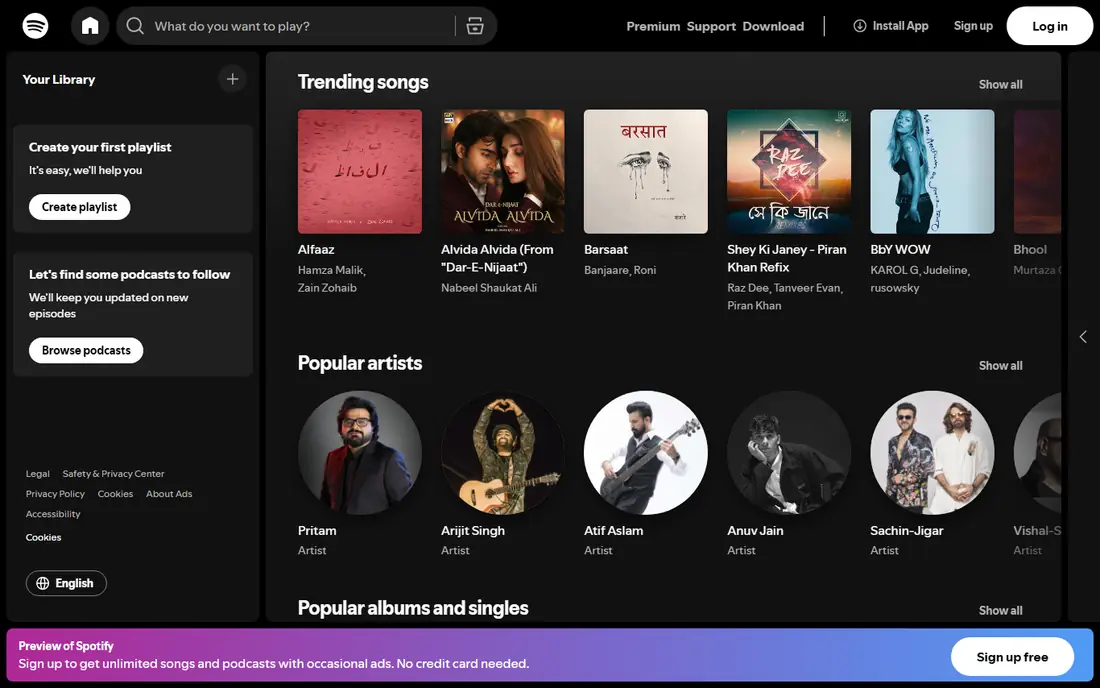
For many buyers, Spotify is the first name that comes up, and there is a reason for that. Spotify is our pick for most listeners who want music, podcasts, and audiobooks in one app. Its playlists, daily mixes, and discovery tools make it easy to build an offline library for travel.
The catch is price, since Premium now costs more than Apple Music and several rivals for a single listener. Before you commit, check the current plan details, any contract or cancellation terms, and what is included at the price shown on the vendor site. If that fit matches your routine and your budget, Spotify is a sensible shortlist pick. If it does not, one of the other options below may suit you better.
- Huge playlist and podcast catalog
- Strong recommendations
- Downloads on paid plans
- Free tier does not allow offline downloads
- Family plan costs more than some rivals
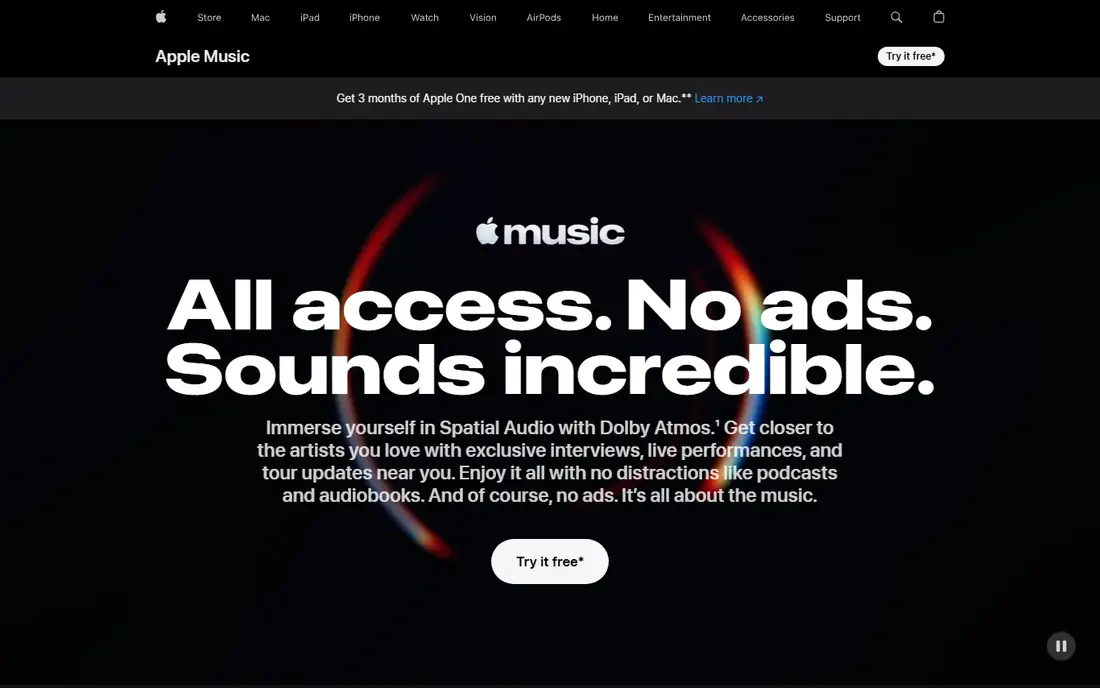
If your priority is High-quality audio for Apple users, Apple Music deserves a close look before you decide. Apple Music suits iPhone, iPad, and Mac users who want high-quality audio without a higher tier. Lossless and spatial audio are included in the standard price, and downloads work well across Apple devices.
The catch is the lack of a free tier, so you need a paid plan or trial to use it beyond previews. Before you commit, check the current plan details, any contract or cancellation terms, and what is included at the price shown on the vendor site. If that fit matches your routine and your budget, Apple Music is a sensible shortlist pick. If it does not, one of the other options below may suit you better.
- Lossless and spatial audio included
- Large catalog
- Strong Apple device integration
- No free tier
- Best experience is inside the Apple ecosystem
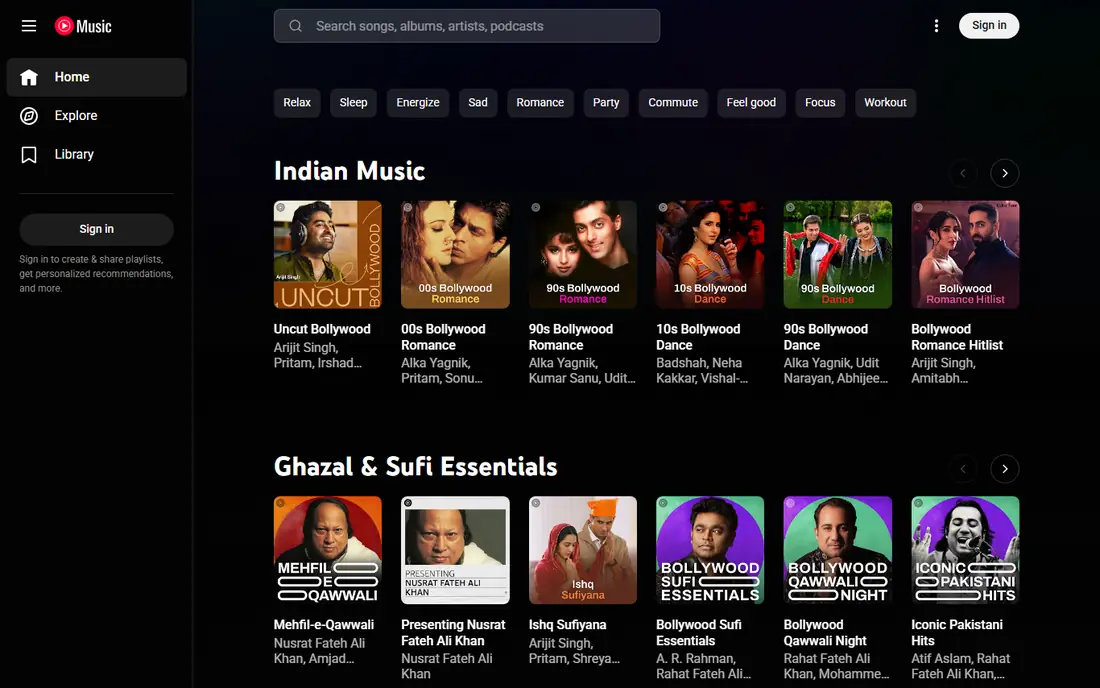
YouTube Music suits buyers who want a clear trade between price, features, and effort. YouTube Music suits listeners who already watch a lot of YouTube and want rare tracks saved offline. Its catalog includes live recordings and fan uploads that other services may not carry.
The catch is audio quality, since it does not offer lossless playback like Apple Music or TIDAL. Before you commit, check the current plan details, any contract or cancellation terms, and what is included at the price shown on the vendor site. If that fit matches your routine and your budget, YouTube Music is a sensible shortlist pick. If it does not, one of the other options below may suit you better.
- Access to official tracks plus live versions and covers
- Music videos
- YouTube integration
- No lossless audio
- Download rules depend on the plan and region
Start with Amazon Music if you want a practical option without a long setup process. Amazon Music suits Prime members and Alexa households who want downloads without a separate service. Unlimited includes HD audio and offline downloads, and Alexa control makes home playback simple.
The catch is tier confusion, since Prime members get a limited catalog and need Unlimited for the full library. Before you commit, check the current plan details, any contract or cancellation terms, and what is included at the price shown on the vendor site. If that fit matches your routine and your budget, Amazon Music is a sensible shortlist pick. If it does not, one of the other options below may suit you better.
- Discount for Prime members
- HD and spatial audio on Unlimited
- Alexa integration
- Full catalog needs Unlimited, not the basic Prime music tier
- Family plan is pricier
We put TIDAL on this list because it answers a specific need well. TIDAL suits listeners who care most about sound quality and want high-resolution tracks offline. Its audio tiers are built around higher-quality playback rather than a basic compressed stream.
The catch is discovery, since its playlists and social features feel thinner than Spotify for casual listeners. Before you commit, check the current plan details, any contract or cancellation terms, and what is included at the price shown on the vendor site. If that fit matches your routine and your budget, TIDAL is a sensible shortlist pick. If it does not, one of the other options below may suit you better.
- High-resolution audio
- Strong sound quality focus
- Offline downloads on paid plans
- No free tier for full offline use
- Smaller playlist community than Spotify
Deezer is worth shortlisting when A free tier plus offline on paid plans matters more than having every extra feature. Deezer suits listeners who want to try a service free before paying for offline access. Its Flow feature builds a personal radio mix, and paid plans add downloads and higher quality.
The catch is regional variation, since catalog and plan details can differ by country. Before you commit, check the current plan details, any contract or cancellation terms, and what is included at the price shown on the vendor site. If that fit matches your routine and your budget, Deezer is a sensible shortlist pick. If it does not, one of the other options below may suit you better.
- Free tier for trying the service
- Flow recommendations
- Offline downloads on paid plans
- Free tier does not allow offline downloads
- Catalog strength varies by region
Among the options here, Qobuz stands out for a simple reason: it is easy to understand what you get. Qobuz suits serious listeners who want to buy and keep high-resolution albums. Its download store means you can own selected albums rather than only renting access by subscription.
The catch is price and scope, since it is built for sound quality first and casual playlist listening second. Before you commit, check the current plan details, any contract or cancellation terms, and what is included at the price shown on the vendor site. If that fit matches your routine and your budget, Qobuz is a sensible shortlist pick. If it does not, one of the other options below may suit you better.
- High-resolution streaming and download store
- Detailed album notes
- Offline on paid plans
- No free tier
- Higher price than mainstream rivals
- Smaller mainstream playlist focus
Consider Pandora if you want a dependable choice for everyday use. Pandora suits listeners who prefer radio-style stations over building playlists by hand. Its personalization learns from thumbs up and down, which makes station listening feel tailored.
The catch is plan structure, since the free tier does not give full on-demand offline control. Before you commit, check the current plan details, any contract or cancellation terms, and what is included at the price shown on the vendor site. If that fit matches your routine and your budget, Pandora is a sensible shortlist pick. If it does not, one of the other options below may suit you better.
- Strong radio stations and personalization
- Premium allows offline listening
- Low entry price
- On-demand catalog and offline use need Premium
- Free tier is radio-style only
How we picked these
We compared official pricing pages, app store listings, and download help pages for each service, and we focused on whether offline downloads are included, what quality is offered, and whether a free tier exists. We favored services with clear download rules and current US pricing, and we used See website where plan prices varied by source or region. We did not claim hands-on listening tests, and we treated catalog size claims as vendor claims.
How to pick an offline music app for travel and daily use
Start with the download rules. Most paid plans let you download albums and playlists to a phone, but device limits and download counts can apply. Downloads also need a periodic license check, so a lapsed subscription can remove saved music. If you travel often, download over Wi-Fi before you leave and check how much storage your phone has free.
Sound quality, storage, and devices
Higher-quality audio sounds better on good headphones, but it also uses more storage and data. If your phone is short on space, a standard quality setting may be the better trade. Check whether the app works on all your devices, since some services work best inside one ecosystem. Also check whether family members each get their own downloads and playlists on a family plan.
Free tiers and trials
A free tier is useful for trying recommendations and the app layout, but it rarely includes offline downloads. Use a free trial of the paid plan to test downloads, quality, and battery use on your own phone. Cancel before the trial ends if the app does not fit, and keep your playlists exported or noted if you plan to switch services later.
Frequently asked questions
What is the best offline music app for most people?
Spotify is the safest default for most listeners because of its playlists, podcasts, and broad device support. Apple Music is a better pick for Apple users who want lossless audio included. YouTube Music suits listeners who want music videos and rare tracks saved offline.
Can I listen offline for free?
Most free tiers do not allow offline downloads, so offline listening usually needs a paid plan. Spotify, YouTube Music, Amazon Music, Deezer, and Pandora all offer free tiers, but downloads sit behind Premium or paid tiers. Check the current plan page before you rely on free offline use.
Do downloads stay forever?
No, subscription downloads are tied to an active paid plan and need periodic license checks. If you cancel, downloaded tracks usually become unavailable. Purchased downloads from a store such as Qobuz are different, since you own those files under the store terms.
How much storage do offline downloads use?
It depends on quality, track length, and how many playlists you save. Higher-quality audio uses more space than standard quality. Start with a few playlists, check storage in your phone settings, and lower the download quality if space is tight.
Which app has the best sound quality offline?
Apple Music and TIDAL include higher-quality audio in their standard paid plans. Spotify now includes lossless on Premium, and Amazon Music Unlimited includes HD audio. YouTube Music does not offer lossless, so it is a weaker pick for sound quality alone.
Can I download on more than one device?
Most paid plans allow downloads on several devices, but limits apply and vary by service. Check the device limit on the plan page, especially on a family plan. Remove downloads from an old phone if you hit the limit.
Sources
See where you really rank - block by block
ProMapRanker scans Google Maps across a grid of your service area. Simple monthly plans from $19, white-label on every plan.
Start freeKeep reading
 zendesk alternatives
Best Zendesk Alternatives in 2026
Compare the best Zendesk alternatives in 2026, from budget help desks to AI-first support tools, with current pricing, free plans, and honest trade-offs.
Read → wordpress alternatives
Best WordPress Alternatives in 2026
Looking for the best WordPress alternatives? We compare 8 free and paid options for blogs, business sites, stores, and developer-led projects in 2026.
Read → which real estate company has the best training
Best Real Estate Company Training in 2026
Compare which real estate company has the best training, from Keller Williams and eXp to Compass and Coldwell Banker, by program, mentor, and fit in 2026.
Read →