 ProMapRanker
Best Offline Educational Apps for Kids in 2026

Key takeaways
- Khan Academy Kids, Duolingo ABC and PBS KIDS Games are free starting points, with selected content available offline after download.
- ABCmouse and Starfall offer structured learning paths, while Prodigy and ABCya turn math and reading practice into games.
- Lingokids, HOMER and Reading Eggs cover language, phonics and early reading for different age bands.
- Offline access usually needs setup first: download content on Wi-Fi, then test the app in airplane mode before a trip.
Quick comparison
| Pick | Great for | Pricing starts at | Free tier | |
|---|---|---|---|---|
 Khan Academy Kids | Free early learning | Free | Yes | Visit |
 ABCmouse | Structured learning path | $14.99 per month | Yes | Visit |
 Duolingo ABC | Learn to read | Free | Yes | Visit |
 Starfall | Phonics and early reading | Free | Yes | Visit |
 PBS KIDS Games | Free games with familiar characters | Free | Yes | Visit |
 Lingokids | Play-based learning | Free | Yes | Visit |
 HOMER | Personalised reading path | See website | Yes | Visit |
 Reading Eggs | Reading lessons and books | See website | Yes | Visit |
 Prodigy | Game-based math practice | Free | Yes | Visit |
 ABCya | Classroom-style games | Free | Yes | Visit |
The best offline educational apps for kids
These apps help children learn without a constant connection, once content is downloaded in advance.
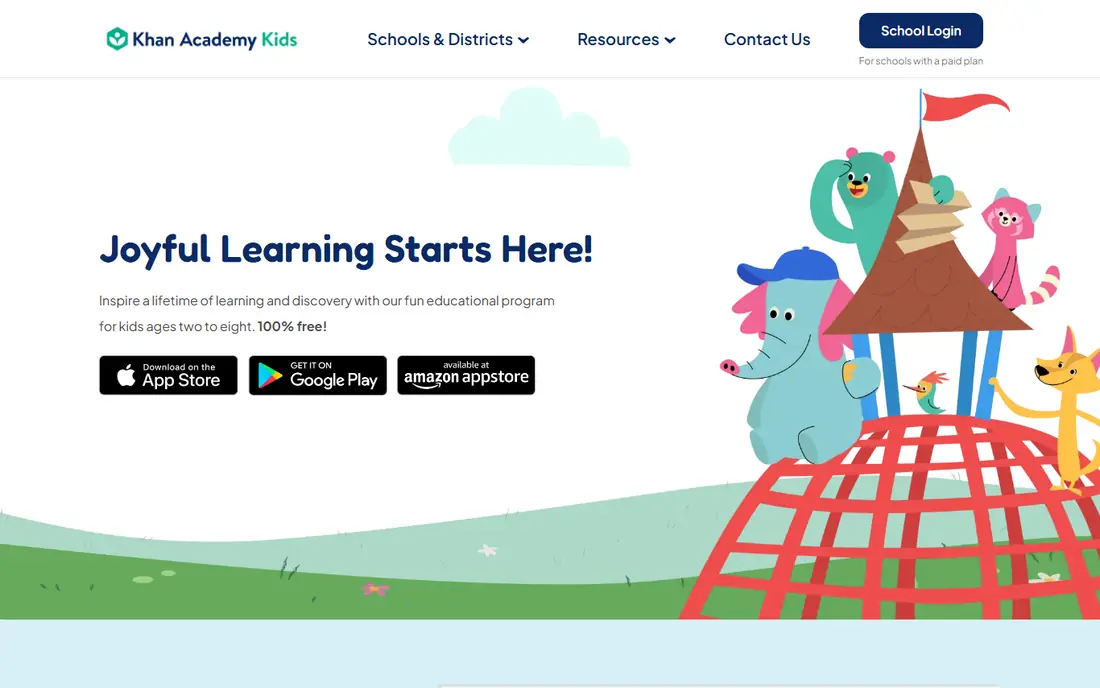
Khan Academy Kids is our pick for most families because it is free, ad-free and covers reading, math, logic and social-emotional learning for ages 2 to 8. Friendly characters guide children through books, songs, games and creative activities, and parents can follow progress without paying for a subscription.
Offline use needs preparation. Selected content can be used without Wi-Fi after download, but not every activity is available offline, so test the lessons your child needs in airplane mode before a flight or car trip. For ages beyond 8, children will outgrow it and need a different app.
- Completely free with no ads
- Reading, math and social skills
- Selected offline content
- Offline content is selected, not the full library
- Aimed at younger children
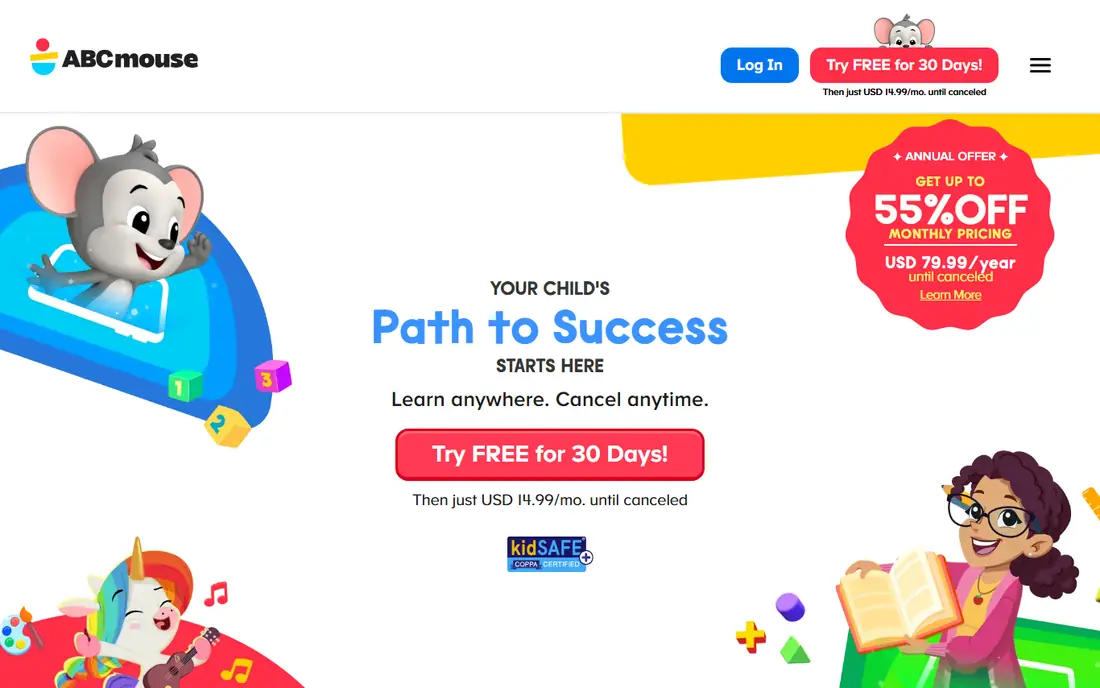
ABCmouse offers a structured early learning path across reading, math, science, art and music, with more than 10,000 activities in its full library. A free Basic plan gives 10 activities per day, while Premium costs $14.99 per month or $79.99 per year and opens unlimited access for up to three children.
Its offline mode is a real plus for travel, since downloaded content can keep a child learning without Wi-Fi. The catch is cost and screen time: a full subscription only pays off if your child uses it regularly, so try the free Basic plan first.
- Large activity library
- Personalised learning paths
- Offline mode support
- Paid plan needed for full access
- Monthly cost adds up over a year
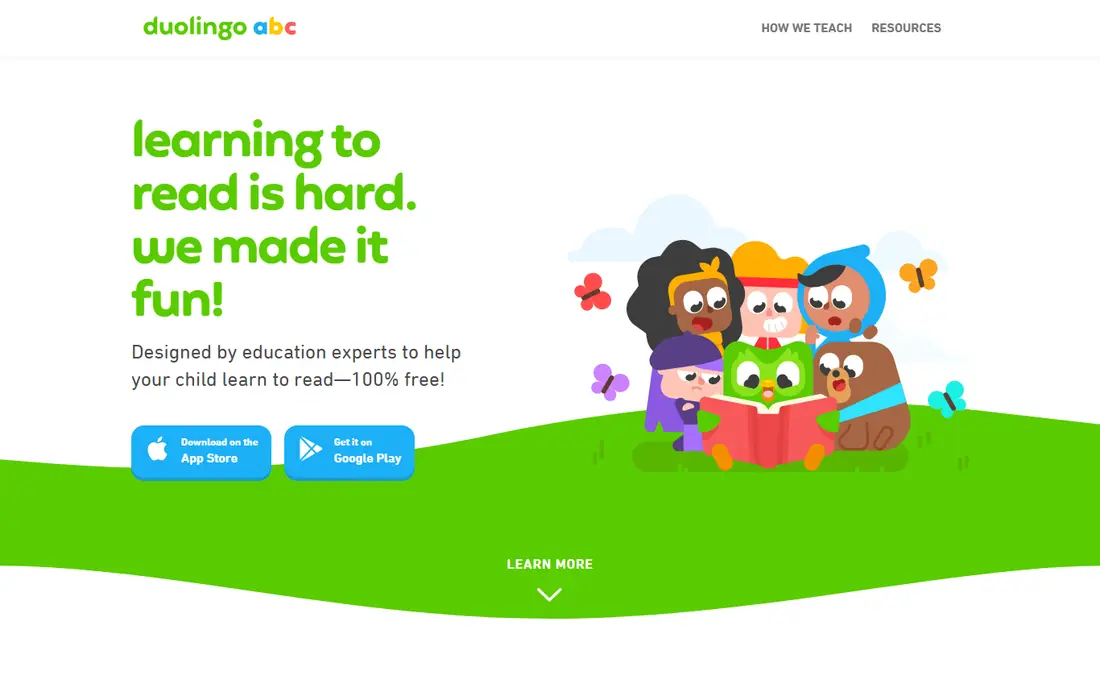
Duolingo ABC teaches young children to read through short phonics lessons, letter tracing and simple stories. Lessons are short, which suits young attention spans, and the app is free with no subscription needed for its core reading content. Its store listing notes offline use, which helps on trips.
It is narrow by design. Duolingo ABC covers early reading well, but families wanting math, science or creative play will need a second app. Pair it with Khan Academy Kids for broader coverage at no extra cost.
- Free phonics and reading lessons
- Short bite-size lessons
- Offline use listed
- Focused on early reading only
- Limited math and science content
Starfall has taught phonics for years through songs, interactive books and letter games. Children move from letter sounds to words to simple sentences in a clear order, which parents and teachers often praise. Free content covers a good amount of early reading, while a paid membership opens the full app.
The design is simpler and less flashy than newer apps, which some children may find less exciting. Check the membership price on the Starfall site before paying, since the free content may already cover your child's current reading level.
- Strong phonics progression
- Free content available
- Simple interface for young children
- Full membership costs extra
- Design feels older than newer apps
PBS KIDS Games brings characters from shows children already know into short learning games covering letters, numbers, science and problem solving. It is free, with no subscription, and its iOS listing supports downloaded games for offline play. That makes it a handy backup app for waiting rooms and flights.
It is not a full curriculum. Games teach and reinforce skills, but they do not replace a structured reading or math path. Use it as a fun supplement, and download the games your child likes before you leave Wi-Fi.
- Free games from trusted shows
- No subscription
- Downloaded games on iOS
- Offline games depend on downloads
- Content is game-based rather than a full curriculum
Lingokids uses songs, videos and games to teach early English, math, science and social skills. Its play-based style suits preschool children who learn best through music and repetition, and parents can track progress and set limits. A free plan covers basic content, while a paid plan opens the full library.
Offline use needs planning, since content must be downloaded first and not every activity is available offline. Check the current plan price on the Lingokids site, and try the free content to see if the style suits your child before subscribing.
- Play-based lessons in English and more
- Songs and videos
- Parent progress tools
- Full access needs a paid plan
- Offline content needs advance download
HOMER builds a personalised learning path based on a child's age, interests and reading level, mixing stories, songs, games and drawing activities. That personal touch helps children who lose interest in one-size-fits-all apps, and the parent dashboard shows progress across skills.
The free offering is limited, and full access needs a paid plan, with prices that vary by promotion and plan length. Check the current price on the HOMER site, and use any free trial period to test whether the path actually matches your child's level.
- Reading path adapts to the child
- Stories, songs and games
- Parent dashboard
- Full access needs a paid plan
- Price varies by plan and promotion
Reading Eggs teaches reading through structured lessons, phonics games and a library of e-books matched to reading level. Rewards, certificates and progress maps keep many children motivated through the early stages of reading, and parents can follow lesson completion.
Full lessons need a paid subscription, so check the current price and any free trial on the Reading Eggs site. Offline access depends on the device and the content downloaded, so test the lessons your child will use before relying on them without Wi-Fi.
- Structured reading lessons
- Large e-book library
- Rewards keep children motivated
- Paid plan needed for full lessons
- Offline access depends on the app and device
Prodigy turns math practice into a fantasy adventure where children answer curriculum-aligned questions to progress in the game. Teachers can set assignments, and parents can track practice, which makes it popular for school-age children who resist worksheets. The core game is free.
The paid membership adds pets, items and extras, so talk with your child in advance about whether you will pay for them. Online features need a connection, so Prodigy works best as a home or school app, with a downloaded offline app as the travel backup.
- Math practice inside a fantasy game
- Curriculum-aligned questions
- Free core game
- Paid membership adds extras that children may ask for
- Not fully offline for all features
ABCya offers hundreds of educational games sorted by grade level, covering reading, math, typing and problem solving. Teachers use it in classrooms, and the grade sorting makes it easy for parents to pick games that match school work. Free content covers many games, while Premium removes ads and opens more content.
Offline use is the weak point. ABCya is mainly a web and app experience that works best with a connection, so it suits home learning more than long flights. Use it for practice at home, and keep a download-first app ready for travel.
- Games by grade level
- Reading, math and typing practice
- Free content available
- Full premium access is paid
- Offline use is limited compared with download-first apps
How we picked these
We compared official app pages, pricing pages and store listings, and kept only apps designed for children, with clear age ranges and learning content. We gave weight to free plans, ad-free options for young children, and any stated offline or download feature. We did not claim hands-on testing with children, and we judged offline claims carefully, since many apps offer selected downloads rather than full offline libraries.
Parents should still preview any app with their child, check privacy settings and purchase controls, and set screen time limits. An educational label does not replace adult oversight, especially for apps with in-app purchases or chat features.
Setting up offline learning before a trip
Download first, test second. On Wi-Fi, open each app, sign in, and download the lessons, games or books your child will use. Then switch the device to airplane mode and try those exact activities. If a lesson needs a connection, you will find out at home, not in the air.
Pack two apps, not ten. One structured app such as Khan Academy Kids or ABCmouse covers daily learning, and one fun app such as PBS KIDS Games covers waiting time. Charge the device fully, bring headphones, and set the device to a child profile with purchases locked. That simple setup avoids most travel-day problems.
Finally, mix screen learning with paper. A small notebook, crayons and a printed book give children a break from screens and cover the moments when a battery runs out. Offline apps work best as one part of a trip plan, not the whole plan.
Frequently asked questions
Which offline educational app is best for kids?
Khan Academy Kids is the best free starting point for ages 2 to 8, with ad-free learning and selected offline content. ABCmouse suits families who want a structured path and are happy to pay for full access.
Can kids use educational apps without Wi-Fi?
Yes, with preparation. Download content on Wi-Fi first, then test it in airplane mode. Khan Academy Kids, Duolingo ABC and PBS KIDS Games list offline or downloaded content, while other apps offer only partial offline access.
Is ABCmouse free?
ABCmouse offers a free Basic plan with 10 activities per day. Full Premium access costs $14.99 per month or $79.99 per year, and covers unlimited activities for up to three children.
What is the best free educational app for kids?
Khan Academy Kids is fully free with no ads, which makes it hard to beat for young children. Duolingo ABC and PBS KIDS Games are also free and cover reading and game-based learning well.
Are offline apps safe for children?
Check each app for ads, in-app purchases, chat features and data collection before handing over a device. Prefer ad-free apps for young children, lock purchases, and preview content with your child first.
What age are these apps for?
Most apps here target ages 2 to 8, with Prodigy and ABCya extending into primary school grades. Check the age range on each app page, since a game that is too easy or too hard will lose a child's interest fast.
Sources
See where you really rank - block by block
ProMapRanker scans Google Maps across a grid of your service area. Simple monthly plans from $19, white-label on every plan.
Start freeKeep reading
 zoho inventory alternatives
6 Alternatives to Zoho Inventory, Compared on Price and Fit
Zoho Inventory alternatives: 6 tools compared on price, free plans and fit. Katana leads the list for manufacturers. Fit and flaws are laid out for each entry.
Read → zoho crm alternatives
Best Zoho CRM Alternatives (2026)
Need Zoho CRM alternatives? We compare 7 tools on cost, free access and who each suits. Every pick gets a straight assessment. Built for quick decisions.
Read → zelle alternatives
Best Zelle Alternatives in 2026
Compare the best Zelle alternatives for sending money to friends, paying sellers and moving funds abroad, with honest notes on fees, speed and safety in 2026.
Read →