 ProMapRanker
Best of Breed Fits Under Which Software Issue in 2026

Key takeaways
- Best of breed fits under the integration issue: how specialist tools share data, identities, and workflows.
- It is a strategy for choosing specialist tools, not a single product category you can buy off the shelf.
- The main risks are fragmented data, duplicate licences, inconsistent logins, and maintenance when vendors change their APIs.
- The tools below are examples of specialist products commonly combined in such stacks, not a ranking of one software type.
Quick comparison
| Pick | Great for | Pricing starts at | Free tier | |
|---|---|---|---|---|
 Salesforce | Specialist CRM in a stack | See website | Free trial | Visit |
 HubSpot | Specialist marketing and sales CRM | See website | Yes | Visit |
 Slack | Specialist team messaging | See website | Yes | Visit |
 Asana | Specialist work management | See website | Yes | Visit |
 QuickBooks | Specialist accounting | See website | Free trial | Visit |
 Zendesk | Specialist customer support | See website | Free trial | Visit |
 Zoom | Specialist video meetings | See website | Yes | Visit |
 Shopify | Specialist online store platform | See website | Free trial | Visit |
The best of breed fits under which software issue
Read this plainly first. Best of breed is not a single all in one platform, and it is not a product you buy in one box. It is a buying strategy: pick the strongest specialist tool for each job, then connect them. That means the software issue it fits under is integration, interoperability, and data sharing between tools. The list below shows specialist tools that are often combined in such stacks, so you can see the pattern in real products.
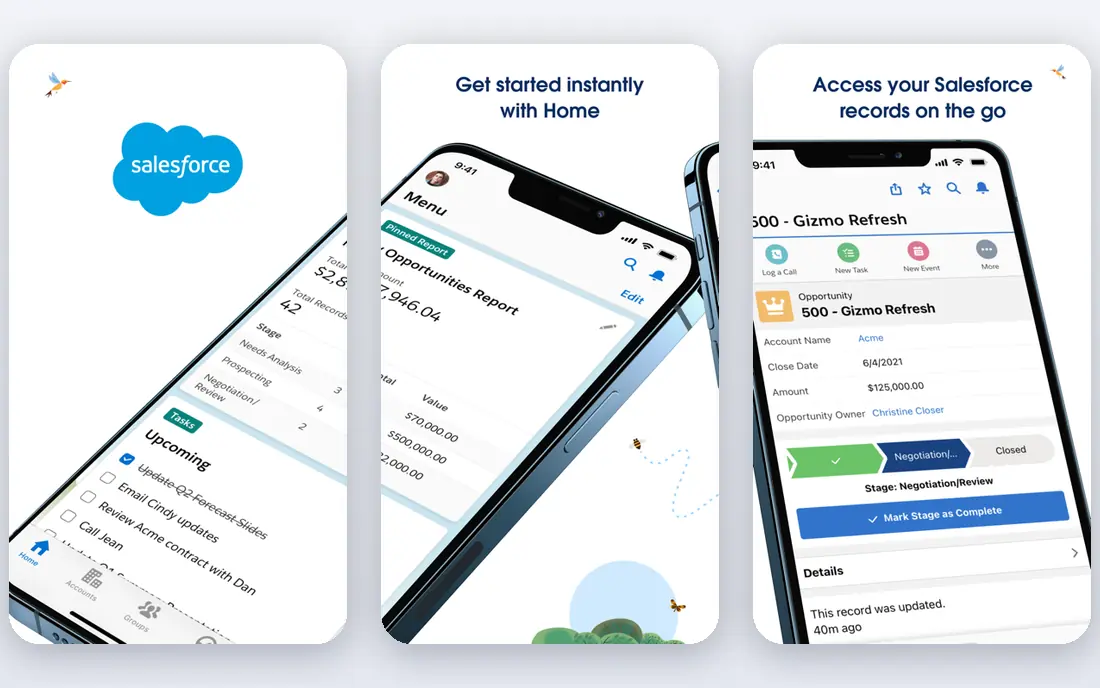
Salesforce is the classic example of a specialist CRM chosen on its own merits, then connected to other tools. A sales team may pick Salesforce for pipeline, forecasting, and customer records, even if it uses different tools for support, accounting, and project work. Its integration ecosystem and API support are a large part of why it works in a best of breed stack.
The issue it exposes is data ownership. If Salesforce holds customer data, support holds ticket data, and accounting holds invoice data, someone must decide which system is the source of truth for each field. Without that decision, reports will disagree and staff will trust none of them.
- Deep CRM customisation
- Large integration ecosystem
- Strong reporting
- Pricing and setup can be heavy
- Needs admin time to keep clean

HubSpot often enters a best of breed stack as the marketing and sales specialist, especially for smaller teams. Its free CRM lowers the starting cost, and its marketing, sales, and service hubs can be added as needs grow. That staged growth fits the best of breed idea: buy the specialist piece you need now, connect it later.
The integration issue shows up when HubSpot must sync with a separate accounting tool or a specialist support desk. Contact, deal, and ticket data must map cleanly, or teams will duplicate records and lose track of the customer journey. Test the sync with real records before you scale.
- Free CRM starting point
- Marketing and sales tools
- Broad integrations
- Costs rise with hubs and contacts
- Some features need higher tiers
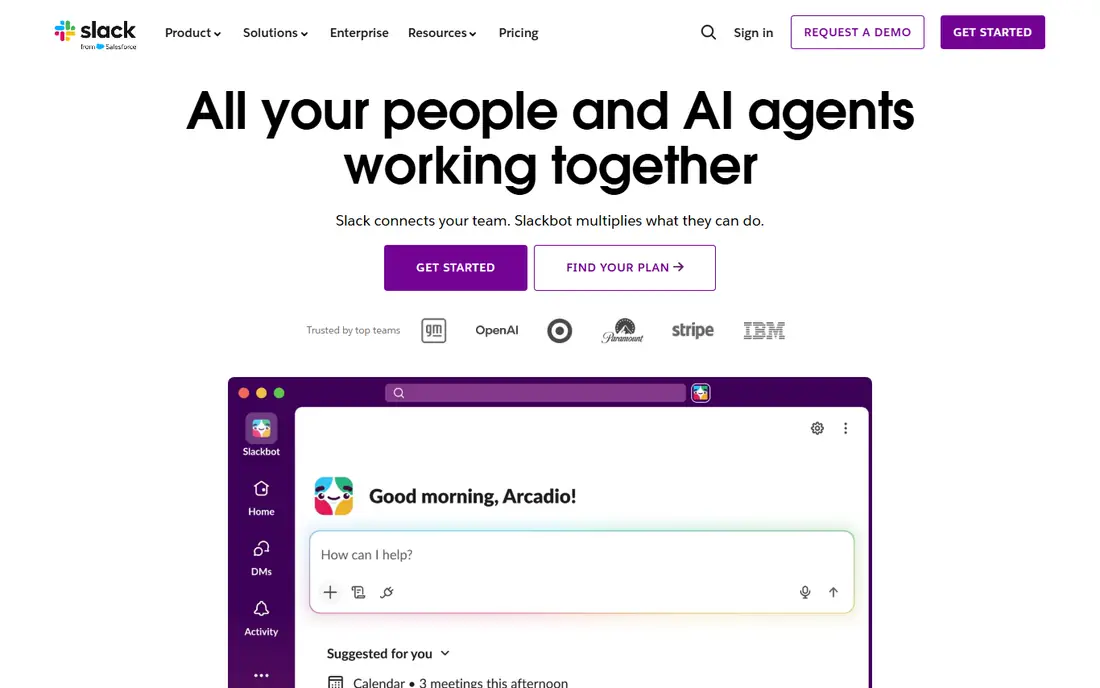
Slack is a specialist messaging tool, chosen because it does team communication better than a general suite inbox or a project tool chat feature. In a best of breed stack, it often connects to project tools, CRM systems, and support tools, so alerts and updates land where people already work. That is the benefit of picking a specialist.
The risk is fragmentation. Decisions made in Slack may never reach the project record, the CRM note, or the support ticket. A best of breed team needs a rule for what lives in chat and what must be recorded in the system of record, or knowledge will scatter across tools.
- Fast team messaging
- Channels and threads
- Many app integrations
- Message history limits on free plan
- Can become noisy without rules
Asana is a specialist work management tool, picked for tasks, projects, and timelines rather than as an add on inside a CRM or a chat app. Teams use it to turn a deal, a ticket, or a campaign into tracked work with owners and dates. Its integrations help link that work back to the systems where the request started.
The integration issue here is overlap. Many CRMs and support tools also have tasks, so a team can end up with two task lists for the same job. Decide which tool owns delivery tasks, and use integrations to link rather than duplicate, or staff will update one list and ignore the other.
- Clear task and project views
- Timelines
- Integrations with chat and CRM tools
- Advanced reporting needs higher plans
- Can duplicate CRM task features
QuickBooks is the specialist accounting piece in many small business stacks. A team may run sales in a CRM, support in a desk tool, and money in QuickBooks, because each specialist does its job well. Invoicing, expenses, and reporting sit in the accounting system, while customer and deal detail stays in the CRM.
That split creates the classic best of breed problem: invoice status, payment, and customer data must stay in sync. If the CRM says a deal is closed and QuickBooks has no invoice, or vice versa, cash flow reporting will be wrong. Map invoice, customer, and item fields during setup, and test a full deal to cash flow before launch.
- Widely used small business accounting
- Invoicing
- Payroll add ons
- Pricing varies by plan
- Integrations need mapping for taxes and items
Zendesk is a specialist support tool, chosen for ticketing, help centre content, and agent workflows. In a best of breed stack, it sits beside the CRM: the CRM holds the sales relationship, Zendesk holds the support history, and the two must share customer identity. When that link works, agents see context without asking customers to repeat themselves.
When the link breaks, support becomes a silo. Tickets, customer records, and satisfaction data stay separate from sales and product data, and the business loses a clear view of the customer. Check single sign on, customer matching, and ticket sync in a trial, and agree who owns customer identity across tools.
- Ticketing and help centre
- Automation
- CRM integrations
- Pricing rises with agent features
- Setup takes planning for complex routing
Zoom is a specialist video tool, often chosen even by teams that already have a suite with video built in. The reason is familiarity and reliability for customers and staff. In a best of breed stack, Zoom links to calendars, CRM records, and project tools, so meetings, recordings, and notes can be tied to work.
The integration question is what happens after the call. A recording or a decision that stays only in Zoom is not part of the customer record. Teams need a habit and, where possible, an integration that moves summaries, tasks, and follow ups into the CRM or project tool.
- Reliable video meetings
- Webinar options
- Calendar and CRM links
- Meeting data needs a home in CRM or project tools
- Costs rise with add ons
Shopify is a specialist commerce platform, chosen for storefront, checkout, and order management. A retailer may combine Shopify with a separate CRM, accounting tool, and support desk, each picked for its own strength. That stack can outperform a single suite for a store led business, because each piece is built for its job.
The cost and data issues are real, though. App subscriptions, transaction fees, and accounting sync can push total cost well above the base plan. Order, customer, inventory, and refund data must map cleanly to accounting and support tools, or reporting and customer service will suffer.
- Strong online store tools
- App ecosystem
- Payments and fulfilment options
- Transaction and app costs add up
- Accounting sync needs care
How we picked these
We compared official product pages and public strategy writing on best of breed versus all in one suites. We chose widely used specialist tools from different jobs, CRM, messaging, work, accounting, support, video, and commerce, because a best of breed stack is defined by combining different specialists. We did not invent a single best of breed product, because none exists as a category.
What to check before you buy
Start by naming the integration owner. Someone must own data models, logins, and vendor changes across the stack, because no single vendor will do it for you. List the systems, the fields that must sync, the direction of each sync, and what happens when a sync fails. That list is the real cost of best of breed, beyond licence fees.
Next, limit the stack. Best of breed does not mean one tool per tiny problem. Pick specialists only for the jobs that matter most to your business, and use a capable general tool for the rest. Fewer tools mean fewer integrations, fewer logins, less training, and cleaner reporting. For each new tool, ask what job it owns that no current tool owns well.
Finally, test the workflow end to end. Follow one customer from first contact to sale, support, invoice, and repeat purchase, and note every manual copy, export, or retyping step. If the workflow needs constant manual fixes, the stack is not working, no matter how good each tool looks alone. Review integrations when vendors update APIs or pricing, and keep a simple map of which tool owns each record type.
Frequently asked questions
What does best of breed mean?
Best of breed means choosing the strongest specialist tool for each job, rather than buying one all in one suite for everything. For example, a team might pick a specialist CRM, a specialist accounting tool, and a specialist support desk, then connect them.
Under which software issue does best of breed fit?
It fits under integration and interoperability, which is the problem of making separate tools share data, logins, and workflows. It also touches data ownership, security across vendors, and total cost, because each extra tool adds licences and maintenance.
Is best of breed better than an all in one suite?
It depends on your needs. Best of breed can give deeper features in each area and staged rollout, one tool at a time. An all in one suite can give a shared data model, one login, and one vendor to call. The right choice depends on how much integration work you can own.
What are the main risks of a best of breed stack?
The main risks are fragmented data, duplicate records, inconsistent logins, overlapping features, and higher total cost from licences, integrations, and training. Vendor API changes can also break a sync that worked before, so maintenance is ongoing.
How many tools should a best of breed stack have?
As few as possible for the jobs that matter. Start with the core systems, such as CRM, accounting, and support, and add a specialist only when a clear gap remains. A small, well connected stack usually beats a large collection of tools that barely talk to each other.
Sources
- https://www.salesforce.com
- https://www.hubspot.com
- https://www.slack.com
- https://www.asana.com
- https://www.quickbooks.com
- https://www.zendesk.com
- https://www.zoom.com
- https://www.shopify.com
- https://tribalhabits.com/best-of-breed-platform/
- https://xledger.com/blog/should-you-choose-unified-or-best-of-breed-for-your-erp/
See where you really rank - block by block
ProMapRanker scans Google Maps across a grid of your service area. Simple monthly plans from $19, white-label on every plan.
Start freeKeep reading
 worlds best local seo company
8 Worlds Best Local SEO Companies for Map Pack Growth in 2026
Compare the worlds best local seo company options for Google Business Profile work, citations, reviews, and multi-location rankings and reporting in 2026.
Read → world's best web hosting company
World's Best Web Hosting Company in 2026
Searching for the world's best web hosting company? We compared 10 hosts on price, renewal rates, speed, and support to help you choose well today in 2026.
Read → who's got the best nanny tax services
Who's Got the Best Nanny Tax Services in 2026
We answer who's got the best nanny tax services, comparing full filing, back taxes, software, and pricing so families can handle nanny taxes correctly.
Read →