 ProMapRanker
Best OCR Software for Invoice Processing in 2026

Key takeaways
- Pay-as-you-go tools suit small teams with uneven invoice volumes, while fixed monthly plans suit steady volumes.
- Enterprise tools add approval workflows and ERP connections, but they usually require a sales conversation and a longer setup.
- API-first tools give developers control, but they need someone to build the review and export steps around them.
- A free trial on your own invoices matters more than a vendor accuracy claim, because layout quality varies a lot.
Quick comparison
| Pick | Great for | Pricing starts at | Free tier | |
|---|---|---|---|---|
 Nanonets | Pay-as-you-go invoice extraction | See website | Free trial | Visit |
 Rossum | Enterprise AP automation | See website | Free trial | Visit |
 ABBYY FlexiCapture | Enterprise document capture | See website | No | Visit |
 Docsumo | Extraction with a review workflow | $179 per month | Free trial | Visit |
 Veryfi | Real-time OCR API | $500 per month | Yes | Visit |
 DocuClipper | Small firms and bookkeepers | $29 per month | Free trial | Visit |
 Klippa | Fraud checks and European teams | See website | Free trial | Visit |
 Amazon Textract | AWS-native engineering teams | See website | Free tier | Visit |
 Google Document AI | Google Cloud teams | See website | Free tier | Visit |
The best OCR software for invoice processing
We compared official feature pages, pricing pages, and public documentation for tools that read vendor names, invoice numbers, line items, tax, and totals from PDFs and scans. The tools below differ mainly in who does the setup, how much review work remains, and how costs scale with volume.
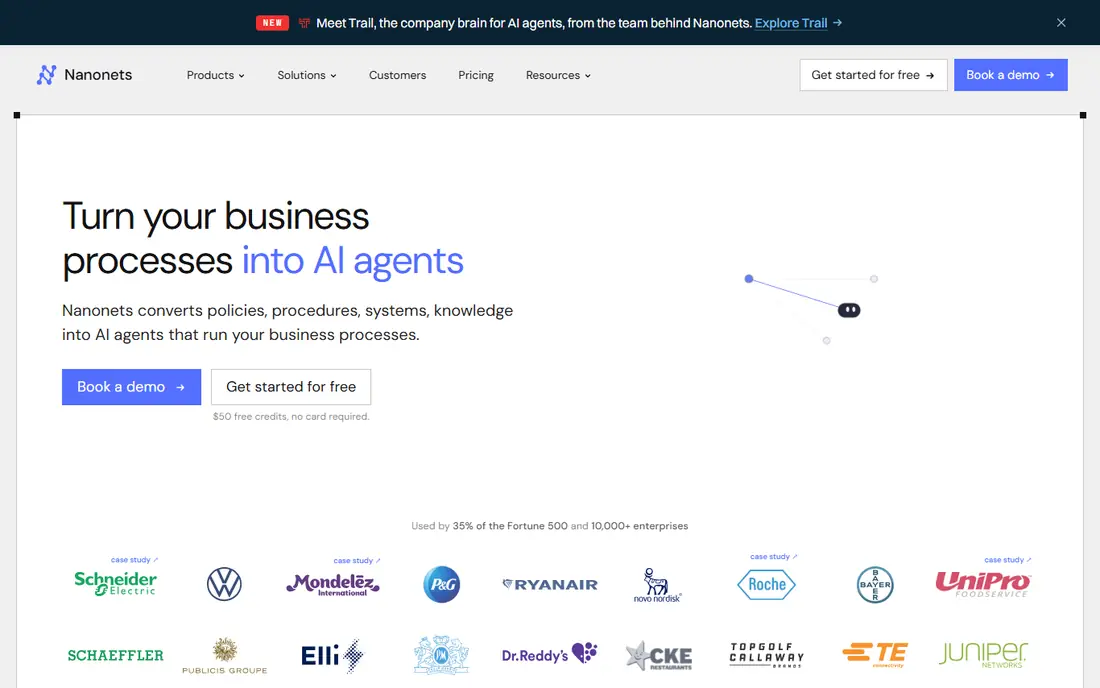
Nanonets fits teams that want AI extraction without committing to a large monthly platform fee. You can train models for your own invoice layouts and send results to accounting tools or spreadsheets through integrations and an API. That flexibility helps when vendors change formats often or when you handle documents beyond invoices.
The trade-off is that you still need a clear review step for exceptions. Nanonets is stronger as an extraction layer than as a complete accounts payable system, so teams that need approvals, payment runs, and audit trails may need to pair it with another tool. Test it on a mixed batch of clean PDFs and poor scans before you judge accuracy.
- Trainable extraction models
- Broad integration options
- Usage-based pricing for uneven volumes
- Post-extraction workflow is thinner than full AP suites
- Costs are harder to predict at high volume
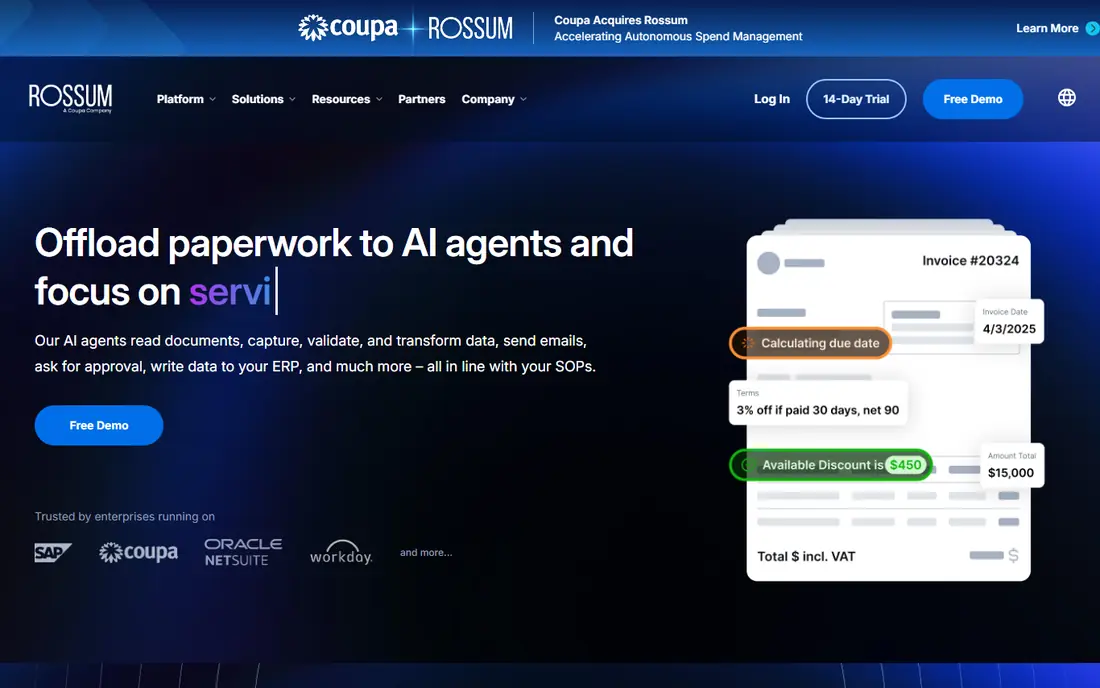
Rossum is built for larger finance teams that receive invoices in many formats from many suppliers. Its document understanding approach aims to read new layouts without building a template for each vendor, which can save a lot of setup time at scale. Validation rules and routing help staff focus on exceptions rather than retyping every field.
The cost and effort are the honest catches. Pricing is quoted rather than published as a simple monthly rate, and a full rollout usually involves configuration and training. Smaller teams may find that level of platform more than they need, while high-volume AP teams are the ones most likely to get value from it.
- Template-free capture for varied layouts
- Built-in workflow and validation
- Strong enterprise controls
- Quote-based pricing
- Setup and onboarding take more time than a small self-serve tool
ABBYY FlexiCapture suits organisations with complex document types, strict compliance needs, or large back-office operations. It offers deep configuration for classification, extraction, and verification, and it can handle far more than invoices alone. For a shared services centre, that breadth can be a real advantage.
That depth comes with complexity. Expect a project, not a quick signup, and budget time for tuning rules and training staff. Teams that only need straightforward invoice extraction from a handful of vendors will probably find a simpler tool faster to adopt and easier to maintain.
- Long-established capture engine
- Highly configurable classification and extraction
- On-premises and cloud options
- Quote-based pricing
- Implementation can be complex and time-consuming
Docsumo pairs AI extraction with a workflow where staff check flagged fields before data moves onward. That combination matters, because no extraction tool is right on every invoice, and a clean exception queue keeps errors from reaching your ledger. It also covers bank statements and other financial documents, which helps firms with mixed paperwork.
The starting price puts it above the cheapest extraction tools, so it makes most sense once volume or accuracy risk justifies a monthly commitment. Check which page allowance and document types sit in the starting tier, and confirm that your accounting export works the way your team expects.
- Extraction plus a built-in review queue
- Handles invoices and other financial documents
- Structured exports
- Entry price is high for very small volumes
- Advanced needs may require a higher tier
Veryfi is a strong choice for developers and product teams that need invoice data inside their own app in real time. Its API returns structured fields quickly, and the free plan lets small projects test with a limited monthly volume before paying. That transparency around a starting tier is useful in a category where many vendors hide pricing.
Veryfi is not a complete AP suite on its own. If you need approvals, supplier portals, and payment scheduling, you will build or buy those parts separately. For a team that already has an app or workflow and just needs reliable extraction, that focused scope is a plus rather than a gap.
- Real-time API for invoices and receipts
- A genuine free plan for low volumes
- Structured data output
- Monthly entry price is high for casual use
- Building a full AP workflow still falls to your team
DocuClipper is aimed squarely at accounting firms, bookkeepers, and small businesses that convert invoices, bank statements, and receipts into bookkeeping data. It extracts line items, supports an approval step, and exports in formats that fit QuickBooks, Xero, and spreadsheet workflows. That focus keeps setup simpler than an enterprise capture platform.
Its limits show up at enterprise scale, where complex routing, multi-entity controls, and deep ERP customisation matter more. For a small firm, though, the page-based pricing and accounting exports are practical. Run a trial with your messiest client invoices, not just clean samples, to see how much review time remains.
- Accounting-focused workflow
- Line-item extraction
- Direct exports to common accounting tools
- Less suited to very large enterprise AP operations
- Page limits need checking at higher volumes
Klippa combines invoice extraction with checks that flag suspicious or duplicate documents, which adds a useful control for AP teams. It supports capture from mobile and web sources, so field staff and suppliers can submit documents without a scanner workflow. Teams based in Europe may also value its regional focus and compliance positioning.
Pricing requires a conversation for many plans, so budget planning takes an extra step. US teams should also confirm format coverage and integration fit for their accounting stack before committing. For teams that rank fraud checks alongside extraction, Klippa deserves a shortlist spot.
- Invoice OCR plus fraud detection features
- Mobile and web capture options
- European data handling focus
- Pricing is not fully published
- Some features suit European formats best
Amazon Textract is a managed service that analyses invoices and expense documents and returns structured fields through an API. For teams already running on AWS, it slots into existing storage, security, and processing pipelines without a separate vendor platform to manage. Usage pricing means costs follow volume, and a limited free tier helps with early testing.
The catch is scope. Textract extracts data; it does not approve invoices, chase suppliers, or run payments. Your engineers need to build intake, review, exception handling, and export steps. That makes it a good fit for product and engineering teams, and a poor fit for a finance team that wants a ready-made AP app.
- Managed invoice and expense analysis
- Scales with AWS infrastructure
- Pay-as-you-go usage pricing
- You build the application around it
- No built-in AP approval workflow
Google Document AI offers prebuilt parsers for invoices and expense documents, so teams on Google Cloud can add extraction without training a model from scratch. It handles varied layouts and languages, and it integrates with Google Cloud storage and processing services. A limited free tier allows testing before usage charges apply.
As with other cloud APIs, the surrounding workflow is your responsibility. Finance teams that want approvals and payment controls out of the box should look at a full AP tool instead. Engineering teams that already use Google Cloud, however, will find Document AI a fast way to add structured invoice data to their own systems.
- Prebuilt invoice and expense parsers
- Managed scaling on Google Cloud
- Broad language support
- You build the workflow around it
- Pricing depends on pages and features used
How we picked these
We compared official product and pricing pages, vendor documentation, and public reviews for tools that extract invoice data in October 2026. We favoured tools with a clear invoice focus, current availability, and a documented way to export structured data. We left out tools that only offer generic OCR with no invoice fields, and we avoided repeating vendor accuracy claims as verified facts, since results depend heavily on scan quality and layout.
What to check before you buy
Start with a test set that mirrors real life, including scanned pages, photos, multi-page invoices, credit notes, and invoices with many line items. Measure how many fields need correction, and time the review step, because that labour is the true cost of any tool. Confirm that vendor names, invoice numbers, dates, tax amounts, and totals map cleanly to your accounting system, and check how duplicate invoices are handled.
Next, look at volume maths. A low per-page price can still cost more than a monthly plan at steady volume, and a monthly plan can waste money in quiet months. Ask about page counting, overage charges, and what counts as a processed document. Finally, check data handling: where documents are stored, how long they are kept, who can access them, and how you export everything if you leave.
Frequently asked questions
What is the best tool for invoice processing with OCR?
The best choice depends on volume and workflow. Small firms often do well with DocuClipper or Docsumo, enterprise AP teams should shortlist Rossum and ABBYY FlexiCapture, and engineering teams may prefer Amazon Textract or Google Document AI as building blocks.
How does OCR invoice processing work?
The software reads a PDF, scan, or photo, identifies fields such as vendor, invoice number, date, line items, and totals, and returns structured data for review and export. Staff then check flagged exceptions before the data enters the accounting system, which reduces manual typing without removing human control.
Is there a free OCR tool for invoices?
Veryfi offers a free plan with a limited monthly volume, and Amazon Textract and Google Document AI offer limited free tiers for testing. Most full AP tools offer a free trial rather than a permanent free plan, so check limits carefully before relying on a free tier for production work.
What accuracy should I expect from invoice OCR?
Accuracy varies with scan quality, layout variety, and handwriting, so treat vendor claims as starting points only. Test on your own invoices and measure field-level errors and review time, since a tool that looks accurate on clean PDFs can struggle with faded scans or unusual formats.
Do these tools connect to QuickBooks or Xero?
Many do, either directly or through exports and integrations, but the method varies. DocuClipper and Docsumo are built around accounting exports, while API tools usually need a connector or custom integration. Confirm the exact export path for your accounting tool during a trial.
Should a small business use an API or a ready-made AP tool?
A ready-made tool usually wins for a small business, because it includes intake, review, and export in one place. An API suits teams with developers who want extraction inside an existing product or workflow and are ready to build the surrounding steps themselves.
Sources
See where you really rank - block by block
ProMapRanker scans Google Maps across a grid of your service area. Simple monthly plans from $19, white-label on every plan.
Start freeKeep reading
 zscaler alternatives
Best Zscaler Alternatives in 2026
Looking for zscaler alternatives? We compare 9 SASE and zero trust platforms on architecture, data protection, pricing, and fit for your network and team.
Read → zapier alternatives free
Best Zapier Alternatives Free in 2026
Nine automation tools for zapier alternatives free in 2026, all with genuinely free tiers, plus free plan limits, starting prices and upgrade paths explained.
Read → which platform is best for online reputation
Which Platform Is Best for Online Reputation in 2026
Wondering which platform is best for online reputation? We compare 8 review, listing, and response tools for small and multi-location businesses and agencies.
Read →