 ProMapRanker
Best OCR AI Software for Financial Documents in 2026

Azure-based document extraction · Pricing starts at: See website
Direct answer
For Azure-based document extraction, Microsoft Azure AI Document Intelligence is where this list starts. Listed starting prices: ABBYY FineReader PDF from $16 a month and Rossum from $18,000 per year. For a different need, Hyperscience covers enterprise document process automation and ABBYY FineReader PDF covers OCR plus everyday PDF editing. The full list of 5 tools follows, with prices and free plan facts.
This ProMapRanker guide covers 5 OCR AI software for financial documents. Each profile lists a starting price, free plan details, strengths and drawbacks, so you can drop poor fits quickly.
Key takeaways
- Microsoft Azure AI Document Intelligence takes the first slot, best suited to Azure-based document extraction.
- ABBYY FineReader PDF is the lowest-priced starter here at $16 per month.
- Rossum is the one to check for transactional document workflows.
- A fair warning about Docsumo: narrower than full PDF editing suites.
Quick comparison
| Pick | Great for | Pricing starts at | Free tier | |
|---|---|---|---|---|
| Microsoft Azure AI Document Intelligence | Azure-based document extraction | See website | Not stated | Visit |
 Hyperscience | Enterprise document process automation | See website | Not stated | Visit |
 ABBYY FineReader PDF | OCR plus everyday PDF editing | $16 a month | Free trial | Visit |
 Docsumo | Extracting and cross-checking financial forms | See website | Yes | Visit |
 Rossum | Transactional document workflows | $18,000 per year | Free trial | Visit |
OCR AI Software for Financial Documents profiles
Microsoft Azure AI Document Intelligence
Great for: Azure-based document extraction
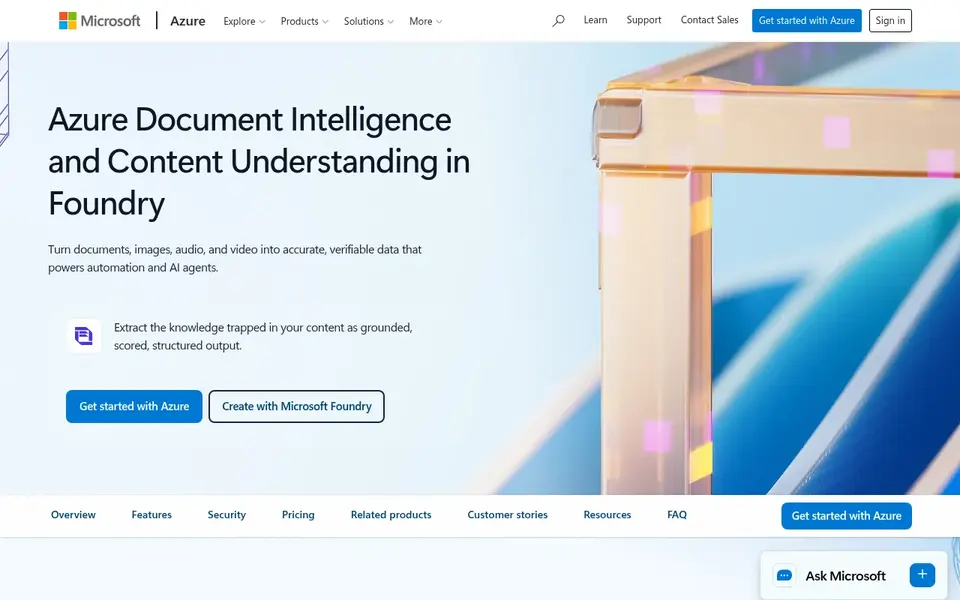
Pick Microsoft Azure AI Document Intelligence if this describes you: Azure-based document extraction. Organizations already working within Azure can add financial document extraction to their existing environment, using models to pull out both raw text and structured fields from forms and statements.
Limits to weigh: Not a consumer PDF editor.
Pricing for Microsoft Azure AI Document Intelligence is not stated here, so ask the vendor for current figures. Trial and free access: Not stated.
- Uses AI models
- Fits Azure-centric environments
- Tied to cloud configuration
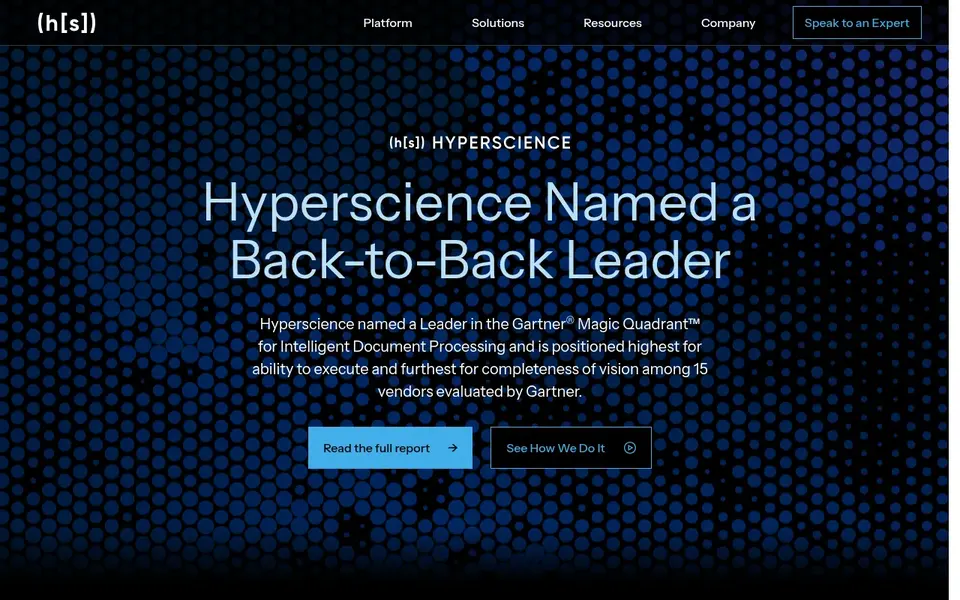
Hyperscience makes the most sense for enterprise document process automation. Consider Hyperscience when the priority is automating document workflows across an organization instead of processing individual files.
Honest limits: Enterprise-focused deployment.
Check the vendor site for Hyperscience pricing; none is listed in this comparison. As for free access: Not stated.
- Targeted at enterprise scale
- Turns unstructured content into structured data
- Less suited to small ad hoc tasks
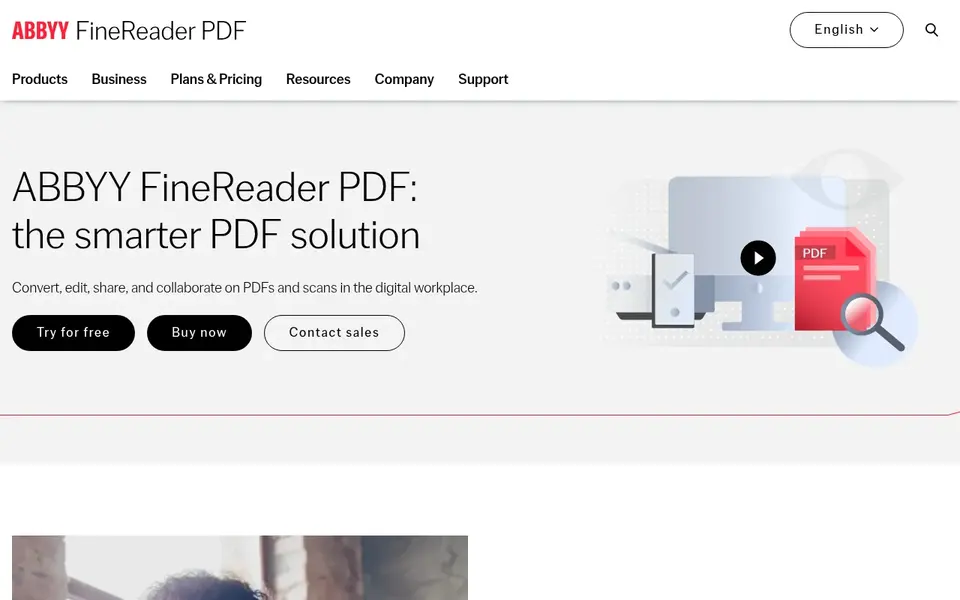
Pick ABBYY FineReader PDF if this describes you: OCR plus everyday PDF editing. Since it centers on interactive PDF work, it is less of a fit for completely automatic, high-volume document pipelines.
The main drawbacks: Less suited to high-volume automation.
Starting cost for ABBYY FineReader PDF: $16 per month. Free plan details: Free trial.
- Share and collaborate in one tool
- Converts PDFs to Excel and Word
- Desktop-centric for numerous tasks
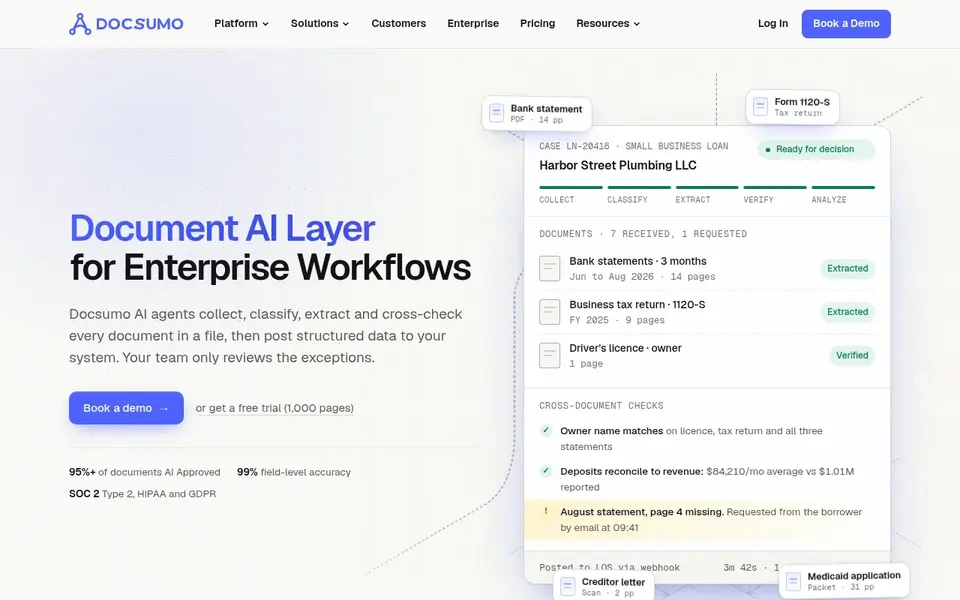
Docsumo serves extracting and cross-checking financial forms. If you need wide document conversion and editing, look to ABBYY FineReader PDF.
Main advantages: Cross-checks bank statements and forms.
Choose Docsumo when statement and form extraction is the central job. Its strength in specific document types means it is not a general PDF editor, and unusual formats may need a different approach. This comparison lists no price for Docsumo; ask the vendor. You can start on Docsumo without paying. Trade-offs to know: Most useful for defined document types.
- AI agents for document extraction
- Takes care of varied financial document types
- Narrower than full PDF editing suites
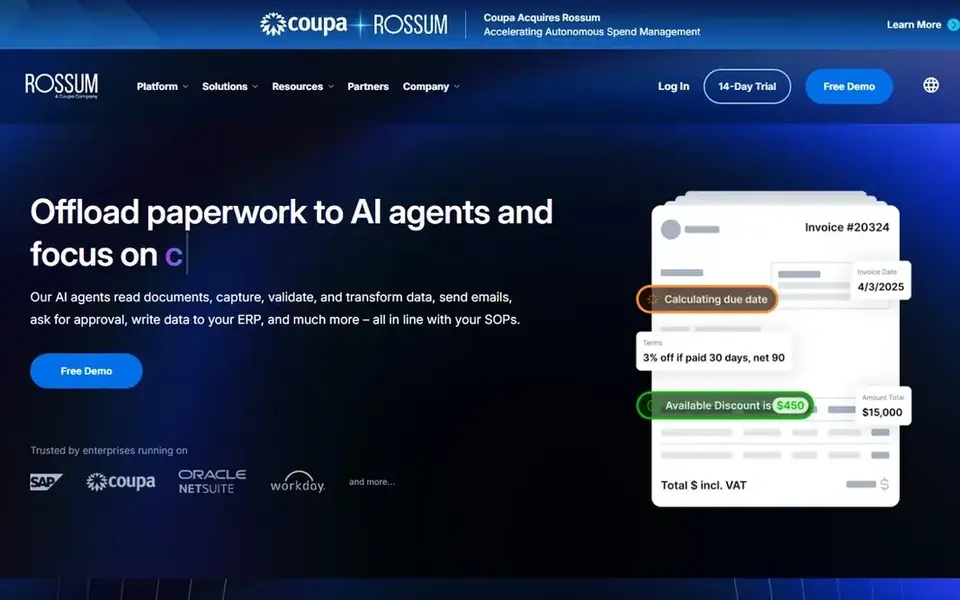
Think of Rossum for transactional document workflows. For finance operations that handle recurring transactional documents, this focus on workflow automation is the primary draw instead of general-purpose document editing. In practice, if your needs lean toward editing PDFs or custom model building, Rossum's transactional emphasis may not handle everything.
Honest limits: Not a general PDF editor.
It is best treated as a workflow automation tool, so pair it with an editor or cloud service for other tasks. Pick it when transactional document handling is the core problem. On cost, Rossum starts like this: $18,000 per year. On free options: Free trial.
- Aimed at transactional workflows
- AI document processing
- Concentrated on transactional use cases
How the list was put together
ProMapRanker looked at what each vendor publishes: pricing, plan limits, feature coverage for OCR AI software for financial documents and stated drawbacks. No hands-on testing is claimed. Prices and plan limits come from vendor pages and can change, so confirm them on the vendor site before you buy. Position on the page reflects fit for a typical buyer first, with price clarity and free access breaking ties. Treat it as a guide, not a ruling.
Questions to settle before buying
- Confirm the entry price on the vendor page. For Microsoft Azure AI Document Intelligence, Hyperscience and Docsumo that means a quote rather than a fixed price.
- Look at the free plan from Docsumo closely: its caps decide whether it is usable for real work.
- Take the trial from ABBYY FineReader PDF and Rossum and push a live task through it before you pay.
- Before choosing Microsoft Azure AI Document Intelligence, weigh its main limit: tied to cloud configuration.
- Check how data leaves ABBYY FineReader PDF: formats, limits and whether exports are available on every plan.
- Ask Rossum which support channels and response times come with the plan you would buy.
Frequently asked questions
Do these tools publish their prices?
Not all of them. Microsoft Azure AI Document Intelligence, Hyperscience and Docsumo publish no starting price, so expect a quote request for those. The rest, ABBYY FineReader PDF included, show a starting price, though seats and billing terms still change the final cost.
Which options for OCR AI software for financial documents have a free plan?
Docsumo is the only tool in this list with a free plan. Free plans usually cap users, projects or features, so check the limits on the vendor page. Several others offer a trial instead.
Is Microsoft Azure AI Document Intelligence the right pick for everyone comparing OCR AI software for financial documents?
No single tool suits every team. Microsoft Azure AI Document Intelligence comes first because it fits Azure-based document extraction, while Hyperscience suits enterprise document process automation and ABBYY FineReader PDF suits OCR plus everyday PDF editing. Match the tool to your own size, budget and workflow before deciding.
Can I try these tools before paying?
Often, yes. Docsumo has a free plan and ABBYY FineReader PDF and Rossum offer a free trial. Use your own data and a real task during the test, and check what the free tier or trial limits before you rely on it.
Sources
See where you really rank - block by block
ProMapRanker scans Google Maps across a grid of your service area. Simple monthly plans from $19, white-label on every plan.
Start freeBrowse all guides
← 5 Best AI Financial Predictive Analytics Software for 2026Best AI Tools for Making Money Online in 2026 →
 best cash management software for franchised restaurants
Cash Management Software for Franchised Restaurants (2026)
5 best cash management software for franchised restaurants, with entry costs, free tiers and the buyer each one serves. Prices and drawbacks included.
Read → top grant management software
Top Grant Management Software in 2026
Compare top grant management software for funders and nonprofits, with tracking, applications, reviews, payments, reporting, and pricing for 2026 for buyers.
Read → best apps to make money playing games
Best Apps to Make Money Playing Games in 2026
Compare the best apps to make money playing games, from Mistplay and Freecash to Swagbucks and KashKick, with realistic payouts and honest limits for players.
Read → quenza alternatives
Best Quenza Alternatives in 2026
The best quenza alternatives for US coaches and therapists in 2026, compared on client engagement, scheduling, payments and price for growing practices.
Read → best online prescription service
Best Online Prescription Services in 2026
Compare the best online prescription services, from Sesame and GoodRx Care to Teladoc and Ro, with visit prices, insurance, and safety limits. before you book.
Read → best fintech app for personal banking
Best Fintech App for Personal Banking in 2026
Find the best fintech app for personal banking. We compared 9 fintech banking apps on fees, early pay, savings tools, ATM access and travel features in 2026.
Read →More in Accounting & Finance · All guides A to Z by date · Latest guides