 ProMapRanker
Best Nutrition Analysis Software in 2026


Detailed personal nutrition tracking · Pricing starts at: $10.99 per month
Key takeaways
- Cronometer and MyFitnessPal suit personal tracking, while Nutrium and NutriAdmin suit professional practice.
- Recipe and label analysis tools such as ESHA Genesis R&D and Nutritics suit food businesses and formulators.
- Food database size, micronutrient detail, and export options matter more than a long feature list.
- This software gives general information only and is not medical advice or a substitute for a clinician.
Quick comparison
| Pick | Great for | Pricing starts at | Free tier | |
|---|---|---|---|---|
| Cronometer | Detailed personal nutrition tracking | $10.99 per month | Yes | Visit |
 Nutrium | Dietitian practice and meal plans | $15 per month | Free trial | Visit |
 NutriAdmin | Nutritionist client management | $34.99 per month | Free trial | Visit |
 MyFitnessPal | Simple food logging at scale | $79.99 per year | Yes | Visit |
 Nutritionix | Food data and menu analysis | $75 per month | Free trial | Visit |
 Nutritics | Professional recipe and label analysis | See website | Free trial | Visit |
 Practice Better | Practice tools plus nutrition plans | $25 per month | Free trial | Visit |
 ESHA Genesis R&D | Food product formulation and labels | See website | No | Visit |
The best nutrition analysis software
Nutrition analysis covers personal food logging, professional client work, and food product analysis, so the right tool depends on the job. We compared official pricing pages and feature documentation for tools that analyse nutrients, recipes, or client diets in a practical way.
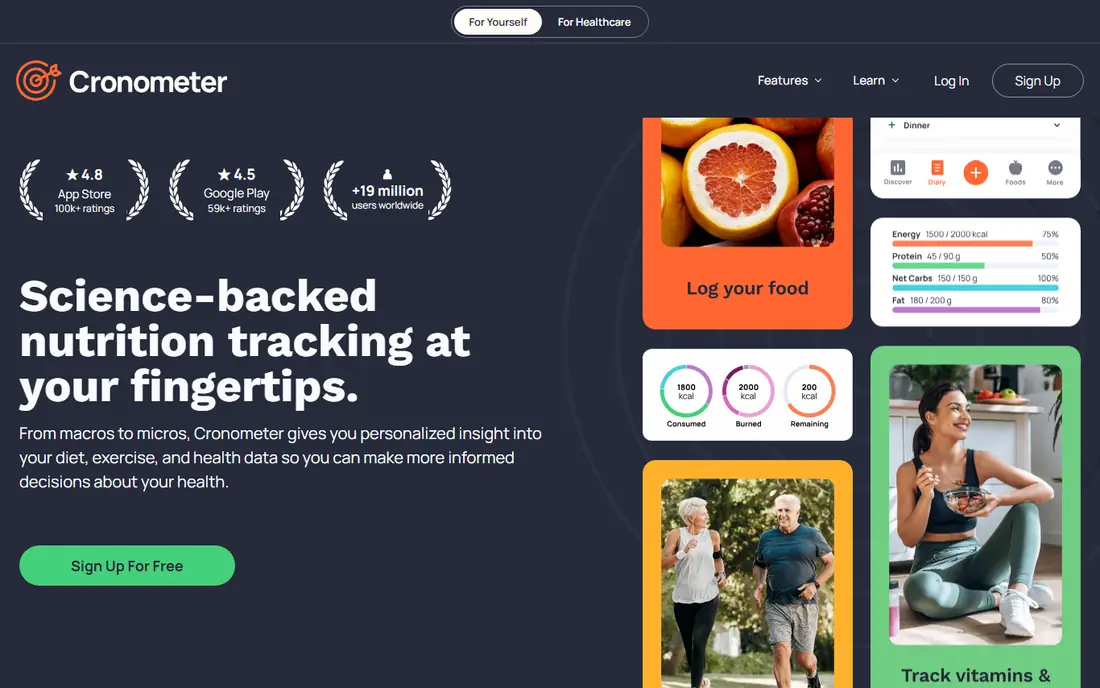
Cronometer stands out for people who want more than calories and macros. It tracks vitamins, minerals, and other nutrients in detail, with food entries that are curated more tightly than in many crowd-sourced databases. Barcode scanning, custom recipes, and fasting or biometric tracking add depth for users who log daily.
The detail can feel dense at first, especially for users who only want quick calorie counts. Paid features also gate some analysis and customisation, so casual loggers may stay on the free plan and still get a useful core experience.
- Detailed micronutrient data
- Barcode and recipe tools
- Strong database curation
- Interface is data-dense
- Some premium features need a paid plan
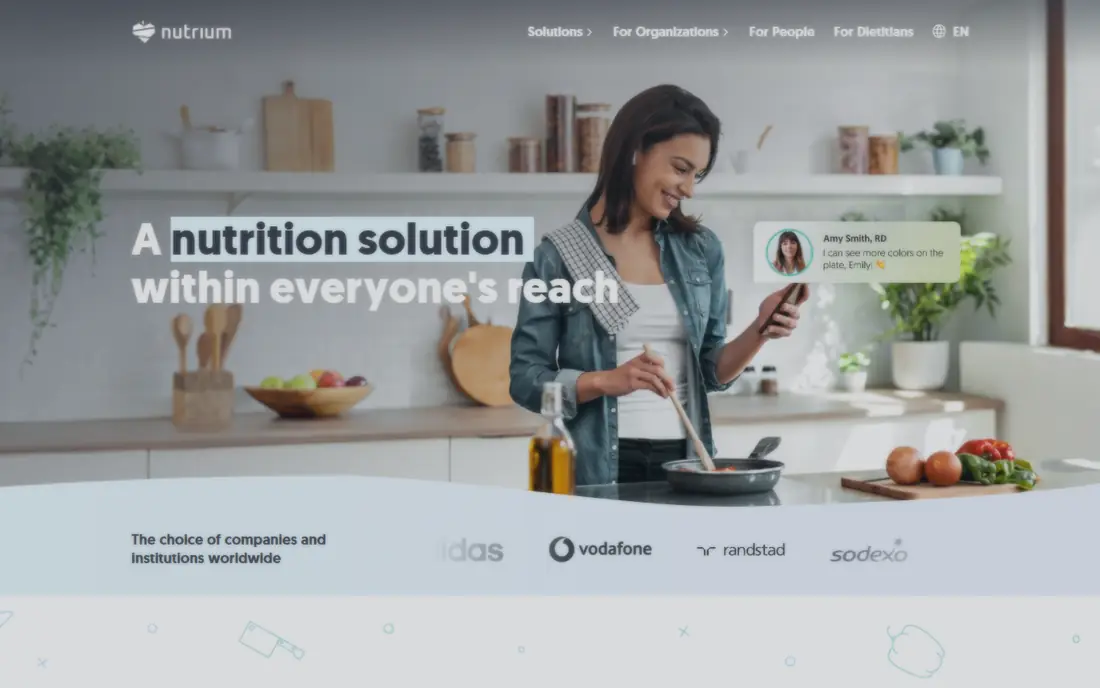
Nutrium is built for dietitians and nutrition professionals who manage clients, analyse diets, and create meal plans in one place. Professionals can assess intake, build personalised plans with recipes, and track client progress, while clients log food and measurements in a mobile app. Scheduling, messaging, and payments are also included on supported plans.
The entry plan limits how many clients can be added per month, so growing practices need to check the next tier. Pricing also varies by region and currency, so confirm the price shown for your location before budgeting.
- Client meal planning
- Diet analysis
- Mobile app for clients
- Entry plan limits client numbers
- Pricing varies by region
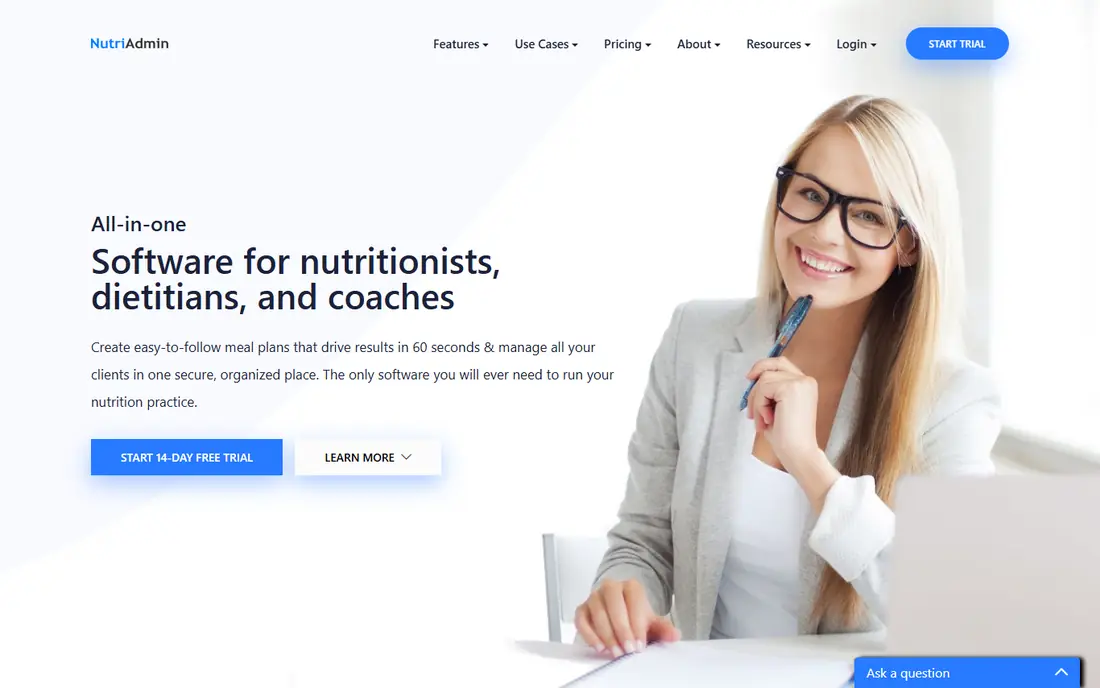
NutriAdmin combines client management with meal planning, questionnaires, and progress tracking for nutrition professionals. Practitioners can store client records, create meal plans, and follow changes in weight, measurements, and habits over time. That mix suits solo practitioners who want practice tools and nutrition analysis together.
The starting price is higher than some rivals, and there is a free trial rather than a permanent free plan. Teams that only need recipe analysis, without client management, may find a narrower tool cheaper.
- Client records and meal plans
- Questionnaires
- Progress tracking
- Higher starting price than Nutrium
- No permanent free plan
MyFitnessPal is the most familiar food logging app for many users, with a very large database and barcode scanning that make logging fast. It tracks calories, macros, exercise, and weight, and connects with many fitness apps and devices. For general tracking, that speed matters more than laboratory-grade detail.
The trade-off is depth. Micronutrient analysis is less detailed than Cronometer, and features such as custom macro goals and deeper reports sit in the premium plan. It suits everyday logging better than professional nutrition analysis.
- Very large food database
- Barcode scanning
- Wide app integrations
- Micronutrient detail is thinner
- Premium features sit behind paywall
Nutritionix provides food data, natural language food search, and tools for restaurants and food businesses to publish nutrition information. Its database and API support menu analysis, nutrition labelling support, and app development, which makes it useful beyond personal logging. Businesses can help customers see nutrition details for custom meals and menu items.
For individual users, it is less of a daily tracker than Cronometer or MyFitnessPal. Pricing is aimed at business use, so solo users should check whether the plan fits a personal project before signing up.
- Large branded food database
- Restaurant and menu tools
- API access
- Business pricing is higher
- Personal tracking is not the main focus
Nutritics is used by nutrition professionals, food businesses, and educators for recipe analysis, menu costing, and nutrition label support. It helps users analyse recipes against professional food databases, check allergens, and produce outputs for menus or product work. That focus makes it stronger for professional analysis than for casual calorie counting.
Pricing is not published as a single starting figure, so buyers need a quote or trial to confirm costs. New users may also need time to learn the professional workflow, especially if they have only used consumer tracking apps before.
- Recipe costing and analysis
- Label generation support
- Professional databases
- Pricing is not published as a simple plan
- Learning curve for new users
Practice Better is a practice management platform for health and wellness professionals, with client portals, programs, forms, scheduling, and nutrition tools. Practitioners can deliver meal plans and protocols, track client progress, and manage appointments in one system. That breadth suits professionals who need practice administration as well as nutrition work.
Because nutrition is one part of a wider suite, pure recipe analysis is less central than in Nutritics or ESHA Genesis R&D. Setup also takes time, since forms, programs, and client workflows need configuring before the system feels routine.
- Client portal and programs
- Forms and scheduling
- Nutrition plan tools
- Nutrition analysis is part of a wider practice suite
- Setup takes time
ESHA Genesis R&D is a professional tool for food manufacturers, formulators, and consultants who analyse recipes and create nutrition labels. It supports formulation, ingredient analysis, and label outputs for product development and regulatory work. Food businesses use it when accuracy, ingredient control, and label formatting matter.
It is not a consumer tracker and pricing is quote-based, so it fits companies and professional users rather than individuals. Smaller food businesses should confirm the licence type and database access before committing, since those details affect total cost.
- Professional food formulation
- Label and compliance support
- Large databases
- Quote-based pricing
- Aimed at businesses, not personal tracking
How we picked these
We compared official pricing pages, feature pages, and public documentation for software that analyses food, recipes, or client diets. We looked for nutrient detail, database quality, recipe tools, client features where relevant, and export or label outputs. We left out general fitness apps with no nutrition analysis, and tools whose pricing or product status could not be confirmed.
Choosing the right nutrition analysis tool
Start with the user. Personal trackers need fast logging and a reliable database, professionals need client records and meal plans, and food businesses need recipe formulation and label support. A tool that tries to serve all three groups may do none of them well.
Check the database next. Look at micronutrient coverage, branded foods, and recipe handling, plus whether exports keep the detail you need. Finally, remember the limits of the data. This software provides general information only and is not medical advice. For medical conditions, pregnancy, or a therapeutic diet, speak to a qualified clinician before acting on analysis results.
Also check how the database handles branded foods, restaurant items, and homemade recipes, since those entries decide daily accuracy. A tool with strong generic foods but weak branded coverage will force more manual entry, while a tool with crowd-sourced entries may include errors. Test ten foods you eat often, compare the nutrient values with label data, and see how long logging takes each day.
Finally, think about who will see the data. Professional tools should offer clear client permissions, secure storage, and export options, while personal tools should explain what is shared with third parties. Good analysis is only useful if the data behind it is accurate, private, and easy to review over time.
Frequently asked questions
What is nutrition analysis software?
It analyses foods, recipes, meals, or client diets for calories, macronutrients, micronutrients, and sometimes allergens. Personal tools focus on daily logging, while professional tools add client management, recipe costing, or label outputs.
Is nutrition analysis software medical advice?
No. These tools provide general information based on food data and user entries. They do not diagnose, treat, or replace advice from a qualified clinician, especially for medical conditions or restricted diets.
Which tool is best for dietitians?
Nutrium and NutriAdmin suit dietitian practice, since they combine client records, diet analysis, and meal planning. Practice Better suits professionals who also need scheduling, forms, and client programs in one system.
Which tool is best for recipe analysis?
Nutritics and ESHA Genesis R&D suit professional recipe analysis, costing, and label work. Cronometer also handles personal recipes well, but it is not built for commercial label production.
Can I use these tools for free?
Cronometer and MyFitnessPal offer free plans for personal tracking, while several professional tools offer free trials rather than permanent free plans. Check what the free tier includes, since premium analysis, exports, and client limits often sit behind paid plans.
Sources
See where you really rank - block by block
ProMapRanker scans Google Maps across a grid of your service area. Simple monthly plans from $19, white-label on every plan.
Start freeKeep reading
 what’s the best risk software for enterprises
What Is the Best Risk Software for Enterprises in 2026
We compared what’s the best risk software for enterprises on risk registers, controls, third-party risk, and reporting, with pricing notes for large teams.
Read → what's the best pam software for enterprises
What is the Best PAM Software for Enterprises in 2026
Find what's the best pam software for enterprises, with vaulting, session recording, just in time access and pricing compared for large enterprise IT teams.
Read → what’s the best grc software
What Is the Best GRC Software in 2026
We compared what’s the best grc software on risk, compliance, audit and vendor risk, so teams can pick a platform that fits their frameworks and budget.
Read →