 ProMapRanker
Best Nursery Management Software in 2026


Nurseries wanting billing plus parent communication · Pricing starts at: $49 per month
Key takeaways
- Billing and attendance drive most of the time saving, while parent updates drive most of the satisfaction.
- Published prices vary by country and capacity, so get a written quote for your exact enrolment before signing.
- Child-data privacy deserves a direct question: who can see photos, how long data is kept, and how you export it.
- A tool that staff find slow at drop-off will fail, even if its billing features look strong.
- Choose school-safe tools only, with role-based access, and keep photo sharing under clear parent consent rules.
Quick comparison
| Pick | Great for | Pricing starts at | Free tier | |
|---|---|---|---|---|
| Famly | Nurseries wanting billing plus parent communication | $49 per month | Free trial | Visit |
 brightwheel | US programs wanting a simple parent experience | See website | Yes | Visit |
 Procare | Larger centres needing deep administration | See website | No | Visit |
 Lillio | Learning documentation and daily journals | See website | Free trial | Visit |
 Kangarootime | Multi-site groups and growing centres | See website | Free trial | Visit |
 Playground | Modern billing plus family engagement | $50 per month | Free trial | Visit |
 illumine | Transparent per-child pricing | $0.99 per child per month | Free trial | Visit |
 Sandbox | Centres wanting a straightforward all-in-one | See website | Free trial | Visit |
The best nursery management software
Nursery software should cut admin work without turning the classroom into a data-entry job. The tools below cover attendance, billing, parent communication and learning records, with different strengths for small nurseries and larger groups. We note child-data privacy throughout, because photos and learning records need tighter care than ordinary business data.
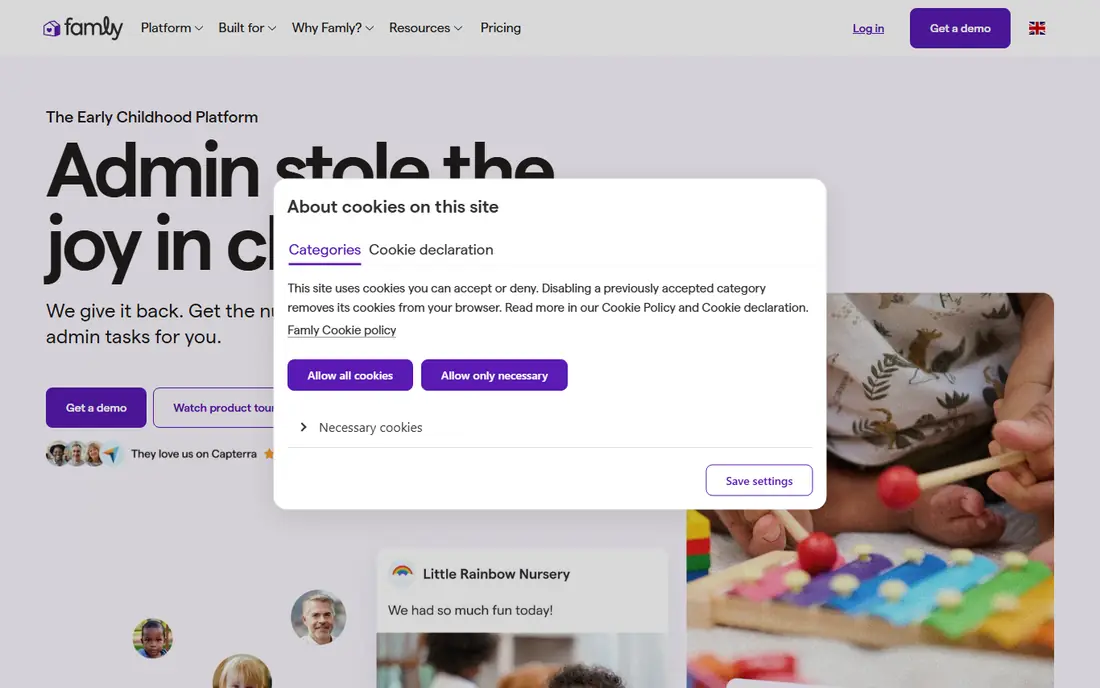
Famly is a strong all-in-one choice for nurseries that want billing and family communication in one place. It covers invoicing and payments, attendance and check-in, daily updates with photos, observations and learning journeys, and messaging that can be translated for families. That combination reduces the number of separate apps a director must check each day.
Pricing needs care, because published starting figures differ by market and older listings do not always match the current quote. Get a written price for your capacity and check which staff-management features are included. Also confirm photo permissions, access roles and data export before you move records across.
- Combines billing, attendance, observations and messaging
- Multi-site support
- Translated parent messaging
- Starting price varies by market and capacity
- Deeper staff tools sit on higher tiers
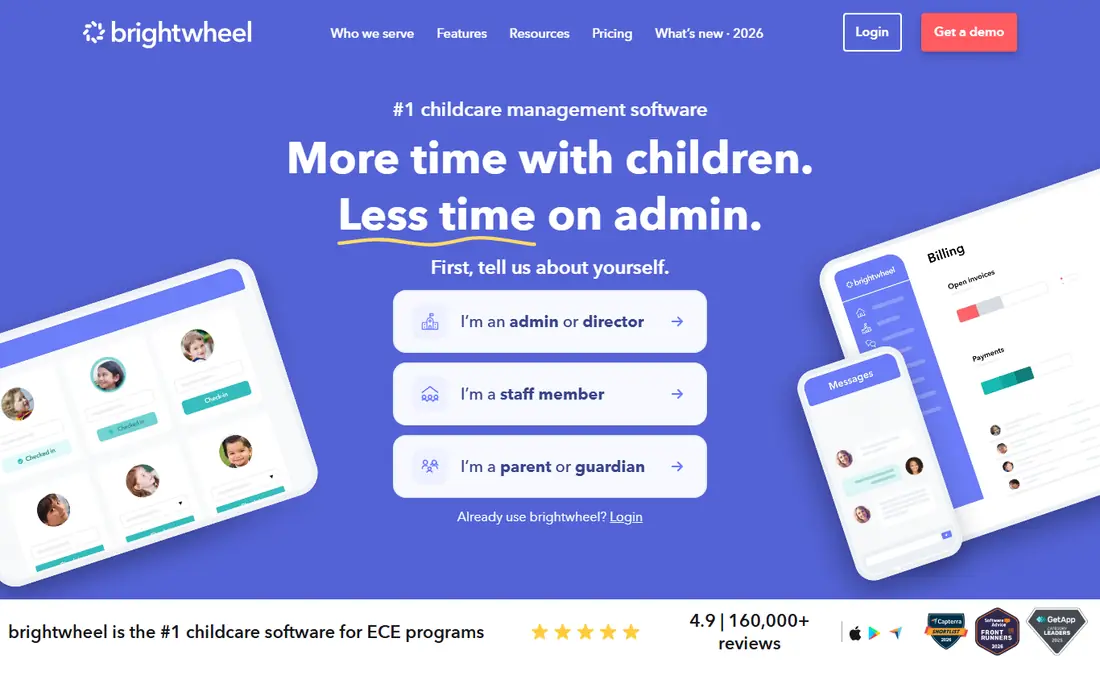
Brightwheel is known for simplicity. Families get a clear app for check-in, daily reports, photos and billing, while staff get attendance, messaging and reporting without a steep learning curve. A free basic option makes it easy to start, which helps small programs that only need core daily tools at first.
The trade-off is pricing transparency for the full platform. Paid tiers are quoted, so a small program should ask exactly which billing, lesson-planning and reporting features are included at its price. Check payment processing fees separately, because they can change the monthly total.
- Simple check-in, billing and parent app
- Free basic option for core tools
- Widely used in the US
- Full pricing is quote-based
- Paid features vary by plan
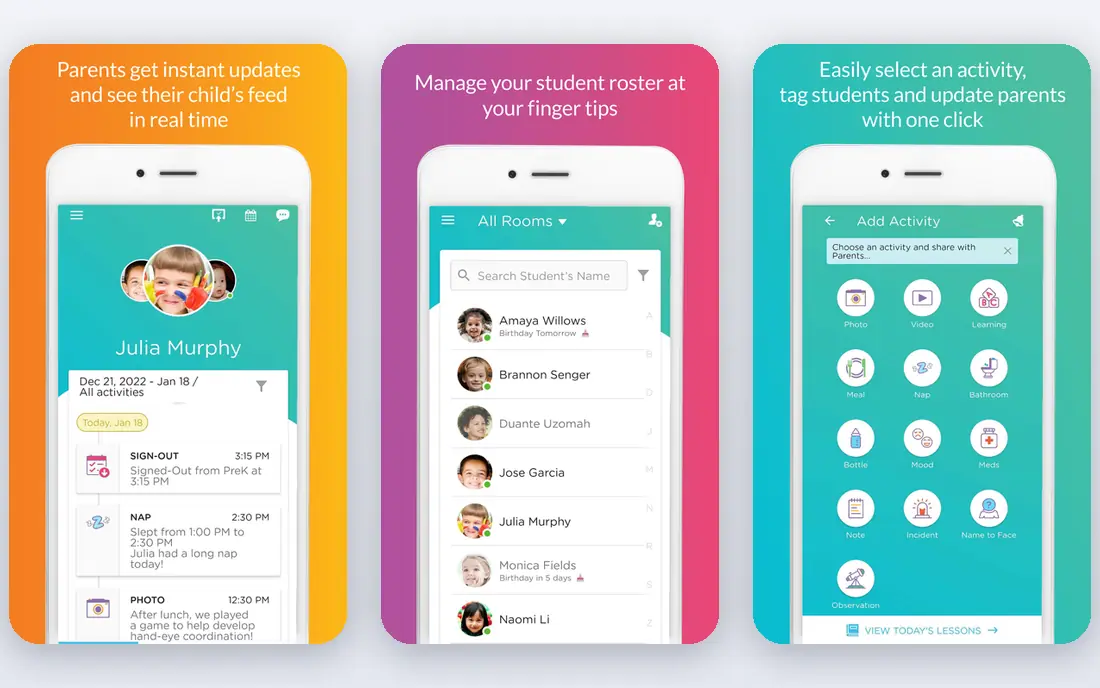
Procare suits larger centres and groups that need more than a parent app. It covers family registration and enrolment, tuition billing and payments, attendance, staff and payroll-related administration, and reporting across sites. That depth helps a director who must manage capacity, revenue and compliance reporting in one system.
For a single small nursery, that depth can feel heavy and the modular pricing can be hard to compare at a glance. Ask for a written breakdown of modules, hardware such as check-in kiosks, and implementation costs. Smaller programs may get better value from a simpler tool, even if Procare looks more complete on paper.
- Deep enrolment, billing, payroll and reporting depth
- Multi-site support
- Long history in childcare
- Modular, quote-based pricing
- Setup can feel heavy for a small nursery
Lillio, formerly HiMama, leans into the classroom side of nursery work. Teachers can document daily activities, observations and milestones, share journals with families, and link learning to frameworks. For programs where parent trust comes from seeing learning, not only billing, that focus is a real strength.
It is less of a back-office payroll system than Procare, so centres that need deep payroll should check that gap before choosing. Also confirm the current quote, because Lillio does not publish a simple rate card. Trial it with real classroom staff, not only managers, to see if daily logging stays quick.
- Strong daily documentation and learning frameworks
- Parent-facing journals
- Formerly HiMama, with a large user base
- Pricing is quote-based
- Payroll depth is limited compared with Procare
Kangarootime is built for centres that are growing or running more than one site. It combines enrolment, billing, attendance, staff scheduling support and parent communication, with reporting that helps owners compare sites. That scope suits a group that has outgrown a single-site tool but does not want the heaviest enterprise system.
As with most tools in this category, the price arrives as a quote, so compare it on your actual enrolment and site count. Check how easily you can move data out, how photo access is controlled, and whether support hours match your operating hours.
- Billing, enrolment and parent communication in one system
- Multi-location reporting
- Support-focused onboarding
- Pricing is quoted
- Some advanced features vary by plan
Playground positions itself as a modern alternative to older childcare systems, with billing, enrolment, attendance and parent messaging in a clean interface. Its published starting figure of $50 per month gives small centres a clearer starting point than quote-only rivals, although the final bill still depends on features and payment processing.
Test the daily workflow at drop-off and pick-up, because that is where a pretty system either saves time or creates a queue. Also ask about subsidy billing, late-fee rules and reporting, since those details vary by program and matter more than the home screen.
- Modern billing, enrolment and messaging design
- Multi-site options
- Automated billing workflows
- Published starting price may not include every add-on
- Check payment fees
Illumine stands out for pricing clarity. Its starting figure of $0.99 per enrolled child per month, with a free trial, makes budgeting simple for a small or mid-sized program. It covers billing, attendance, parent communication and learning-related tools, with enrolment and multi-centre features on higher tiers.
Per-child pricing still needs a total, not only a rate. Multiply by your real enrolment, check what happens as children join or leave mid-month, and confirm payment fees. If your enrolment is large, compare the total against a flat-rate tool such as Famly or Playground before deciding.
- Clear per-child starting price
- Billing, attendance and parent communication
- Multi-centre options on higher tiers
- Higher-tier features are needed for some multi-site tools
- Pricing can rise with enrolment
Sandbox offers a practical all-in-one for centres that want attendance, billing, invoicing, reporting and parent communication without a complex enterprise setup. Its interface is designed for daily use by directors and teachers, and it suits single centres as well as small groups.
The main limit is pricing transparency and ecosystem size compared with the largest platforms. Ask for a written quote, check integrations with your accounting tool, and confirm how child photos and records are protected and exported. A short trial with your own families will show whether staff actually use it at busy times.
- Attendance, billing, reporting and parent communication
- Straightforward setup
- Canadian and US use
- Pricing is quoted
- Smaller ecosystem than the largest US platforms
How we picked these
We compared official product pages, pricing pages where published, and public feature documentation for tools that are in active use for nurseries, preschools and childcare centres in 2026. We favoured tools covering at least attendance, billing and parent communication, and we wrote See website where a vendor did not publish a verifiable price. We did not rank tools on review scores alone.
What to check before you buy
Run a drop-off test before you sign. Time check-in, test the parent app on a slow phone, and check what happens when the internet drops. Ask who can view each child's photos, how long photos and records are kept, how parents give and withdraw photo consent, and how you export all records if you leave. Keep access role-based, limit admin rights, and avoid sharing child photos on public channels.
Also check billing details: payment processing fees, late-fee rules, subsidy handling, refund handling and year-end reporting. A tool that handles billing well but makes subsidy billing painful will still leave your office with manual work.
Frequently asked questions
What is nursery management software?
It is software for nurseries and childcare centres that covers enrolment, attendance, billing, staff records, parent communication and learning documentation in one system.
How much does nursery management software cost?
Costs range from a free basic plan to flat monthly rates around $49 to $50 per month, per-child pricing from $0.99 per child per month, and quoted enterprise pricing. Always get a written total for your enrolment.
Is it safe to share child photos through these apps?
It can be, if access is role-based, photos are limited to authorised family members, and consent is recorded. Ask about data retention, export and deletion before you enable photo sharing.
Can small nurseries use these tools?
Yes. Start with a simple tool, such as brightwheel for core features or illumine for clear per-child pricing, and move to a deeper system only when billing or multi-site reporting demands it.
What happens to our data if we cancel?
That depends on the vendor contract. Ask how to export attendance, billing and learning records, how long data is kept after cancellation, and how deletion is confirmed.
Do these tools handle staff scheduling?
Some do, while others focus on billing and parent communication. Check staff scheduling, qualifications tracking and rota tools on the exact plan you would buy.
Sources
See where you really rank - block by block
ProMapRanker scans Google Maps across a grid of your service area. Simple monthly plans from $19, white-label on every plan.
Start freeKeep reading
 what’s the best risk software for enterprises
What Is the Best Risk Software for Enterprises in 2026
We compared what’s the best risk software for enterprises on risk registers, controls, third-party risk, and reporting, with pricing notes for large teams.
Read → what's the best pam software for enterprises
What is the Best PAM Software for Enterprises in 2026
Find what's the best pam software for enterprises, with vaulting, session recording, just in time access and pricing compared for large enterprise IT teams.
Read → what’s the best grc software
What Is the Best GRC Software in 2026
We compared what’s the best grc software on risk, compliance, audit and vendor risk, so teams can pick a platform that fits their frameworks and budget.
Read →