 ProMapRanker
Best Notification Software for Enterprise Use in 2026


Enterprise incident response and on-call · Pricing starts at: See website
Key takeaways
- Enterprise notification work splits into two jobs: incident alerts for on-call teams, and product notifications for customers and users.
- PagerDuty, Opsgenie, xMatters, and Splunk On-Call suit incident response, while Courier, Knock, and Novu suit product notification workflows.
- Pricing is often per user, per message, or per workflow run, so model your real volume before comparing headline prices.
- Delivery controls such as escalation, quiet hours, preferences, and audit logs matter more at enterprise scale than a long channel list.
Quick comparison
| Pick | Great for | Pricing starts at | Free tier | |
|---|---|---|---|---|
| PagerDuty | Enterprise incident response and on-call | See website | Free trial | Visit |
 Opsgenie | Atlassian teams that need on-call routing | See website | Free trial | Visit |
 xMatters | Complex incident workflows and automation | See website | Free trial | Visit |
 Splunk On-Call | Splunk teams that need incident alerting | See website | Free trial | Visit |
 Everbridge | Critical event alerts across large organisations | See website | No | Visit |
 OneSignal | Large-scale push and messaging | Free | Yes | Visit |
 Courier | Multi-channel product notification orchestration | Free | Yes | Visit |
 Knock | Product notifications with preferences and batching | Free | Yes | Visit |
 Novu | Open source notification infrastructure | Free | Yes | Visit |
The best notification software for enterprise use
An enterprise notification platform must route the right message to the right person, prove delivery, and stay calm under load. The tools below do that job in different ways, so match the tool to incident work or product work first.
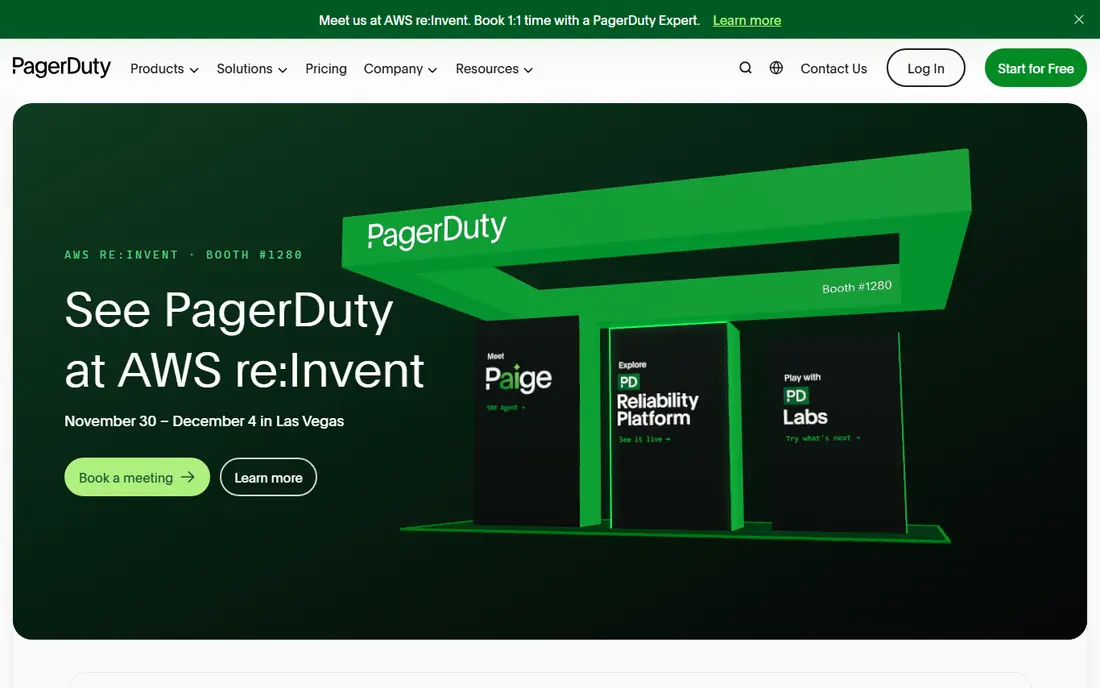
PagerDuty is the default enterprise pick for incident response, and the reason is depth rather than novelty. On-call schedules, escalation policies, and alert grouping help a large team avoid paging the wrong person at 3 a.m., and integrations with monitoring tools keep alerts in one place. Analytics and automation then help teams see repeat incidents and reduce noise over time.
The cost is complexity and price opacity. Larger deployments usually need a sales quote, and building routing rules for many services takes planning. For a small team with one service, that may be more than needed. For an enterprise with many services and strict response targets, PagerDuty is a proven, scalable choice.
- Mature on-call schedules and escalation
- Broad monitoring integrations
- Incident analytics and automation
- Pricing needs a quote for larger teams
- Setup takes time for complex routing rules
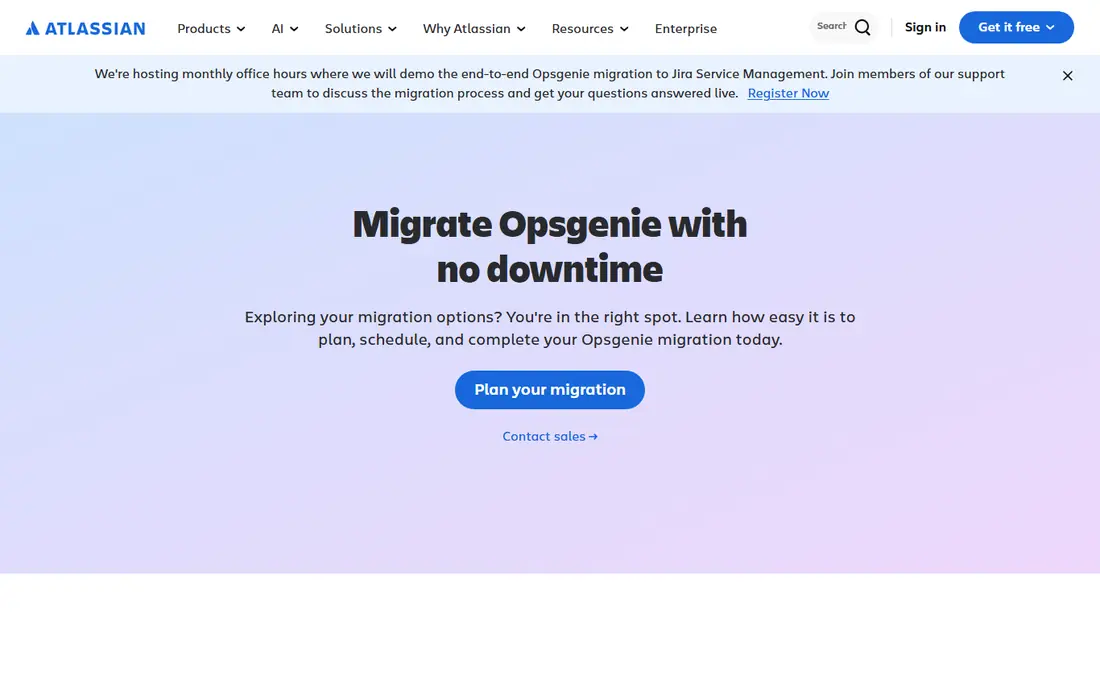
Opsgenie fits teams that already live in Atlassian tools. Alerts flow into Jira work, on-call schedules are easy to read, and escalation rules keep incidents moving when the first responder is busy. For a team that already tracks incidents in Jira, that link removes a lot of copy work between systems.
The main caution is roadmap. Atlassian has been consolidating operations products, so enterprise buyers should confirm the current plan for Opsgenie and its link to Jira Service Management before signing a long term. If the Atlassian fit is strong and the roadmap checks out, Opsgenie remains a practical incident alerting pick.
- Clear on-call schedules and escalation
- Strong Jira integration
- Alert rules and notifications across channels
- Future roadmap needs checking as Atlassian consolidates operations tools
- Enterprise pricing needs a quote
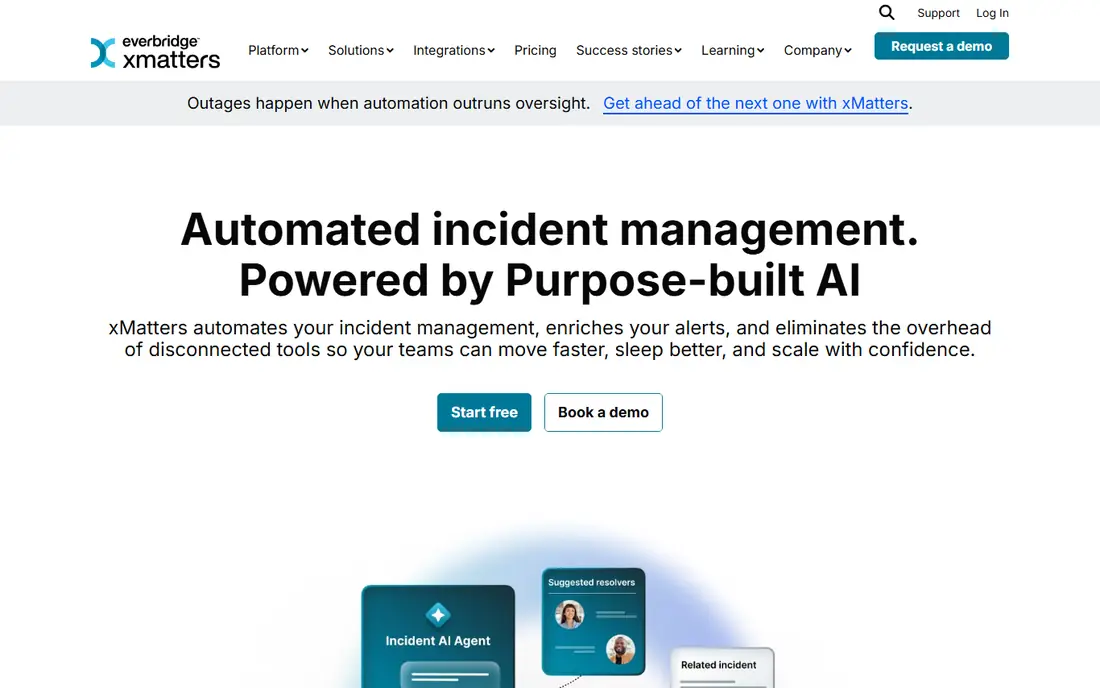
xMatters suits enterprises where an incident is not just a page, but a workflow. You can design multi-step responses, send alerts across voice, SMS, push, and email, and track who responded and what they chose. That structure helps large organisations with compliance needs, since the response trail is visible after the incident ends.
Simpler teams may find the design step heavy. Building workflows takes more thought than turning on a basic escalation rule, and pricing comes through a quote. For regulated or complex operations, that extra design work pays off. For a small on-call rotation, a lighter tool may be faster to run.
- Flexible incident workflows
- Multi-channel alerts with response tracking
- Automation for routine incident steps
- Quote-based pricing
- Workflow setup takes more design time than simpler alert tools
Splunk On-Call, formerly VictorOps, is the natural alerting layer for teams already using Splunk for logs and observability. Alerts carry context from Splunk data, incident timelines stay in one place, and on-call schedules route work without a separate paging tool. That closeness reduces the time spent switching tools during an incident.
Outside Splunk, the case is weaker. A team that does not use Splunk may get similar alerting from PagerDuty or Opsgenie with less ecosystem lock-in. Inside Splunk, though, On-Call is a coherent pick, especially where dashboards and alert history already live in Splunk.
- Ties alerting to Splunk data and dashboards
- On-call schedules and escalation
- Incident timelines
- Best value inside the Splunk ecosystem
- Pricing needs a quote
Everbridge is built for critical events that affect people, not just systems. It can send mass notifications across SMS, voice, email, and app alerts, and it supports critical event workflows for safety, travel, and operational incidents. Large organisations use it when a message must reach staff, residents, or visitors quickly and reliably.
That scale makes it a poor fit for ordinary product notifications. The sales process is enterprise-led, and the platform is heavier than a developer notification API. If your need is staff safety or organisation-wide alerts, Everbridge is a serious option. If you need in-app product messages, choose a product notification tool instead.
- Mass notification across many channels
- Critical event management
- Strong reach for staff and public alerts
- Enterprise sales process
- Overkill for small product notification needs
OneSignal is the volume pick for customer messaging. The free tier covers mobile push and a set of web push subscribers, and paid tiers add segmentation, journeys, and confirmed delivery. For an enterprise app with a large audience, that combination of push, email, SMS, and in-app messaging in one dashboard is hard to match for the price.
The trade is control. Preference handling is built around subscriptions and tags rather than a fully flexible per-user channel model, and debugging single-message delivery is thinner than on Knock or Courier. If your main job is reaching a large audience, OneSignal is excellent. If you need fine-grained product notification logic, pair it with a workflow tool or choose one instead.
- Free tier for mobile push
- Segmentation and journeys
- Email, SMS, and in-app messages alongside push
- Pricing scales with audience size
- Preference controls are less flexible than infrastructure tools
Courier suits product teams that want one notification layer across providers. You define templates and routing once, then send across email, push, SMS, and chat without rebuilding each channel in app code. Bringing your own providers keeps delivery flexible, and the free developer tier lets a team prototype before committing.
The cost model needs care. Courier counts sends per channel, so a message that fans out to email, push, and SMS counts as three sends, and provider charges sit on top. Model a real user journey, not a single send, before you budget. For teams that value provider freedom and code-based templates, Courier is a strong enterprise building block.
- One API across email, push, SMS, and chat
- Templates and provider routing in code
- Free developer tier
- You still pay underlying providers for SMS and email
- Usage is counted per send per channel
Knock is built for product notifications that respect user choice. Workflows handle preferences, batching, digests, and quiet hours, so users get fewer, better messages instead of a stream of single alerts. Delivery logs help product and support teams trace a specific notification, which matters when a customer asks why a message did or did not arrive.
Pricing takes planning. The free developer tier covers a set number of messages, and the starter paid tier is a larger step, so model monthly message volume across channels before you commit. For enterprises where notification quality and user control are product features, Knock is a thoughtful, developer-friendly pick.
- Cross-channel workflows with preferences
- Batching, digests, and quiet hours
- Delivery observability
- Starter paid tier is a step up from free
- Message counting needs volume modelling
Novu gives enterprises a choice that most rivals do not: run the open source core yourself, or use the managed cloud. Workflows route across inbox, email, SMS, push, and chat, with delays, digests, and fallbacks built in. Prebuilt inbox and preference components save frontend time, including quiet hours and snooze controls.
The planning question is volume. One workflow trigger that fans out to many subscribers can count as many runs, so forecast with real user journeys. Self-hosting also adds operational work, even though it removes the licence fee. For teams that want control and auditability, Novu is a flexible enterprise option.
- Open source core you can self-host
- Workflow routing across inbox, email, SMS, and push
- Prebuilt inbox and preference components
- Volume unit takes forecasting care
- Enterprise features sit on higher tiers
How we picked these
We compared official product pages, pricing pages, and documentation for incident alerting and product notification platforms, and we checked which tools still offer enterprise controls such as escalation, preferences, audit logs, and multi-channel delivery in October 2026. We grouped incident tools and product tools separately, since buying one for the other's job is a common mistake. We did not claim hands-on testing, and we used See website where pricing needs a quote or depends on volume.
What to check before you buy
Start by naming the job. Incident tools need on-call schedules, escalation, alert grouping, and a clear incident trail. Product tools need templates, preferences, batching, and delivery logs for individual users. A tool that does both passably may still lose to a specialist in the job you do most.
Next, model volume in the vendor's unit. Per-user, per-message, per-send, and per-workflow-run pricing produce very different bills for the same user journey, especially when one trigger fans out across channels. Ask for a quote based on your monthly messages, users, and channels, not on a single plan page.
Finally, test failure handling. Check retries, provider fallback, quiet hours, and audit logs during a trial, and confirm data residency and security reviews for enterprise use. A notification system that works on a quiet day but fails silently under load is worse than no system at all.
Frequently asked questions
What is the difference between incident and product notification software?
Incident software alerts on-call staff about system problems, with schedules and escalation. Product software sends messages to customers and users, with templates, preferences, and delivery tracking. Some enterprises need both, but they are different jobs.
Do I need an enterprise plan for a small team?
Not always. Developer tiers and free plans can carry a small team, but enterprise plans add controls such as SSO, audit logs, higher limits, and support guarantees. Buy the enterprise tier when compliance, volume, or uptime demands it.
How is notification pricing usually charged?
Vendors charge per user, per message, per send per channel, or per workflow run, and underlying SMS and email provider costs may sit on top. Always model a full user journey, including multi-channel fan-out, before comparing prices.
Can one tool handle both incident alerts and product messages?
Some platforms cover both at a basic level, but specialists usually do each job better. Many enterprises run an incident tool for on-call work and a product tool for customer messages, with clear ownership for each.
What should I test during a trial?
Test escalation when the first responder is busy, quiet hours and preferences, delivery logs for a single user, provider fallback, and reporting. Also check how the tool handles a burst of alerts, since calm-day performance does not prove incident readiness.
Sources
See where you really rank - block by block
ProMapRanker scans Google Maps across a grid of your service area. Simple monthly plans from $19, white-label on every plan.
Start freeKeep reading
 zscaler alternatives
Best Zscaler Alternatives in 2026
Looking for zscaler alternatives? We compare 9 SASE and zero trust platforms on architecture, data protection, pricing, and fit for your network and team.
Read → zapier alternatives free
Best Zapier Alternatives Free in 2026
Nine automation tools for zapier alternatives free in 2026, all with genuinely free tiers, plus free plan limits, starting prices and upgrade paths explained.
Read → which platform is best for online reputation
Which Platform Is Best for Online Reputation in 2026
Wondering which platform is best for online reputation? We compare 8 review, listing, and response tools for small and multi-location businesses and agencies.
Read →