 ProMapRanker
Best Notification Software for Developers in 2026

Key takeaways
- Knock and Courier lead for product notifications because they add workflows, preferences, batching, and failover on top of raw delivery.
- Firebase Cloud Messaging remains free and unlimited for raw push, but your team builds the inbox, preferences, and scheduling itself.
- OneSignal suits marketing-style push and in-app messaging at scale, while Novu suits teams that want open source control or self-hosting.
- Pricing units differ sharply: some tools charge per message, some per user, and some per subscriber, so compare cost at your real volume.
- All tools in this list offer a free tier or free trial, so prototype with real traffic before committing to a paid plan.
Quick comparison
| Pick | Great for | Pricing starts at | Free tier | |
|---|---|---|---|---|
 Knock | Cross-channel workflows and preferences | Free | Yes | Visit |
 Courier | Orchestrating many providers from one API | Free | Yes | Visit |
 Novu | Open source notification infrastructure | Free | Yes | Visit |
 OneSignal | Push and in-app messaging at scale | Free | Yes | Visit |
 MagicBell | Prebuilt notification inbox | Free | Yes | Visit |
 Pusher Beams | Developer-friendly push delivery | From $29 per month | Yes | Visit |
 Firebase Cloud Messaging | Free raw push delivery | Free | Yes | Visit |
 SuprSend | Developer-first multi-channel orchestration | Free | Yes | Visit |
 Ably | Realtime infrastructure with notifications | Free | Yes | Visit |
The best notification software for developers
Notification software for developers sends product messages across push, email, SMS, in-app inboxes, and chat tools from one system. We compared official pricing pages, documentation, and public comparisons for tools that are actively maintained in October 2026.
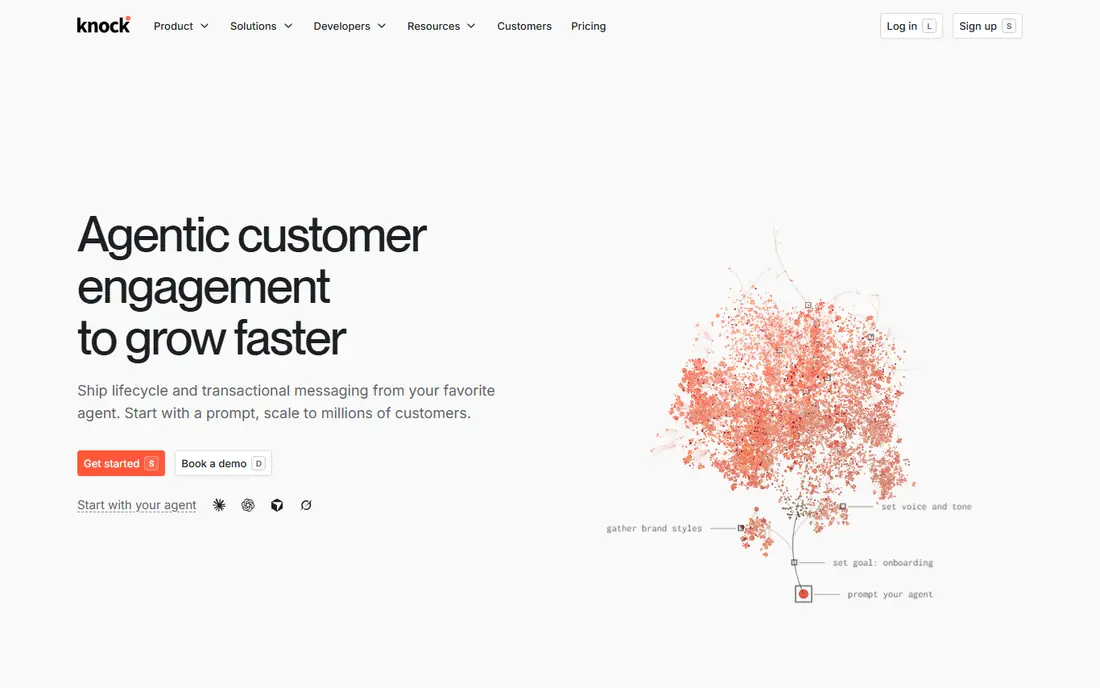
Knock gives product teams a workflow engine for notifications, with steps for batching, delays, branching, throttling, and fetching data between channel steps. That workflow layer is the difference between sending a message and running a notification system: it handles digests, quiet hours, and user preferences without custom code for each case. Prebuilt feed components for React, mobile, and web speed up the in-app inbox.
The developer plan covers up to 10,000 messages per month, while Starter costs 250 dollars per month for 50,000 messages with overage after that. That jump matters for a growing product, so model cost at real message volume. Knock is cloud only, with no self-hosted option documented. For product notifications with real preference and batching needs, Knock is a leading pick.
- Workflow engine with batching and preferences
- Prebuilt feed components
- Many providers and channels
- Paid Starter plan starts at 250 dollars per month
- No self-hosted option documented
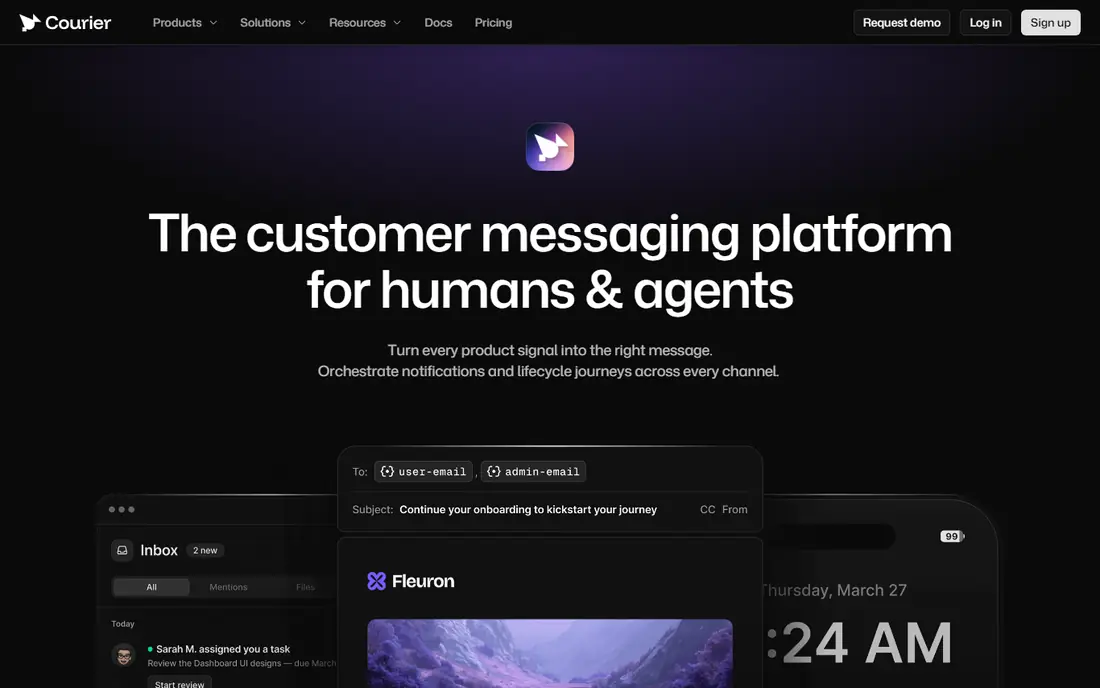
Courier lets a team define notification templates once and deliver them across email, SMS, push, in-app inbox, Slack, Teams, and WhatsApp through one API. Provider abstraction is the core benefit: swapping an email or SMS provider does not require rewriting send code, and automatic failover moves traffic if a provider fails. Journeys add branching, delays, throttling, and batching in a visual canvas or in code.
The developer tier covers 10,000 sends per month, and the pay-as-you-go plan charges 0.005 dollars per send with no platform fee. That simple unit makes cost math easy, though high-volume products should still compare it with per-user pricing elsewhere. For teams juggling many providers, Courier is the most provider-flexible option in this list.
- One API across 50 plus providers
- Automatic failover
- Templates and journeys in code or visual builder
- Pay-as-you-go cost grows with volume
- No self-hosting
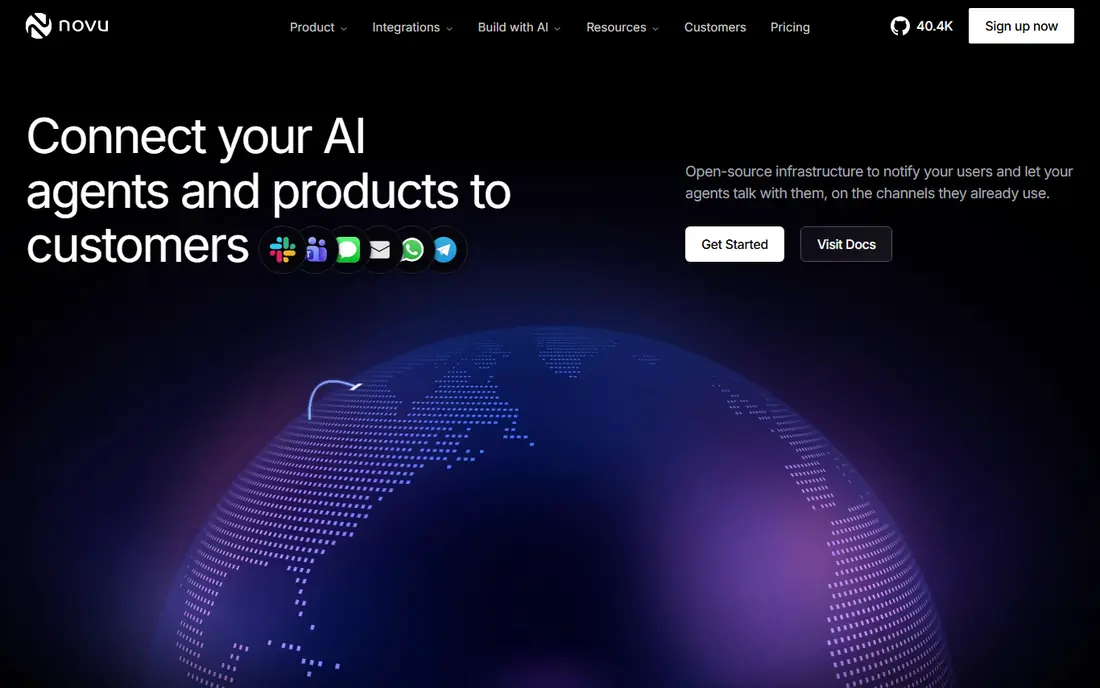
Novu is the open source choice in this category, with a unified API for email, SMS, push, in-app, and chat notifications. Teams that need full control over data, hosting, or customization can self-host Novu, while teams that want less operations work can use Novu Cloud. The workflow engine, templates, and subscriber preferences cover the core product notification jobs.
Self-hosting is also the catch: the team owns upgrades, uptime, and scaling. Cloud pricing starts with a free tier and paid plans from around 30 dollars per month in recent listings, though buyers should confirm the current page before budgeting. For teams that value open source control above a fully managed service, Novu is the clear pick.
- Open source and self-hostable
- Unified API across channels
- Workflow and preference features
- Self-hosting adds maintenance work
- Cloud pricing has changed over time, so check the current page
OneSignal is the volume play for push and in-app messaging. The free tier covers mobile push up to 1,000 monthly active users plus web push, and paid Growth plans start around 9 to 19 dollars per month depending on the current pricing page, with per-user charges above the included amount. Segmentation and Journeys support marketing-style campaigns and lifecycle messages.
The pricing unit is the thing to watch. Monthly active users and web subscribers are very different from messages sent, so a product with many users but few messages can cost more here than on a per-message tool. Transactional orchestration is also lighter than Knock or Courier. For push-led engagement at scale, OneSignal remains a strong default.
- Generous free tier for push
- Segmentation and journeys
- Mobile, web push, email, SMS, and in-app
- Pricing is based on monthly active users, which can rise fast
- Transactional workflows are lighter than Knock or Courier
MagicBell gives a product a prebuilt notification inbox, with preferences, batching, and cross-channel logic included. Instead of building an inbox, unread counts, and preference screens from scratch, a team drops in MagicBell components and connects providers behind them. That speed matters for small teams that need a polished inbox without a month of work.
The free Builder tier covers a small delivery volume, while Startup costs around 249 dollars per month for 50,000 deliveries. Delivery counting also matters: each channel a user receives can count separately, so buyers should model cost carefully. For an inbox-first need, MagicBell is the fastest path in this list.
- Drop-in notification inbox with preferences
- Batching and cross-channel logic
- Quick integration
- Paid Startup plan starts around 249 dollars per month
- Less of a full orchestration platform than Knock
Pusher Beams is managed push delivery built on Firebase Cloud Messaging and Apple Push Notification service, with a developer-friendly API and end-to-end encryption options. Teams already using Pusher Channels for realtime features get a natural pairing, since push and realtime data share one vendor and one mental model. The sandbox tier covers up to 1,000 subscribers for development.
Paid tiers start around 29 dollars per month for 10,000 subscribers, rising with subscriber count. Beams is push-first, so teams that also need email, SMS, and in-app orchestration should pair it with another tool or choose Knock or Courier instead. For push delivery alone, Beams is simple and dependable.
- Simple push API with encryption
- Integrates with Pusher realtime stack
- Sandbox tier for development
- Push-focused, not a full multi-channel orchestration tool
- Subscriber-based pricing
Firebase Cloud Messaging is the free raw transport underneath much of mobile push. There is no per-message cost on any Firebase plan, and it serves as the default delivery path for Android and, through Apple Push Notification service, for iOS apps. Teams that already use Firebase get push with almost no added vendor cost.
The trade-off is everything around delivery. FCM does not include a notification inbox, user preferences, batching, digest logic, or workflow orchestration. A team builds queues, token rotation, retries, scheduling, and analytics itself, or wraps FCM with a tool such as Pusher Beams or a queue layer. For a team with the engineering time to build that layer, FCM is free and proven. For most product teams, a managed layer pays for itself quickly.
- Free with no per-message cost
- Industry default transport for Android and iOS
- Scales with Firebase
- No inbox, preferences, or workflow engine included
- Team builds queues, retries, and scheduling itself
SuprSend is a developer-first notification platform covering transactional, engagement, and multi-tenant use cases across email, SMS, push, and in-app channels. Its API and SDKs suit teams that define notifications in code and want workflow control without a heavy visual builder. Growth pricing starts around 99 dollars per month in recent listings, with a free tier for starting out.
The main drawback is brand scale: SuprSend is smaller than OneSignal, Courier, or Knock, so buyers should check documentation depth and support responsiveness during a trial. No-code tooling is also lighter. For a developer-led team that wants orchestration at a lower entry price than Knock, SuprSend is a credible alternative.
- Flexible orchestration with strong SDKs
- Multi-channel workflows
- Free tier plus Growth from 99 dollars per month
- Smaller brand than OneSignal or Courier
- No-code features are lighter
Ably is realtime infrastructure first, with pub-sub messaging, presence, and push notifications built on that base. Teams building live features such as collaboration, live updates, or chat can add push notifications from the same platform, with a global edge network and broad SDK coverage. The free tier lets a team prototype realtime and push together.
The catch is focus. Ably does not offer the dedicated notification workflow engine, preference center, or digest logic that Knock and Courier provide. Teams whose main need is product notifications should choose a dedicated tool. Teams whose main need is realtime, with push as one output, will find Ably a natural fit.
- Realtime infrastructure with push notifications on top
- Global edge network
- Strong SDK coverage
- Notifications ride on top of realtime infrastructure, not a dedicated notification workflow engine
How we picked these
We compared official pricing pages, documentation, and public comparisons for notification tools actively maintained in October 2026. We favored tools with a developer API, current pricing or a clear free tier, and real production use. We left out marketing-only platforms with no developer notification API and single-channel email tools with no multi-channel story. Where pricing varied across sources, we used the vendor page figure or wrote the free tier clearly.
How to choose notification software without surprise bills
Start by counting in the vendor's own unit. A tool that charges per message, one that charges per monthly active user, and one that charges per subscriber will rank differently at your real volume. Take last month's sends, users, and subscribers, then price all three models. That single exercise prevents the most common surprise bill in this category.
Next, prototype the hard cases, not just the happy path. Test a digest, a batched update, a user who disables one channel, a failed provider, and a message that must wait for an event. Those cases decide whether you need a workflow engine or only raw delivery. Also check provider failover, template versioning, and how preferences sync across web and mobile. A tool that handles those cases cleanly saves weeks of custom code.
Delivery, privacy, and testing questions
Ask how retries and dead-letter handling work, and what delivery analytics the dashboard shows. Ask where user data is stored and how deletion requests are handled, since notification systems hold contact details and message history. Finally, run a trial with real traffic to a small user group before migrating all sends, and keep the old path live until delivery rates match.
Frequently asked questions
What is notification software for developers?
It is software that sends product messages across push, email, SMS, in-app inboxes, and chat tools from one API or workflow system. It handles templates, provider connections, preferences, batching, and delivery tracking so a product team does not build each piece separately.
Is Firebase Cloud Messaging enough on its own?
For raw push delivery, yes, and it is free. For a full product notification system, usually not, since FCM lacks an inbox, preferences, digests, and workflow orchestration. Most teams either build that layer or add a managed tool on top of FCM.
How much does notification software cost?
Free tiers cover small volumes on most tools in this list. Paid entry points range from about 29 dollars per month for Pusher Beams to about 250 dollars per month for Knock Starter, with usage-based plans charging per message or per user above that. Compare cost at your real volume, not at the entry tier alone.
What is the difference between Knock and Courier?
Both orchestrate multi-channel notifications, but Knock leans toward product workflows with preferences, batching, and a prebuilt feed, while Courier leans toward provider orchestration with failover and template management across many providers. Trial both against your hardest workflow before choosing.
Can I self-host notification software?
Yes, with Novu, which is open source and can be self-hosted. Self-hosting gives control over data and hosting but adds maintenance work for upgrades, uptime, and scaling. Most teams start on a cloud plan and only self-host when compliance or control requires it.
Do I need a notification inbox in my app?
Not always, but it helps when users receive many product messages. An inbox gives users one place to catch up, mark items read, and manage preferences. Tools such as MagicBell and Knock provide prebuilt inbox components so a team does not build one from scratch.
Sources
See where you really rank - block by block
ProMapRanker scans Google Maps across a grid of your service area. Simple monthly plans from $19, white-label on every plan.
Start freeKeep reading
 zoro.to alternatives
Best Zoro.to Alternatives in 2026
We compare the best zoro.to alternatives in 2026, listing only legal licensed anime streaming services, from Crunchyroll to free options for fans today.
Read → zip alternatives
Best Zip Alternatives in 2026
We compare the best zip alternatives for buy now, pay later in 2026, covering pay-in-4 plans, fees, spending limits, and credit reporting options today.
Read → yesware alternatives
Best Yesware Alternatives in 2026
Compare the best yesware alternatives for sales email tracking, templates, and sequences, with current pricing and honest tradeoffs for small sales teams.
Read →