 ProMapRanker
Best Notification Software for Desktop Alerts in 2026


Employee desktop pop-ups · Pricing starts at: $3,300 per year
Key takeaways
- DeskAlerts and SnapComms are our picks for employee desktop alerts, with pop-ups that bypass email and reach staff at their screens.
- AlertMedia suits critical and emergency notifications across desktop, mobile, text, and voice, with acknowledgment tracking.
- Pushover and Pushbullet suit individuals and small teams that need reliable push alerts from apps and systems.
- Slack, Microsoft Teams, and PagerDuty cover team alerts and incident alerts, but they work best when alert rules stay strict and channels stay focused.
Quick comparison
| Pick | Great for | Pricing starts at | Free tier | |
|---|---|---|---|---|
| DeskAlerts | Employee desktop pop-ups | $3,300 per year | Free trial | Visit |
 SnapComms | Desktop alerts and tickers | $9 per user per year | Free trial | Visit |
 AlertMedia | Critical and emergency alerts | See website | Free trial | Visit |
 Pushover | Personal push alerts | See website | Free trial | Visit |
 Pushbullet | Phone to desktop alerts | See website | Free trial | Visit |
 Slack | Team channel alerts | Free | Yes | Visit |
 Microsoft Teams | Workplace chat alerts | Free | Yes | Visit |
 PagerDuty | Incident and on-call alerts | See website | Free trial | Visit |
The best notification software for desktop alerts
Desktop alerts range from a company-wide pop-up to a single push message about a server outage. We compared official pages and recent pricing guides, focusing on reach, acknowledgment, targeting, and noise control. We did not claim hands-on testing, and we wrote See website where pricing is quoted or varies by plan.
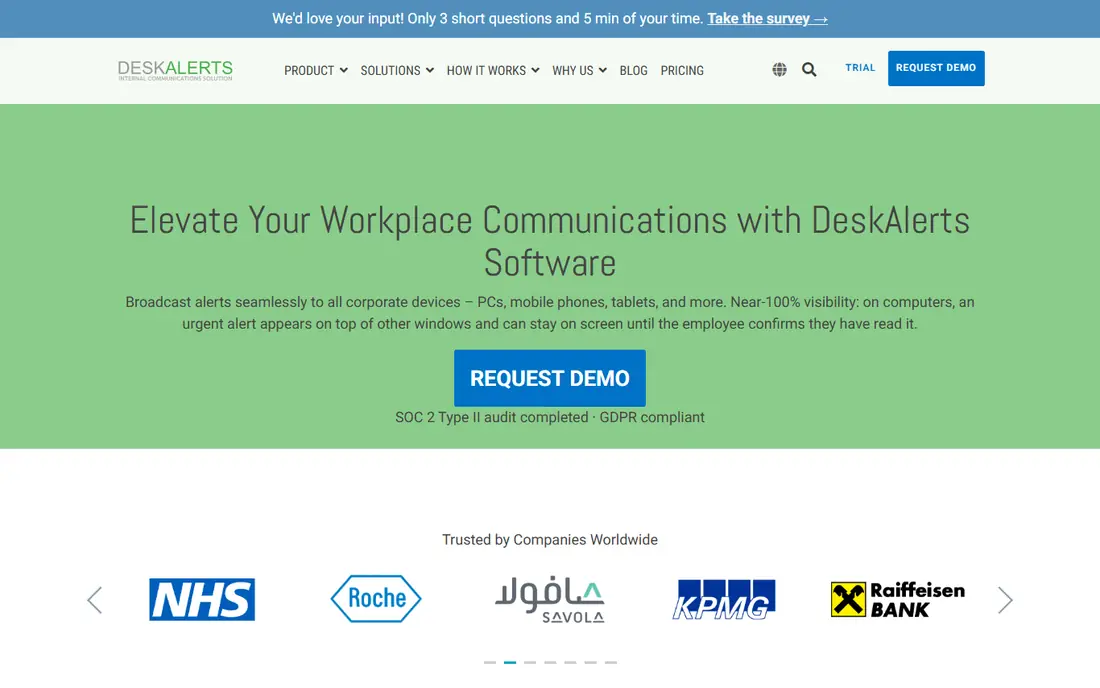
DeskAlerts is built for the message that email cannot carry fast enough. It sends pop-up alerts, scrolling tickers, surveys, and lock-screen messages to employee desktops, with targeting by group, location, or role, and acknowledgment tracking so senders know who saw a critical notice. That direct reach helps during outages, safety incidents, and urgent policy changes, when an inbox message may sit unread.
The price and the discipline are the trade-offs. Starting at $3,300 per year in recent listings, DeskAlerts is a business purchase, not a casual app, and a team that overuses pop-ups will quickly train staff to dismiss them. Reserve DeskAlerts for urgent, relevant messages, and let routine news travel by email or intranet instead.
- Pop-ups, tickers, and lock-screen messages reach staff at their screens
- Targeting and acknowledgment tracking
- On-premise and cloud options
- Starting price is high for small teams
- Setup and governance matter to avoid alert fatigue
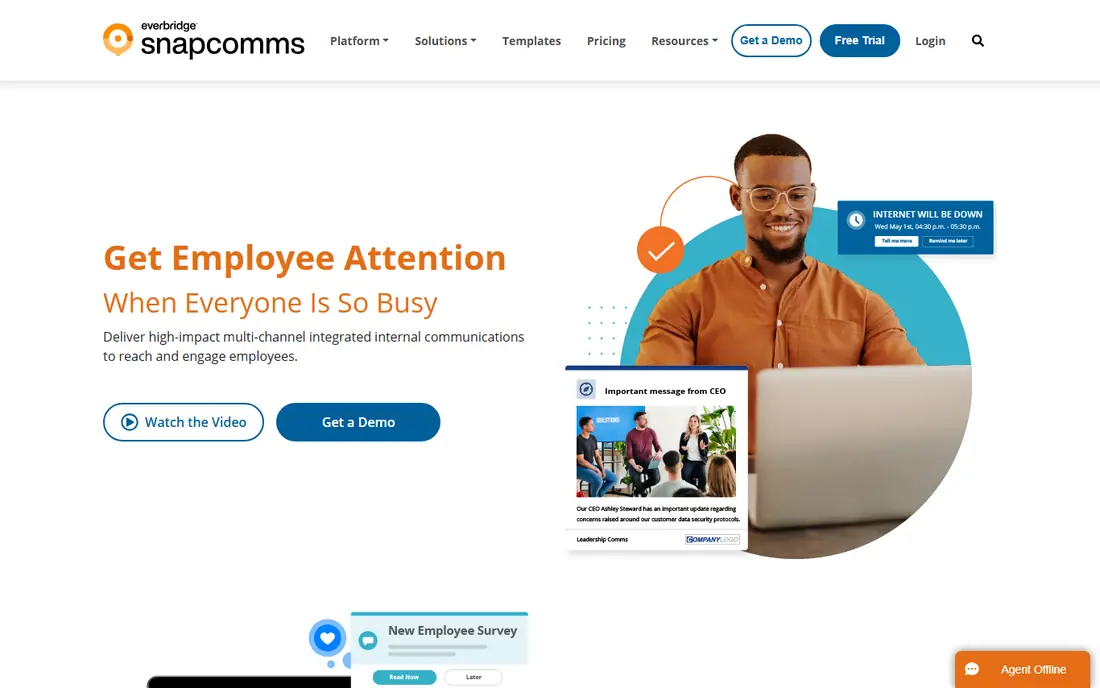
SnapComms, now part of Everbridge, takes a similar desktop-first approach with a wider set of channels. Alongside pop-up alerts, it offers tickers, screensavers, lock screens, newsletters, and surveys, so internal communications teams can match the channel to the message. Its reporting on readership and acknowledgment helps a sender prove that a safety or compliance message actually reached staff.
The main limit is scale. Some listings note pricing from 100 staff, and the platform fits larger employers better than a ten-person team. For a mid-size or large company that needs reliable, measurable desktop communication, SnapComms is a strong, polished alternative to DeskAlerts.
- Alerts, tickers, screensavers, and surveys in one platform
- Bypasses email
- Readership and acknowledgment reporting
- Pricing starts from 100 staff in some listings
- Enterprise setup suits larger employers
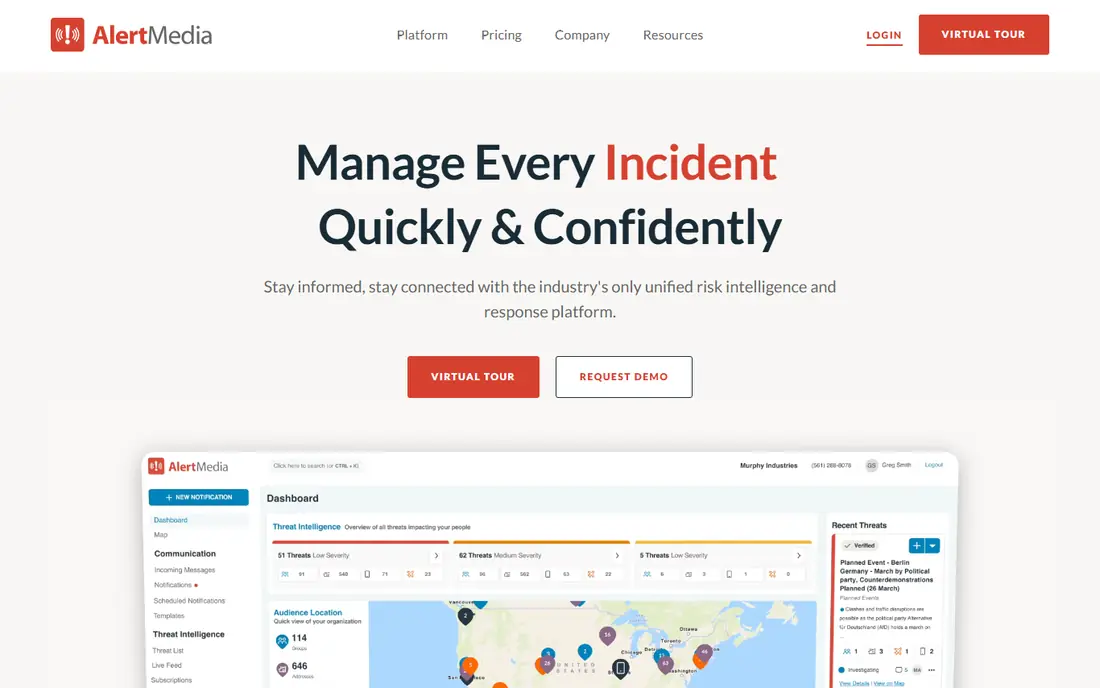
AlertMedia is the pick when a desktop alert is part of a safety or emergency workflow, not just internal news. It sends urgent messages across desktop, mobile app, text, email, and voice, with targeting, acknowledgment, and reporting, and it can pair alerts with threat monitoring for weather, safety, and local incidents. That breadth helps a company reach staff at home, in the field, and at their desks during a real incident.
For simple office announcements, AlertMedia is more platform than needed, and its quoted pricing reflects that enterprise scope. Choose it when safety, business continuity, or multi-site emergency communication is the core need, and confirm desktop alert behavior in a demo with your own incident scenarios.
- Multi-channel critical alerts by desktop, text, voice, and app
- Threat monitoring options
- Acknowledgment and reporting
- Quoted pricing
- Broader emergency platform may exceed a simple desktop alert need
Pushover is the quiet workhorse for personal and system alerts. Apps, servers, and monitoring tools can send push messages through its API, and users receive them on phones and desktop browsers, with sounds, priority levels, and quiet hours to control noise. It suits a developer, sysadmin, or small team that wants a reliable alert channel without building a push system from scratch.
Pushover is not an employee communications platform. It lacks the targeting, templates, and acknowledgment reporting of DeskAlerts or SnapComms, and team use requires a separate plan. For personal alerts and system notifications, though, its simplicity and low cost make it easy to recommend.
- Simple push alerts from apps and systems
- Desktop browser notifications
- Quiet hours and priority levels
- Individual pricing model
- Team features require a separate Teams plan
- Setup is more technical than a chat app
Pushbullet solves a smaller, everyday problem: keeping phone alerts visible while you work at a desktop. It mirrors notifications, lets you send links and files between phone and computer, and supports messaging from the desktop, so a text or app alert does not require picking up your phone mid-task. For an individual worker, that continuity is genuinely useful.
It is not a replacement for DeskAlerts or AlertMedia. Pushbullet lacks company-wide targeting, acknowledgment tracking, and emergency workflows, and its free tier has limits that Pro removes. Use it for personal notification mirroring, and choose an employee alert platform for staff-wide messages.
- Mirrors phone notifications to desktop
- Sends links, files, and messages between devices
- Simple browser extensions
- Free tier limits and Pro features vary
- Less suited to company-wide critical alerts
Slack is where many teams already receive alerts, because monitoring tools, ticket systems, and bots post into channels with desktop notifications. The free plan covers small teams, integrations are broad, and staff already check Slack during work, so an alert does not require a new app. For routine team notifications, that familiarity is a real advantage.
The risk is noise. If every system posts to the same channel, critical alerts blend into chat, and staff start muting channels. Keep alert channels separate, use mentions sparingly, and reserve a dedicated channel for incidents. Slack works well as a team alert surface when rules are strict, and poorly when it becomes a catch-all inbox.
- Channels and direct messages with desktop notifications
- App integrations for alerts
- Free plan for small teams
- Alert noise grows fast without strict channel rules
- Critical alerts can drown in chat
Microsoft Teams is the natural alert surface for a workplace already on Microsoft 365. Chat messages, channel posts, app alerts, and meeting notices arrive as desktop notifications, and integrations can push monitoring and ticket alerts into team channels. Staff who already live in Teams need no new tool to receive a work alert.
As with Slack, tuning matters. Teams notifications can quickly become a stream of meeting, chat, and app pings, so a critical alert needs a dedicated channel, clear naming, and strict posting rules. For a Microsoft-centered company, Teams is a practical, low-cost alert channel, provided incident messages stay separate from everyday chat.
- Chat, meetings, and app alerts in one Microsoft 365 surface
- Desktop notifications
- Free plan available
- Notification settings need tuning
- Critical alerts can compete with meeting and chat noise
PagerDuty is the incident tool on this list, built for teams that must respond to outages and system failures. It routes alerts by service and on-call schedule, escalates when no one acknowledges, and tracks incident response, so a server or service problem reaches the right person rather than a general chat channel. Desktop, mobile, and voice notifications support that urgency.
It is not a general employee alert platform. PagerDuty suits engineering, IT, and operations teams with on-call rotations, and its quoted pricing reflects that professional scope. For a company that already struggles with missed pages and unclear ownership during incidents, PagerDuty brings order to a process that chat tools handle poorly.
- Incident routing and on-call schedules
- Escalation and acknowledgment
- Desktop, mobile, and voice alerts
- Quoted pricing
- Overkill for general office announcements
How we picked these
We compared official product pages and recent pricing guides, and we favored tools that deliver alerts to a desktop screen, with targeting or routing and a way to confirm receipt. We wrote See website where vendors quote pricing or where free-tier limits varied, rather than publishing an unconfirmed figure. We did not claim hands-on testing, and we treated marketing claims about readership as vendor claims to test in a trial.
What to check before you pick
Start with the alert, not the tool. A safety alert needs acknowledgment and multi-channel reach, a team incident needs routing and escalation, and a personal system alert needs a simple push channel. Match the tool to that job, and do not buy an enterprise employee platform for personal alerts, or rely on chat for a safety incident.
Then test noise control. Send a week of realistic alerts through the trial, and check how staff mute, dismiss, or miss them. Set rules for who can send a pop-up, which channels carry incidents, and how often non-urgent alerts may appear. The best desktop alert tool is the one staff still notice when a message truly matters.
Frequently asked questions
What is the best notification software for desktop alerts at work?
DeskAlerts and SnapComms are the strongest picks for company-wide desktop alerts, thanks to pop-ups, tickers, and acknowledgment tracking. AlertMedia suits safety and emergency alerts, while Slack and Teams suit routine team alerts with strict channel rules.
Can I get desktop alerts for free?
Yes, for personal and team use. Slack and Microsoft Teams offer free plans with desktop notifications, and Pushover and Pushbullet offer free trials or limited free use. Company-wide employee alert platforms such as DeskAlerts and SnapComms are paid business tools.
How do I stop alert fatigue?
Reserve pop-ups and pages for urgent, relevant messages, keep incident channels separate from chat, and let routine news travel by email or intranet. Also give staff quiet hours and clear rules on who can send an alert, so a desktop pop-up keeps its urgency.
Is PagerDuty only for IT teams?
Mainly, yes. PagerDuty is built for incident response, on-call schedules, and escalation in engineering and operations teams. General office announcements fit DeskAlerts, SnapComms, Slack, or Teams better than an incident platform.
Do desktop alerts work for remote staff?
Yes, when the tool supports desktop, mobile, and browser delivery. DeskAlerts, SnapComms, and AlertMedia reach staff beyond the office, while Pushover, Pushbullet, Slack, and Teams also work on mobile and browser, so remote workers are not left out.
Sources
See where you really rank - block by block
ProMapRanker scans Google Maps across a grid of your service area. Simple monthly plans from $19, white-label on every plan.
Start freeKeep reading
 worlds best local seo company
8 Worlds Best Local SEO Companies for Map Pack Growth in 2026
Compare the worlds best local seo company options for Google Business Profile work, citations, reviews, and multi-location rankings and reporting in 2026.
Read → world's best web hosting company
World's Best Web Hosting Company in 2026
Searching for the world's best web hosting company? We compared 10 hosts on price, renewal rates, speed, and support to help you choose well today in 2026.
Read → who's got the best nanny tax services
Who's Got the Best Nanny Tax Services in 2026
We answer who's got the best nanny tax services, comparing full filing, back taxes, software, and pricing so families can handle nanny taxes correctly.
Read →