 ProMapRanker
Best Notification Infrastructure Software in 2026

Key takeaways
- Notification infrastructure is the layer that routes one event to push, email, SMS, and an in-app inbox, with templates, preferences, and delivery tracking in one place.
- OneSignal and Firebase Cloud Messaging suit teams that mainly need push delivery at low cost, while Courier, Knock, and Novu suit teams that need multi-channel workflows.
- Pricing units differ sharply, so compare sends, workflow runs, messages, and monthly active users before you judge a monthly price.
- A prebuilt inbox and preference center can save weeks of frontend work, and that value often matters more than a small price gap.
Quick comparison
| Pick | Great for | Pricing starts at | Free tier | |
|---|---|---|---|---|
 OneSignal | Mobile and web push at scale | Free | Yes | Visit |
 Courier | Multi-channel orchestration from one API | Free | Yes | Visit |
 Knock | Cross-channel workflows and user preferences | $250 per month | Yes | Visit |
 Novu | Open source notification workflows | $30 per month | Yes | Visit |
 SuprSend | Developer-first multi-channel delivery | $99 per month | Yes | Visit |
 MagicBell | A ready-made notification inbox | $249 per month | Yes | Visit |
 Pusher Beams | Push delivery on a realtime stack | $29 per month | Yes | Visit |
 Firebase Cloud Messaging | Free raw push delivery | Free | Yes | Visit |
The best notification infrastructure software
Notification infrastructure sits between your product and your users. The tools below send the right message on the right channel, and they help you track whether it arrived. We compared them on channels, workflow controls, preference handling, and pricing units.
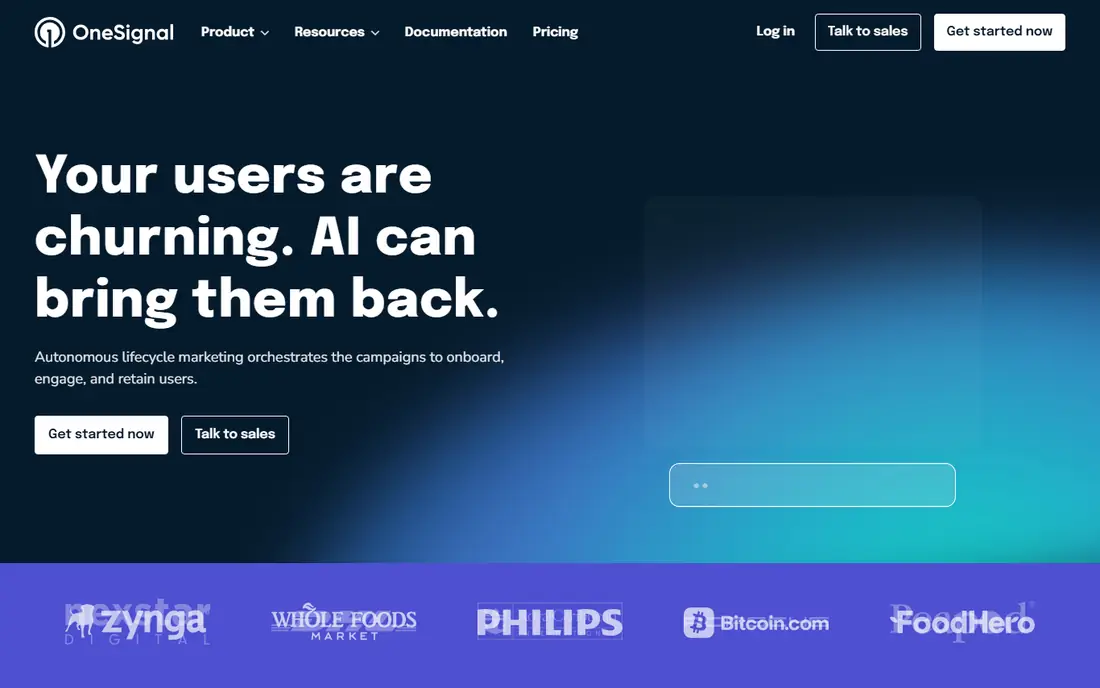
OneSignal is the most familiar name in this group, and it earns that place with push coverage across mobile apps and browsers. Teams can segment audiences, schedule sends, and build journeys that react to user behavior, which makes it a strong fit for engagement messages such as onboarding nudges and re-engagement campaigns. The free tier lets small apps start without a budget, and the platform grows with an app that gains users.
The catch is the pricing model. Costs scale with monthly active users and subscribers, so a large but quiet audience can still cost money. Teams that mainly need transactional messages, such as receipts and account alerts, should check how OneSignal handles those flows before committing. For push-led growth work, though, few tools are easier to adopt.
- Broad push support for mobile and web
- Segmentation and journey tools
- Generous free starting tier
- Pricing rises with monthly active users
- Transactional multi-channel workflows are less central than push
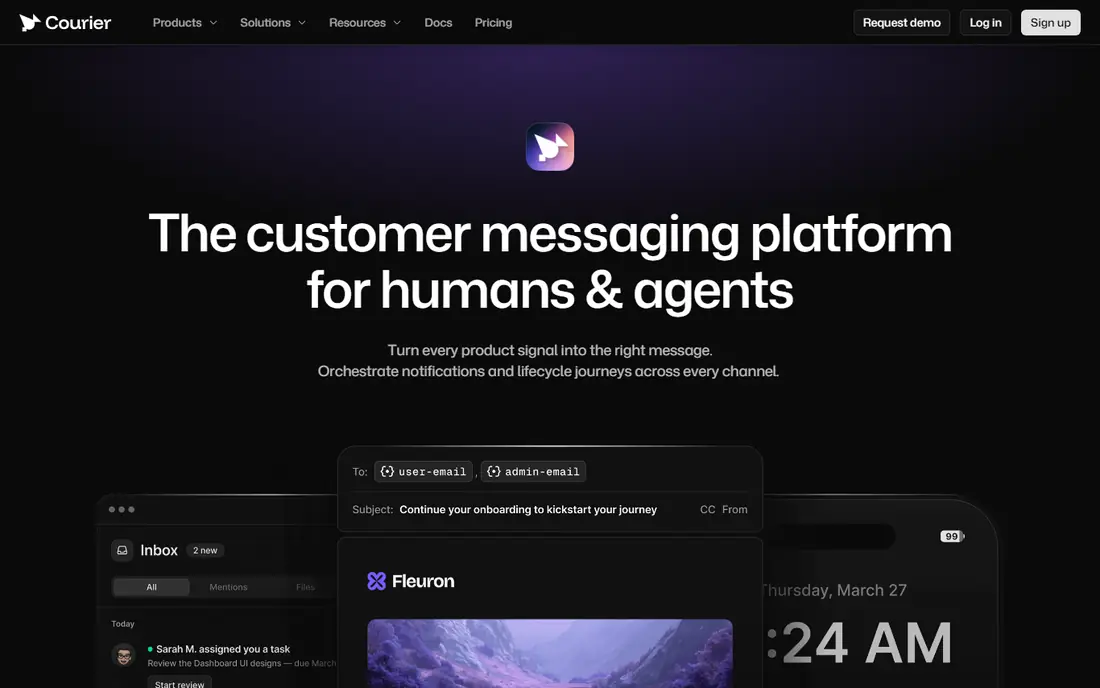
Courier takes a different approach. Instead of building one channel well, it lets developers define a notification once and send it through email, push, SMS, chat, or an in-app inbox. Templates can be edited without a code release, which product and marketing teammates tend to appreciate. Provider routing also helps when one delivery provider has an outage or a deliverability problem.
That flexibility comes with a planning cost. Because pricing is usage-based, a sudden spike in sends can move the bill in ways a flat subscription would not. Small teams with one channel and simple templates may find Courier more than they need. For teams juggling several providers and channels, it removes a large amount of plumbing.
- One API for many channels and providers
- Visual template design
- Provider routing and failover options
- Usage-based costs can be hard to forecast
- Smaller teams may not need its full routing depth
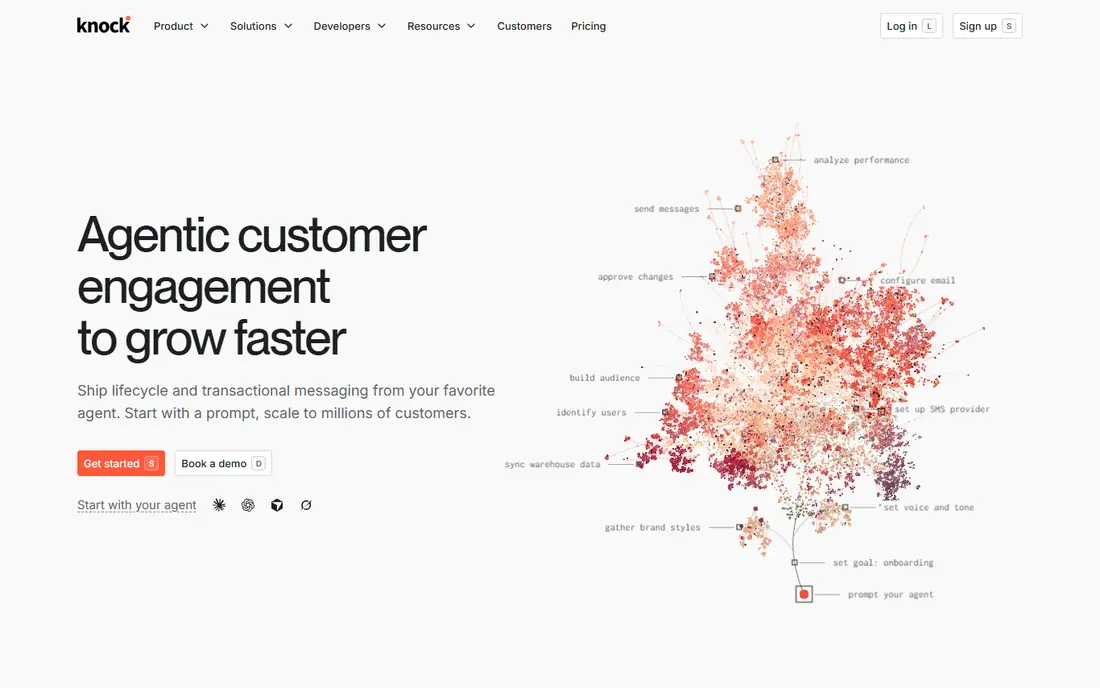
Knock is built for product teams that treat notifications as part of the product, not as an afterthought. Its workflow engine handles batching, delays, digests, and channel preferences, so users can choose how often they hear from you and where. Prebuilt inbox and preference components cut frontend work, and delivery logs help developers trace a message that a user says they never received.
The main barrier is price. The developer plan is free, but the first paid plan is a serious monthly commitment for a small company. Teams with simple needs will not use enough of Knock to justify it. Teams with complex rules, many notification types, and strong user-control requirements will find the structure worth the cost.
- Strong workflow engine with batching and delays
- Built-in preference and inbox components
- Clear delivery observability
- Paid plans start at a high monthly price
- Overkill for simple push-only needs
Novu appeals to teams that want control over their notification stack. The open source core can run in your own infrastructure, and the managed cloud removes that burden for teams that prefer a hosted service. Workflows cover routing, delays, digests, and fallbacks across inbox, email, SMS, push, and chat. The inbox and preference components are practical time savers for product teams.
Forecasting is the tricky part. One workflow trigger that fans out to many subscribers counts as many runs, so volume math needs care. Self-hosting also means your team owns upgrades, uptime, and scaling. If control and code transparency matter more than a fully managed service, Novu is the strongest open option here.
- Open source core that can be self-hosted
- Workflow, inbox, and preference components
- Managed cloud option
- Pricing counts workflow runs, which takes care to forecast
- Self-hosting adds operational work
SuprSend targets developers and software-as-a-service teams that need transactional, engagement, and multi-tenant notifications from one platform. Its orchestration covers several channels, and its SDKs and workflow tools fit teams that prefer to define logic in code. Multi-tenant support matters for business software where each customer has its own users, branding, and notification rules.
The trade-off is polish for non-developers. Teams that want marketers to build and edit every flow in a visual editor may prefer a more no-code tool. Pricing also jumps from a free tier to a paid growth plan, so small teams should test the free tier against real volume first. For developer-led teams, SuprSend is a capable and focused choice.
- Flexible orchestration across channels
- Strong developer tooling and SDKs
- Multi-tenant support
- Less no-code polish than some rivals
- Growth plan is a step up from a free tier
MagicBell solves one problem very well: giving your app a notification inbox that feels native. Users can read, manage, and set preferences for notifications without your team building that interface from scratch. Batching and preference controls help reduce noise, which is a real benefit for busy products where users might otherwise turn everything off.
Cost is the honest drawback. The step from the free tier to the first paid plan is steep, and deliveries are counted per channel per user, so multi-channel sends use quota faster than a single-channel count would suggest. If an inbox is the main gap in your product, MagicBell is worth that price. If you only need to send push, a cheaper tool will do.
- Prebuilt inbox with preferences and batching
- Quick integration for product teams
- Clean delivery model
- Paid plan is expensive for small teams
- Deliveries count per channel per user
Pusher Beams is a managed push layer that sits on top of platform push services for mobile and web. It suits teams that already use Pusher for realtime features, since the tooling and mental model will feel familiar. Subscriber-based tiers make costs easier to reason about than per-message pricing for many teams, and the free sandbox tier is enough to test an integration.
Beams is not a full notification platform. It does not replace a multi-channel orchestration tool with templates, preference centers, and complex workflows. Teams that need email, SMS, and in-app inboxes alongside push should pair it with another tool or pick a broader platform. For push alone, it is a solid and dependable option.
- Simple push delivery with encryption
- Fits teams already using Pusher
- Clear subscriber-based tiers
- Push-focused rather than full multi-channel orchestration
- Free tier covers few subscribers
Firebase Cloud Messaging is the raw transport behind a large share of mobile push. It costs nothing per message on any Firebase plan, and it is the default choice for Android apps and a common choice for iOS apps. Teams already using Firebase for authentication, databases, or analytics will find the integration straightforward.
The price of free is building everything around it. There is no ready-made inbox, preference center, digest engine, or template system, so your team must build queuing, token management, retries, scheduling, and reporting. That work is fine for teams with backend capacity and simple needs. Teams that want those features out of the box should pick a managed platform instead.
- No per-message cost for push
- Standard transport for Android and iOS
- Deep Firebase integration
- No built-in inbox, preferences, or workflow engine
- Your team builds queuing, retries, and analytics
How we picked these
We compared official feature pages, pricing pages, and documentation for each platform, and we checked public reviews and engineering writeups to confirm where each tool fits. We favored tools that were actively maintained in October 2026, supported more than one channel or a clear push use case, and published pricing or a free tier. We left out tools that had shut down or that only covered a single marketing channel with no developer infrastructure.
What to check before you buy
Start with the message types you actually send. Transactional messages such as password resets and order updates need reliability and clear logs, while marketing messages need segmentation and scheduling. A tool that excels at one may be only adequate at the other, so list your top five notification types before you shortlist vendors.
Next, model your pricing unit with real numbers. Take a typical month, count users, sends, and channels, and run that total through each vendor's pricing page. A plan that looks cheap at 1,000 users can become expensive at 50,000 users, and a per-send plan can surprise you during a product launch. Also check how preferences, quiet hours, and digests work, since those controls decide whether users stay subscribed or mute you entirely.
Delivery, privacy, and testing
Ask how each vendor handles failed deliveries, retries, and provider outages. Check whether message content is stored, how long logs are kept, and which data regions are available, since notification content can include personal details. Test with a small audience first, watch delivery and open patterns, and confirm that unsubscribe and preference changes take effect promptly across channels.
Frequently asked questions
What is notification infrastructure software?
It is the layer that takes an event in your product, such as a new comment or a payment, and delivers it as a push, email, SMS, or in-app message. It usually adds templates, routing, preferences, and delivery logs, so developers do not build each piece by hand.
Which tool is best for a small startup?
A free tier from OneSignal, Courier, or Novu is a sensible start for a small startup, since each covers real volume without an upfront cost. Pick OneSignal for push-led growth, Courier for multi-channel orchestration, and Novu if you want open source control.
How is pricing usually charged?
Vendors charge by different units, including monthly active users, subscribers, sends, messages, and workflow runs. Always model your own volume before comparing prices, because the same monthly total can produce very different bills across vendors.
Do I still need Firebase Cloud Messaging if I use a platform like Knock or Courier?
Often yes, behind the scenes. Managed platforms commonly deliver mobile push through platform services, while adding the workflow, template, and preference layers on top. You get the raw transport plus the product features you would otherwise build yourself.
What is the difference between push and in-app notifications?
Push messages reach a user outside your app, on their phone or browser, while in-app notifications appear inside your product, often in an inbox or bell icon. Many products need both, since push drives return visits and in-app messages carry detail users can revisit.
Sources
See where you really rank - block by block
ProMapRanker scans Google Maps across a grid of your service area. Simple monthly plans from $19, white-label on every plan.
Start freeKeep reading
 zoho inventory alternatives
6 Alternatives to Zoho Inventory, Compared on Price and Fit
Zoho Inventory alternatives: 6 tools compared on price, free plans and fit. Katana leads the list for manufacturers. Fit and flaws are laid out for each entry.
Read → zoho crm alternatives
Best Zoho CRM Alternatives (2026)
Need Zoho CRM alternatives? We compare 7 tools on cost, free access and who each suits. Every pick gets a straight assessment. Built for quick decisions.
Read → zelle alternatives
Best Zelle Alternatives in 2026
Compare the best Zelle alternatives for sending money to friends, paying sellers and moving funds abroad, with honest notes on fees, speed and safety in 2026.
Read →