 ProMapRanker
Top 7 Notes Software Options for 2026, Compared

Free notebooks inside the Microsoft ecosystem · Pricing starts at: Free
Key takeaways
- This list starts with Microsoft OneNote, which is built for free notebooks inside the Microsoft ecosystem.
- No starting price is published for Notion; expect a quote.
- Free plans are common here: 7 of 7 tools have one, including Microsoft OneNote, Obsidian, Bear and Google Keep.
- Craft suits beautiful docs and daily notes on Apple devices.
Direct answer
Our first pick is Microsoft OneNote, best for free notebooks inside the Microsoft ecosystem. If your case is different, Obsidian suits private, long-term personal knowledge management and Bear suits Markdown notes on Apple devices. Prices, free plans and limits for all 7 tools follow.
Quick comparison
| Pick | Great for | Pricing starts at | Free tier | |
|---|---|---|---|---|
| Microsoft OneNote | Free notebooks inside the Microsoft ecosystem | Free | Yes | Visit |
 Obsidian | Private, long-term personal knowledge management | Free | Yes | Visit |
 Bear | Markdown notes on Apple devices | Free (Pro from $2.99/month) | Yes | Visit |
 Google Keep | Quick capture and reminders | Free | Yes | Visit |
 Joplin | Open-source notes you completely control | Free | Yes | Visit |
 Notion | Teams combining notes, wikis, and projects | See website | Yes | Visit |
 Craft | Beautiful docs and daily notes on Apple devices | Free (Plus plans available) | Yes | Visit |
Notes Software compared in detail
ProMapRanker compared 7 tools for notes software. The goal is a practical shortlist: published prices, free plan facts, best-fit use cases and honest limits for every entry.

Microsoft OneNote works best for free notebooks inside the Microsoft ecosystem. Students and Office users get a capable notebook without paying anything or installing much. As for the details, free is hard to argue with.
The main drawbacks: Organization can get messy at scale.
Worth adding: the interface also feels dated next to Craft or Bear. But for a small business already on Microsoft 365, OneNote is the path of least resistance. Its Copilot integration is now pulling it forward. Microsoft OneNote starts at: Free. A free plan is available with Microsoft OneNote.
- Fully free with a Microsoft account
- Solid sharing
- Interface lags behind newer rivals
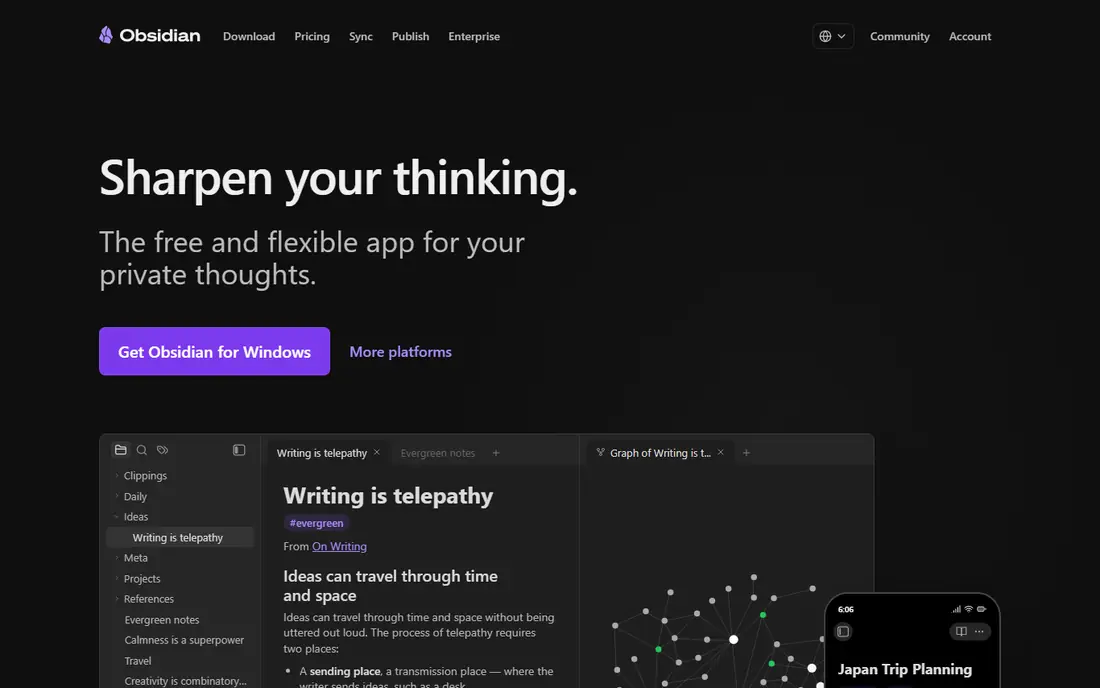
For private, long-term personal knowledge management, Obsidian is a natural candidate. Obsidian takes the opposite philosophy to Notion: your notes live as Markdown files on your device, private by default, with no account needed.
Points against: Sync and publishing are premium extras.
Links between notes, the interactive graph view, and a plugin ecosystem in the thousands make it the favorite of researchers, writers, and anyone building a personal knowledge base meant to last decades. If you want your notes to survive any company's business decisions, Obsidian's local-files approach is the most future-proof pick here. On cost, Obsidian starts like this: Free. You can start on Obsidian without paying.
- Free with no account required
- Notes are plain Markdown files you own
- No live collaboration in the core app
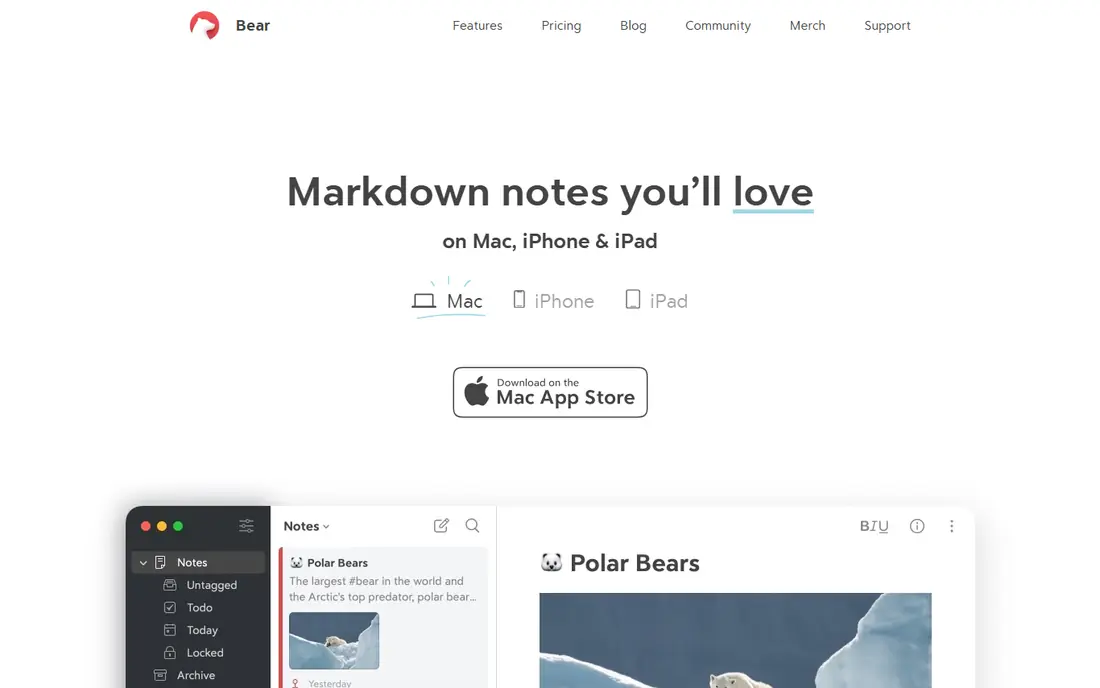
Bear is designed for Markdown notes on Apple devices. The free level includes the core writing experience; Bear Pro at $2.99 a month or $29.99 a year brings iCloud sync, export formats, and OCR search in images and PDFs. For everyday use, mixed-device households should pick something cross-platform instead.
In daily use, the limitation is system. Bear is Apple-only: Mac, iPhone, and iPad, with no Windows or Android apps and no web version. Starting cost for Bear: Free. Bear has a free plan.
Drawbacks to consider: Sync needs the Pro subscription.
Strengths: quick native apps.
- Pro is cheap ($2.99/month or $29.99/year)
- Beautiful
- Apple only
Google Keep is a good fit for quick capture and reminders. Integration with the rest of Google Workspace is the real draw; a Keep note can become a Docs document in one click. In practice, Google Keep is not trying to be your second brain.
Limits to weigh: Weak organization for large note collections.
More specifically, there is no folder hierarchy, formatting is minimal, and search is entry-level. It is free, instant, and already on your phone if you use Google services. Also, labels and colors supply light organization, and reminders can trigger by time or location. Starting cost for Google Keep: Free. A free plan is available with Google Keep.
- Fastest way to jot something down
- Location and time reminders
- No real formatting or hierarchy
Joplin is aimed squarely at open-source notes you completely control. Your notes can sync through Joplin Cloud, Dropbox, OneDrive, or your own server, with end-to-end encryption available.
What to check first: Interface is functional instead of refined.
More specifically, for privacy-conscious users and organizations that want data control, the open-source license is the deciding factor. The starting price for Joplin: Free. Free access exists with Joplin.
- Web clipper and Markdown like Evernote
- Free and open source
- Sync setup takes some configuration
Notion is designed for teams combining notes, wikis, and projects. Notion turned the humble note into a database.
More specifically, very large workspaces can feel sluggish, and Notion assumes you are online. On top of that, the free level is ample enough for personal use and small teams, and the template gallery spans everything from meeting notes to content calendars. Notion shows no starting price here, so confirm the cost on the vendor site. You can start on Notion without paying.
Limits to weigh: Can feel slow on very large workspaces.
- Wikis in one app
- Huge template community
- Offline support is restricted
Craft is designed for beautiful docs and daily notes on Apple devices. Craft sits between Bear and Notion: prettier than Notion, more structured than Bear. On top of that, like Bear, Craft shines brightest on Apple devices, though web and Windows apps exist.
Upsides: Gorgeous native apps.
The free level handles occasional use well, with Plus plans for daily users. It has collected design awards, and it displays. As for the details, the Plus subscription is required for heavy use and bigger storage. Starting cost for Craft: Free. Craft includes a free tier. The main drawbacks: Most solid on Apple products.
- Daily notes, tasks
- Whiteboards in one place
- Advanced features need the Plus plan
How we chose
Each tool was reviewed on what its vendor publishes: price, plan limits, core features and stated drawbacks. We did not run hands-on tests. Figures are shown as the vendors publish them. Billing terms, seat minimums and add-ons can change the real cost. The sequence is a judgement call: typical use case first, then pricing transparency, then free access. Use the profiles to check fit.
What to check before you buy
- Get a written quote from Notion; the list shows no starting price for them.
- Check what the free option really includes: Microsoft OneNote, Obsidian, Bear and others offer a free plan, and usage caps differ.
- Before choosing Microsoft OneNote, weigh its main limit: organization can get messy at scale.
- Look at the renewal terms for Joplin: auto-renewal, notice periods and price changes can matter more than the first-year price.
- Price Google Keep for your actual team size; headline prices rarely include add-ons or overage.
Frequently asked questions
Can I try these options before paying?
Often, yes. Microsoft OneNote, Obsidian, Bear and others have a free plan. Use your own data and a real task during the test, and check what the free tier or trial limits before you rely on it.
What is the best notes software overall?
This list starts with Microsoft OneNote, which fits free notebooks inside the Microsoft ecosystem. For other needs, Obsidian is aimed at private, long-term personal knowledge management, and Bear at Markdown notes on Apple devices. Check each tool's price and main limit first.
Which options for notes software have a free plan?
7 of the 7 tools have a free plan, including Microsoft OneNote, Obsidian, Bear and Google Keep. Free plans usually cap users, projects or features, so check the limits on the vendor page.
Is Microsoft OneNote the right pick for everyone comparing notes software?
No single tool suits every team. Microsoft OneNote comes first because it fits free notebooks inside the Microsoft ecosystem, while Obsidian suits private, long-term personal knowledge management and Bear suits Markdown notes on Apple devices. Match the tool to your own size, budget and workflow before deciding.
Do these tools publish their prices?
Not all of them. Notion publishes no starting price, so expect a quote request for it. The rest, Microsoft OneNote included, show a starting price, though seats and billing terms still change the final cost.
Sources
See where you really rank - block by block
ProMapRanker scans Google Maps across a grid of your service area. Simple monthly plans from $19, white-label on every plan.
Start freeKeep reading
 zscaler alternatives
Best Zscaler Alternatives in 2026
Looking for zscaler alternatives? We compare 9 SASE and zero trust platforms on architecture, data protection, pricing, and fit for your network and team.
Read → zapier alternatives free
Best Zapier Alternatives Free in 2026
Nine automation tools for zapier alternatives free in 2026, all with genuinely free tiers, plus free plan limits, starting prices and upgrade paths explained.
Read → which platform is best for online reputation
Which Platform Is Best for Online Reputation in 2026
Wondering which platform is best for online reputation? We compare 8 review, listing, and response tools for small and multi-location businesses and agencies.
Read →