 ProMapRanker
Best Notes Apps in 2026: 9 Apps Compared

Key takeaways
- Notion is our pick for most people who want notes, tasks and team docs in one workspace.
- Obsidian suits individuals who want local Markdown notes they fully control.
- Apple Notes and Google Keep are the best free starting points, since they are already on your devices.
- Pick by how you capture notes, not by feature count, since the app you open daily wins.
Quick comparison
| Pick | Great for | Pricing starts at | Free tier | |
|---|---|---|---|---|
 Notion | All-in-one notes and team docs | Free | Yes | Visit |
 Obsidian | Local Markdown knowledge notes | Free | Yes | Visit |
 Evernote | Web clipping and searchable notes | $14.99 per month | Yes | Visit |
 Microsoft OneNote | Freeform notes for Microsoft users | Free | Yes | Visit |
 Apple Notes | Simple notes on Apple devices | Free | Yes | Visit |
 Google Keep | Quick lists and sticky notes | Free | Yes | Visit |
 Bear | Clean Markdown writing on Apple | Free | Yes | Visit |
 Joplin | Private open-source notes | Free | Yes | Visit |
 Logseq | Outliner notes and daily journals | Free | Yes | Visit |
The best notes apps
Note-taking apps range from quick capture tools to full workspaces. We compared vendor pages and app store listings, and we kept only apps live in October 2026. Free plan details matter here, since several apps changed their free tiers in recent years.
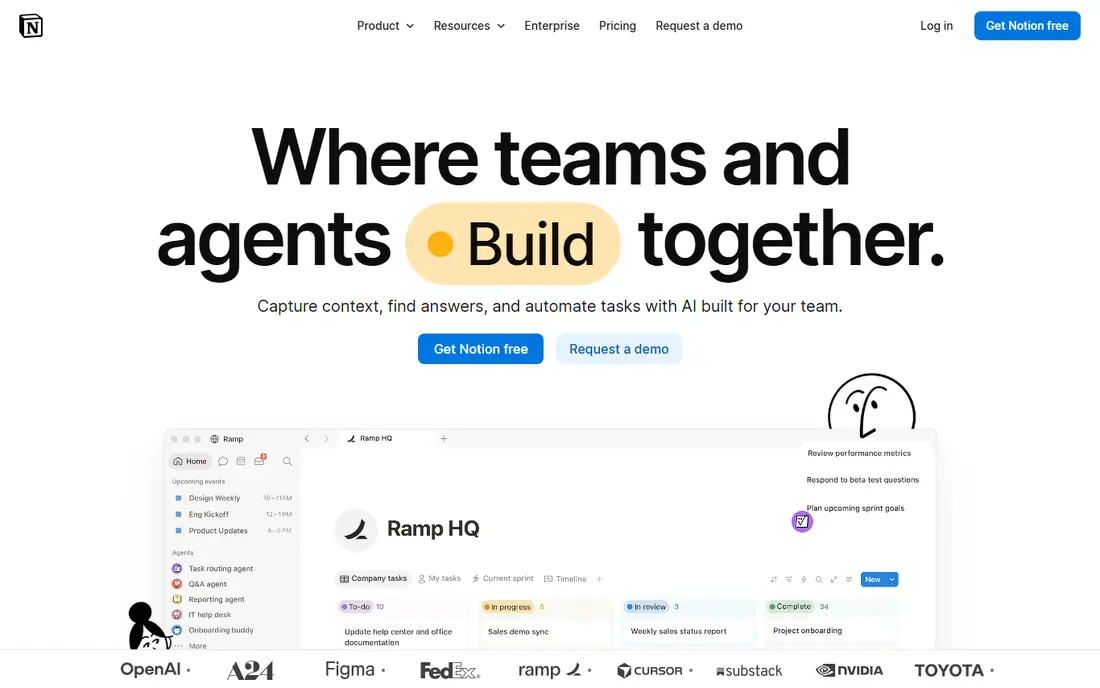
Notion is the best notes app for most people who want more than a notepad. You can keep meeting notes, project docs, task lists and wikis in one workspace, link pages together, and share with a team. The free plan covers a lot of personal use, which makes it easy to start without paying.
The trade-off is weight. For a quick shopping list or a two-line idea, Notion can feel slower than Apple Notes or Google Keep. It also needs an internet connection for the full experience, so offline-first users should test it on their own devices first.
- Notes, databases, tasks and docs in one place
- Generous free plan
- Strong sharing and templates
- Offline support has limits
- Can feel heavy for quick notes
- Paid plans are per member
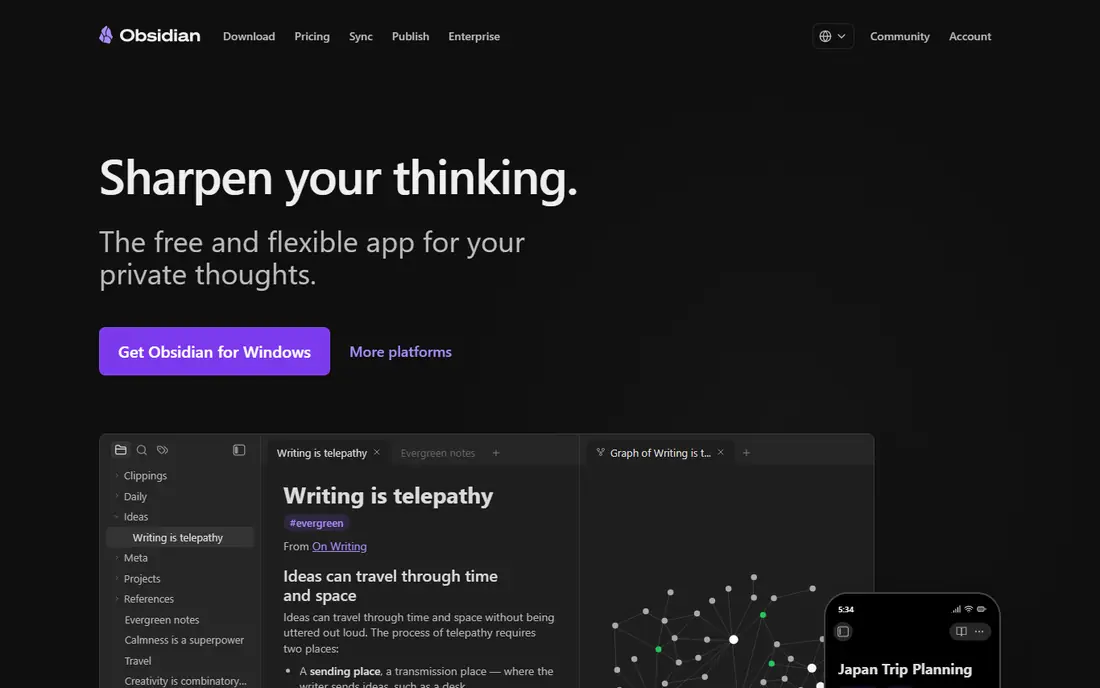
Obsidian suits people building a long-term personal knowledge base. Notes live as plain Markdown files on your own device, so you can open them in any text editor and you are not locked into a proprietary format. Links between notes and a graph view help you see connections across years of writing.
Sync is the main cost decision. The app itself is free for personal use, while official sync is paid, or you can sync with a service you already use. Collaboration is also limited, so teams should look at Notion instead.
- Notes stored as local Markdown files
- Bidirectional links and graph view
- Large plugin community
- Sync is a paid add-on or self-managed
- No native real-time collaboration
- Setup takes time
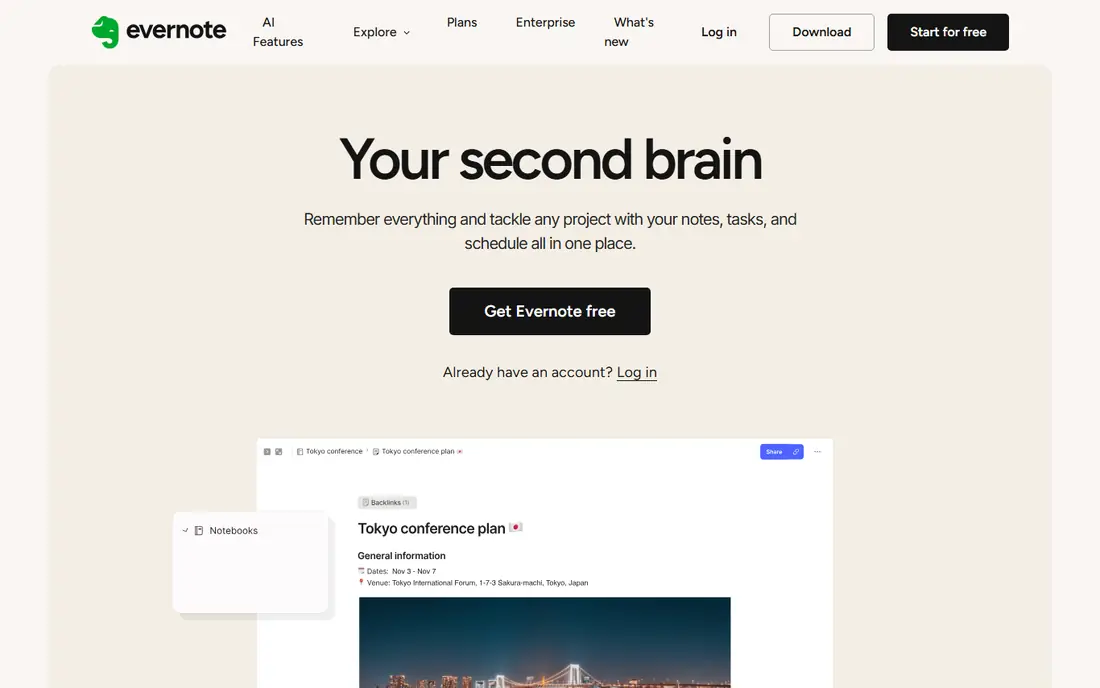
Evernote remains the best choice for heavy capturers who clip articles, save PDFs and search everything later. Its clipper and search, including text inside images, still suit researchers and professionals with large archives. That capture-first strength is why many long-time users stay.
The free plan is now very limited, so treat Evernote as a paid product in practice. Check the current Starter and Advanced pricing on the vendor site, and confirm device and note limits before migrating a large archive into it.
- Strong web clipper
- Searchable text inside images and PDFs
- Mature organisation with notebooks and tags
- Free plan is limited to 50 notes, one notebook and one device
- Paid plans are costly
- Past plan changes frustrate users
OneNote is the best free option for Microsoft 365 users and for handwriting. Its freeform canvas lets you place text, drawings and images anywhere on a page, which suits students and tablet users. It is free, works across platforms, and integrates with Office apps.
It is not a database tool like Notion, so structured project tracking is weaker. Formatting can also vary between platforms. For freeform notes, lectures and sketches, though, it is hard to beat at its price.
- Free with a Microsoft account
- Freeform canvas for handwriting and sketches
- Strong Office integration
- Formatting can feel inconsistent
- Database features are limited
- Sync depends on OneDrive
Apple Notes is the right starting point for Apple users. It opens fast, syncs through iCloud, and covers checklists, scanned documents, folders and tags without any setup. Most people already have it, so there is no new account or learning curve.
The limit is the ecosystem. Windows and Android users cannot use it as a primary notes app, and power users who want databases or linked knowledge graphs will outgrow it. For quick capture and everyday notes on Apple devices, it is excellent.
- Free with Apple devices
- Fast and simple
- ICloud sync, folders, tags and basic handwriting support
- Apple devices only
- Structure is limited compared with Notion
- Sharing is best inside Apple ecosystem
Google Keep is the best app for lists and notes in this list, in the narrow sense of quick capture. It is built for sticky-note style ideas, checklists and reminders, with colours and labels for light organisation. It opens fast on phone and web.
It is not a long-term archive. There are no folders, formatting is basic, and large collections become hard to manage. Use Keep to capture fast, then move important notes into Notion, Obsidian or OneNote for keeping.
- Free with a Google account
- Fast for lists and reminders
- Colour labels and simple sharing
- No folders or deep structure
- Limited formatting
- Best as a capture tool, not an archive
Bear is the best writing-focused notes app for Apple users. Its editor is clean, Markdown feels natural, and tags replace folders in a way that suits writers and solo creatives. The free tier covers basic note taking, while Pro adds sync and export options.
Apple-only support is the main limit. If you work across Windows or Android, Bear cannot be your main notes app. Within the Apple ecosystem, though, it is a pleasure to write in daily.
- Beautiful Markdown editor
- Fast search and tags
- Focus mode for writing
- Apple devices only
- Sync needs a Pro subscription
- No Windows or Android app
Joplin suits privacy-conscious users who want open-source notes without a subscription. It stores Markdown notes, supports encryption, and lets you sync through your own service or Joplin Cloud. Web clipping is available through a browser extension.
It feels less polished than Bear or Notion, and team collaboration is not its strength. For an individual who values control, portability and price, those trade-offs are often acceptable.
- Free and open source
- Markdown notes with encryption
- Sync to services you choose, including Joplin Cloud
- Interface is functional rather than polished
- Collaboration is manual
- Setup takes more effort
Logseq suits people who think in outlines and daily journals. Each day gets a journal page, notes link together, and the outliner structure helps break ideas into nested points. Like Obsidian, it stores data locally first, which appeals to privacy-minded users.
The outliner approach divides opinion. If you write in paragraphs and long documents, Notion or Bear will feel more natural. If you journal daily and link ideas as you go, Logseq can become a powerful habit.
- Free and open source
- Outliner with daily journals
- Local-first storage and linked notes
- Outliner style is not for everyone
- Interface is less polished
- Learning curve for new users
How we picked these
We compared vendor pricing and feature pages with app store listings, and we kept only apps live in October 2026. We weighed capture speed, organisation, sync, platform support and free plan value, and we used vendor pricing where it was clear. Free limits change often, so confirm the current free tier before migrating notes.
How to choose a notes app
Start with capture, not storage. The best notes app is the one you actually open when an idea arrives. Test each shortlist app for a week with real notes, lists and clippings, and notice which one you reach for without thinking.
Next, check your devices and sharing needs. Apple-only apps fail for cross-platform households, while team work needs sharing and permissions that solo tools lack. Also confirm export options, since notes are a long-term archive and you should be able to leave with your data in Markdown or a common format.
Finally, keep the system simple. One capture app and one archive app is often enough. A complicated setup with five tools usually collapses, while a simple pair you use daily will serve you for years.
Frequently asked questions
What are the best note taking tools?
Notion leads for all-in-one work, Obsidian leads for local knowledge notes, and Apple Notes or Google Keep lead for fast capture. Evernote still suits heavy clipping, while OneNote suits Microsoft users and handwriting.
What is the best notes software for teams?
Notion is the strongest team choice in this list, thanks to shared workspaces, databases and permissions. OneNote also works for Microsoft teams, while Obsidian, Bear and Logseq are better for individuals.
What is the best app for writing notes by hand?
Microsoft OneNote and Apple Notes both support handwriting well on tablets, with OneNote offering the freer canvas. Bear suits typed Markdown writing on Apple devices rather than handwriting.
What is the best app for lists and notes?
Google Keep is best for quick lists, thanks to its speed and simple checklists. Apple Notes also handles lists well on Apple devices, while Notion suits lists that need dates, owners and linked tasks.
Is there a good free notes app?
Yes. Notion, Obsidian, OneNote, Apple Notes, Google Keep, Joplin and Logseq all offer genuinely useful free tiers. The right free app depends on your devices and whether you need team sharing or local storage.
Sources
See where you really rank - block by block
ProMapRanker scans Google Maps across a grid of your service area. Simple monthly plans from $19, white-label on every plan.
Start freeKeep reading
 zoho inventory alternatives
6 Alternatives to Zoho Inventory, Compared on Price and Fit
Zoho Inventory alternatives: 6 tools compared on price, free plans and fit. Katana leads the list for manufacturers. Fit and flaws are laid out for each entry.
Read → zoho crm alternatives
Best Zoho CRM Alternatives (2026)
Need Zoho CRM alternatives? We compare 7 tools on cost, free access and who each suits. Every pick gets a straight assessment. Built for quick decisions.
Read → zelle alternatives
Best Zelle Alternatives in 2026
Compare the best Zelle alternatives for sending money to friends, paying sellers and moving funds abroad, with honest notes on fees, speed and safety in 2026.
Read →